It is currently Thu Aug 20, 2026 9:05 pm


All times are UTC - 5 hours [ DST ]


Post new topic Reply to topic  [ 957 posts ]  Go to page Previous  1 ... 19, 20, 21, 22, 23, 24, 25 ... 48  Next
Author Message
 Post subject: Re: Different Effects Gimp Text (Show us yours using gimp)
PostPosted: Tue Oct 05, 2021 4:12 am  (#431) 
Offline
Global Moderator
User avatar

Joined: Oct 02, 2014
Posts: 5019
Location: Sydney Australia
Some more Gimp Text.


Attachments:
gt_coloured_metal_glass.png
gt_coloured_metal_glass.png [ 2.23 MiB | Viewed 2246 times ]

_________________
Image

Respect should be offered freely but hard earned
Top
 Post subject: Re: Different Effects Gimp Text (Show us yours using gimp)
PostPosted: Wed Oct 06, 2021 4:09 am  (#432) 
Offline
Global Moderator
User avatar

Joined: Apr 01, 2012
Posts: 8457
Location: On the other side of your screen
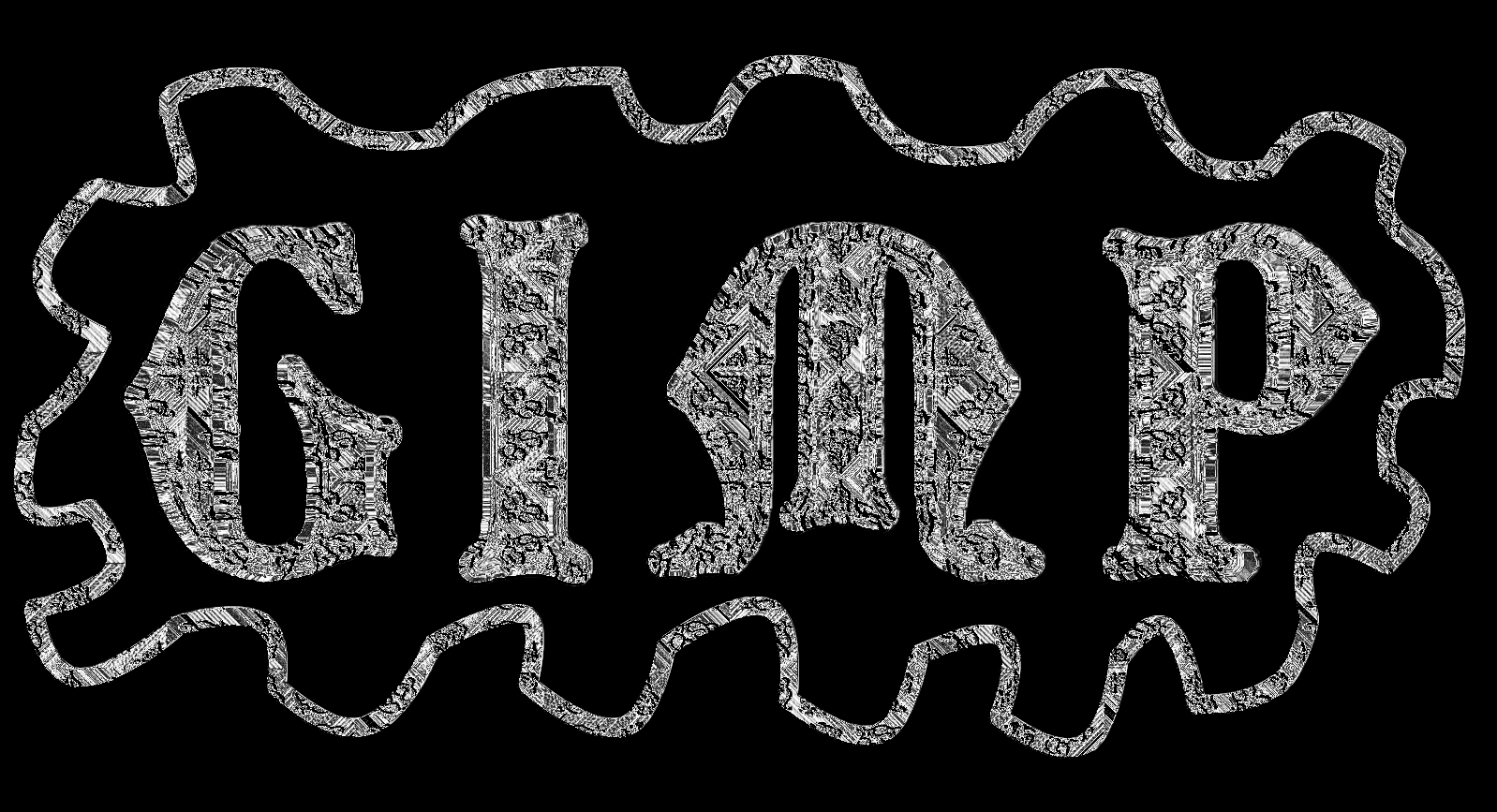
Cool as guys :)

I did a couple using the same font and pattern but they didn't turn out the same colour
Image
Image

_________________
Image
Free Fun Photo Editing & resources
Poems from the Lord
Gimp Newby
Gimp version 3.2.4 and GMIC-Qt 4.0.2 OS :- Windows 10 Home 64


Top
 Post subject: Re: Different Effects Gimp Text (Show us yours using gimp)
PostPosted: Thu Oct 07, 2021 9:38 pm  (#433) 
Offline
GimpChat Member
User avatar

Joined: Dec 09, 2018
Posts: 736
sallyanne :clap The Warrior :clap oldmangrumpy :clap great effects!

Just a simple one with wood patterns from the forum:
Attachment:
tep.jpg
tep.jpg [ 127.51 KiB | Viewed 2132 times ]


Top
 Post subject: Re: Different Effects Gimp Text (Show us yours using gimp)
PostPosted: Sat Oct 09, 2021 1:05 am  (#434) 
Offline
GimpChat Member
User avatar

Joined: May 24, 2021
Posts: 859
Location: SEA - South East Asia
Gals/Guys, you are increasing the level, very nice effect every one :clap :clap

Attachment:
gimp-cube-font.jpg
gimp-cube-font.jpg [ 553.1 KiB | Viewed 2075 times ]

Yep, shadows are disturbing... :hehe :hehe

_________________
Patrice


Top
 Post subject: Re: Different Effects Gimp Text (Show us yours using gimp)
PostPosted: Mon Oct 11, 2021 9:21 am  (#435) 
Offline
Global Moderator
User avatar

Joined: Apr 01, 2012
Posts: 8457
Location: On the other side of your screen
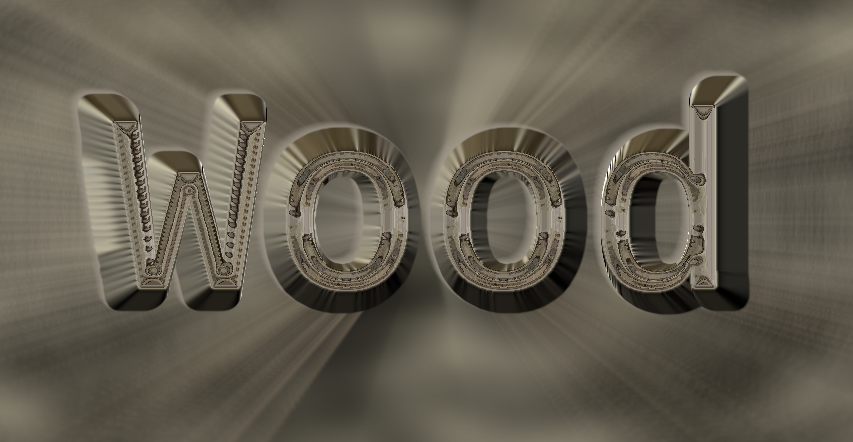
Ran a spherical emap and liked the outcome of it so didn't do much more to it except background
Image

_________________
Image
Free Fun Photo Editing & resources
Poems from the Lord
Gimp Newby
Gimp version 3.2.4 and GMIC-Qt 4.0.2 OS :- Windows 10 Home 64


Top
 Post subject: Re: Different Effects Gimp Text (Show us yours using gimp)
PostPosted: Mon Oct 11, 2021 9:52 am  (#436) 
Offline
GimpChat Member
User avatar

Joined: Mar 08, 2021
Posts: 329
Location: NorthEast USA
[scratching head]
the 3d / curve is interesting -
the text looks curved like its bent backward in the center
I have to try that .. maybe you did 3d extrude after sphere map (Bevel)

_________________
Image
-----------
GIMP 2.10.25 (AppImage) / G'mic-Qt for GIMP 2.8 Linux 64bits 2.9.8 / Linux Mint 19.3
(LeftyLeo/James)


Top
 Post subject: Re: Different Effects Gimp Text (Show us yours using gimp)
PostPosted: Mon Oct 11, 2021 1:41 pm  (#437) 
Offline
GimpChat Member
User avatar

Joined: Aug 08, 2016
Posts: 2855
Location: East Midlands of England
So many effects - so many to enjoy; my favourite thread.

Attachment:
Translucency.jpg
Translucency.jpg [ 1.16 MiB | Viewed 1979 times ]


Multiple copies in different sizes of a custom font with a slightly translucent background.

_________________
Image
"Let no one steal your dreams."
Paul Cookson

Custom Font Links
2.10 Tools
Character Paths
White Bases


Top
 Post subject: Re: Different Effects Gimp Text (Show us yours using gimp)
PostPosted: Mon Oct 11, 2021 8:51 pm  (#438) 
Offline
Global Moderator
User avatar

Joined: Apr 01, 2012
Posts: 8457
Location: On the other side of your screen
leftyleo wrote:
[scratching head]
the 3d / curve is interesting -
the text looks curved like its bent backward in the center
I have to try that .. maybe you did 3d extrude after sphere map (Bevel)

Yes I did, (grow) forgot about that. You can stop scratching your head now :)
Cool Skinnyhouse

_________________
Image
Free Fun Photo Editing & resources
Poems from the Lord
Gimp Newby
Gimp version 3.2.4 and GMIC-Qt 4.0.2 OS :- Windows 10 Home 64


Top
 Post subject: Re: Different Effects Gimp Text (Show us yours using gimp)
PostPosted: Tue Oct 12, 2021 2:20 am  (#439) 
Offline
GimpChat Member
User avatar

Joined: Aug 08, 2016
Posts: 2855
Location: East Midlands of England
Attachment:
OnTheHorizon.jpg
OnTheHorizon.jpg [ 704.2 KiB | Viewed 1934 times ]

_________________
Image
"Let no one steal your dreams."
Paul Cookson

Custom Font Links
2.10 Tools
Character Paths
White Bases


Top
 Post subject: Re: Different Effects Gimp Text (Show us yours using gimp)
PostPosted: Tue Oct 12, 2021 2:28 am  (#440) 
Offline
GimpChat Member
User avatar

Joined: May 24, 2021
Posts: 859
Location: SEA - South East Asia
That's very interesting Skinnyhouse! I should take a serious in deep look at your custom font system :coolthup

Attachment:
golden-marble.jpg
golden-marble.jpg [ 199.5 KiB | Viewed 1934 times ]


How to make the marble > https://www.youtube.com/watch?v=z5J9NBfkuhA (yeah it's photoshop, but it's very-very easy to transpose to GIMP (I did it > you can do it :bigthup ).
A tip for the solid noise (3 layers) hit that "New seed" button EACH TIME, also before she selects the thicker veins (bottom layer) she does something > in GIMP you duplicate then do Filters/Threshold... then use the select by color tool > you got your selection :bigthup

How to make the golden foil for the marble > https://www.youtube.com/watch?v=gRhM2isnI8M (yes I' subscribed to her channel :hehe , she's pretty good and the way she does textures are very easy to transpose to GIMP)
For the later link at one point she does a glass effect, luckily we do have G'MIC > Deformations > Textured Glass, then she does something else > just sharpen that glass effect in GIMP (Unsharp mask) and you're up :bigthup

_________________
Patrice


Top
 Post subject: Re: Different Effects Gimp Text (Show us yours using gimp)
PostPosted: Tue Oct 12, 2021 6:16 am  (#441) 
Offline
GimpChat Member
User avatar

Joined: Aug 08, 2016
Posts: 2855
Location: East Midlands of England
Attachment:
TA_PixLab.jpg
TA_PixLab.jpg [ 230.13 KiB | Viewed 3126 times ]

_________________
Image
"Let no one steal your dreams."
Paul Cookson

Custom Font Links
2.10 Tools
Character Paths
White Bases


Top
 Post subject: Re: Different Effects Gimp Text (Show us yours using gimp)
PostPosted: Tue Oct 12, 2021 8:32 pm  (#442) 
Offline
GimpChat Member
User avatar

Joined: Dec 09, 2018
Posts: 736
Wow, loads of good work going on here :kpix

Here's one made with Blighty II's lego brushes from here.
Blighty II if you are reading this, thank you for the brushes.
Attachment:
tlo.jpg
tlo.jpg [ 176.33 KiB | Viewed 3091 times ]


Top
 Post subject: Re: Different Effects Gimp Text (Show us yours using gimp)
PostPosted: Wed Oct 13, 2021 12:55 am  (#443) 
Offline
GimpChat Member
User avatar

Joined: May 24, 2021
Posts: 859
Location: SEA - South East Asia
Wow that's a good isometric projection, colors are are very good and look like the same as the ones of my kids.
Thanks a lot @teapot for the link, those a very good lego's brushes (a special thanks to Blighty II for its excellent work on these brushes), I love them.

_________________
Patrice


Top
 Post subject: Re: Different Effects Gimp Text (Show us yours using gimp)
PostPosted: Wed Oct 13, 2021 8:14 am  (#444) 
Offline
GimpChat Member

Joined: Sep 23, 2016
Posts: 317
teapot wrote:
Here's one made with Blighty II's lego brushes from here.
Blighty II if you are reading this, thank you for the brushes.


Thanks. I used Inkscape to make those brushes.

I also used the brushes to make a lego Gimp Custom Font. Available here:
https://www.dropbox.com/sh/sm3cxvh7mpu8 ... 0cNUa?dl=0


Top
 Post subject: Re: Different Effects Gimp Text (Show us yours using gimp)
PostPosted: Thu Oct 14, 2021 4:43 am  (#445) 
Offline
GimpChat Member
User avatar

Joined: May 24, 2021
Posts: 859
Location: SEA - South East Asia
Another play :mrgreen:

Attachment:
long-recursive-transform.jpg
long-recursive-transform.jpg [ 296.53 KiB | Viewed 3016 times ]

_________________
Patrice


Top
 Post subject: Re: Different Effects Gimp Text (Show us yours using gimp)
PostPosted: Thu Oct 14, 2021 7:13 am  (#446) 
Offline
GimpChat Member
User avatar

Joined: Aug 08, 2016
Posts: 2855
Location: East Midlands of England
Love it! :jumpclap

_________________
Image
"Let no one steal your dreams."
Paul Cookson

Custom Font Links
2.10 Tools
Character Paths
White Bases


Top
 Post subject: Re: Different Effects Gimp Text (Show us yours using gimp)
PostPosted: Sat Oct 16, 2021 12:50 am  (#447) 
Offline
GimpChat Member
User avatar

Joined: Dec 09, 2018
Posts: 736
PixLab wrote:
Another play :mrgreen:

Attachment:
long-recursive-transform.jpg

That's really good :jumpclap

I find the recursive transform tricky. How did you do the lovely curves?


Top
 Post subject: Re: Different Effects Gimp Text (Show us yours using gimp)
PostPosted: Sat Oct 16, 2021 8:14 am  (#448) 
Offline
GimpChat Member
User avatar

Joined: May 24, 2021
Posts: 859
Location: SEA - South East Asia
Skinnyhouse wrote:
Love it! :jumpclap

Thanks Skinnyhouse, I very much appreciated.

While I'm here, I would like to ask you a link to start to study your custom fonts, something like "how to make your very first custom font", or "how to generate your first custom letters".
Everything I searched goes already to tutos with scripts to change color or to make metal and so, but I did not find how to make a custom font from zero (and hopefully to "hero" later on :yes )
In all case, THANKS A LOT :hi5

teapot wrote:
PixLab wrote:
Another play :mrgreen:

Attachment:
The attachment long-recursive-transform.jpg is no longer available

That's really good :jumpclap
I find the recursive transform tricky. How did you do the lovely curves?

Thank you very much teapot, and a very special thanks for reading ;)

I'll try to explain, there are 2 recursive transforms, the first one is the most important for the smoothness and the next smoothness

First of all (very important) Layer/Crop to content to your textured text layer before any recursive transform
Then you start for the first time the recursive transform > First check that box "Paste below" (to have inward extrusion > screenshot), put the center (a circle with a cross inside) to the top, it will be very-slightly curve (for the moment you don't care about how visible is the curve, maybe you won't see it as it's too short)

Image

Then you move each handle (the 4 handles on the screenshot) toward the center by 1 pixel ONLY!! (this will give the smooth extrusion), you don't touch the "Iterations" (use the side and bottom sliders to go faster between Top -> to Bottom, and left -> to right

Image

Then once you are done with the handles, you push the "Iterations" to full throttle > 20, then only now click OK

Image

Second recursive transform and final
Re-open "Recusive transform" (now we have a safe margin of 19/20 smooth extruded pixels ;) )
Same as above put the center on top (a circle with a cross inside) -> check that box "Paste below"
Then like previously go toward the center ---> but this time you can go inward by 10 pixels (or more up to 19 pixels) on each 4 handles,
once it's done play with "Iterations" (I did 20 full throttle again) and here you will see the "lovely" curve and the extrusion going way further

Attachment:
screenshot_20211016-154255.png
screenshot_20211016-154255.png [ 557.97 KiB | Viewed 2906 times ]


Good to know: doing this way -> you will have a curve even if you did not put the center above, but it will be lower --> more to the exact center.
Why I said to pass at "Iterations" 20 once it's done, because at 20 it source/computation power demanding and depending the power of your computer you will have a lot of lag, so better to do it at the very end before clicking "OK" ;)

final result (yeaah I did cut a bit of the top and bottom "G" IMHO it looks better :hehe
Attachment:
extrusion-long-recursive-transform2.jpg
extrusion-long-recursive-transform2.jpg [ 295.44 KiB | Viewed 2906 times ]


How it works, first extrusion you got 20 pixels (Iterations = 20 times 1 pixel) second extrusion you can go to up 20 iterations = 20 iterations times 20 pixels = 400 pixels of extrusion, if you do a third iteration you can got 400 pixels times to up 20 iterations = a whopping 8000 pixels = looks like more than to infinity ;)
BUT in this very-case you will not have enough pixels, even at 100 pixels on the third recursive transform :hehe (although I never tried 3 times in a row as I would do a 15 or even 19-20 pixels on the second recursive transform)

_________________
Patrice


Top
 Post subject: Re: Different Effects Gimp Text (Show us yours using gimp)
PostPosted: Sat Oct 16, 2021 4:32 pm  (#449) 
Offline
GimpChat Member
User avatar

Joined: Dec 09, 2018
Posts: 736
Wow, that's clever PixLab :clap Thank you very much for your great and detailed explanation :tyspin

Here's my go at it:

Attachment:
recursive.jpg
recursive.jpg [ 144.78 KiB | Viewed 2871 times ]


Top
 Post subject: Re: Different Effects Gimp Text (Show us yours using gimp)
PostPosted: Sun Oct 17, 2021 8:57 am  (#450) 
Offline
Global Moderator
User avatar

Joined: Apr 01, 2012
Posts: 8457
Location: On the other side of your screen
Cool, Very good contributions here :)

My try
Image

_________________
Image
Free Fun Photo Editing & resources
Poems from the Lord
Gimp Newby
Gimp version 3.2.4 and GMIC-Qt 4.0.2 OS :- Windows 10 Home 64


Top
Post new topic Reply to topic  [ 957 posts ]  Go to page Previous  1 ... 19, 20, 21, 22, 23, 24, 25 ... 48  Next

All times are UTC - 5 hours [ DST ]


* Login  


Powered by phpBB3 © phpBB Group