It is currently Sat May 25, 2013 12:41 am


Latest GIMP Scripts & Plug-ins

All times are UTC - 5 hours [ DST ]


Post new topic Reply to topic  [ 28 posts ]  Go to page 1, 2, 3  Next
Author Message
 Post subject: 3 Different Animations on 3 Separate Lines
PostPosted: Wed Mar 06, 2013 1:59 pm  (#1) 
Offline
Global Moderator
User avatar

Joined: Apr 07, 2010
Posts: 6978
This tutorial is a continuation of my previous one found
HERE

Image

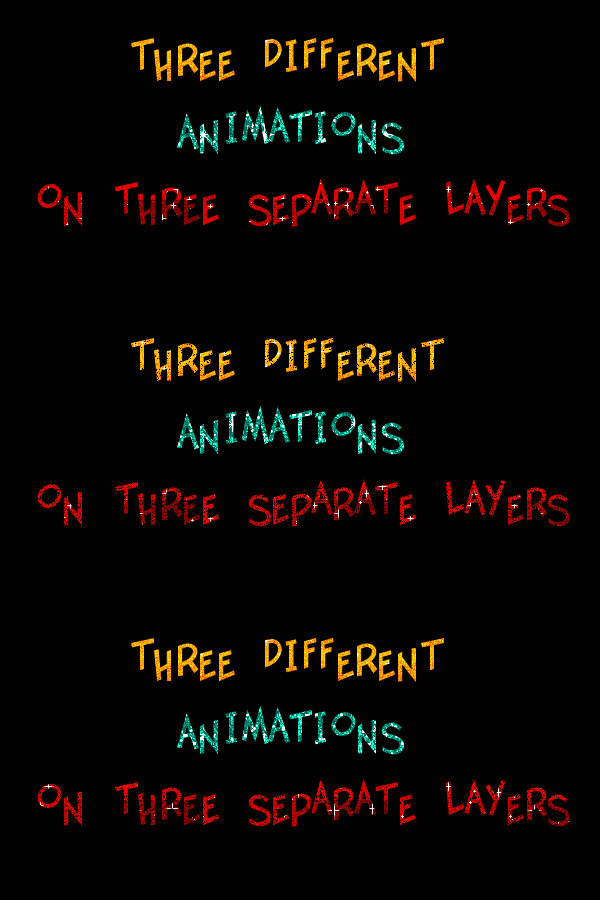
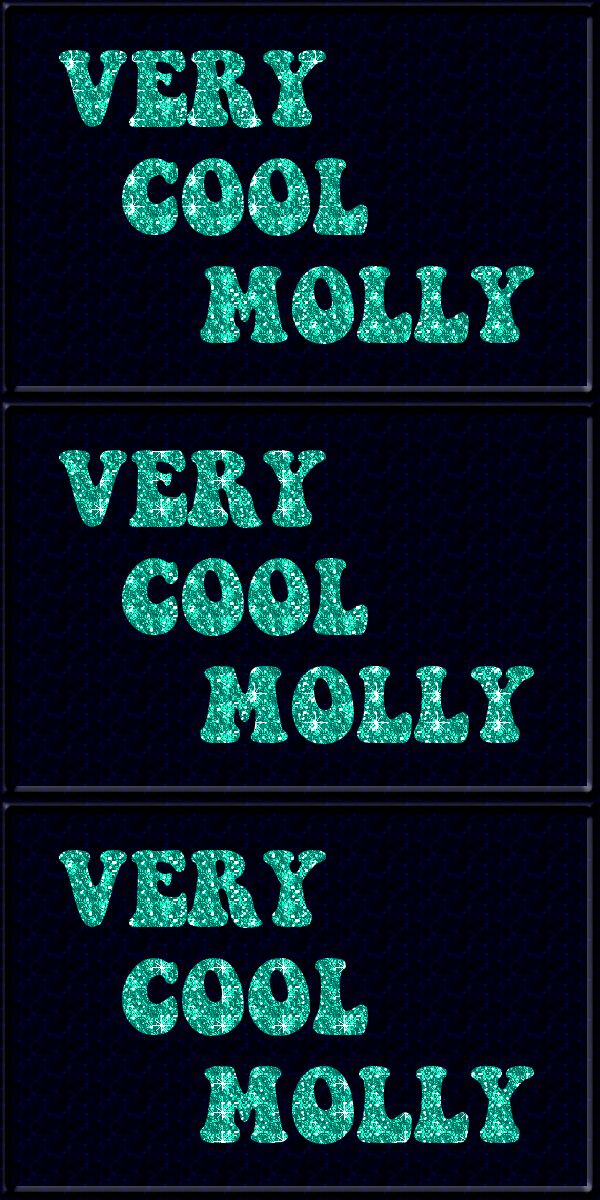
This is a tutorial on making three lines of text with separate glitter for each line. Refer to my previous tutorial for how to use the glitter patterns and a link to Saulgoode's combine background script.

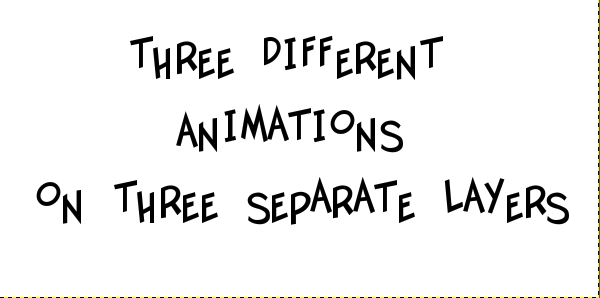
1. Start with a New Layer 600x300. Use a Font of your choice.

2. Make 3 Lines of text and make sure you space your lines with enough room to select each line with the rectangle select tool :rectsel .

3. Center your text manually like this.
Image


4. Right click your text layer---> Lock transparency

Image

5. Click eye next to layer to turn off and make invisible.
Double click the layer and name it #1.
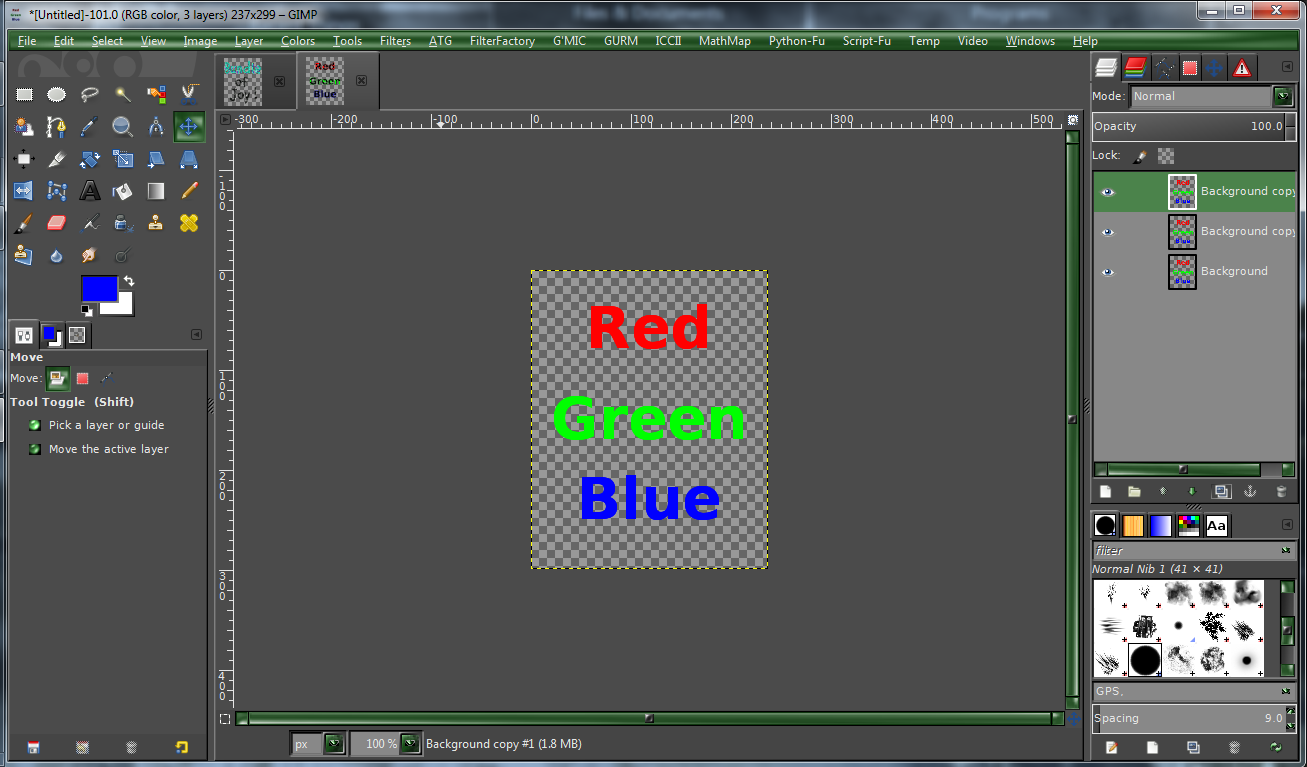
I will be working with 3 sparkle files so that means we will need 3 layers.
Duplicate :dupe the text layer twice to make your 3 layers...they will be
called #1, #2 and #3.

6. Select bottom layer, alpha to selection, #1, turn on visibility-->Use the Rectangle tool to select top layer, #3 text.
Use bucket tool, OR drag your first sparkle pattern into this layer. Turn on
#2 layer and drag your second sparkle into this layer. Turn on your #3
layer and drag your 3rd sparkle into that layer.

YOUR ARE NOW FINISHED WITH YOUR TOP LAYER

7. Turn off the visibility of #2 and #3, Click layer #1 to select. With your rectangle select tool, select your middle text the same way you did with your top layer and select another sparkle pattern, group of three.

8. Now using a new set of sparkles, Select bottom layer, #1, turn on visibility-->Use the Rectangle :rectsel tool to select middle layer, #1 text.
Use bucket tool, OR drag your first sparkle pattern into this layer. Turn on
#2 layer and drag your second sparkle into this layer. Turn on your #3
layer and drag your 3rd sparkle into that layer.

9. Use bucket tool, OR drag your first sparkle pattern into this layer. Turn on
#2 layer and drag your second sparkle into this layer. Turn on your #3
layer and drag your 3rd sparkle into that layer.

If your are not going to use a background, delete your bg layer. Then you are done.

If you prefer a background, fill your bg layer with whatever you want. I prefer something very plain so it won't take away from your sparkle patterns.
Run the sg-combine background, then delete bottom bg layer.

If you have any questions, please post back here to this thread.
Molly

_________________
Image


Share on Facebook Share on Twitter Share on Orkut Share on Digg Share on MySpace Share on Delicious Share on Technorati
Top
 Profile  
 

 Post subject: Re: 3 Different Animations on 3 Separate Lines
PostPosted: Wed Mar 06, 2013 3:24 pm  (#2) 
Offline
Global Moderator
User avatar

Joined: Nov 16, 2011
Posts: 1718
Location: Metro Vancouver, BC
Thanks Molly, I going to try both of your tuts :)

_________________
Image
Gimp 2.8.4, Vista 32, Ubuntu 12x, median user
Gimp Chat Tutorials Index


Top
 Profile  
 
 Post subject: Re: 3 Different Animations on 3 Separate Lines
PostPosted: Wed Mar 06, 2013 3:26 pm  (#3) 
Offline
Global Moderator
User avatar

Joined: Apr 07, 2010
Posts: 6978
Thanks Odin, appreciate that.

_________________
Image


Top
 Profile  
 
 Post subject: Re: 3 Different Animations on 3 Separate Lines
PostPosted: Wed Mar 06, 2013 4:34 pm  (#4) 
Offline
GimpChat Member

Joined: Mar 04, 2013
Posts: 124
This looks very nice, Molly. I have not done much with animations, so I will give it a try tonight.


Top
 Profile  
 
 Post subject: Re: 3 Different Animations on 3 Separate Lines
PostPosted: Wed Mar 06, 2013 8:46 pm  (#5) 
Offline
Gimp Scripts Editor
User avatar

Joined: Feb 18, 2011
Posts: 1571
Location: Australia
I've done this previously using an animation merge script which takes away the shifting of layers

_________________
Image


Top
 Profile  
 
 Post subject: Re: 3 Different Animations on 3 Separate Lines
PostPosted: Thu Mar 07, 2013 8:07 pm  (#6) 
Offline
GimpChat Member
User avatar

Joined: Feb 20, 2013
Posts: 1191
Mine is different...but next time I will type the text in a different color than black. I did something wrong again...but when it blinks I am happy :)

Molly, where is sg-combine background?...and thanks for the tutorial...sorry it took me so long to get to it.
My mind can't keep up with all that is offered here to do....plus just playing and getting familiar, and I don't want to miss anything, PLUS, I found some cool things from back when...'Beautify-Shine', and Glossy 3d filter that I can make like iced cookies...it was fun, too.

My animation has been removed.


Last edited by gramg on Sat Apr 20, 2013 12:20 am, edited 1 time in total.

Top
 Profile  
 
 Post subject: Re: 3 Different Animations on 3 Separate Lines
PostPosted: Thu Mar 07, 2013 8:40 pm  (#7) 
Offline
Global Moderator
User avatar

Joined: Apr 07, 2010
Posts: 6978
There is a link to sg-combine background at the top of the first tute. Here it is. It also includes the overlay background.
http://gimpscripts.com/2011/10/combineo ... ackground/
I am not sure what you did wrong on the tute. After you select your line with the select tool, you put a glitter in each layer, three layers, three glitters. Then you start over with another set of glitters, a different color. then do the third line.

_________________
Image


Top
 Profile  
 

 Post subject: Re: 3 Different Animations on 3 Separate Lines
PostPosted: Thu Mar 07, 2013 9:08 pm  (#8) 
Offline
GimpChat Member
User avatar

Joined: Feb 20, 2013
Posts: 1191
I don't know what I did wrong...I just think it needs to be combined, and I show that I have the script installed but do not know where to find it in my gimp?


Top
 Profile  
 
 Post subject: Re: 3 Different Animations on 3 Separate Lines
PostPosted: Thu Mar 07, 2013 9:13 pm  (#9) 
Offline
GimpChat Member

Joined: May 28, 2011
Posts: 326
gramg
it is under animation


Top
 Profile  
 
 Post subject: Re: 3 Different Animations on 3 Separate Lines
PostPosted: Thu Mar 07, 2013 10:17 pm  (#10) 
Offline
GimpChat Member
User avatar

Joined: Feb 20, 2013
Posts: 1191
Do you have to click a 'Select All' somewhere or something?...just not sure how that works.


Top
 Profile  
 
Display posts from previous:  Sort by  
Post new topic Reply to topic  [ 28 posts ]  Go to page 1, 2, 3  Next

All times are UTC - 5 hours [ DST ]


Who is online

Users browsing this forum: No registered users and 2 guests


You cannot post new topics in this forum
You cannot reply to topics in this forum
You cannot edit your posts in this forum
You cannot delete your posts in this forum
You cannot post attachments in this forum

Search for:
Jump to:  

* Login   * Subscribe to RSS Feed


Powered by phpBB © 2000, 2002, 2005, 2007 phpBB Group