It is currently Sun May 26, 2013 4:32 am


Latest GIMP Scripts & Plug-ins

All times are UTC - 5 hours [ DST ]


Post new topic Reply to topic  [ 28 posts ]  Go to page 1, 2, 3  Next
Author Message
 Post subject: GIMP Challenge on Flickr
PostPosted: Tue Oct 02, 2012 1:07 pm  (#1) 
Offline
GimpChat Member
User avatar

Joined: Jan 12, 2012
Posts: 68
Location: Mobile, AL USA
I'm not sure if this is the right place to post this, so apologies in advance...

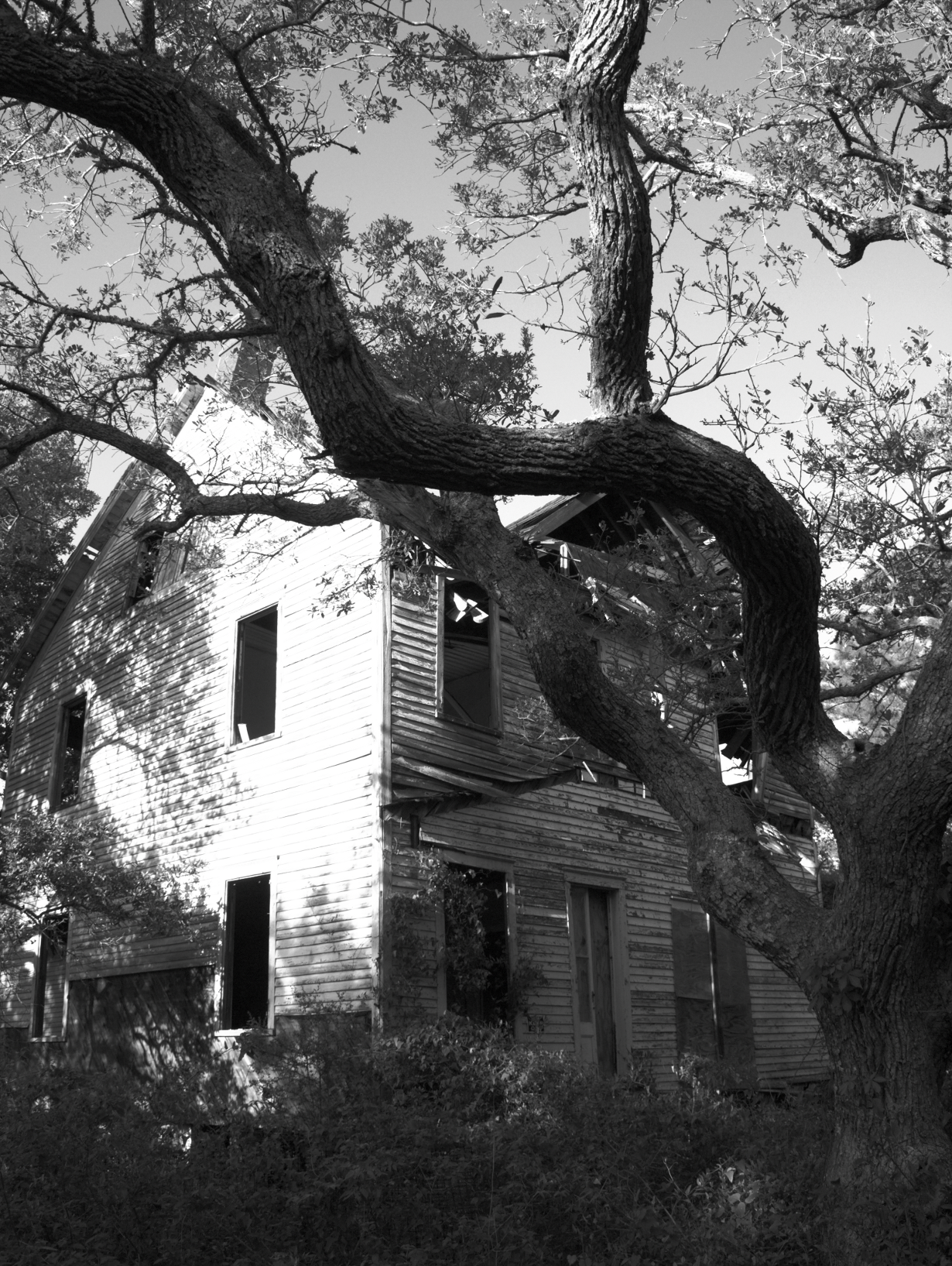
I was looking through the images in the gimpusers group on Flickr, and was thinking that while the images are delightful, it might be more fun to allow other users to see what different workflows might be like.

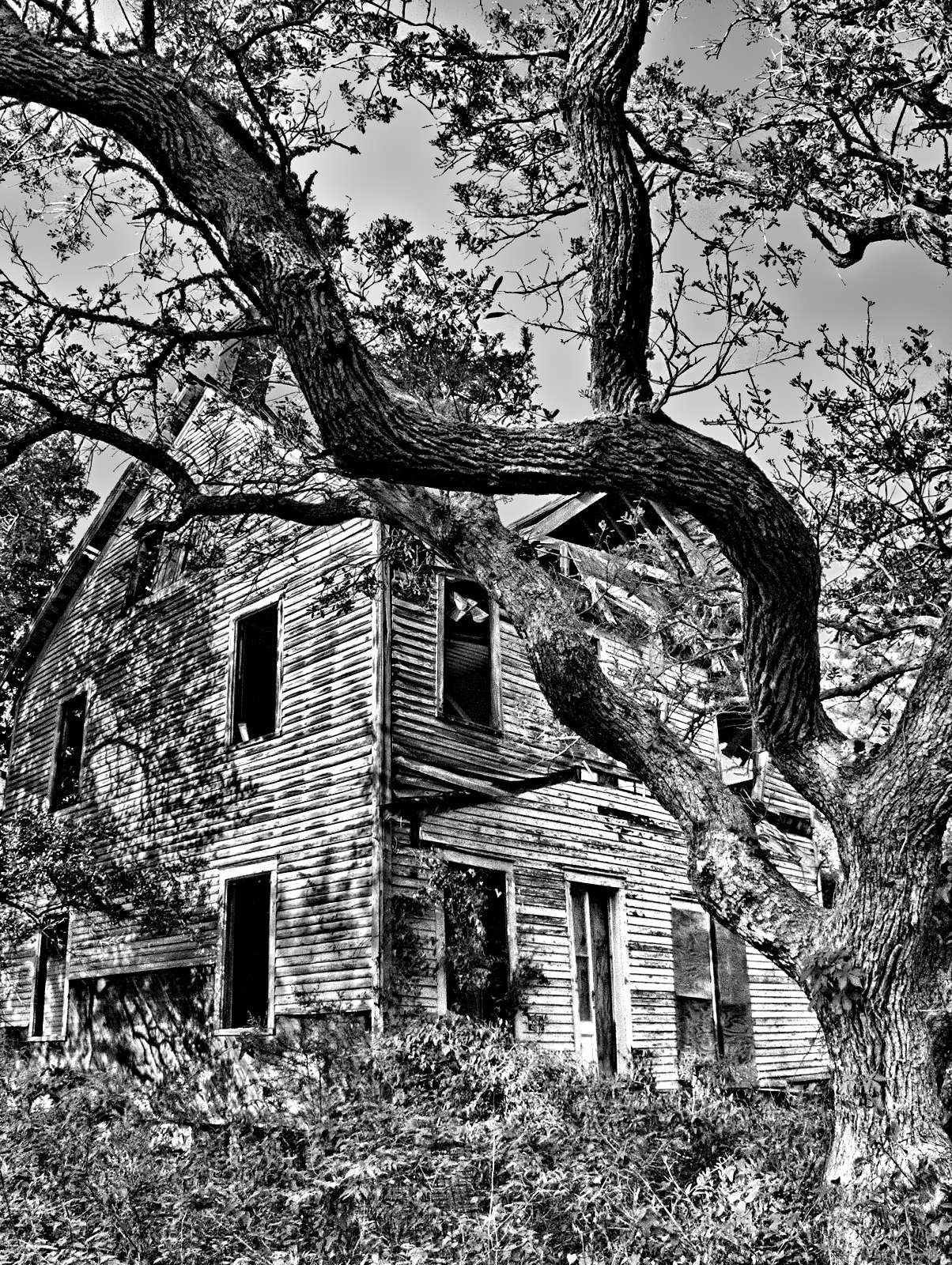
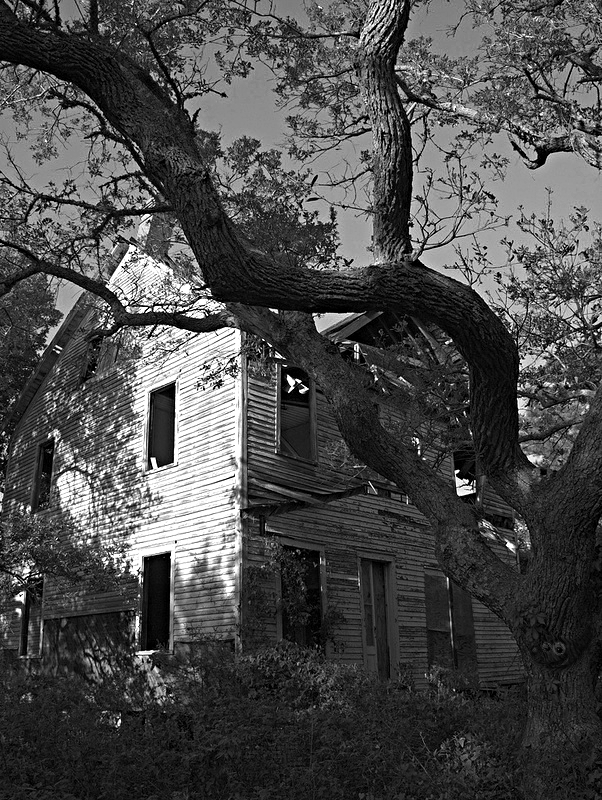
So I posted a different challenge where I've made available a base image for anyone to edit, and am asking others to try their hand at editing (as well as detailing what their processing methods were to achieve the final result). I also figured a theme would help make everything cohesive, so I've asked for everyone to edit the image into a B&W result.

I thought this might be a fun way for others to see a final result, and perhaps to learn something new about a workflow to produce it.

Because everyone is working from the same base image, it's an opportunity to judge the images based on the process, rather than just the content, and hopefully a neat way to learn.

I don't know how much overlap there is between users here and Flickr, so I just wanted to drop in and see if there was any interest here as well.

The discussion page on Flickr is here:

Challenge in GIMP - A Couple of Thoughts

You can grab the base image in that discussion page, or you can get it from my blog post:

patdavid.net: GIMP Editing Challenge

I'll probably post another blog post afterwards to highlight the winner, and to maybe talk about some of entries.

I'd love to see everyones work, and even better to see what different workflows are out there!

_________________
blog.patdavid.net
Getting Around in GIMP - my GIMP tutorials.


Share on Facebook Share on Twitter Share on Orkut Share on Digg Share on MySpace Share on Delicious Share on Technorati
Top
 Profile  
 

 Post subject: Re: GIMP Challenge on Flickr
PostPosted: Tue Oct 02, 2012 1:35 pm  (#2) 
Offline
Global Moderator
User avatar

Joined: Nov 16, 2011
Posts: 1725
Location: Metro Vancouver, BC
Sound like a great idea, Pat! I'll check it out for sure.

_________________
Image
Gimp 2.8.4, Vista 32, Ubuntu 12x, median user
Gimp Chat Tutorials Index


Top
 Profile  
 
 Post subject: Re: GIMP Challenge on Flickr
PostPosted: Tue Oct 02, 2012 2:45 pm  (#3) 
Offline
GimpChat Member
User avatar

Joined: Sep 24, 2010
Posts: 5030
Near out of Flickr space Pat, so here's my b/w entry. :)

Image

_________________
Lyle

Psalm 109:8

Image


Top
 Profile  
 
 Post subject: Re: GIMP Challenge on Flickr
PostPosted: Tue Oct 02, 2012 3:55 pm  (#4) 
Offline
GimpChat Member

Joined: Apr 12, 2010
Posts: 4957
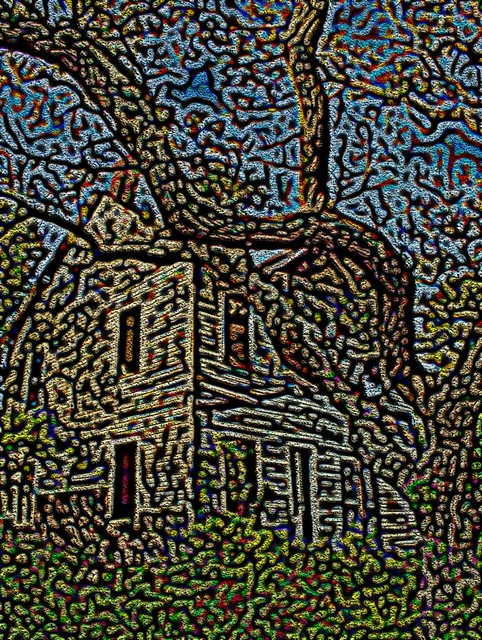
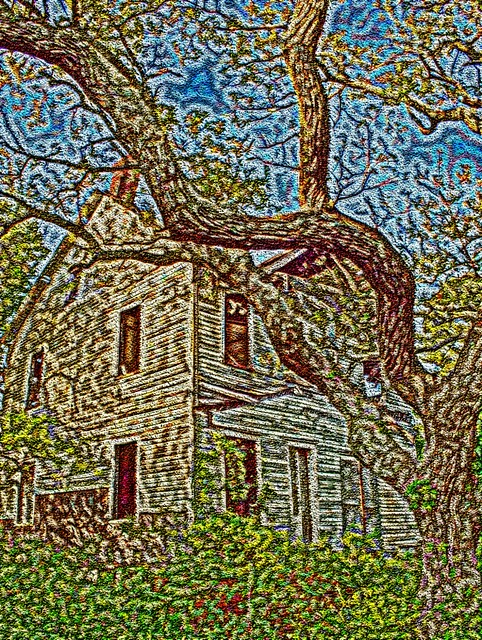
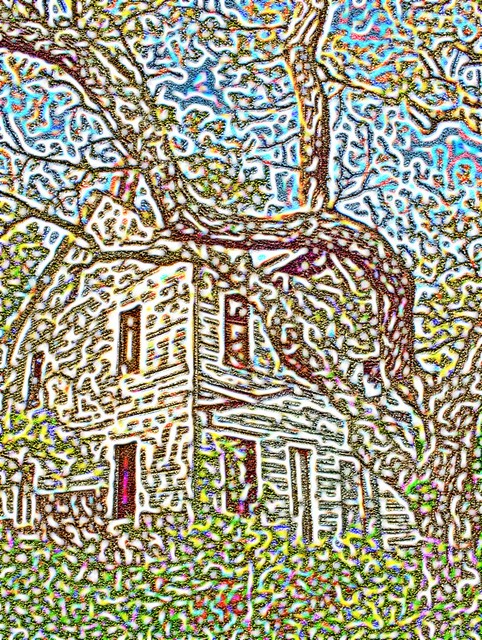
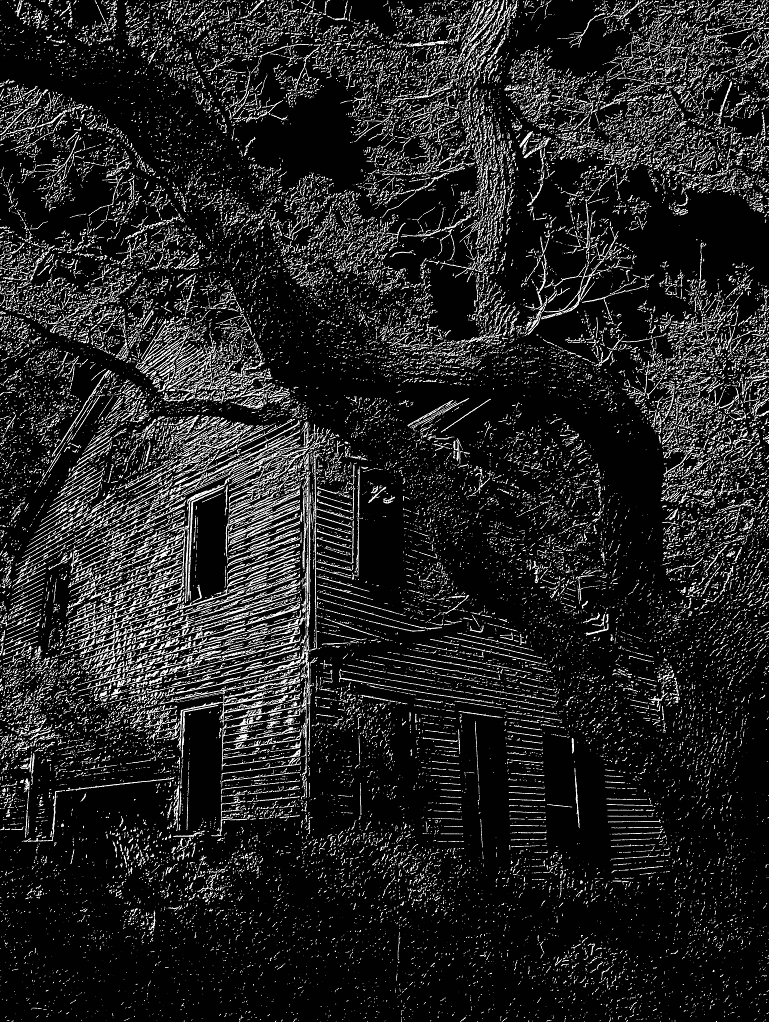
Not sure if may fit in the contest i used to test a new effect :

BETTER SEE BIG

Image
Darken only 100.0 by PhotoComiX, on Flickr

Image
Softlight 100.0 by PhotoComiX, on Flickr

Image
Lighten only 100.0 by PhotoComiX, on Flickr

_________________
My 3D Gallery on Deviantart http://photocomix2.deviantart.com/
Main gallery http://www.flickriver.com/photos/photocomix-mandala/
Mandala and simmetry http://www.flickriver.com/photos/photocomix_mandala/

Image

Mrs Wilbress


Last edited by PhotoComix on Tue Oct 02, 2012 7:18 pm, edited 1 time in total.

Top
 Profile  
 
 Post subject: Re: GIMP Challenge on Flickr
PostPosted: Tue Oct 02, 2012 4:20 pm  (#5) 
Offline
GimpChat Member
User avatar

Joined: Sep 03, 2012
Posts: 171
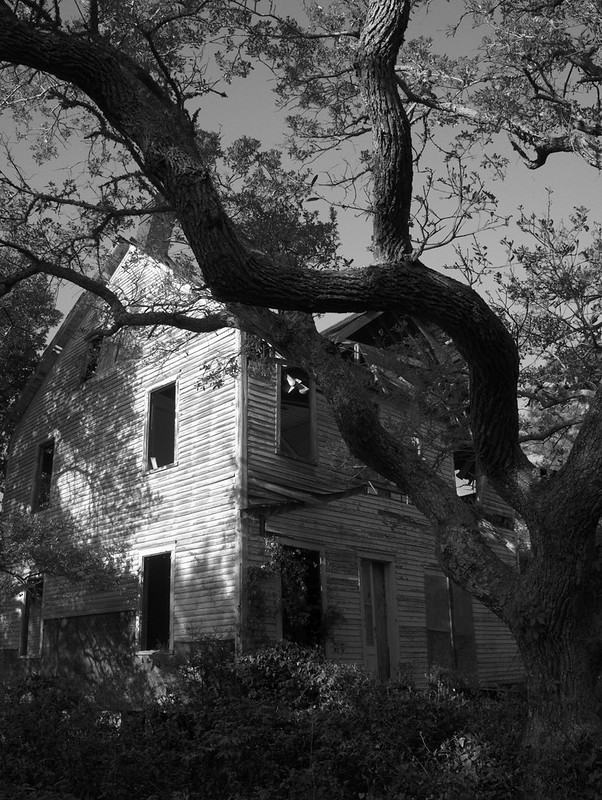
I don't have a personal flickr account (I know, it's on my list of things to do!) so, here's mine.

It actually was a really hard photo to get to look good in B&W; because of the bright light on the siding it was hard to show details like the door, doorpost.

I used the Brightness/Contrast and then the Channel Mixer...nothing too fancy here... :roll:

I think I did alright, though :cool

Image

_________________
“For man, as for flower and beast and bird, the supreme triumph is to be most vividly, most perfectly alive.” David Herbert Lawrence


Top
 Profile  
 
 Post subject: Re: GIMP Challenge on Flickr
PostPosted: Tue Oct 02, 2012 4:48 pm  (#6) 
Offline
GimpChat Member
User avatar

Joined: Aug 30, 2012
Posts: 1036
Sounds like fun.

_________________
Image


Top
 Profile  
 
 Post subject: Re: GIMP Challenge on Flickr
PostPosted: Wed Oct 03, 2012 3:11 am  (#7) 
Offline
GimpChat Member
User avatar

Joined: Aug 30, 2012
Posts: 1036
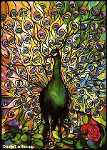
So I had a play, started to look like one of them foil pictures so I carried on in that direction, not on flickr so heres my results

Image

_________________
Image


Top
 Profile  
 

 Post subject: Re: GIMP Challenge on Flickr
PostPosted: Wed Oct 03, 2012 3:54 am  (#8) 
Offline
GimpChat Member
User avatar

Joined: Sep 22, 2012
Posts: 1056
Location: US
Hi everyone!
Used to have Flickr account long time ago :roll: .... guess I'm just posting it here
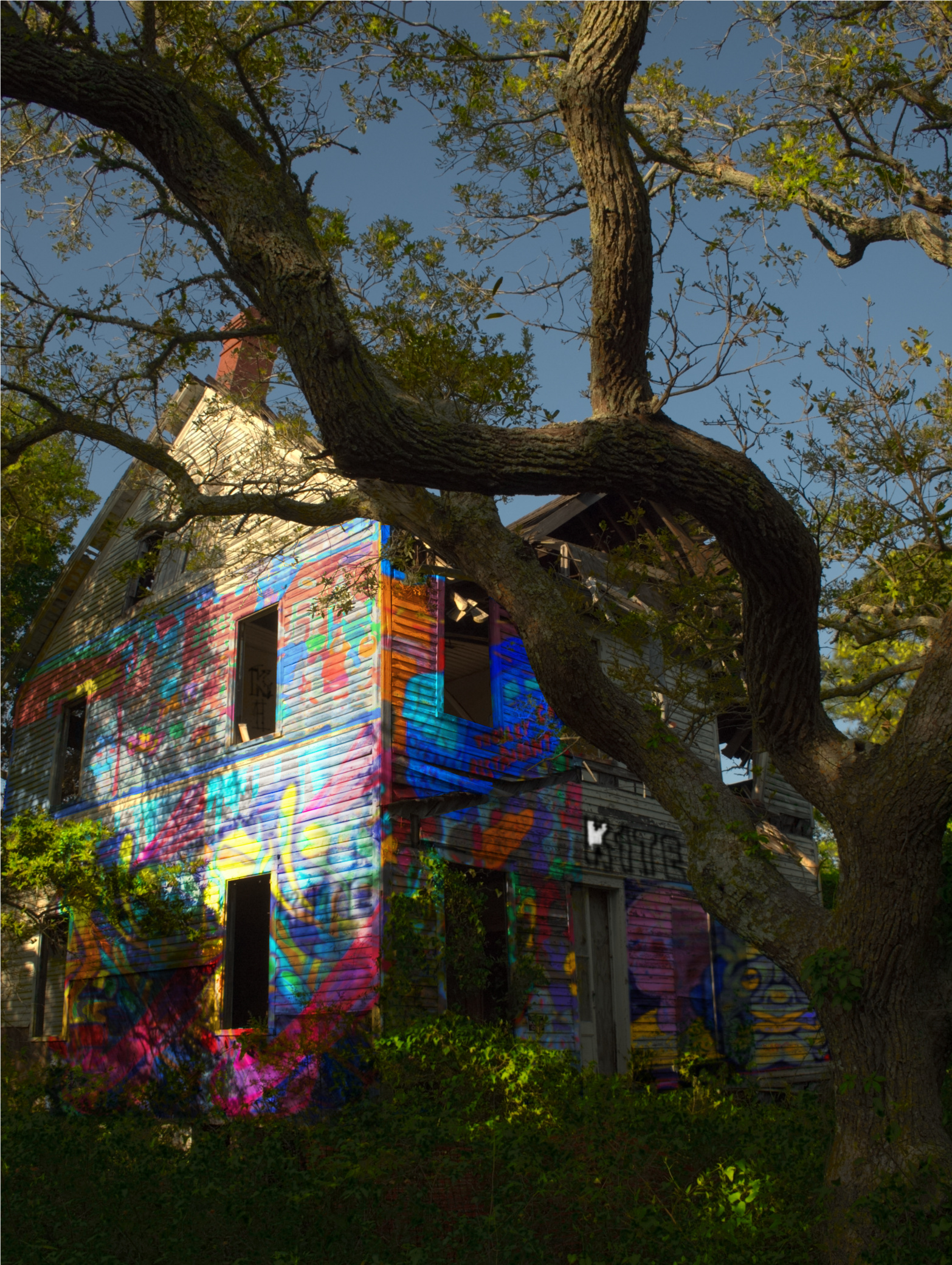
I've called it Awful Graffiti. See actual size for details

Image

_________________
Image


Top
 Profile  
 
 Post subject: Re: GIMP Challenge on Flickr
PostPosted: Wed Oct 03, 2012 8:04 am  (#9) 
Offline
GimpChat Member
User avatar

Joined: Sep 03, 2012
Posts: 171
K1TesseraEna, how on earth did you do that?

_________________
“For man, as for flower and beast and bird, the supreme triumph is to be most vividly, most perfectly alive.” David Herbert Lawrence


Top
 Profile  
 
 Post subject: Re: GIMP Challenge on Flickr
PostPosted: Wed Oct 03, 2012 8:09 am  (#10) 
Offline
Gimp Scripts Editor
User avatar

Joined: Jun 22, 2010
Posts: 582
Location: Here and there
Firstly a confession. I've done this almost exclusively from the RAW file in Photivo:
Attachment:
patdavid.net - House A_sml.jpg
patdavid.net - House A_sml.jpg [ 215.29 KiB | Viewed 497 times ]


I used some texture contrast to enhance the detail.
I've converted to B&W and applied a split-tone effect - purple in the shadows, yellow on the highlights.
Blurred the top right corner and overlaid a vignette to reduce the distraction and force attention onto the house.
Finally I applied a slight after-gamma curve to get the brightness/contrast to my liking.

In GIMP I cropped, re-sized to a sensible size for displaying here and sharpened.

Kevin


Top
 Profile  
 
Display posts from previous:  Sort by  
Post new topic Reply to topic  [ 28 posts ]  Go to page 1, 2, 3  Next

All times are UTC - 5 hours [ DST ]


Who is online

Users browsing this forum: Google [Bot], Locoluis and 1 guest


You cannot post new topics in this forum
You cannot reply to topics in this forum
You cannot edit your posts in this forum
You cannot delete your posts in this forum
You cannot post attachments in this forum

Search for:
Jump to:  
cron

* Login   * Subscribe to RSS Feed


Powered by phpBB © 2000, 2002, 2005, 2007 phpBB Group