2-ton wrote:
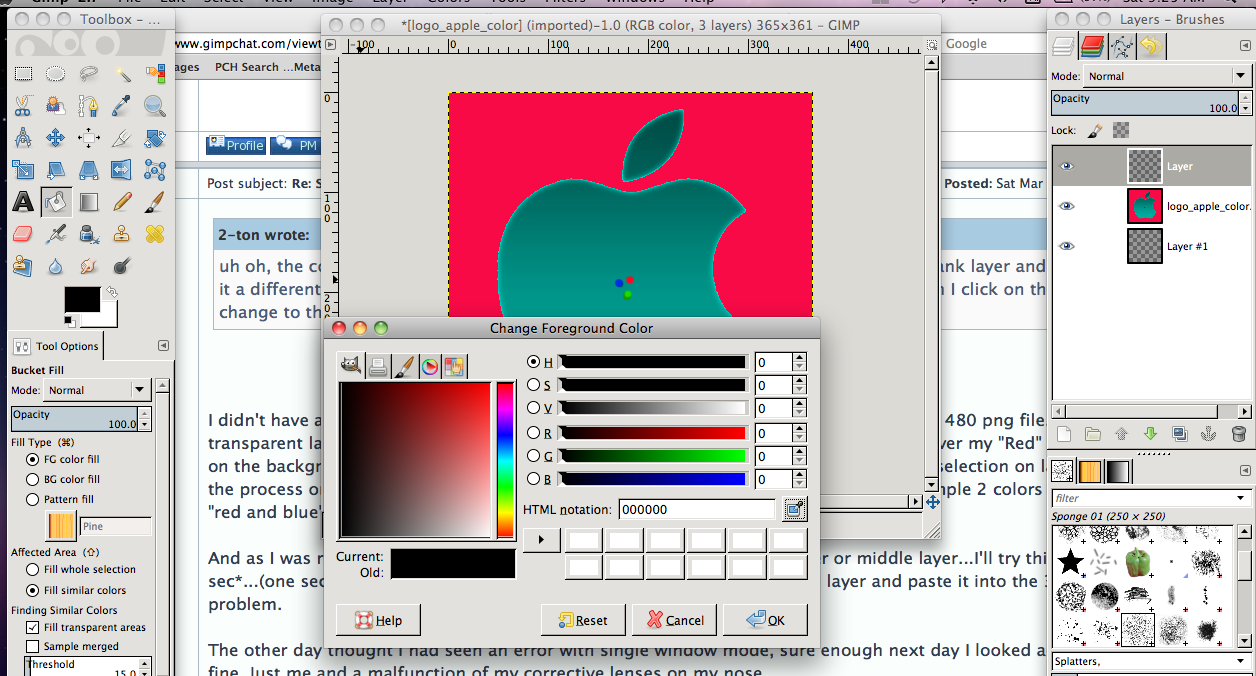
uh oh, the color picker wouldn't work when I tried to use it. I had just bucket filled a blank layer and decided to make it a different color, so I tried to use the picker to grab a color on another layer but when I click on the picker, it didn't change to the picker icon. It was a 3 layer png, and this was the middle layer.
I didn't have any issue with my test install. I made a 3 color pattern background, a 640 x 480 png file. I made 2 transparent layers above it. On the first transparent layer I drew out a square selection over my "Red" strip, then clicked on the background layer into my "green" strip. Then was able to past the green into the selection on layer 2. I reversed the process on the 3rd layer. No problem. I was even able to widen the selection and sample 2 colors and it mixed ... "red and blue" and made a purple out of it. And that pasted fine.
And as I was reading this...I see where you said you had used the 2nd layer or middle layer...I'll try this too.... *one sec*...(one second later) *back* I was able to "pick" the color from the 2nd layer and paste it into the 3rd layer no problem.
The other day thought I had seen an error with single window mode, sure enough next day I looked again and all was fine. Just me and a malfunction of my corrective lenses on my nose.
Happy huntin'!
WW
 Login
Login Register
 Tweets
 FAQ
FAQ Advanced Search


 ). Here is a screenshot of my efforts.