It is currently Tue Jun 09, 2026 4:48 pm


All times are UTC - 5 hours [ DST ]


Post new topic Reply to topic  [ 4 posts ] 
Author Message
 Post subject: Using the Desaturate option in Custom Font Bevel Reflect (Gimp 2.10)
PostPosted: Tue Jun 09, 2026 4:43 am  (#1) 
Offline
GimpChat Member
User avatar

Joined: Aug 08, 2016
Posts: 2808
Location: East Midlands of England
Quick one following on from a custom font BRL chat with Rod...

Sometimes I create what I feel is a brilliant Emap image for use with BRL custom fonts only to find that the results are rather underwhelming to say the least.

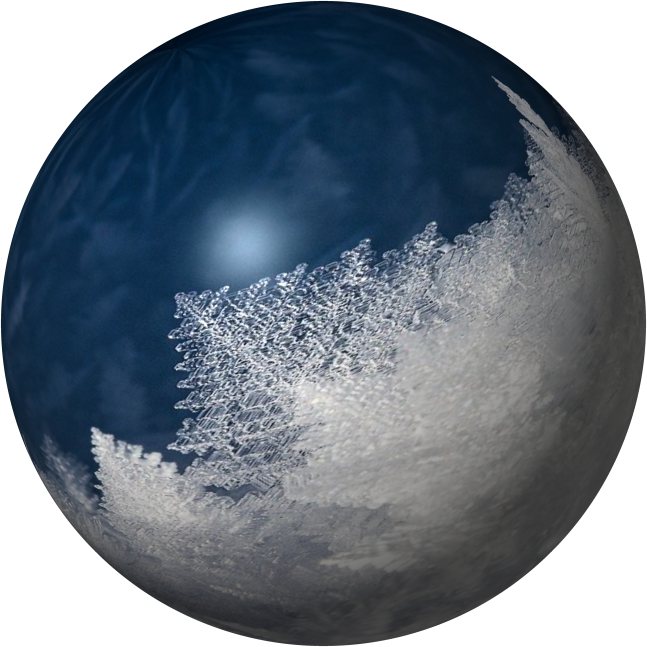
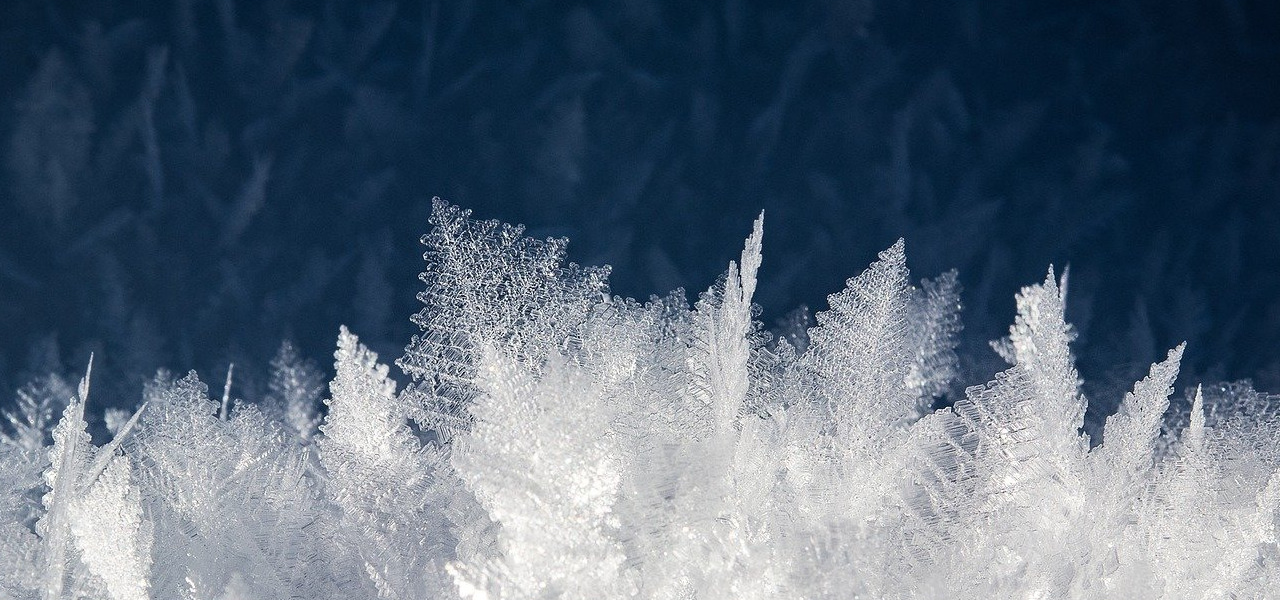
Take this Emap which I have had for such a long time that I no longer can remember where the source image came from.
Image

I was convinced that the result would be spectacular…

...but oh dear me:

Image

A truly disappointing outcome when applied to a custom font using Custom Font Bevel Reflect!

Time for a re-think.

The new plan:

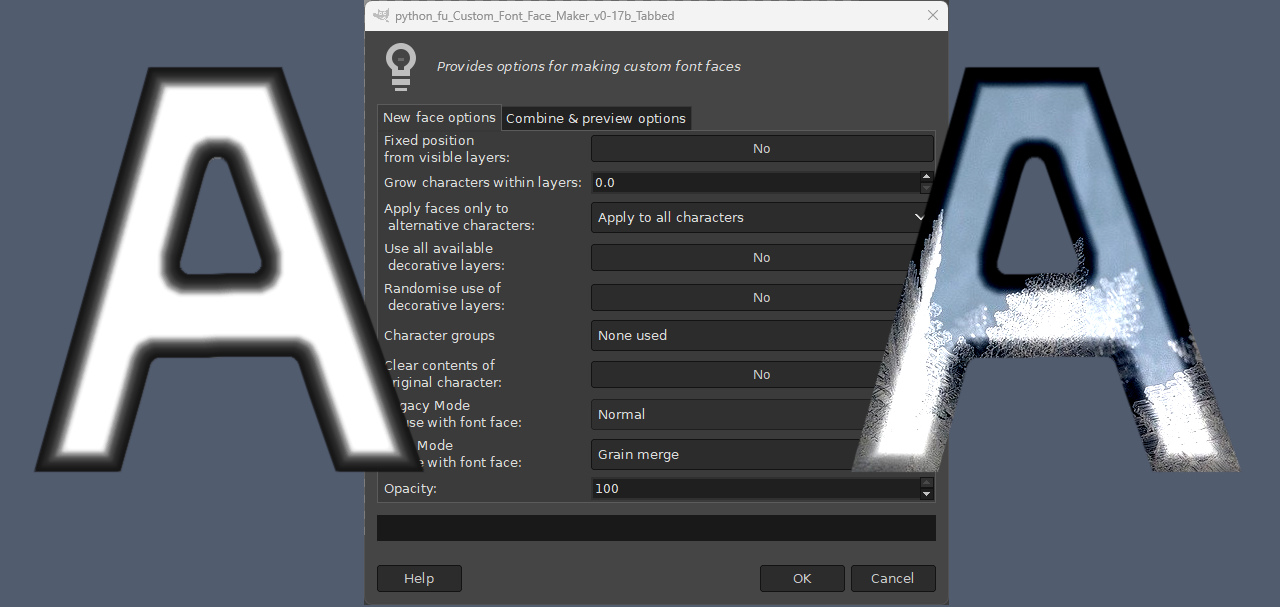
Use Custom Font FaceMaker to apply the same image to a set of custom font characters and then apply the highlights generated by the same Emap by using the desaturate emap result option.

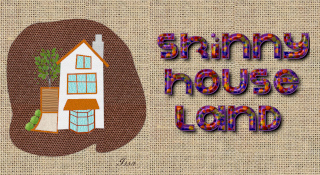
So starting with a trimmed version of a custom font using Custom Font Embossible to apply a base gloss effect.

Image

Add the image to the gloss panel characters with the FaceMaker plug-in.
Image

Image

The new characters still need a touch of BRL highlighting to add some extra detail.

Image

Using a different Emap that I originally saved as iceball with the BRL custom font plug-in:
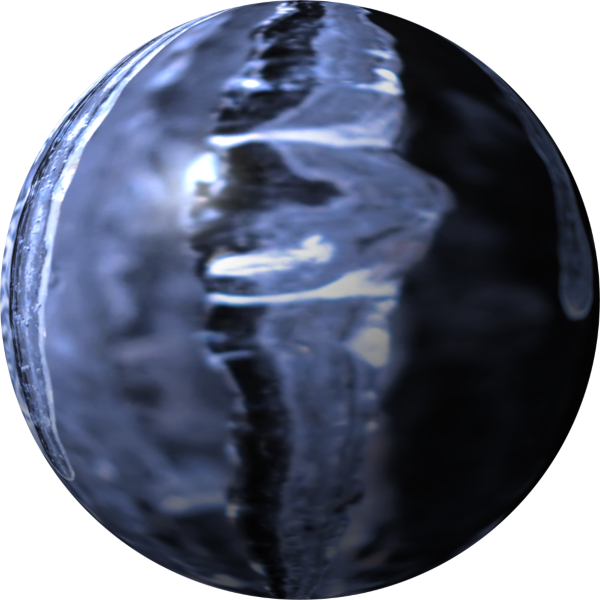
Image

Setting the ‘Desaturate emap result’ option to ‘Desaturate Average’ (other options are available):
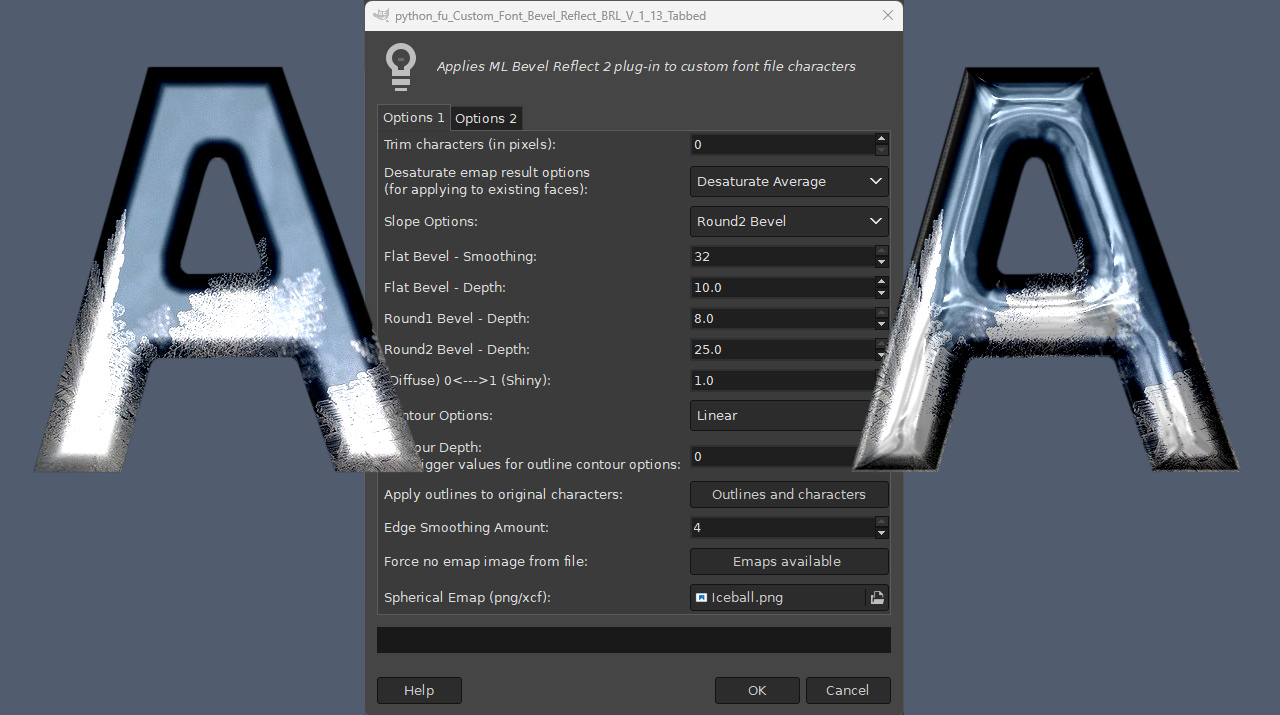
Image

Different emaps obviously produce different highlights when used with the same character layers.

Image

My final look after adding a box outline with Custom Font Embossible…

Image

Although I could easily have produced a 3D version instead using Custom Font Faux 3D…

Image

An overview of the steps involved...

Attachment:
ChilledSteps.png
ChilledSteps.png [ 399.36 KiB | Viewed 70 times ]


Have fun...

_________________
Image
"Let no one steal your dreams."
Paul Cookson

Custom Font Links
2.10 Tools
Character Paths
White Bases


Share on Facebook Share on Twitter Share on Orkut Share on Digg Share on MySpace Share on Delicious Share on Technorati
Top
 Post subject: Re: Using the Desaturate option in Custom Font Bevel Reflect (Gimp 2.1
PostPosted: Tue Jun 09, 2026 8:50 am  (#2) 
Offline
Global Moderator
User avatar

Joined: Apr 01, 2012
Posts: 8363
Location: On the other side of your screen
Cool. Be nice to have that script for gimp vs 3 (BRL)
They are nice Skinny :)

_________________
Image
Free Fun Photo Editing & resources
Poems from the Lord
Gimp Newby
Gimp version 3.2.0 and GMIC-Qt 3.7.5 OS :- Windows 10 Home 64


Top
 Post subject: Re: Using the Desaturate option in Custom Font Bevel Reflect (Gimp 2.1
PostPosted: Tue Jun 09, 2026 1:05 pm  (#3) 
Offline
GimpChat Member

Joined: Apr 11, 2024
Posts: 297
The trouble is that BRL depends on a C-plug-in (MLBevelReflect).
So someone who can do C-programming and compiling would be needed.
Only then it would make sense to adapt BRL to GIMP3


Top
 Post subject: Re: Using the Desaturate option in Custom Font Bevel Reflect (Gimp 2.1
PostPosted: Tue Jun 09, 2026 2:19 pm  (#4) 
Offline
GimpChat Member
User avatar

Joined: Aug 08, 2016
Posts: 2808
Location: East Midlands of England
Absolutely QR.
And of course my custom font plug-in only makes use of the MLBevelReflect plug-in.
So yet another reason to use 2.10.
:bawl

_________________
Image
"Let no one steal your dreams."
Paul Cookson

Custom Font Links
2.10 Tools
Character Paths
White Bases


Top
Post new topic Reply to topic  [ 4 posts ] 

All times are UTC - 5 hours [ DST ]


* Login  


Powered by phpBB3 © phpBB Group