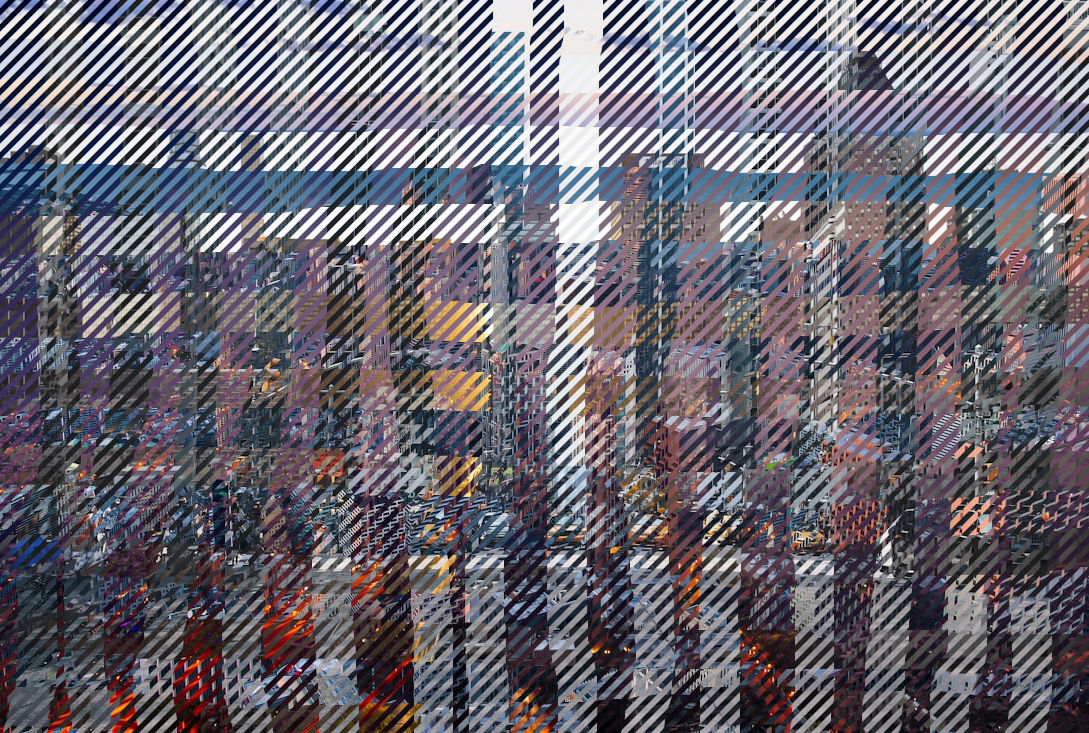
Hello everyone,
I had a lot of fun making plaid the involves 4 different images.
To me it's a form of art. I feels fun. There's some hand drawn aspect, some automation and some image selection.
Ok here goes.
------------------------
Things you'll need:
4 different images (same size).
The "Select Diagonals" plug-in
viewtopic.php?f=9&t=21324-----------------------
Since we'll be make a plaid it's a good idea to select 2 bright images and 2 dark images (they don't have to be but I think it makes the plaid result look better).
1. Take a (dark) image (in this case I am doing roses) and put it on the bottom

2. Take a light image put it on top and erase or mask out (using hand drawn brush to add hand drawn features) some alternating vertical hand drawn features (like shown).

3. Merge the masked out image in step 2 with image in step 1.
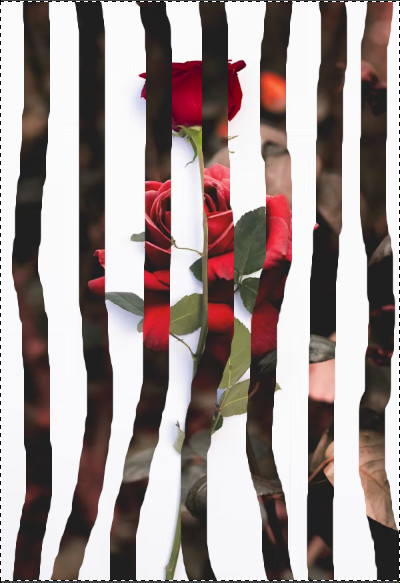
4. Do step 1 to step 3 for the remaining dark and light image (except instead of vertical hand drawn masking, do horizontal hand drawn masking)
4a.(dark image)
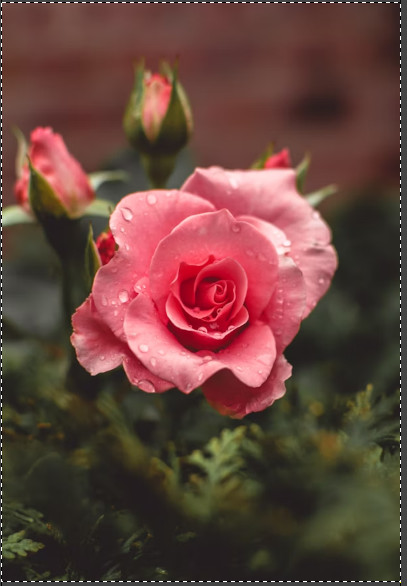
4b. (mask light image horizontally)
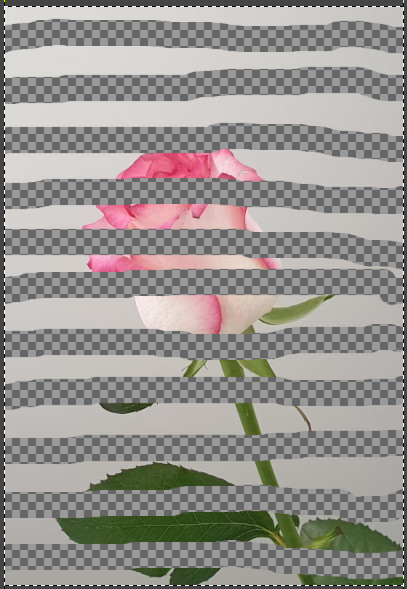
4c. (merge the horizontally masked with 4a step image)
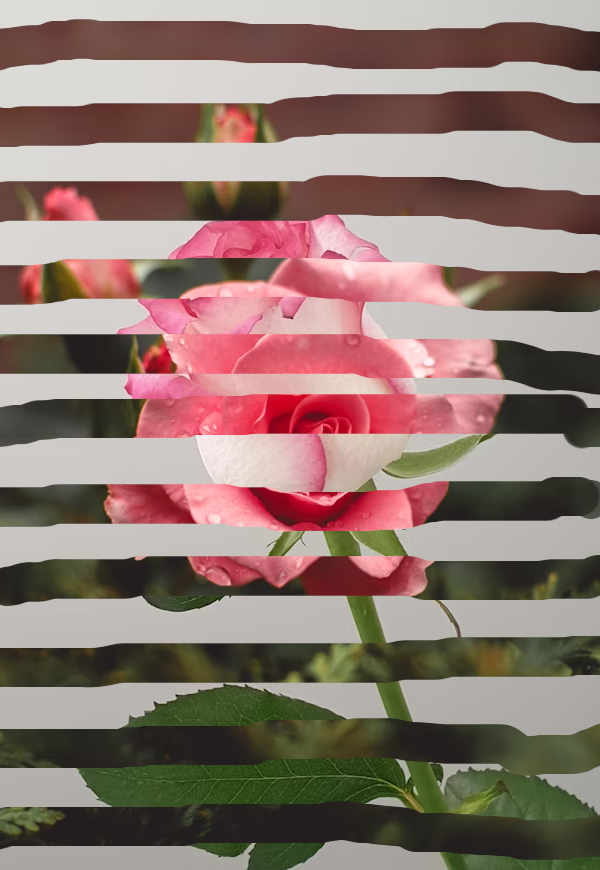
5. Use "Select Diagonal" plug-in to select diagonals from step 3 result and delete it so that only alternating diagonals are showing, You might have to add alpha channel to your result before deleting erasing diagonals so that they're transparent.

6. Put step 5 result above step 4 result. Done. Congratulations.

 Login
Login Register
 Tweets
 FAQ
FAQ Advanced Search