It is currently Sat Sep 26, 2026 7:50 am


All times are UTC - 5 hours [ DST ]


Post new topic Reply to topic  [ 15 posts ] 
Author Message
 Post subject: Night shore
PostPosted: Sat Dec 17, 2016 8:56 am  (#1) 
Offline
GimpChat Member
User avatar

Joined: Apr 09, 2016
Posts: 580
Location: Sheffield UK
Image

_________________
Image


Share on Facebook Share on Twitter Share on Orkut Share on Digg Share on MySpace Share on Delicious Share on Technorati
Top
 Post subject: Re: Night shore
PostPosted: Sat Dec 17, 2016 9:24 am  (#2) 
Offline
GimpChat Member
User avatar

Joined: Mar 01, 2014
Posts: 14198
Location: Spain, Aragón
I like your result and the far lights on the shore. Good job, RJKD :bigthup

_________________
Image

Gimp 2.10.36 (samj) portable _ OS Windows 10 Home_ 64bits
Don’t be afraid to start over. It’s a new chance to rebuild what you want.


Top
 Post subject: Re: Night shore
PostPosted: Sat Dec 17, 2016 9:43 am  (#3) 
Offline
GimpChat Member
User avatar

Joined: Jan 20, 2013
Posts: 14835
Location: roma, italy
RJKD,
sorry to disappoint you, but I don't understand your composition (in terms of: what each piece represents, how lights and shadows combine each others...); they look "inconsistent" to me.
Sorry.
But you have estimators...

_________________
"Where am I ?"


Top
 Post subject: Re: Night shore
PostPosted: Sat Dec 17, 2016 9:57 am  (#4) 
Offline
GimpChat Member
User avatar

Joined: Mar 01, 2014
Posts: 14198
Location: Spain, Aragón
I understand that RJKD has represented a night shore scene on the background and a pier on the foreground with a stone wall too. The bird is under Moon light. I see the whole composition like that. :)

_________________
Image

Gimp 2.10.36 (samj) portable _ OS Windows 10 Home_ 64bits
Don’t be afraid to start over. It’s a new chance to rebuild what you want.


Top
 Post subject: Re: Night shore
PostPosted: Sat Dec 17, 2016 10:13 am  (#5) 
Offline
GimpChat Member
User avatar

Joined: Apr 09, 2016
Posts: 580
Location: Sheffield UK
I think shadows are tricky and I agree the overall composition is a bit inconsistent, however for a first attempt I'm quite pleased, enough to keep experimenting, thank you both for your feedback :hi5
Attachment:
Night_shore.zip [1.14 MiB]
Downloaded 200 times

_________________
Image


Top
 Post subject: Re: Night shore
PostPosted: Sat Dec 17, 2016 4:45 pm  (#6) 
Offline
Script Coder
User avatar

Joined: Oct 25, 2010
Posts: 4812
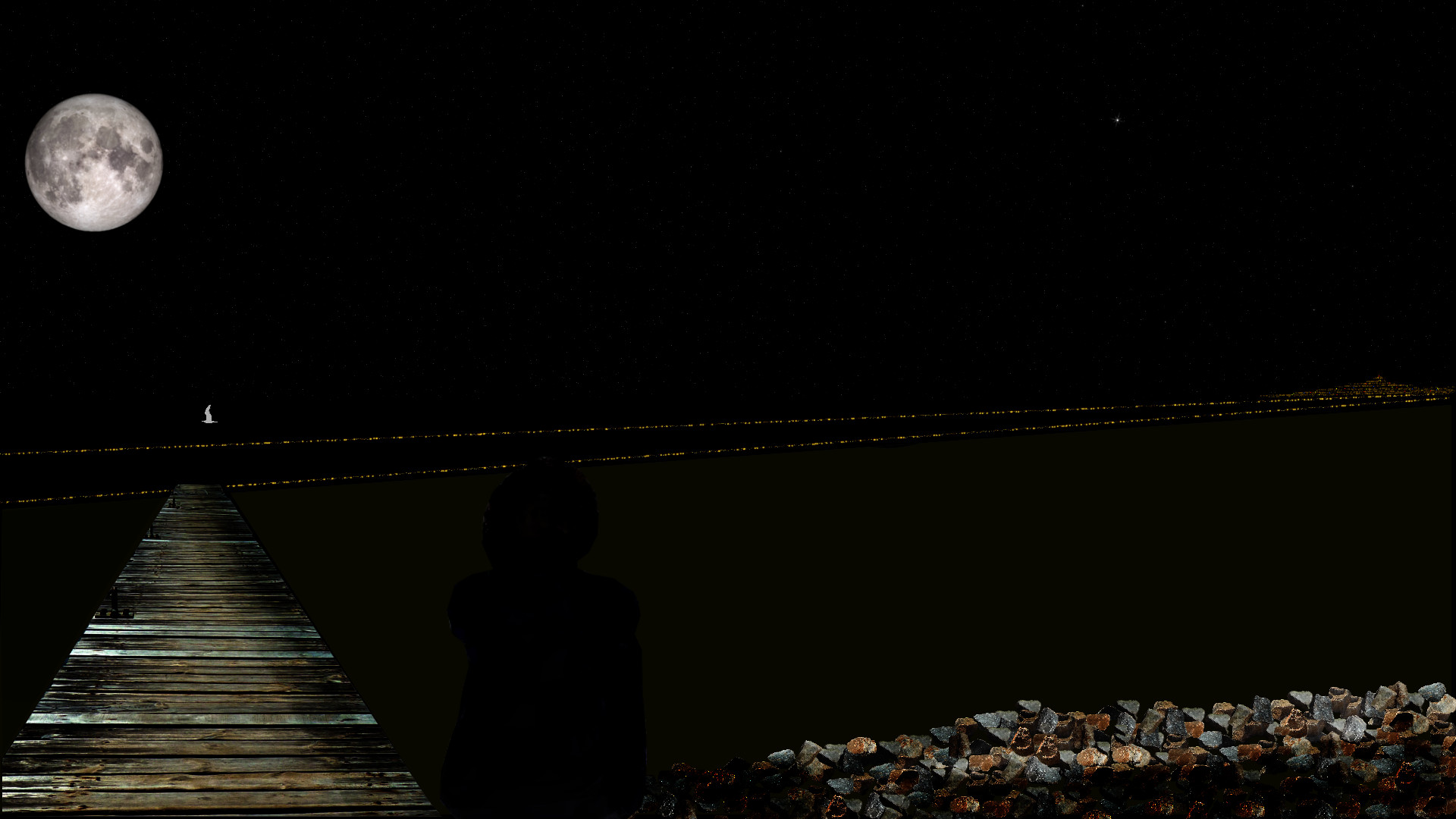
The main problem is that the pier extends to the opposite shore... (assuming this is what the two lines of light are).

Some more things that make the eyes itch a bit:

- the moon is much too big
- the moon has no reflection in water
- the seagull reflects light... from where? Actually it should appear as a shadow in the moon reflection
- the seagull exactly in the axis of the pier makes you wonder what it is (some fixture on the pier?)
- no good explanation for the shadow on the right part of the pier. IMHO the pier should somehow vanish in the shadow.

Pretty good start, just requires some adjustments :)

_________________
Image


Top
 Post subject: Re: Night shore
PostPosted: Sun Dec 18, 2016 6:02 am  (#7) 
Offline
GimpChat Member
User avatar

Joined: Apr 09, 2016
Posts: 580
Location: Sheffield UK
Thanks ofnuts, great feedback, much appreciated. :tyspin

_________________
Image


Top
 Post subject: Re: Night shore
PostPosted: Sun Dec 18, 2016 8:08 am  (#8) 
Offline
GimpChat Member
User avatar

Joined: May 26, 2015
Posts: 410
Location: United Kingdom
I like this RKJD, I like the concept of walking out on a pier at night - especially if it leads to some floating lights in the water like that - what are those by the way?

I almost didn't see the shadow of the person to the right of the pier - I guess that would explain the right part of the pier being in shadow.

The shadow also tells us that there is a light source behind the camera pointing out towards the seagull so I can see why the seagull is lit.

I think Ofnuts is right about having more reflections in the water - particularly of the moon - that would work well.

Good effort though mate - keep it going :).

_________________
“Today, give a stranger one of your smiles. It might be the only sunshine he sees all day.” -- H. Jackson Brown Jr.


Top
 Post subject: Re: Night shore
PostPosted: Sun Dec 18, 2016 11:13 am  (#9) 
Offline
GimpChat Member
User avatar

Joined: Apr 09, 2016
Posts: 580
Location: Sheffield UK
I am delighted with your feedback, this is a precious image I have in my head, as a youth I spent many a night sitting on the beach.
Contrasting and highlighting shadows I'm struggling with just now.
Image
Attachment:
Night_shore.zip [1.24 MiB]
Downloaded 137 times

_________________
Image


Top
 Post subject: Re: Night shore
PostPosted: Sun Dec 18, 2016 6:19 pm  (#10) 
Offline
Script Coder
User avatar

Joined: Oct 25, 2010
Posts: 4812
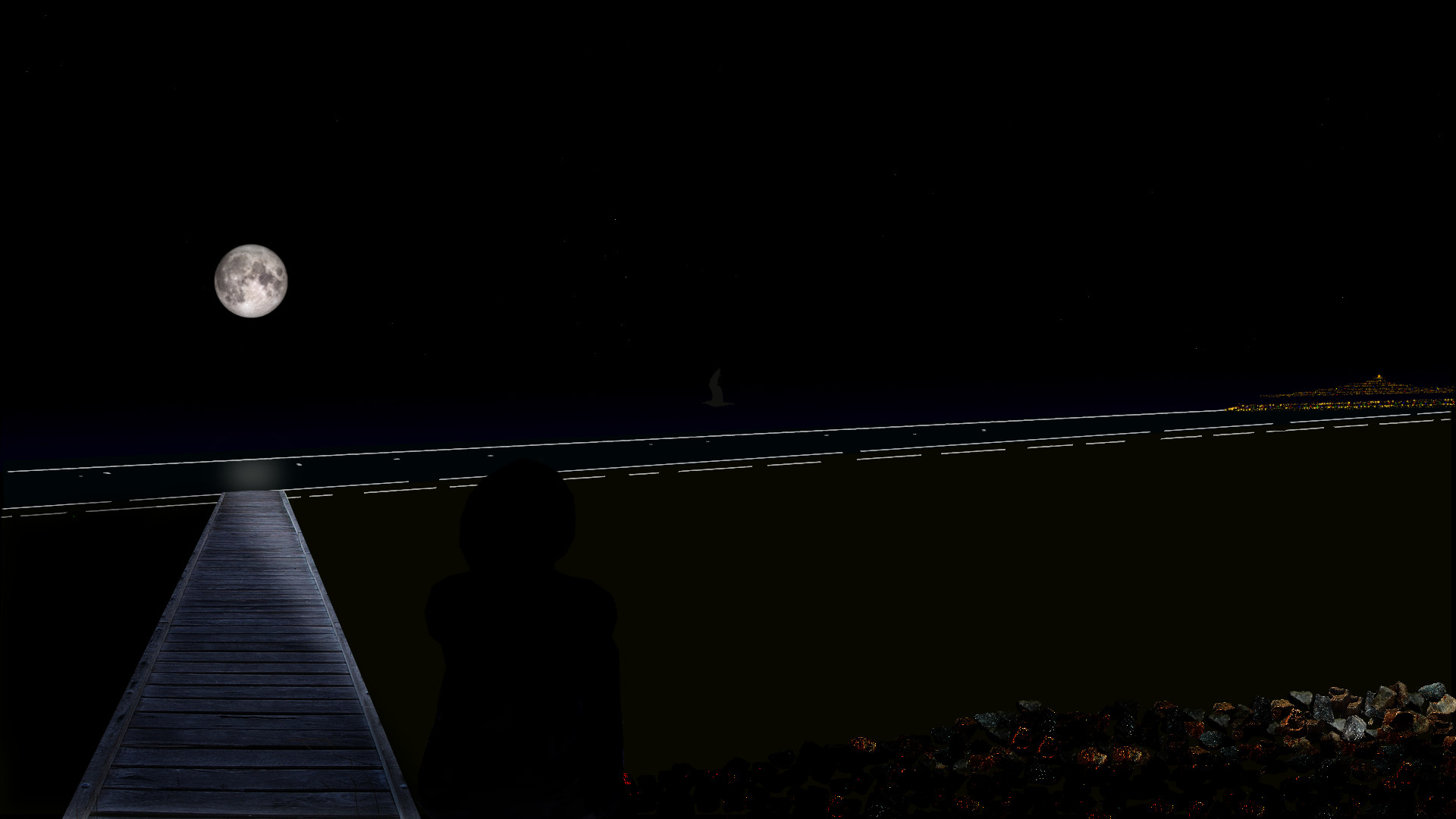
Much better... So now the first two lines are waves breaking on the strand. The seagull is OK, the moon is about the right size. But:

- The third line of waves can't extend to the opposite shore.
- The lines of waves are more or less parallel to the shore. A pier is usually perpendicular to the shore. So waves and pier should be perpendicular.
- The distance of the waves also means this is low tide with a fairly wide beach. Beaches being usually made of fairly clear material, we should see something else than black.
- Unless the person has an air defense light right behind the head, there cannot be a shadow this sharp that extends for the length of the pier.
- The moon reflection is always exactly between the moon and the spectator. It can't be sideways as it is right now.

You are going somewhere. Keep it up.

_________________
Image


Top
 Post subject: Re: Night shore
PostPosted: Mon Dec 19, 2016 3:03 pm  (#11) 
Offline
GimpChat Member
User avatar

Joined: Apr 09, 2016
Posts: 580
Location: Sheffield UK
Really appreciate the critique - take 3
Image
Attachment:
Night_shore.zip [3.1 MiB]
Downloaded 83 times

_________________
Image


Top
 Post subject: Re: Night shore
PostPosted: Mon Dec 19, 2016 6:16 pm  (#12) 
Offline
Global Moderator
User avatar

Joined: Oct 02, 2014
Posts: 5051
Location: Sydney Australia
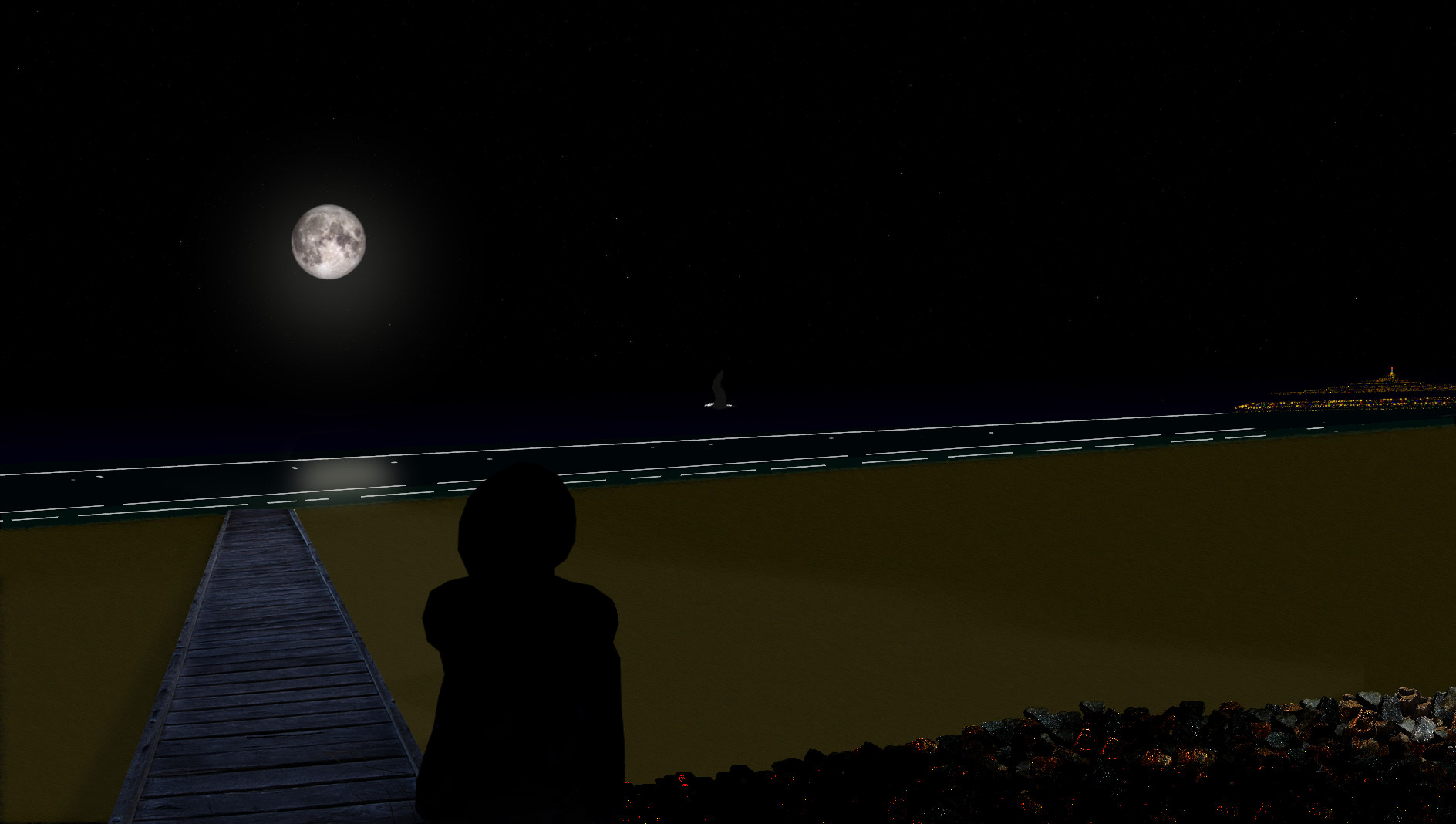
RJKD - some nice work there; hope you do not mind but I had a quick play with your image -I like starry skys and a soft reflection -

Image

_________________
Image

Respect should be offered freely but hard earned


Top
 Post subject: Re: Night shore
PostPosted: Tue Dec 20, 2016 4:34 am  (#13) 
Offline
Script Coder
User avatar

Joined: Oct 25, 2010
Posts: 4812
oldmangrumpy wrote:
RJKD - some nice work there; hope you do not mind but I had a quick play with your image -I like starry skys and a soft reflection -

[ Image ]


The horizon beyond the opposite shore makes it appear a lot closer. No it looks like a nearby rock with fireflies.

_________________
Image


Top
 Post subject: Re: Night shore
PostPosted: Tue Dec 20, 2016 7:05 am  (#14) 
Offline
GimpChat Member
User avatar

Joined: Apr 09, 2016
Posts: 580
Location: Sheffield UK
OMG, I'm delighted you had a play, the 4 things I couldn't accomplish -
1) To have a good starry night sky which wasn't pure black
2) How to soften the moonlight nicely
3) How to achieve a feint highlight on the contour of the person
4) The overall composition, which thankfully ofnuts has guided me with
Would you mind posting you xcf so I can see how you achieved your outcome please?
I ran GIMPressionist dotify on the 'sand' for some texture
I will keep the composition of green sea and a gradient from horizon (sea top) to top of image.
I always find that images look so much better when viewed as desktop size (mine being 1920 x 1080)
:tyspin

_________________
Image


Top
 Post subject: Re: Night shore
PostPosted: Tue Dec 20, 2016 3:35 pm  (#15) 
Offline
Global Moderator
User avatar

Joined: Oct 02, 2014
Posts: 5051
Location: Sydney Australia
RJKD - your zipped xcf + a readme text document attached as requested.


Attachments:
Night_shore.zip [4.52 MiB]
Downloaded 141 times

_________________
Image

Respect should be offered freely but hard earned
Top
Post new topic Reply to topic  [ 15 posts ] 

All times are UTC - 5 hours [ DST ]


cron

* Login  


Powered by phpBB3 © phpBB Group