AnMal wrote:
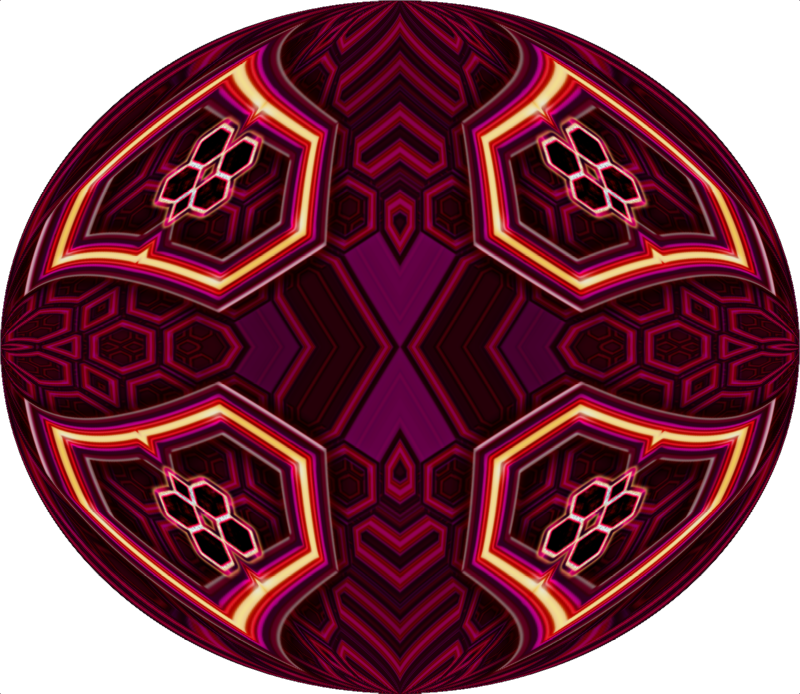
but i'm scratching my head and wondering where the purple came from - i ran it through the symmetrizoscope yesterday and got large purple chunks too, but the original hardly has any purple in it.
i believe the gmic symmetrize filter does also some "pixel stretching" , no sure if was intended or is a sort of bug but in any case may be used creatively :
that purple come from a little purple area that for some reason the filter stretched in much longer stripes
and was "enhanced" by running afterward unsharpmask2 (something equivlent to unsharpmask2 is included in gmic is "unsharp", gmic include several unsharp filters, i refer to that just called "unsharp" ) if used with not too moderate settings unsharp modify also the colours
The colours/hue modification may be easily minimized (using the gmic version simply by apply it to a Lightness ,or even Value or Luminance channel ;
using instead the gimp filter by using on a new duplicate placed on top and then changing layer mode to Value ) BUT since most of times i like that colour/hue modifications i seldom avoid them
(seldom = almost only when using unsharp2 on the skin in realistic portraits where even little colour shifts may result too unnatural)
 Login
Login Register
 Tweets
 FAQ
FAQ Advanced Search



 ! but there's no harm in starting with the image i thought of first - who knows, maybe someone else will be inspired to make their own?




 wonderful