It is currently Thu Nov 05, 2026 5:00 pm


All times are UTC - 5 hours [ DST ]


Post new topic Reply to topic  [ 79 posts ]  Go to page Previous  1, 2, 3, 4  Next
Author Message
 Post subject: Re: Just experimenting with height maps/bump mapping/dropshadow
PostPosted: Sun May 15, 2016 11:57 am  (#21) 
Offline
Administrator
User avatar

Joined: Aug 10, 2012
Posts: 14261
Location: Native to NYC living in Arizona, Gimp 2.8 - 3.0, Win 11 PC.
trandoductin wrote:
nope i didn't :hehe

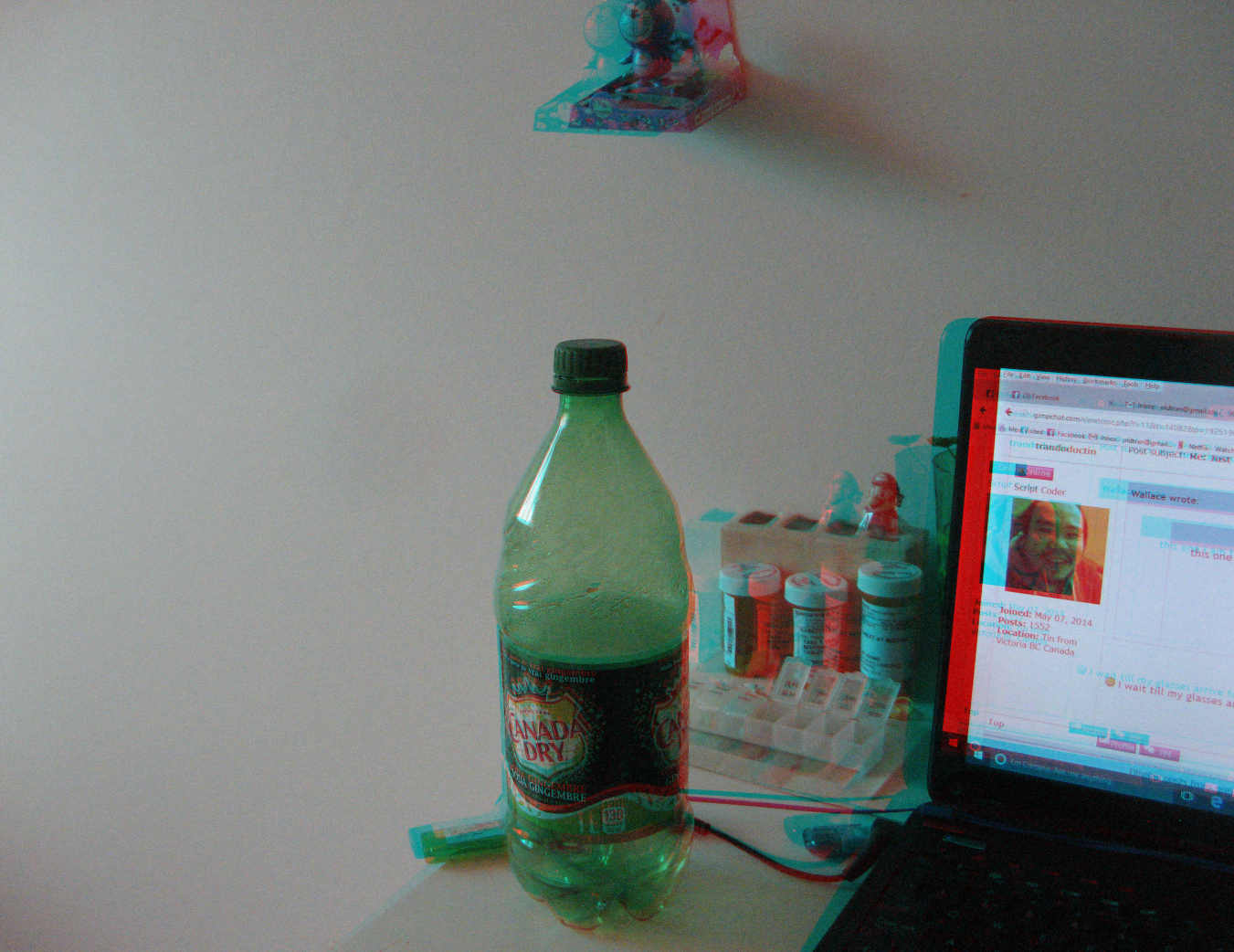
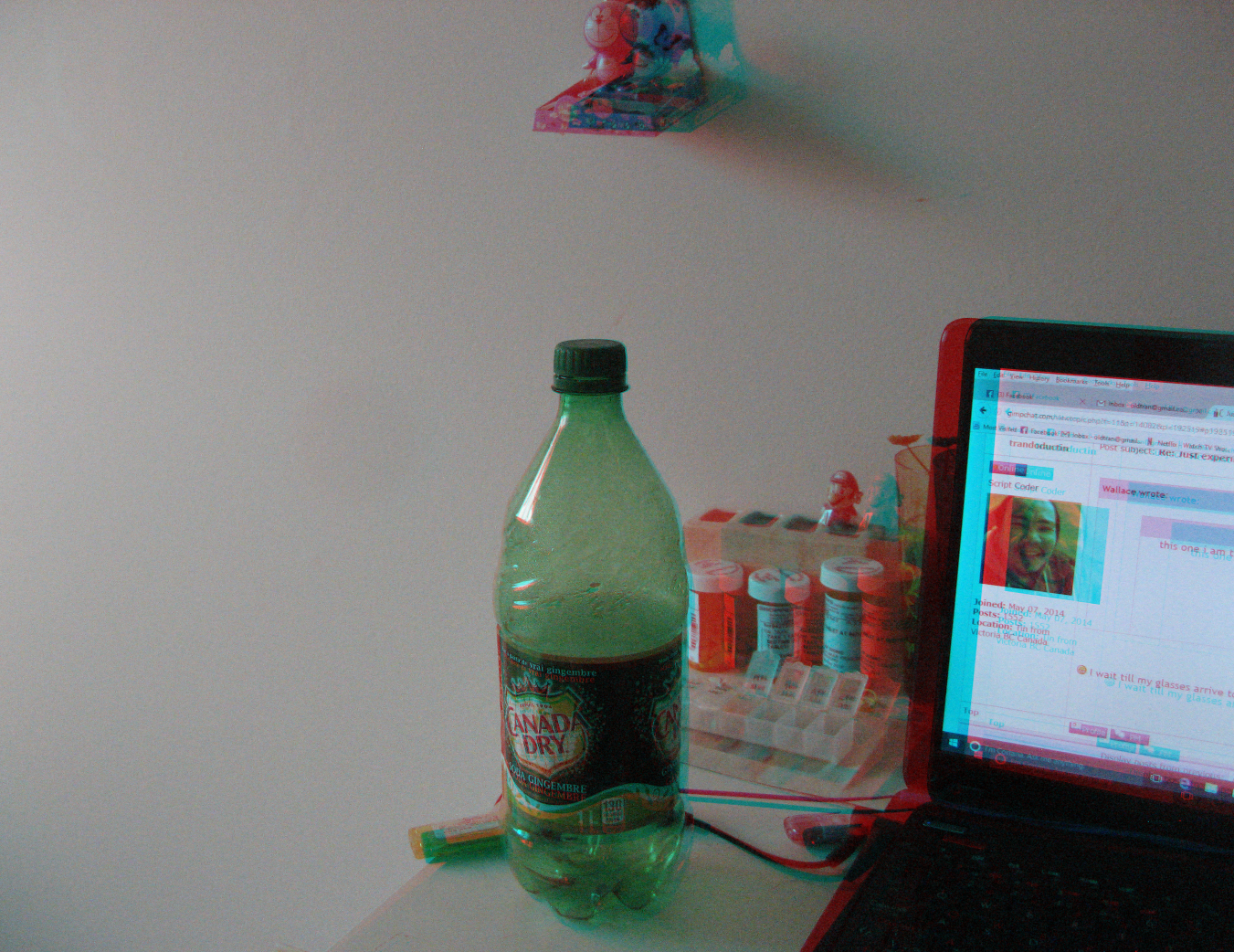
this one i am trying 2 version since i don't know which is which right now without the glasses.
red from right eye
[ Image ]

red from left eye
[ Image ]

so which one looks right ... if at all?

The're both terrible... sorry. :oops:
The left eye is red.
There's to much separation of the red and cyan.
You only need slight adjustments.
It's also better to use a depth map.

_________________
Image
"A wise man learns more from a foolish question than a fool can learn from a wise answer"
Image


Top
 Post subject: Re: Just experimenting with height maps/bump mapping/dropshadow
PostPosted: Sun May 15, 2016 12:03 pm  (#22) 
Offline
Script Coder
User avatar

Joined: May 07, 2014
Posts: 4561
Location: Canada
Wallace wrote:
trandoductin wrote:
nope i didn't :hehe

this one i am trying 2 version since i don't know which is which right now without the glasses.
red from right eye
[ Image ]

red from left eye
[ Image ]

so which one looks right ... if at all?

The're both terrible... sorry. :oops:
The left eye is red.
There's to much separation of the red and cyan.
You only need slight adjustments.
It's also better to use a depth map.


:hehe I wait till my glasses arrive to do more experiments then

_________________
Image
Visualize your and others dreams coming true.


Top
 Post subject: Re: Just experimenting with height maps/bump mapping/dropshadow
PostPosted: Sun May 15, 2016 12:07 pm  (#23) 
Offline
Administrator
User avatar

Joined: Aug 10, 2012
Posts: 14261
Location: Native to NYC living in Arizona, Gimp 2.8 - 3.0, Win 11 PC.
trandoductin wrote:

:hehe I wait till my glasses arrive to do more experiments then

Yeah...
You need the glasses.
You also need to learn how to create a depth map of your image.

_________________
Image
"A wise man learns more from a foolish question than a fool can learn from a wise answer"
Image


Top
 Post subject: Re: Just experimenting with height maps/bump mapping/dropshadow
PostPosted: Sun May 15, 2016 12:25 pm  (#24) 
Offline
Script Coder
User avatar

Joined: May 07, 2014
Posts: 4561
Location: Canada
Wallace wrote:
trandoductin wrote:

:hehe I wait till my glasses arrive to do more experiments then

Yeah...
You need the glasses.
You also need to learn how to create a depth map of your image.

The depth map is just to tell it how to shift from one angle to another i don't think i can make them as it involves crazy skillsImage... i just want to take photos..
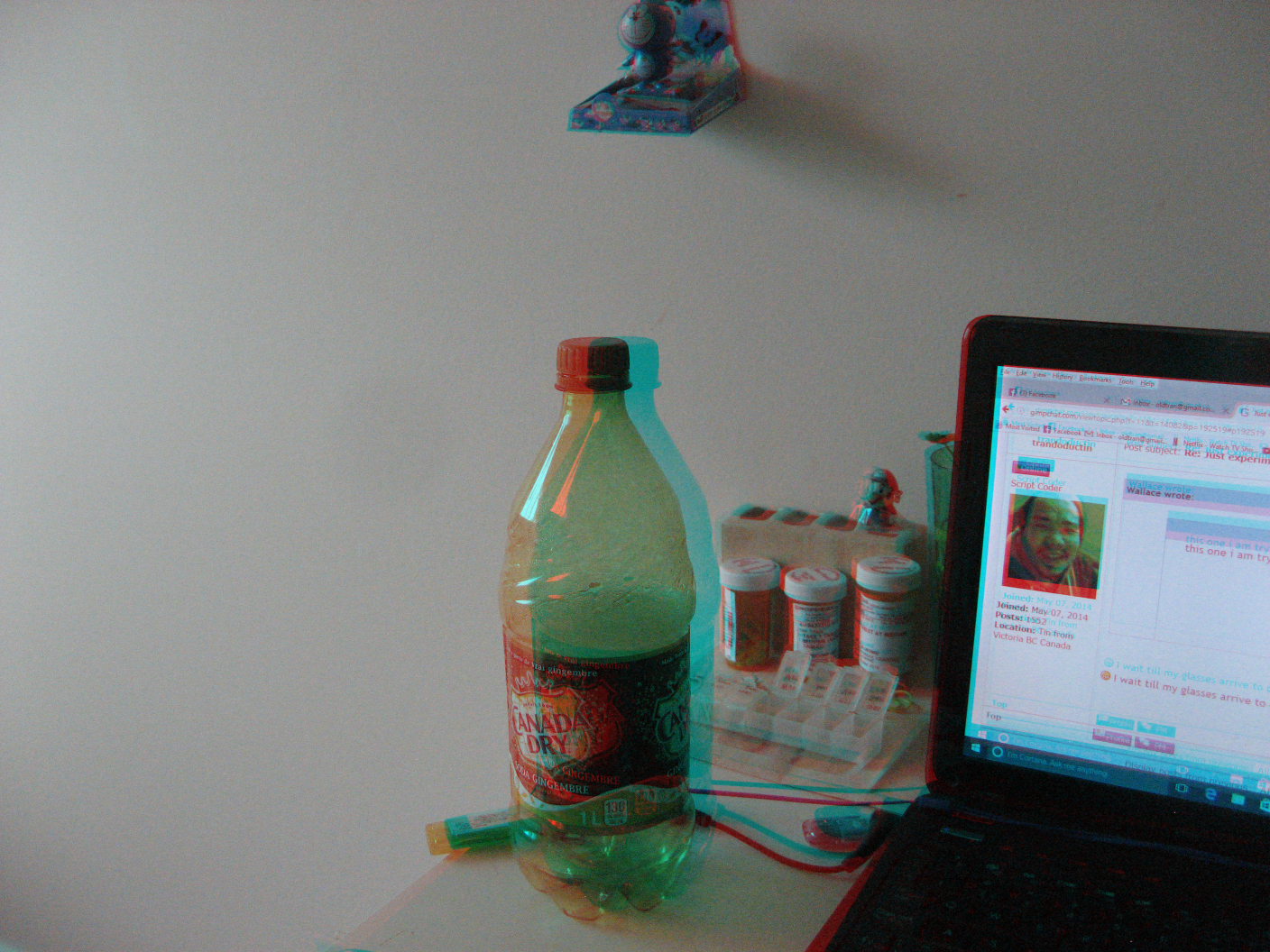
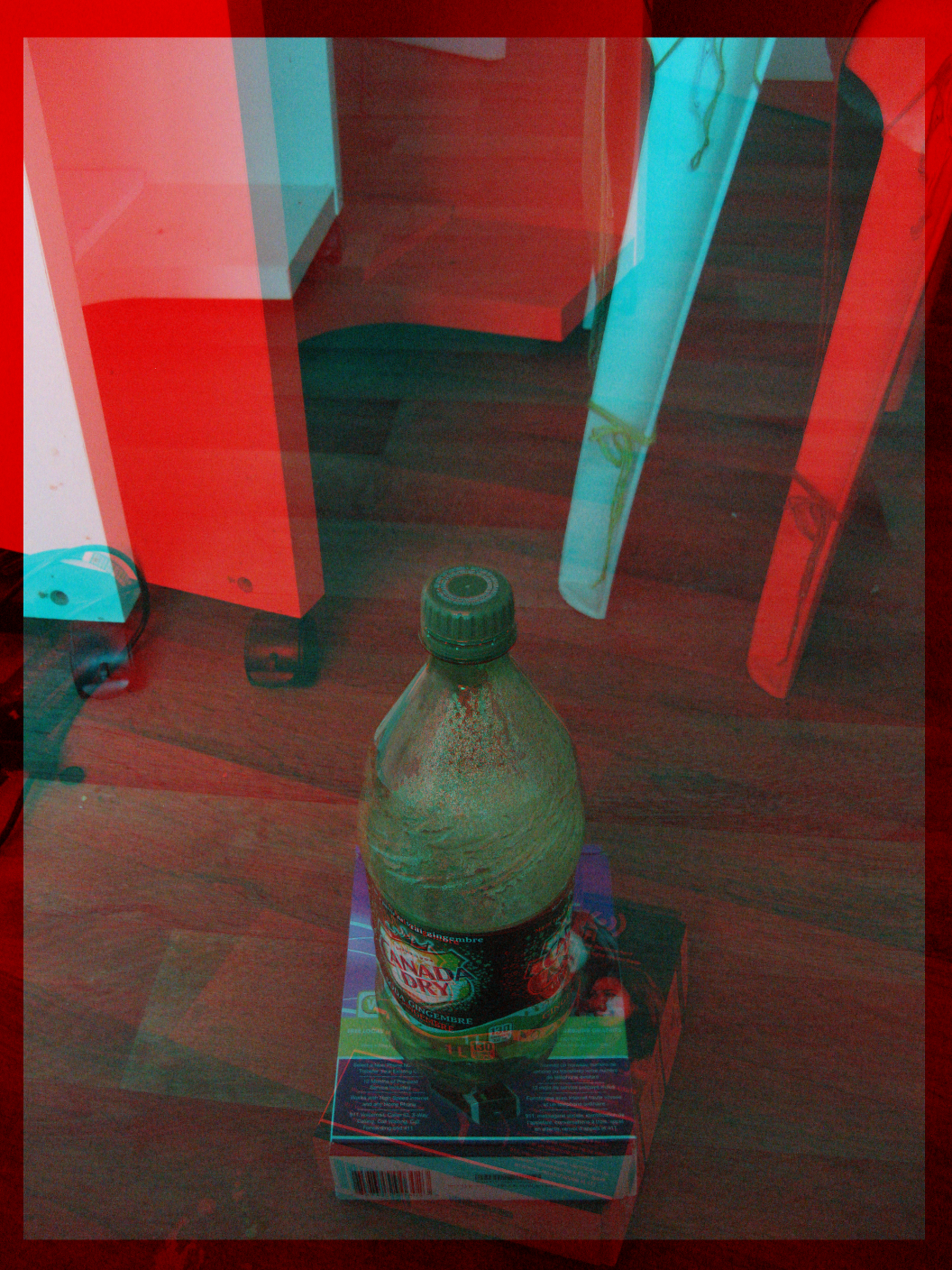
okay i lied here's last try before i wait for my glasses I took your advice and only did slightly by aiming from different eye while keeping my head still ( well as still as i could anyways).
Image

_________________
Image
Visualize your and others dreams coming true.


Top
 Post subject: Re: Just experimenting with height maps/bump mapping/dropshadow
PostPosted: Sun May 15, 2016 12:28 pm  (#25) 
Offline
Administrator
User avatar

Joined: Aug 10, 2012
Posts: 14261
Location: Native to NYC living in Arizona, Gimp 2.8 - 3.0, Win 11 PC.
trandoductin wrote:
Wallace wrote:
trandoductin wrote:

:hehe I wait till my glasses arrive to do more experiments then

Yeah...
You need the glasses.
You also need to learn how to create a depth map of your image.

The depth map is just to tell it how to shift from one angle to another i don't think i can make them as it involves crazy skills[ Image ]... i just want to take photos..
okay i lied here's last try before i wait for my glasses I took your advice and only did slightly by aiming from different eye while keeping my head still ( well as still as i could anyways).
[ Image ]

The first image looks like your on the right track, but sill needs less separation.
I make my own depth maps all the time. The're not that hard to create.

_________________
Image
"A wise man learns more from a foolish question than a fool can learn from a wise answer"
Image


Top
 Post subject: Re: Just experimenting with height maps/bump mapping/dropshadow
PostPosted: Sun May 15, 2016 12:40 pm  (#26) 
Offline
Script Coder
User avatar

Joined: May 07, 2014
Posts: 4561
Location: Canada
on the right track is good

for the previous i thought i had to shift them images to align the item i am focusing on...
but maybe i dont' have to because the left and right eye are supposed to see what the picture takes...

how's this one? any better?
Image

_________________
Image
Visualize your and others dreams coming true.


Top
 Post subject: Re: Just experimenting with height maps/bump mapping/dropshadow
PostPosted: Sun May 15, 2016 12:44 pm  (#27) 
Offline
Administrator
User avatar

Joined: Aug 10, 2012
Posts: 14261
Location: Native to NYC living in Arizona, Gimp 2.8 - 3.0, Win 11 PC.
trandoductin wrote:
on the right track is good

for the previous i thought i had to shift them images to align the item i am focusing on...
but maybe i dont' have to because the left and right eye are supposed to see what the picture takes...

how's this one? any better?
[ Image ]

That image is a lot better.
It needs some brightness and contrast adjustments, but you'll need to have the glasses on to do that.
You're getting there.

_________________
Image
"A wise man learns more from a foolish question than a fool can learn from a wise answer"
Image


Top
 Post subject: Re: Just experimenting with height maps/bump mapping/dropshadow
PostPosted: Sun May 15, 2016 12:50 pm  (#28) 
Offline
Script Coder
User avatar

Joined: May 07, 2014
Posts: 4561
Location: Canada
Wallace wrote:
trandoductin wrote:
on the right track is good

for the previous i thought i had to shift them images to align the item i am focusing on...
but maybe i dont' have to because the left and right eye are supposed to see what the picture takes...

how's this one? any better?
[ Image ]

That image is a lot better.
It needs some brightness and contrast adjustments, but you'll need to have the glasses on to do that.
You're getting there.

:hi5 alot better is good progress
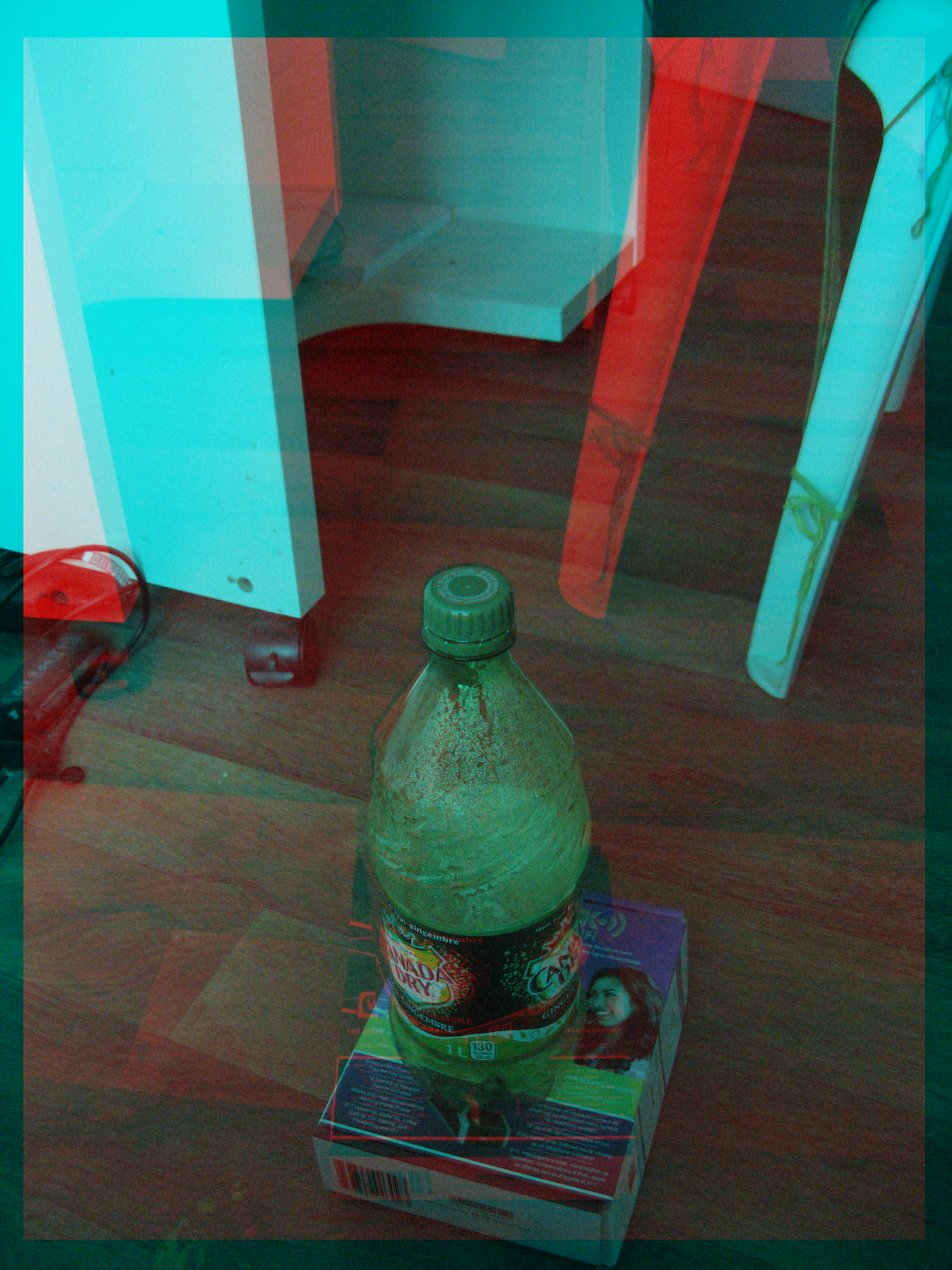
yeah just point and shot it on manual mode i don't think i was paying attention to white balance or contrast or anything like that i wasn't even sure if the manual mode was set up right :hehe ...

_________________
Image
Visualize your and others dreams coming true.


Top
 Post subject: Re: Just experimenting with height maps/bump mapping/dropshadow
PostPosted: Sun May 15, 2016 12:57 pm  (#29) 
Offline
Administrator
User avatar

Joined: Aug 10, 2012
Posts: 14261
Location: Native to NYC living in Arizona, Gimp 2.8 - 3.0, Win 11 PC.
trandoductin wrote:
:hi5 alot better is good progress
yeah just point and shot it on manual mode i don't think i was paying attention to white balance or contrast or anything like that i wasn't even sure if the manual mode was set up right :hehe ...

What you're doping isn't easy without the glasses.
The adjustments should be very minor for both the red and cyan displacement.
I sometimes use Photoshop with a depth map and the image, to get the proper displacement of the red and cyan layers.
There's a tutorial on DA that I would recommend you take a look at.
http://goldomega.deviantart.com/art/Pho ... -149857792

_________________
Image
"A wise man learns more from a foolish question than a fool can learn from a wise answer"
Image


Top
 Post subject: Re: Just experimenting with height maps/bump mapping/dropshadow
PostPosted: Sun May 15, 2016 12:59 pm  (#30) 
Offline
Script Coder
User avatar

Joined: May 07, 2014
Posts: 4561
Location: Canada
thanks i'll remember to go to this tutorial once i get my glasses.

_________________
Image
Visualize your and others dreams coming true.


Top
 Post subject: Re: Just experimenting with height maps/bump mapping/dropshadow
PostPosted: Sun May 15, 2016 1:04 pm  (#31) 
Offline
Administrator
User avatar

Joined: Aug 10, 2012
Posts: 14261
Location: Native to NYC living in Arizona, Gimp 2.8 - 3.0, Win 11 PC.
trandoductin wrote:
thanks i'll remember to go to this tutorial once i get my glasses.

:bigthup

_________________
Image
"A wise man learns more from a foolish question than a fool can learn from a wise answer"
Image


Top
 Post subject: Re: Just experimenting with height maps/bump mapping/dropshadow
PostPosted: Sun May 15, 2016 1:10 pm  (#32) 
Offline
Script Coder
User avatar

Joined: May 07, 2014
Posts: 4561
Location: Canada
this one i used my height maps and GMIC 2D to 3D conversion..
Image

_________________
Image
Visualize your and others dreams coming true.


Top
 Post subject: Re: Just experimenting with height maps/bump mapping/dropshadow
PostPosted: Sun May 15, 2016 1:18 pm  (#33) 
Offline
Administrator
User avatar

Joined: Aug 10, 2012
Posts: 14261
Location: Native to NYC living in Arizona, Gimp 2.8 - 3.0, Win 11 PC.
trandoductin wrote:
this one i used my height maps and GMIC 2D to 3D conversion..
[ Image ]

I think it would look better if the background were a different color.

_________________
Image
"A wise man learns more from a foolish question than a fool can learn from a wise answer"
Image


Top
 Post subject: Re: Just experimenting with height maps/bump mapping/dropshadow
PostPosted: Sun May 15, 2016 1:59 pm  (#34) 
Offline
Script Coder
User avatar

Joined: May 07, 2014
Posts: 4561
Location: Canada
here i am trying with colors that have both red and cyans channels to see if it's better
Image

_________________
Image
Visualize your and others dreams coming true.


Top
 Post subject: Re: Just experimenting with height maps/bump mapping/dropshadow
PostPosted: Sun May 15, 2016 2:15 pm  (#35) 
Offline
Administrator
User avatar

Joined: Aug 10, 2012
Posts: 14261
Location: Native to NYC living in Arizona, Gimp 2.8 - 3.0, Win 11 PC.
trandoductin wrote:
here i am trying with colors that have both red and cyans channels to see if it's better
[ Image ]

:hehe
It's the opposite, you should use images with as little blue or red colors in them.
You want to avoid image with lots of red or lots of blue in them.

_________________
Image
"A wise man learns more from a foolish question than a fool can learn from a wise answer"
Image


Top
 Post subject: Re: Just experimenting with height maps/bump mapping/dropshadow
PostPosted: Sun May 15, 2016 2:28 pm  (#36) 
Offline
Script Coder
User avatar

Joined: May 07, 2014
Posts: 4561
Location: Canada
Wallace wrote:
trandoductin wrote:
here i am trying with colors that have both red and cyans channels to see if it's better
[ Image ]

:hehe
It's the opposite, you should use images with as little blue or red colors in them.
You want to avoid image with lots of red or lots of blue in them.


really?
now that i really think about it makes sense..since red will look blackish to the cyan glass and cyan will look blackish to the red glass.

UPDATE,... actually i have no idea without my glasses. :hehe

_________________
Image
Visualize your and others dreams coming true.


Top
 Post subject: Re: Just experimenting with height maps/bump mapping/dropshadow
PostPosted: Sun May 15, 2016 3:22 pm  (#37) 
Offline
Administrator
User avatar

Joined: Aug 10, 2012
Posts: 14261
Location: Native to NYC living in Arizona, Gimp 2.8 - 3.0, Win 11 PC.
trandoductin wrote:
really?
now that i really think about it makes sense..since red will look blackish to the cyan glass and cyan will look blackish to the red glass.

UPDATE,... actually i have no idea without my glasses. :hehe

Good update.
:rofl

_________________
Image
"A wise man learns more from a foolish question than a fool can learn from a wise answer"
Image


Top
 Post subject: Re: Just experimenting with height maps/bump mapping/dropshadow
PostPosted: Sun May 15, 2016 4:15 pm  (#38) 
Offline
Script Coder
User avatar

Joined: May 07, 2014
Posts: 4561
Location: Canada
How about Trioscopic glasses
http://www.amazon.com/Magenta-Anaglyph-3D-Glasses-Movies/dp/B003LX6ZDE

according to wikipedia these are somewhat newer and
color (better reds, oranges and wider range of blues than red/cyan) Same principle as red-cyan, somewhat newer. Less chromatic aberration, as the red and blue in magenta brightness balance well with green.

I wonder if i should get this one too :gaah

UPDATE: Okay I sucked up and bought this pair too, accept it wasn't available to ship to my address from one seller i had to choose another seller that charges like $12 for shipping.. must try this out see if colors are better than Red/Cyan one. I think i've spent enough money for this week.

_________________
Image
Visualize your and others dreams coming true.


Top
 Post subject: Re: Just experimenting with height maps/bump mapping/dropshadow
PostPosted: Sun May 15, 2016 8:44 pm  (#39) 
Offline
Script Coder
User avatar

Joined: May 07, 2014
Posts: 4561
Location: Canada
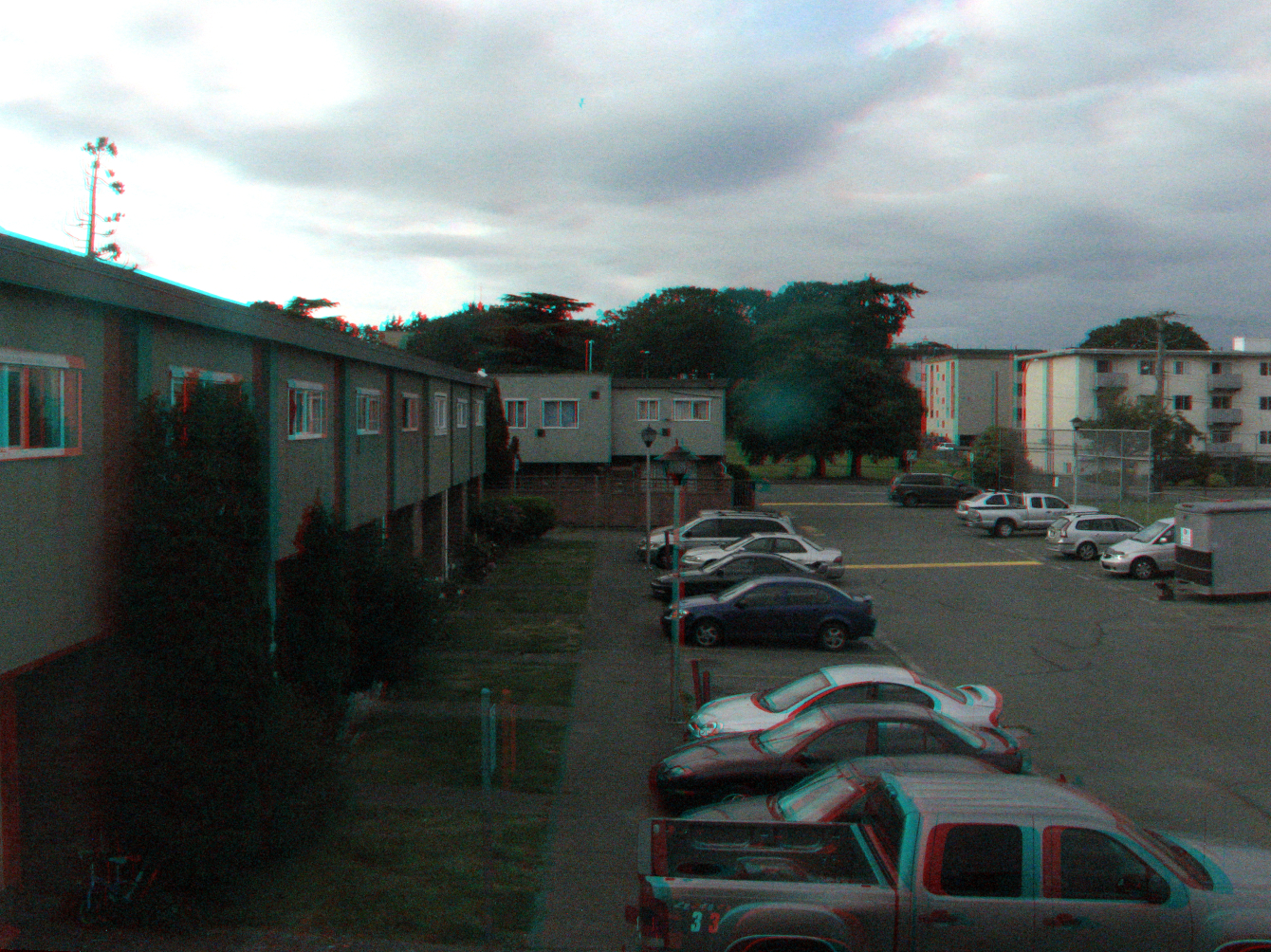
i am bored how's this one 3d wise? contrast and lighting is poor i know.
Image

_________________
Image
Visualize your and others dreams coming true.


Top
 Post subject: Re: Just experimenting with height maps/bump mapping/dropshadow
PostPosted: Sun May 15, 2016 10:51 pm  (#40) 
Offline
Administrator
User avatar

Joined: Aug 10, 2012
Posts: 14261
Location: Native to NYC living in Arizona, Gimp 2.8 - 3.0, Win 11 PC.
trandoductin wrote:
i am bored how's this one 3d wise? contrast and lighting is poor i know.
[ Image ]

That's not bad.
As I look at the image using my 3d glasses.
Most of the objects that are closest to the viewer have 3d characteristics,
but as you look into the image.
The things that are far away have no depth to them and don't appear in 3d.
This is where the depth map comes more into play.
Without a reference for some objects in the image.
These objects will lose their 3d characteristics the further into the image you look.

_________________
Image
"A wise man learns more from a foolish question than a fool can learn from a wise answer"
Image


Top
Post new topic Reply to topic  [ 79 posts ]  Go to page Previous  1, 2, 3, 4  Next

All times are UTC - 5 hours [ DST ]


* Login  


Powered by phpBB3 © phpBB Group