It is currently Wed Sep 23, 2026 7:30 am


All times are UTC - 5 hours [ DST ]


Post new topic Reply to topic  [ 51 posts ]  Go to page Previous  1, 2, 3  Next
Author Message
 Post subject: Re: my design of this morning
PostPosted: Sat Oct 19, 2013 7:44 pm  (#21) 
Offline
GimpChat Founder
User avatar

Joined: May 22, 2008
Posts: 5241
Location: Gimpville
Great design, Ecirbaf. Your final results look excellent! :cheers

Ecirbaf wrote:
It s an environment map ? I don't understand what is an environment map

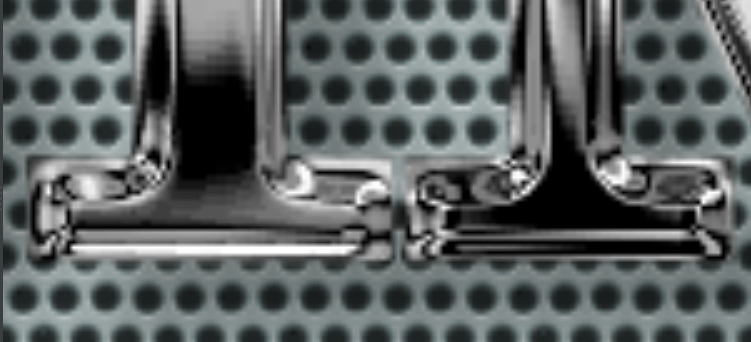
I got this effect using environment maps.

Image

I actually used some custom gradients and the EnviroLogo Script, which allows for quick testing of variations. I combined two different results using a difference overlay to get the final result.


Attachments:
File comment: Chrome Gradients For Emaps
Chrome-Grads-For-Emaps.zip [2.27 KiB]
Downloaded 114 times

_________________
“If you reach for the stars, you just might land on a decently sized hill.” - Stuart Hill
Top
 Post subject: Re: my design of this morning
PostPosted: Sat Oct 19, 2013 8:09 pm  (#22) 
Offline
GimpChat Member
User avatar

Joined: Jul 17, 2012
Posts: 2769
GnuTux wrote:
Image

I actually used some custom gradients

whoa, this is great, GnuTux !


Top
 Post subject: Re: my design of this morning
PostPosted: Sat Oct 19, 2013 8:09 pm  (#23) 
Offline
GimpChat Member
User avatar

Joined: Apr 07, 2010
Posts: 14182
:clap Wow, couldn't look more real

Where. Did you get that Beautiful font? Did it come with all the designs or did that happen in the process? I noticed where the m and p joined at the top.

_________________
Image


Top
 Post subject: Re: my design of this morning
PostPosted: Sat Oct 19, 2013 9:09 pm  (#24) 
Offline
GimpChat Member
User avatar

Joined: Nov 15, 2012
Posts: 949
Location: Mesa, AZ
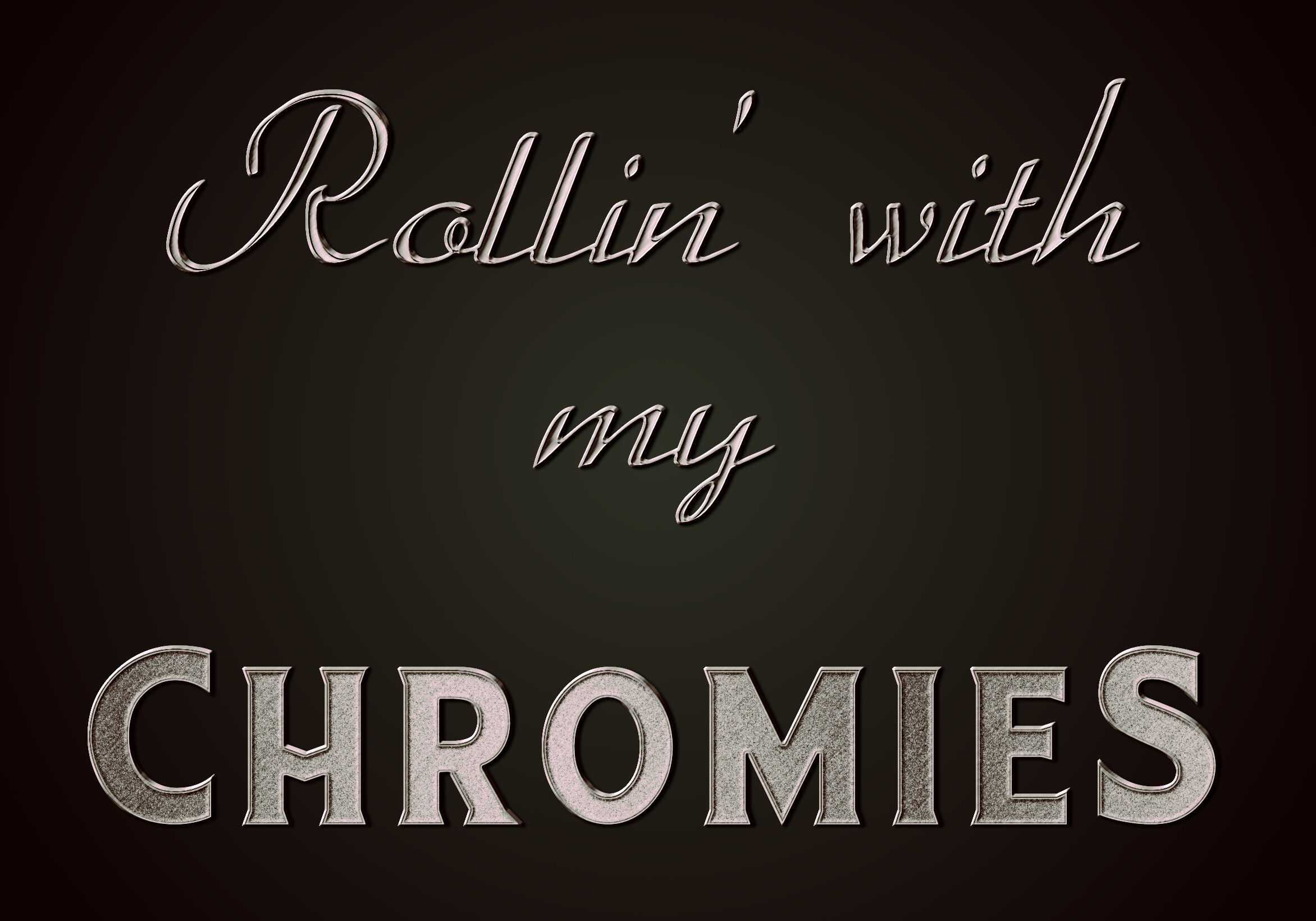
So chrome. I only needed an excuse.
'Sup Chromies.

Image

_________________
Image

I now have a Tumblr, check it out!


Top
 Post subject: Re: my design of this morning
PostPosted: Sat Oct 19, 2013 9:51 pm  (#25) 
Offline
GimpChat Member
User avatar

Joined: Apr 07, 2010
Posts: 14182
That is super duper. EK. Love The texture on the cronies...kool :gimp :clap :yes

_________________
Image


Top
 Post subject: Re: my design of this morning
PostPosted: Sat Oct 19, 2013 11:38 pm  (#26) 
Offline
GimpChat Founder
User avatar

Joined: May 22, 2008
Posts: 5241
Location: Gimpville
molly wrote:
Where. Did you get that Beautiful font? Did it come with all the designs or did that happen in the process? I noticed where the m and p joined at the top.

The font is Ferro Rosso, with some letters that extend and connect.

_________________
“If you reach for the stars, you just might land on a decently sized hill.” - Stuart Hill


Top
 Post subject: Re: my design of this morning
PostPosted: Sun Oct 20, 2013 12:11 am  (#27) 
Offline
GimpChat Member
User avatar

Joined: Aug 30, 2012
Posts: 2174
All the images and chrome on this thread are excellent.

_________________
Image


Top
 Post subject: Re: my design of this morning
PostPosted: Sun Oct 20, 2013 1:19 am  (#28) 
Offline
Global Moderator
User avatar

Joined: Apr 01, 2012
Posts: 8471
Location: On the other side of your screen
he4rty wrote:
All the images and chrome on this thread are excellent.

ditto :bigthup

_________________
Image
Free Fun Photo Editing & resources
Poems from the Lord
Gimp Newby
Gimp version 3.2.4 and GMIC-Qt 4.0.2 OS :- Windows 10 Home 64


Top
 Post subject: Re: my design of this morning
PostPosted: Sun Oct 20, 2013 3:08 am  (#29) 
Offline
GimpChat Member
User avatar

Joined: Aug 16, 2012
Posts: 4271
Location: Göteborg, Sweden
gnu tux and ek22: beautiful chrome effects! ek, the textured chrome is really nice.

_________________


Top
 Post subject: Re: my design of this morning
PostPosted: Sun Oct 20, 2013 4:28 am  (#30) 
Offline
GimpChat Member
User avatar

Joined: Apr 07, 2010
Posts: 14182
GnuTux wrote:
molly wrote:
Where. Did you get that Beautiful font? Did it come with all the designs or did that happen in the process? I noticed where the m and p joined at the top.

The font is Ferro Rosso, with some letters that extend and connect.

Thanks Tux.... I guess the filters and all the steps made it look like it had fancy stuff all over it. Anyway, outstanding.
Notice the bottom part of the text looks like it was sculptured .
Image

_________________
Image


Top
 Post subject: Re: my design of this morning
PostPosted: Sun Oct 20, 2013 7:35 am  (#31) 
Offline
Script Coder
User avatar

Joined: Oct 25, 2010
Posts: 4812
Ecirbaf wrote:

It s an environment map ? I don't understand what is an environment map


See http://fr.wikipedia.org/wiki/Placage_d%27environnement

_________________
Image


Top
 Post subject: Re: my design of this morning
PostPosted: Sun Oct 20, 2013 7:41 am  (#32) 
Offline
GimpChat Member
User avatar

Joined: Oct 08, 2013
Posts: 44
All the chrome are very beautifful : I m happy. I like the environment-map it's a very good plugin I go testing the tutorial :)


Top
 Post subject: Re: my design of this morning
PostPosted: Sun Oct 20, 2013 10:07 am  (#33) 
Offline
GimpChat Founder
User avatar

Joined: May 22, 2008
Posts: 5241
Location: Gimpville
molly wrote:
Notice the bottom part of the text looks like it was sculptured.

Yes. You can decrease the spacing with that font and connect more of the letters, like with this bluing effect, which is kinda like what you see on gun barrels.

Image

_________________
“If you reach for the stars, you just might land on a decently sized hill.” - Stuart Hill


Top
 Post subject: Re: my design of this morning
PostPosted: Sun Oct 20, 2013 10:51 am  (#34) 
Offline
GimpChat Member
User avatar

Joined: Apr 07, 2010
Posts: 14182
Gosh, they keep getting better and better. I think that enviro script is one of the best ones yet for this kind of outcome. stunning

_________________
Image


Top
 Post subject: Re: my design of this morning
PostPosted: Mon Oct 21, 2013 11:33 am  (#35) 
Offline
GimpChat Member
User avatar

Joined: Apr 07, 2010
Posts: 14182
Ecirbaf wrote:
molly wrote:
Here is my try at it Ecirbaf ... I like it. I played around with a bunch of other stuff too after I had your sphere.

Good game Molly, if you want, I use the first part of this tutorial for make my bevel letter (Up Part 5). :
Tutorial: Create a hard beveled stoney text effect!

ofnuts wrote:
Nice... Used an environment map for the reflections?


I use 2 filter :
1 : filter->Map->BumpMap for the bevel
2 : filter->Map->Displace
Attachment:
Image 36.png


It s an environment map ? I don't understand what is an environment map

Next : alpha -> selection on my Layer texte
invert selection and erase on the layer gradient

5 secondes :mrgreen:

Next -> colors curve

ofnuts wrote:
And did you listen to too much Alan Stivell lately? :)

My wife Brittany (born in Brest) and when I draw, I often draw for her (she is very chauvinistic :mrgreen: )
;

Thanks Ekcirbaf... I tried the stony text effect and got as far as step 13 then got lost, so I played around with what I had. Here are some of the outputs. I have never done a shadow the way it showed in this tutorial but it is quite cool.
I am trying to pick which one I like best.

Image

Image

Image

_________________
Image


Top
 Post subject: Re: my design of this morning
PostPosted: Mon Oct 21, 2013 1:59 pm  (#36) 
Offline
GimpChat Member
User avatar

Joined: Oct 08, 2013
Posts: 44
I never had the courage to read it all :mrgreen: This is how I draw: I have an idea and I learn pieces of tutorial, only the part that interests me. But I have to read them in full once anyway :mrgreen: You've done well: you just put chrome on :mrgreen:


Top
 Post subject: Re: my design of this morning
PostPosted: Mon Oct 21, 2013 5:36 pm  (#37) 
Offline
GimpChat Member
User avatar

Joined: Apr 07, 2010
Posts: 14182
Thanks Ecirbaf

_________________
Image


Top
 Post subject: Re: my design of this morning
PostPosted: Mon Oct 21, 2013 9:20 pm  (#38) 
Offline
GimpChat Member
User avatar

Joined: Nov 15, 2012
Posts: 949
Location: Mesa, AZ
molly wrote:
Ecirbaf wrote:
molly wrote:
Here is my try at it Ecirbaf ... I like it. I played around with a bunch of other stuff too after I had your sphere.

Good game Molly, if you want, I use the first part of this tutorial for make my bevel letter (Up Part 5). :
Tutorial: Create a hard beveled stoney text effect!

ofnuts wrote:
Nice... Used an environment map for the reflections?


I use 2 filter :
1 : filter->Map->BumpMap for the bevel
2 : filter->Map->Displace
Attachment:
Image 36.png


It s an environment map ? I don't understand what is an environment map

Next : alpha -> selection on my Layer texte
invert selection and erase on the layer gradient

5 secondes :mrgreen:

Next -> colors curve

ofnuts wrote:
And did you listen to too much Alan Stivell lately? :)

My wife Brittany (born in Brest) and when I draw, I often draw for her (she is very chauvinistic :mrgreen: )
;

Thanks Ekcirbaf... I tried the stony text effect and got as far as step 13 then got lost, so I played around with what I had. Here are some of the outputs. I have never done a shadow the way it showed in this tutorial but it is quite cool.
I am trying to pick which one I like best.

[ Image ]

Image

Image


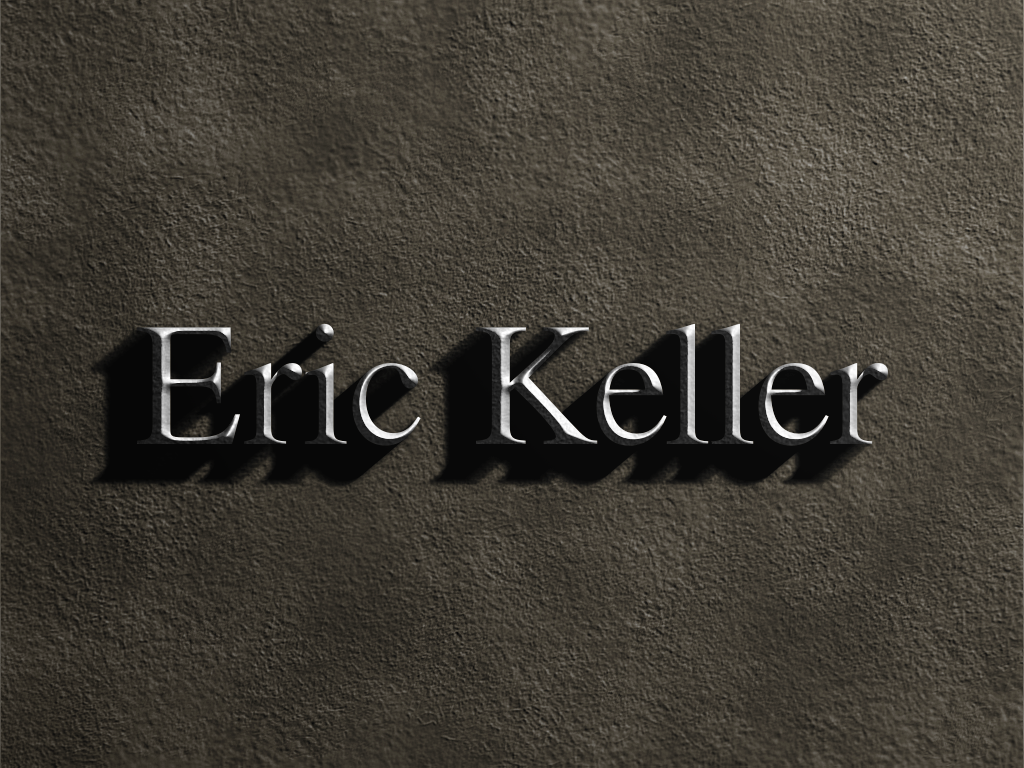
Here's my take on that tut. It's actually pretty good. I didn't do the swords and I'm gonna trim it to make it a facebook cover. Not like my name is a huge state secret though so have at it. I put a little bit of texture on the letters and I overlayed a tan gradient to color the stone a little. Didn't care for the flat grey look before.
Image

_________________
Image

I now have a Tumblr, check it out!


Top
 Post subject: Re: my design of this morning
PostPosted: Tue Oct 22, 2013 4:15 am  (#39) 
Offline
GimpChat Member
User avatar

Joined: Apr 07, 2010
Posts: 14182
Very nice job EK. I really like what you did with the BG. looks a bit like suede.

_________________
Image


Top
 Post subject: Re: my design of this morning
PostPosted: Tue Oct 22, 2013 5:57 am  (#40) 
Offline
GimpChat Member
User avatar

Joined: Apr 07, 2010
Posts: 14182
Well, I can't leave this one alone, had to do another one with Tux's enviro. :teeth
Image

_________________
Image


Top
Post new topic Reply to topic  [ 51 posts ]  Go to page Previous  1, 2, 3  Next

All times are UTC - 5 hours [ DST ]


* Login  


Powered by phpBB3 © phpBB Group