It is currently Wed Nov 18, 2026 9:33 am


All times are UTC - 5 hours [ DST ]


Post new topic Reply to topic  [ 3689 posts ]  Go to page Previous  1 ... 112, 113, 114, 115, 116, 117, 118 ... 185  Next
Author Message
 Post subject: Re: JUST WITHOUT WORDS
PostPosted: Thu Oct 01, 2020 3:43 am  (#2281) 
Offline
GimpChat Member
User avatar

Joined: Apr 26, 2014
Posts: 3842
Location: belgium
Konstantin wrote:
gimper66 wrote:
[ Image ]


Is this a filtereffect or did you freehand the whirlpool with the Bezier Tool ?


viewtopic.php?f=10&t=17667&start=0
to get the heart open the link to my tutorial, don't make the heart bigger than 500x500

I learned this and much more thanks to the bevel reflect tutorial made by wallace
viewtopic.php?f=24&t=11538

once I have finished the heart I duplicate the heart.
I scale the duplicated heart with -20 pixels ( minus twenty pixels )
I then make an animation of those two hearts


Top
 Post subject: Re: JUST WITHOUT WORDS
PostPosted: Thu Oct 01, 2020 4:58 am  (#2282) 
Offline
GimpChat Member
User avatar

Joined: Apr 26, 2014
Posts: 3842
Location: belgium
Image


Top
 Post subject: Re: JUST WITHOUT WORDS
PostPosted: Thu Oct 01, 2020 5:50 am  (#2283) 
Offline
GimpChat Member

Joined: Sep 20, 2016
Posts: 293
gimper66: not the heart ! I was asking about the black and white image you named Trechter.

This one:
https://www.seniorennet.be/forum/upload ... 36135b.png

Filter or Path Tool ?


Top
 Post subject: Re: JUST WITHOUT WORDS
PostPosted: Thu Oct 01, 2020 7:19 am  (#2284) 
Offline
GimpChat Member
User avatar

Joined: Apr 26, 2014
Posts: 3842
Location: belgium
Konstantin wrote:
gimper66: not the heart ! I was asking about the black and white image you named Trechter.

This one:
https://www.seniorennet.be/forum/upload ... 36135b.png

Filter or Path Tool ?


I draw the lines with the paths tool on a white background, then select between the drawn lines and fill this with black.
in the zipped folder is a short example of how I did that.
gimper66


Attachments:
TRECHTER-1.zip [874.6 KiB]
Downloaded 99 times
Top
 Post subject: Re: JUST WITHOUT WORDS
PostPosted: Thu Oct 01, 2020 7:42 am  (#2285) 
Offline
GimpChat Member

Joined: Sep 20, 2016
Posts: 293
gimper66 wrote:
I draw the lines with the paths tool on a white background, then select between the drawn lines and fill this with black.
in the zipped folder is a short example of how I did that.
gimper66


Thanks for the explanation and mini tutorial !


Top
 Post subject: Re: JUST WITHOUT WORDS
PostPosted: Fri Oct 02, 2020 3:54 am  (#2286) 
Offline
GimpChat Member
User avatar

Joined: Apr 26, 2014
Posts: 3842
Location: belgium
Image


Top
 Post subject: Re: JUST WITHOUT WORDS
PostPosted: Sat Oct 03, 2020 3:20 am  (#2287) 
Offline
GimpChat Member
User avatar

Joined: Apr 26, 2014
Posts: 3842
Location: belgium
Image


Top
 Post subject: Re: JUST WITHOUT WORDS
PostPosted: Sat Oct 03, 2020 4:53 am  (#2288) 
Offline
GimpChat Member
User avatar

Joined: Apr 26, 2014
Posts: 3842
Location: belgium
Image


Top
 Post subject: Re: JUST WITHOUT WORDS
PostPosted: Sun Oct 11, 2020 1:00 pm  (#2289) 
Offline
GimpChat Member
User avatar

Joined: Apr 26, 2014
Posts: 3842
Location: belgium
Image


Top
 Post subject: Re: JUST WITHOUT WORDS
PostPosted: Sun Oct 11, 2020 8:44 pm  (#2290) 
Offline
Global Moderator
User avatar

Joined: Apr 01, 2012
Posts: 8507
Location: On the other side of your screen
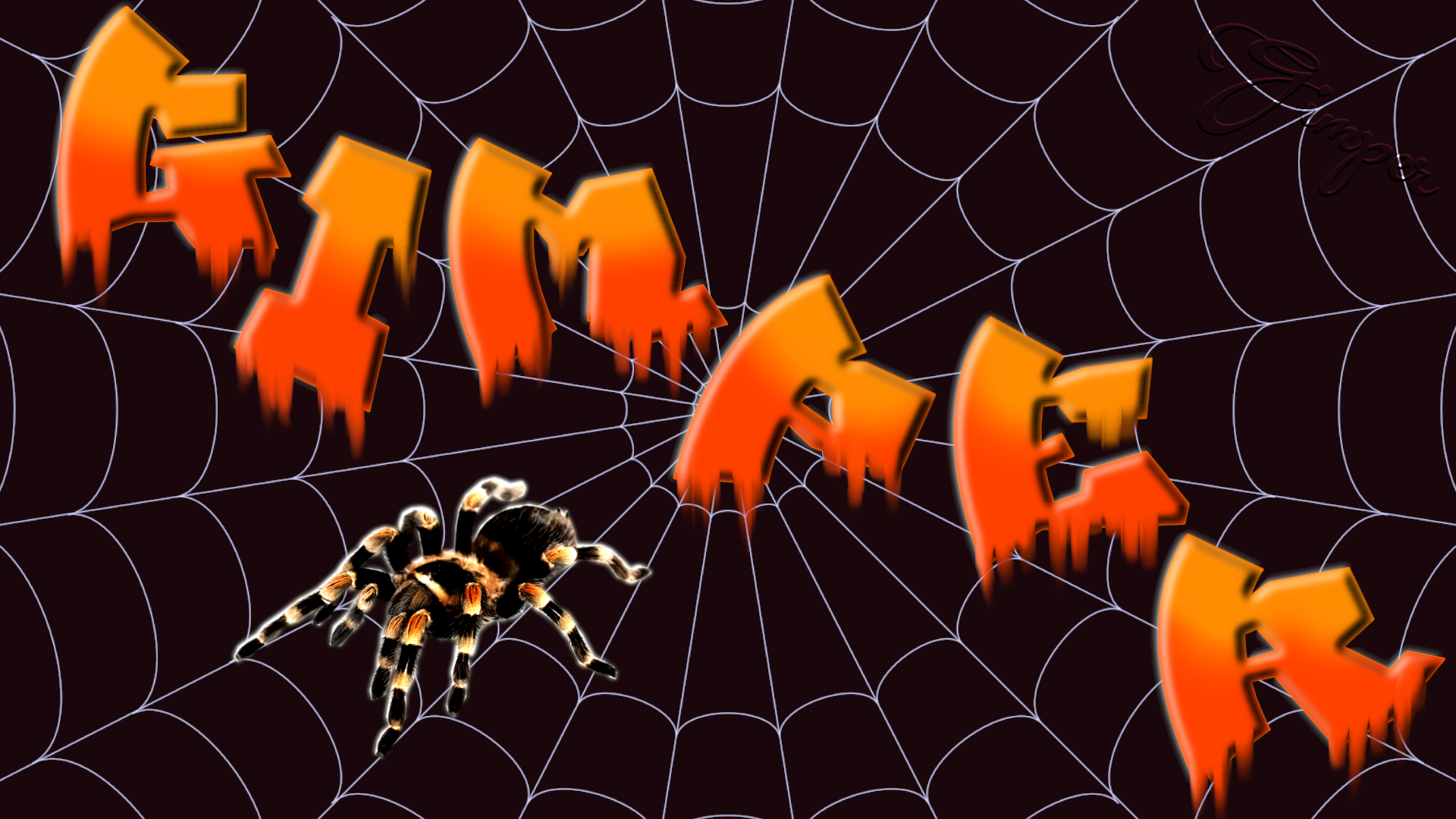
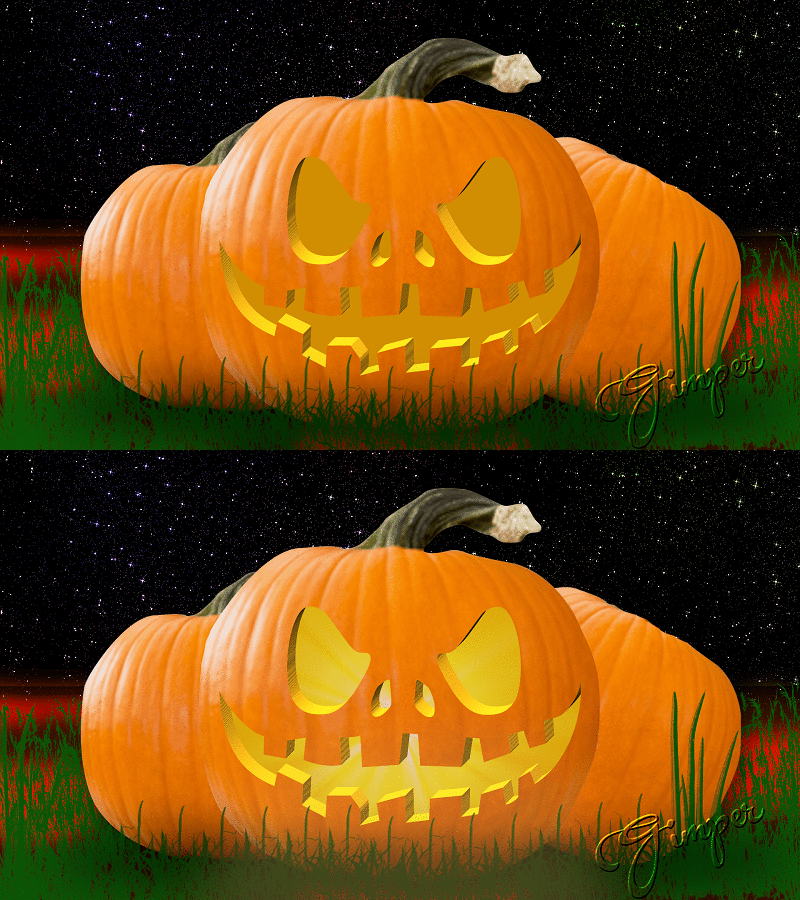
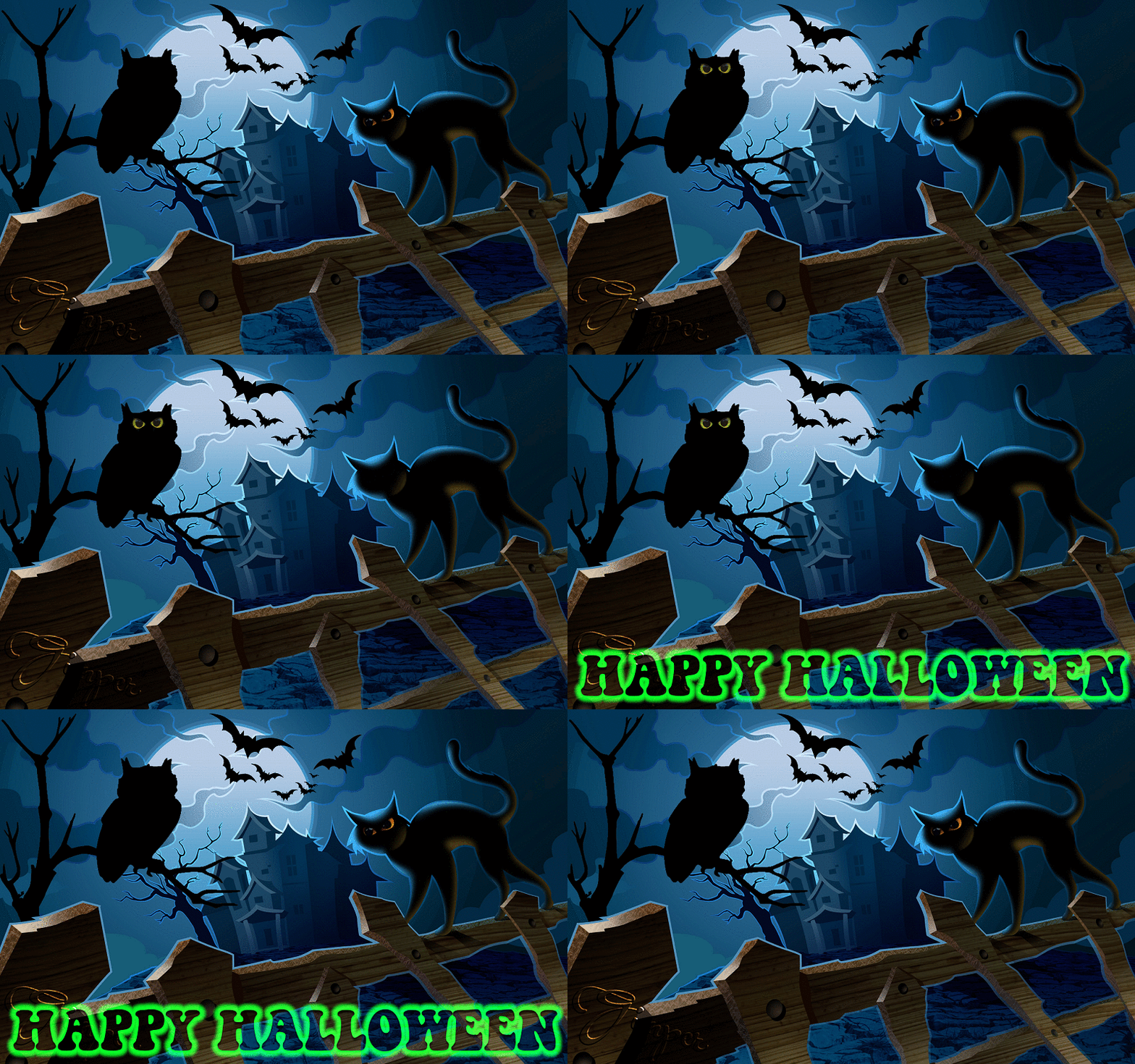
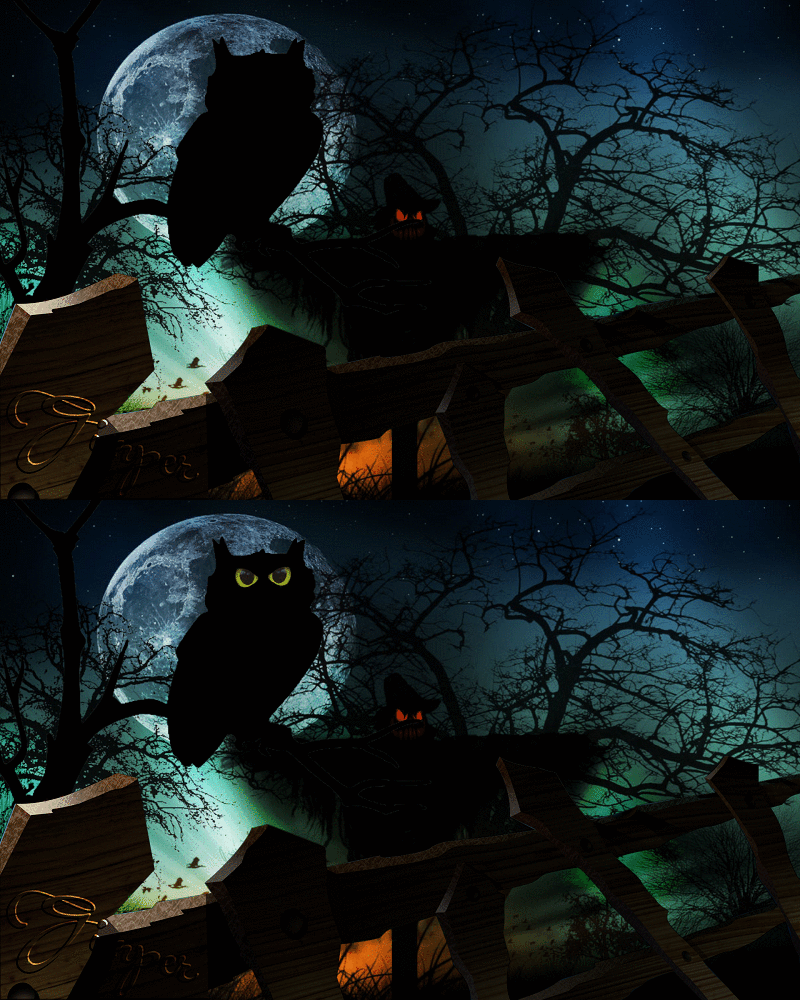
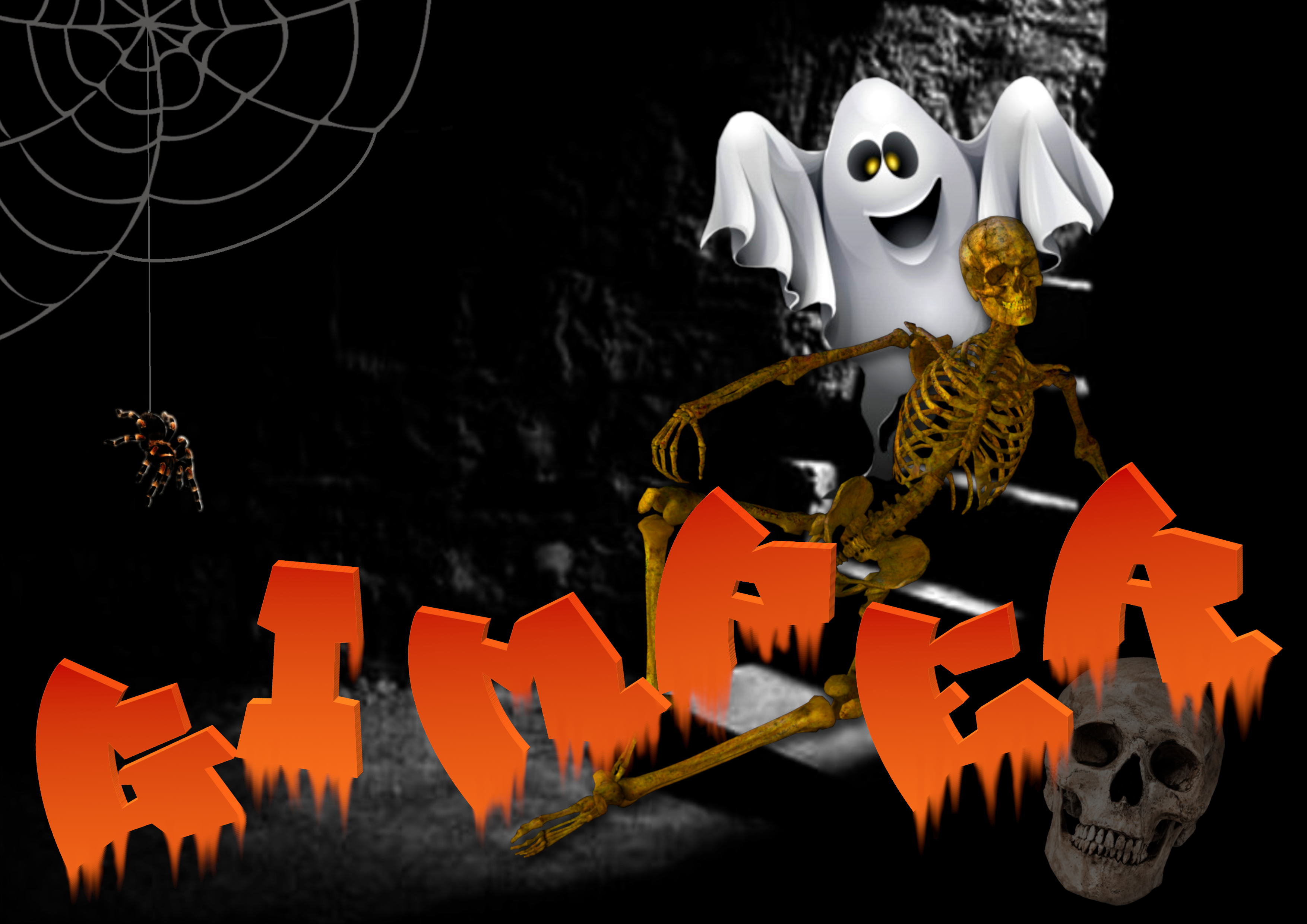
Nice Halloween one.
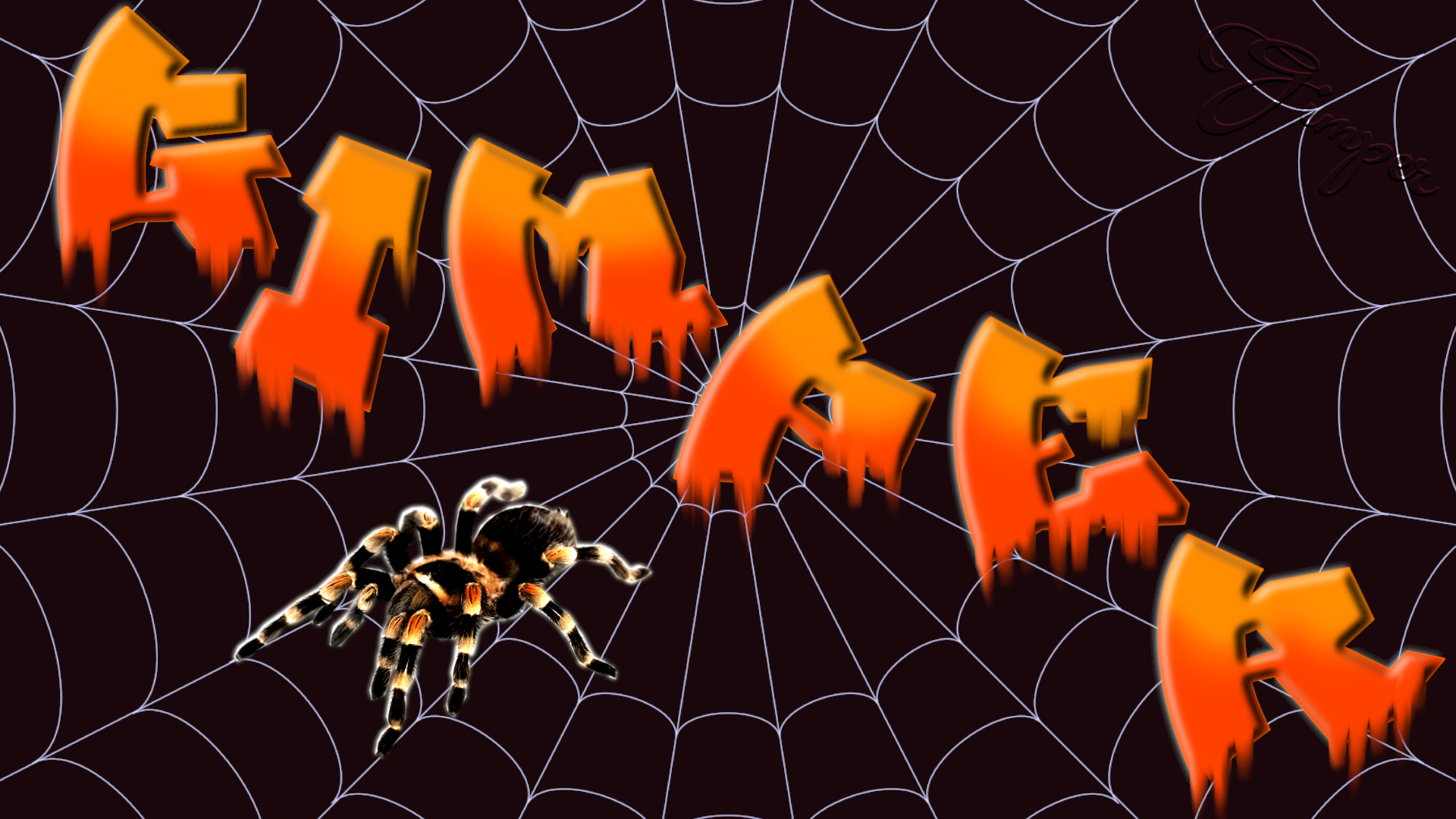
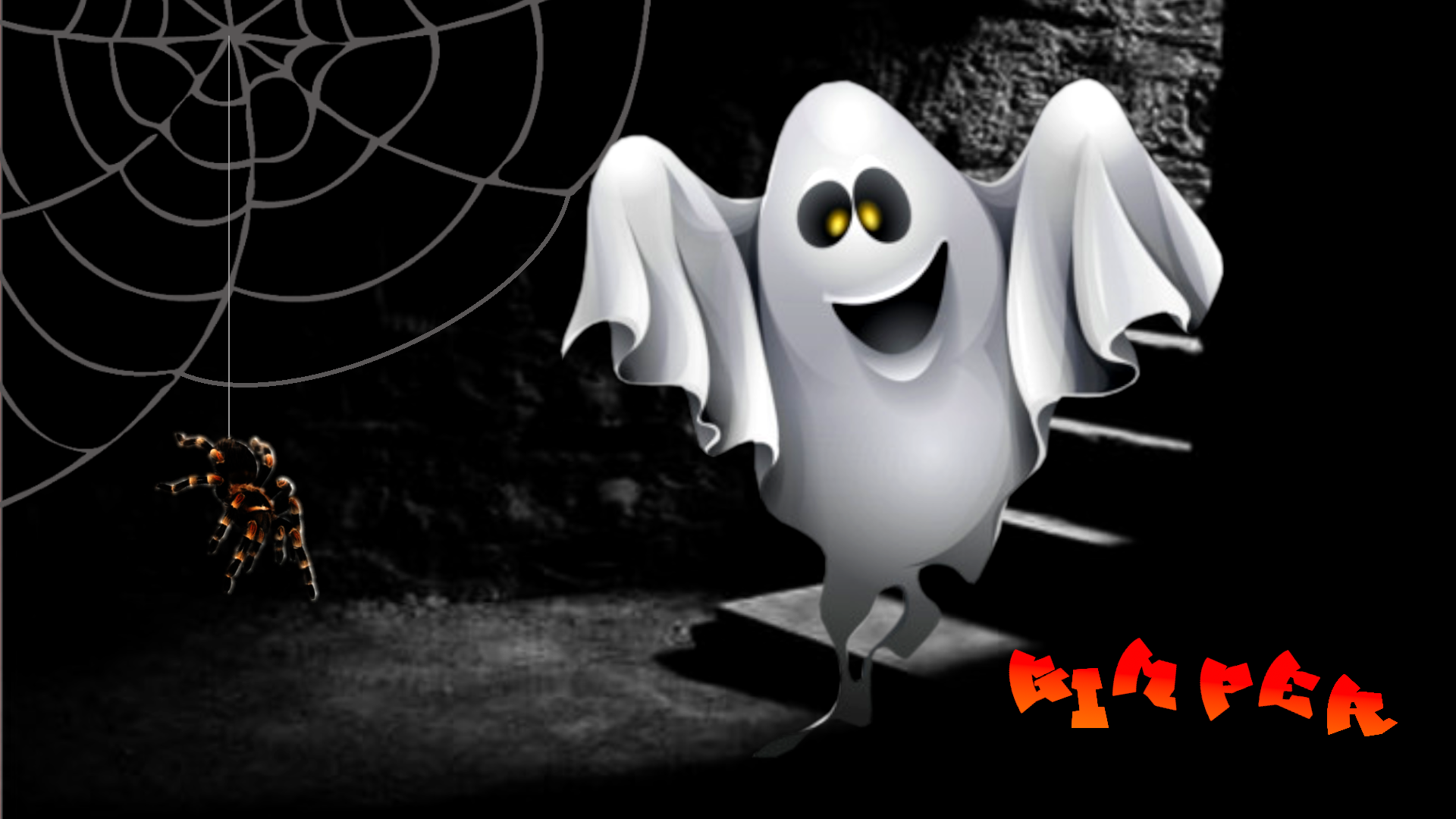
Dont like the spider you found - (but then I don't like spiders)

_________________
Image
Free Fun Photo Editing & resources
Poems from the Lord
Gimp Newby
Gimp version 3.2.8 and GMIC-Qt 4.0.2 OS :- Windows 10 Home 64


Top
 Post subject: Re: JUST WITHOUT WORDS
PostPosted: Mon Oct 12, 2020 10:48 am  (#2291) 
Offline
GimpChat Member
User avatar

Joined: Apr 26, 2014
Posts: 3842
Location: belgium
Image


Top
 Post subject: Re: JUST WITHOUT WORDS
PostPosted: Wed Oct 14, 2020 4:07 am  (#2292) 
Offline
GimpChat Member
User avatar

Joined: Apr 26, 2014
Posts: 3842
Location: belgium
Image


Top
 Post subject: Re: JUST WITHOUT WORDS
PostPosted: Wed Oct 14, 2020 7:47 am  (#2293) 
Offline
GimpChat Member
User avatar

Joined: Apr 26, 2014
Posts: 3842
Location: belgium
Image


Top
 Post subject: Re: JUST WITHOUT WORDS
PostPosted: Wed Oct 14, 2020 8:56 am  (#2294) 
Offline
GimpChat Member
User avatar

Joined: Apr 26, 2014
Posts: 3842
Location: belgium
Image


Top
 Post subject: Re: JUST WITHOUT WORDS
PostPosted: Wed Oct 14, 2020 8:58 am  (#2295) 
Offline
GimpChat Member
User avatar

Joined: Apr 26, 2014
Posts: 3842
Location: belgium
Image


Top
 Post subject: Re: JUST WITHOUT WORDS
PostPosted: Wed Oct 14, 2020 9:00 am  (#2296) 
Offline
GimpChat Member
User avatar

Joined: Apr 26, 2014
Posts: 3842
Location: belgium
Image


Top
 Post subject: Re: JUST WITHOUT WORDS
PostPosted: Wed Oct 14, 2020 9:01 am  (#2297) 
Offline
GimpChat Member
User avatar

Joined: Apr 26, 2014
Posts: 3842
Location: belgium
Image


Top
 Post subject: Re: JUST WITHOUT WORDS
PostPosted: Wed Oct 14, 2020 9:02 am  (#2298) 
Offline
GimpChat Member
User avatar

Joined: Apr 26, 2014
Posts: 3842
Location: belgium
Image


Top
 Post subject: Re: JUST WITHOUT WORDS
PostPosted: Wed Oct 14, 2020 9:23 am  (#2299) 
Offline
GimpChat Member
User avatar

Joined: Apr 26, 2014
Posts: 3842
Location: belgium
Image


Top
 Post subject: Re: JUST WITHOUT WORDS
PostPosted: Wed Oct 14, 2020 9:33 am  (#2300) 
Offline
Global Moderator
User avatar

Joined: Apr 01, 2012
Posts: 8507
Location: On the other side of your screen
Eek, creepy crawly spiders...

_________________
Image
Free Fun Photo Editing & resources
Poems from the Lord
Gimp Newby
Gimp version 3.2.8 and GMIC-Qt 4.0.2 OS :- Windows 10 Home 64


Top
Post new topic Reply to topic  [ 3689 posts ]  Go to page Previous  1 ... 112, 113, 114, 115, 116, 117, 118 ... 185  Next

All times are UTC - 5 hours [ DST ]


* Login  


Powered by phpBB3 © phpBB Group