It is currently Thu Nov 05, 2026 4:46 pm


All times are UTC - 5 hours [ DST ]


Post new topic Reply to topic  [ 463 posts ]  Go to page Previous  1, 2, 3, 4, 5, 6, 7, 8 ... 24  Next
Author Message
 Post subject: Re: TexturizeByColourArea
PostPosted: Tue Oct 04, 2016 5:55 pm  (#81) 
Offline
GimpChat Member

Joined: May 12, 2015
Posts: 4693
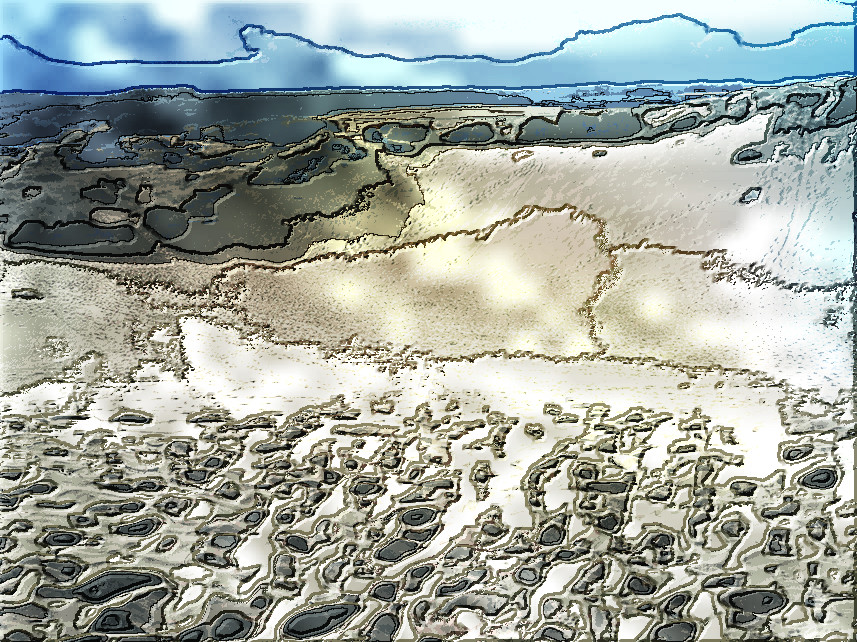
That is so neat! I never would have thought of imaging oil on water.


Top
 Post subject: Re: TexturizeByColourArea
PostPosted: Tue Oct 04, 2016 5:59 pm  (#82) 
Offline
GimpChat Member
User avatar

Joined: Jun 06, 2016
Posts: 1033
The subject was from pixabay (oil in water).


Top
 Post subject: Re: TexturizeByColourArea
PostPosted: Tue Oct 04, 2016 9:16 pm  (#83) 
Offline
GimpChat Member

Joined: May 12, 2015
Posts: 4693
I did not follow Issabella's Effects entirely but I did bevel around the flower first.
Attachment:
Flower in the dark.DNTBABC.jpg
Flower in the dark.DNTBABC.jpg [ 2 MiB | Viewed 1218 times ]


Top
 Post subject: Re: TexturizeByColourArea
PostPosted: Wed Oct 05, 2016 1:46 pm  (#84) 
Offline
GimpChat Member
User avatar

Joined: Jun 06, 2016
Posts: 1033
A glow in the dark flower!
Here is a different one, with the division lines set off on the
small areas to make the face look nicer. (getting closer
to finishing)


Attachments:
18177-melyssa-grace-1366x768-girl-wallpaper,v1B,(colours=36)_,1,0+1.0,_,30,20,5,3,2,2,4,60,wood4.jpg
18177-melyssa-grace-1366x768-girl-wallpaper,v1B,(colours=36)_,1,0+1.0,_,30,20,5,3,2,2,4,60,wood4.jpg [ 180.68 KiB | Viewed 1214 times ]
Top
 Post subject: Re: TexturizeByColourArea
PostPosted: Wed Oct 05, 2016 3:07 pm  (#85) 
Offline
GimpChat Member

Joined: May 12, 2015
Posts: 4693
Very nice, Animicule! I really like that one.


Top
 Post subject: Re: TexturizeByColourArea
PostPosted: Wed Oct 05, 2016 3:43 pm  (#86) 
Offline
GimpChat Member
User avatar

Joined: Apr 09, 2016
Posts: 580
Location: Sheffield UK
A lot of valuable work gone on here, looking forward to checking out some methods, thanx for the huge pat. animicule
Image

_________________
Image


Top
 Post subject: Re: TexturizeByColourArea
PostPosted: Wed Oct 05, 2016 5:40 pm  (#87) 
Offline
GimpChat Member
User avatar

Joined: Jun 06, 2016
Posts: 1033
RJKD, you can open that pattern in gimp, and flip it horizontal or vertical, crop areas of it etc to make
different patterns. I have several resized to 2000x2000 for a tighter look. I look at the subject and think where some highlights would look good, then modify a pattern to have an area that matches, it doesn't take long if it doesn't work and looks good if it does.

Here is a giraffe that with the long neck I thought would fit the pattern well.


Attachments:
giraffe-reticulated-giraffe-neck-beautiful-158832-medium,v1B,(colours=16)_,1,0,1.0,_,30,20,10,5,4,1,4,huge_random.jpg
giraffe-reticulated-giraffe-neck-beautiful-158832-medium,v1B,(colours=16)_,1,0,1.0,_,30,20,10,5,4,1,4,huge_random.jpg [ 188.65 KiB | Viewed 1204 times ]
Top
 Post subject: Re: TexturizeByColourArea
PostPosted: Wed Oct 05, 2016 10:19 pm  (#88) 
Offline
Global Moderator
User avatar

Joined: Oct 02, 2014
Posts: 5086
Location: Sydney Australia
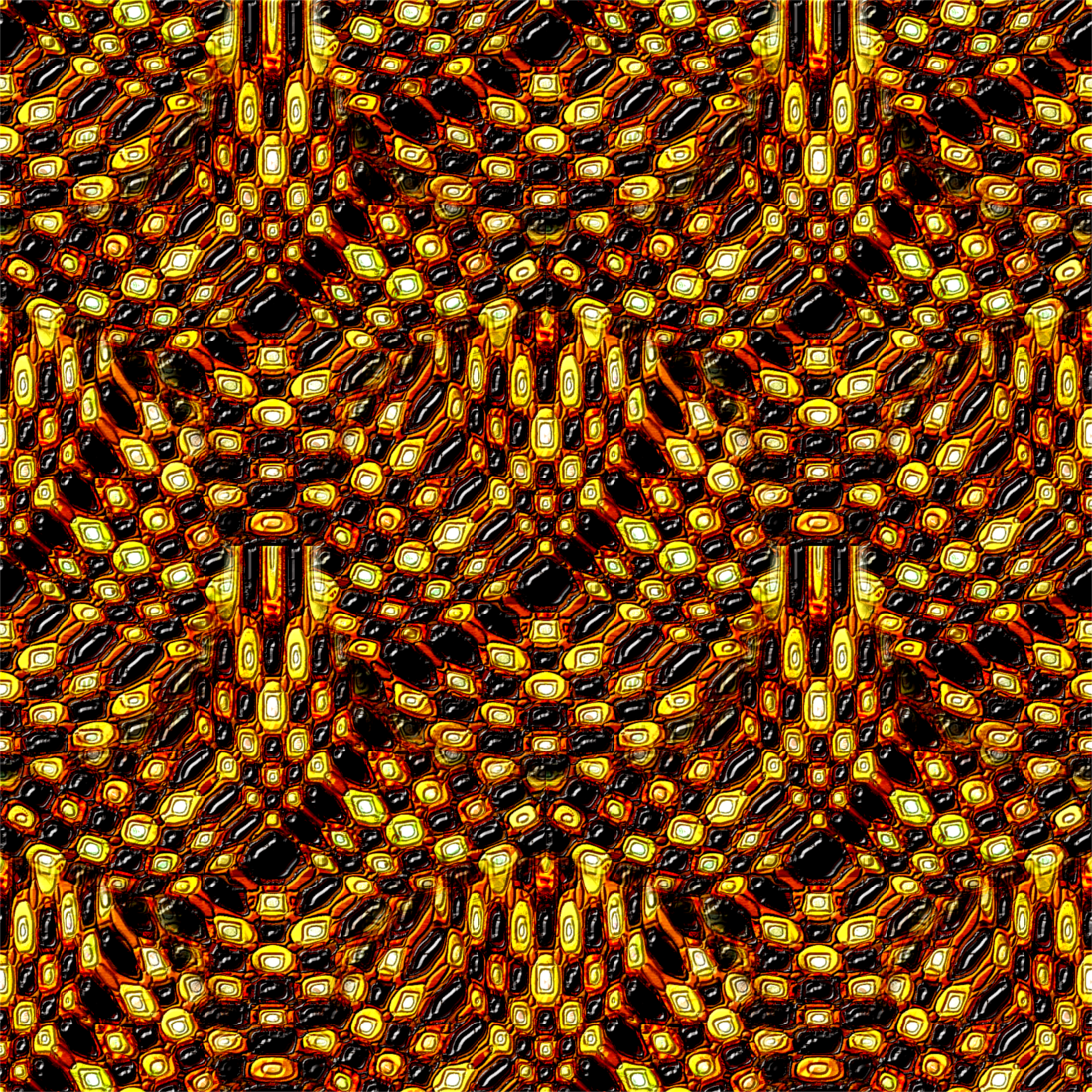
Tried the script on a pattern using abunch of random patterns ... then made it into an array -

Image

_________________
Image

Respect should be offered freely but hard earned


Top
 Post subject: Re: TexturizeByColourArea
PostPosted: Wed Oct 05, 2016 11:37 pm  (#89) 
Offline
GimpChat Member
User avatar

Joined: Jan 20, 2013
Posts: 14835
Location: roma, italy
animicule wrote:
A glow in the dark flower!
Here is a different one, with the division lines set off on the
small areas to make the face look nicer. (getting closer
to finishing)

good suggestion, animicule

_________________
"Where am I ?"


Top
 Post subject: Re: TexturizeByColourArea
PostPosted: Thu Oct 06, 2016 12:25 am  (#90) 
Offline
GimpChat Member

Joined: May 12, 2015
Posts: 4693
Animicule: That giraffe is really nice.
OMG: That pattern from the script is really unique! Never would have thought to do something like that.


Top
 Post subject: Re: TexturizeByColourArea
PostPosted: Thu Oct 06, 2016 5:21 am  (#91) 
Offline
GimpChat Member
User avatar

Joined: Mar 01, 2014
Posts: 14223
Location: Spain, Aragón
Great results with this filter. I continue using it and enjoying the results. Pat, Animicule, RJKD your outcomes are fantastic. :kpix
Animicule, you did a great fine on your last one. Well done! :bigthup
OMG, thank you for sharing your nice pattern, it is really nice. :tyspin


Attachments:
1_19_DSC_0643-texturizebycolourarea-DN.jpg
1_19_DSC_0643-texturizebycolourarea-DN.jpg [ 1.26 MiB | Viewed 1117 times ]
Bird&Leaves-TexturizeByColourArea-DN.jpg
Bird&Leaves-TexturizeByColourArea-DN.jpg [ 311.43 KiB | Viewed 1117 times ]

_________________
Image

Gimp 2.10.36 (samj) portable _ OS Windows 10 Home_ 64bits
Don’t be afraid to start over. It’s a new chance to rebuild what you want.
Top
 Post subject: Re: TexturizeByColourArea
PostPosted: Thu Oct 06, 2016 7:06 am  (#92) 
Offline
GimpChat Member
User avatar

Joined: Jan 20, 2013
Posts: 14835
Location: roma, italy
from time to time...

Attachment:
girl-1583397_960_720, darkened, Texturized (colours=64; texture=wood).jpg
girl-1583397_960_720, darkened, Texturized (colours=64; texture=wood).jpg [ 240.59 KiB | Viewed 1113 times ]

_________________
"Where am I ?"


Top
 Post subject: Re: TexturizeByColourArea
PostPosted: Thu Oct 06, 2016 8:15 am  (#93) 
Offline
GimpChat Member
User avatar

Joined: Mar 01, 2014
Posts: 14223
Location: Spain, Aragón
Awesome the results with this filter, I think that textures are important to get the best results, too. Wood is always a safe bet. :bigthup


Attachments:
2549617996_wind comb-chillida-texturizebyareabycolour-35colours.jpg
2549617996_wind comb-chillida-texturizebyareabycolour-35colours.jpg [ 132.62 KiB | Viewed 1111 times ]
P1015615-texturizebyareabycolour-wood-45colours-DN.JPG
P1015615-texturizebyareabycolour-wood-45colours-DN.JPG [ 840.26 KiB | Viewed 1111 times ]
Vladimir-Texturizebyareabycolour-DN-40colours.jpg
Vladimir-Texturizebyareabycolour-DN-40colours.jpg [ 187.77 KiB | Viewed 1111 times ]

_________________
Image

Gimp 2.10.36 (samj) portable _ OS Windows 10 Home_ 64bits
Don’t be afraid to start over. It’s a new chance to rebuild what you want.
Top
 Post subject: Re: TexturizeByColourArea
PostPosted: Thu Oct 06, 2016 8:54 am  (#94) 
Offline
GimpChat Member
User avatar

Joined: Jun 06, 2016
Posts: 1033
Wow! Very nice everyone!!!
Isabella, I see for sure the bevel play on the flowers and bird!
Was it used on the chessmen also (it looks like it maybe though not too obvious)?
Forgot my flash drive at home this morning...


Top
 Post subject: Re: TexturizeByColourArea
PostPosted: Thu Oct 06, 2016 9:00 am  (#95) 
Offline
GimpChat Member
User avatar

Joined: Mar 01, 2014
Posts: 14223
Location: Spain, Aragón
Thanks animicule, you are so expert in this nice filter.
No, I didn't applied bevel on chessmen. I liked as they were. :) But as you say, I did it on the bird and leaves.

_________________
Image

Gimp 2.10.36 (samj) portable _ OS Windows 10 Home_ 64bits
Don’t be afraid to start over. It’s a new chance to rebuild what you want.


Top
 Post subject: Re: TexturizeByColourArea
PostPosted: Thu Oct 06, 2016 9:09 am  (#96) 
Offline
GimpChat Member
User avatar

Joined: Jun 06, 2016
Posts: 1033
You are welcome Isabella!
I like the chessmen very much as they are too,
the outcome has a dimensional look on the front 2 rows.


Top
 Post subject: Re: TexturizeByColourArea
PostPosted: Thu Oct 06, 2016 12:51 pm  (#97) 
Offline
GimpChat Member

Joined: May 12, 2015
Posts: 4693
Dinasset: Love your images. Issabella, yours are very beautiful, really love that chess set. Animicule: Very artistic as ever!


Top
 Post subject: Re: TexturizeByColourArea
PostPosted: Thu Oct 06, 2016 2:39 pm  (#98) 
Offline
GimpChat Member
User avatar

Joined: Jun 06, 2016
Posts: 1033
Here is one using the 'huge' pattern scaled down to 2000x2000
so you may see the effect!


Attachments:
bmw-1313343_1920 (colours=64)v1A,1.0,32,30,20,10,5,4,1,huge3.jpg
bmw-1313343_1920 (colours=64)v1A,1.0,32,30,20,10,5,4,1,huge3.jpg [ 272.19 KiB | Viewed 1088 times ]
Top
 Post subject: Re: TexturizeByColourArea
PostPosted: Thu Oct 06, 2016 5:32 pm  (#99) 
Offline
GimpChat Member
User avatar

Joined: Jun 06, 2016
Posts: 1033
Cute animals


Attachments:
animals-1010643_1920 (colours=11).jpg
animals-1010643_1920 (colours=11).jpg [ 115.17 KiB | Viewed 1083 times ]
Top
 Post subject: Re: TexturizeByColourArea
PostPosted: Thu Oct 06, 2016 5:40 pm  (#100) 
Offline
GimpChat Member
User avatar

Joined: Jun 06, 2016
Posts: 1033
And a caterpillar


Attachments:
arcte-coerula-230106_1280 (colours=96)v1A,1.0,21,30,20,10,3,4,1,huge.jpg
arcte-coerula-230106_1280 (colours=96)v1A,1.0,21,30,20,10,3,4,1,huge.jpg [ 75.29 KiB | Viewed 1082 times ]
Top
Post new topic Reply to topic  [ 463 posts ]  Go to page Previous  1, 2, 3, 4, 5, 6, 7, 8 ... 24  Next

All times are UTC - 5 hours [ DST ]


* Login  


Powered by phpBB3 © phpBB Group