It is currently Sun Sep 06, 2026 11:15 am


All times are UTC - 5 hours [ DST ]


Post new topic Reply to topic  [ 5 posts ] 
Author Message
 Post subject: Tin's Gradient Border Select
PostPosted: Wed Jul 01, 2020 10:14 pm  (#1) 
Offline
GimpChat Member
User avatar

Joined: Oct 06, 2010
Posts: 4050
Tin created a new plugin to mask an unique border area around a selection, then it can be filled with color, another gradient, etc. I found it fascinating at how easy you can make professional looking text images.

Attachment:
tintrouble2.png
tintrouble2.png [ 721.11 KiB | Viewed 4318 times ]

_________________
"In order to attain the impossible, one must attempt the absurd."
~ Miguel de Cervantes


Share on Facebook Share on Twitter Share on Orkut Share on Digg Share on MySpace Share on Delicious Share on Technorati
Top
 Post subject: Re: Tin's Gradient Border Select
PostPosted: Wed Jul 01, 2020 10:53 pm  (#2) 
Offline
GimpChat Member
User avatar

Joined: Oct 06, 2010
Posts: 4050
Mini-tutorial here:

The font I am using is "About Love".
Attachment:
About-Love-2768070.zip [164.78 KiB]
Downloaded 281 times


I created a gradient from a sunset image I took here in Idaho, using Rob A's sample gradient from path script.
Attachment:
sample-gradient-along-path.scm [5.85 KiB]
Downloaded 283 times


The background image is just a gradient of the sunset image, and when setting up the selection mask gradient, I used Crown Moulding 5.

For the foreground color I selected the top color of the background, and the background color is from the bottom of the background.

Run Tin's plugin (I used default at 50px and selected Crown Moulding 5)

Filled the newly created border with the background color. Select None. Activated the path selection and filled it with the sunset gradient in reverse. Smudged any overlapping selections within the font. Created a new transparent layer under the text, added some clouds. Made a new layer above the text and added white lines to blur to mimic sheen/shine.

_________________
"In order to attain the impossible, one must attempt the absurd."
~ Miguel de Cervantes


Top
 Post subject: Re: Tin's Gradient Border Select
PostPosted: Thu Jul 02, 2020 4:38 pm  (#3) 
Offline
Administrator
User avatar

Joined: Aug 10, 2012
Posts: 14193
Location: Native to NYC living in Arizona, Gimp 2.8 - 3.0, Win 11 PC.
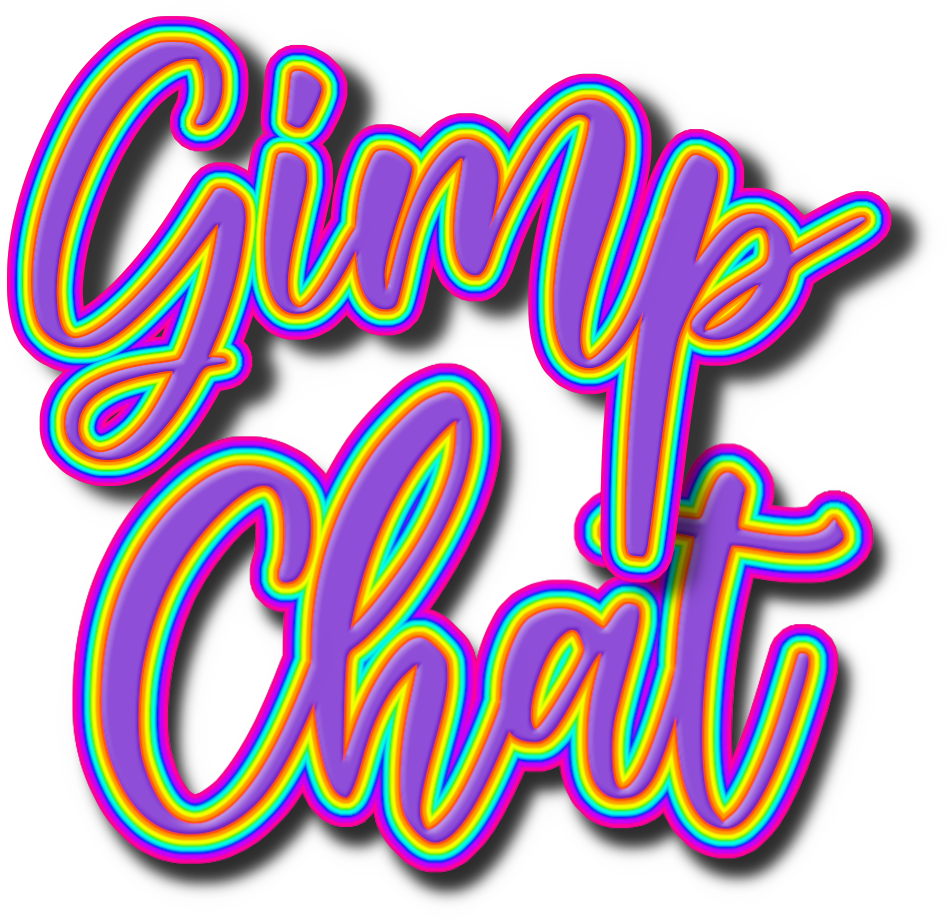
Had to give this a try.
Image
Pretty cool.
:bigthup

_________________
Image
"A wise man learns more from a foolish question than a fool can learn from a wise answer"
Image


Top
 Post subject: Re: Tin's Gradient Border Select
PostPosted: Thu Jul 02, 2020 4:56 pm  (#4) 
Offline
GimpChat Member
User avatar

Joined: Oct 06, 2010
Posts: 4050
Fancy stuff!

_________________
"In order to attain the impossible, one must attempt the absurd."
~ Miguel de Cervantes


Top
 Post subject: Re: Tin's Gradient Border Select
PostPosted: Fri Jul 03, 2020 4:20 am  (#5) 
Offline
Global Moderator
User avatar

Joined: Apr 01, 2012
Posts: 8470
Location: On the other side of your screen
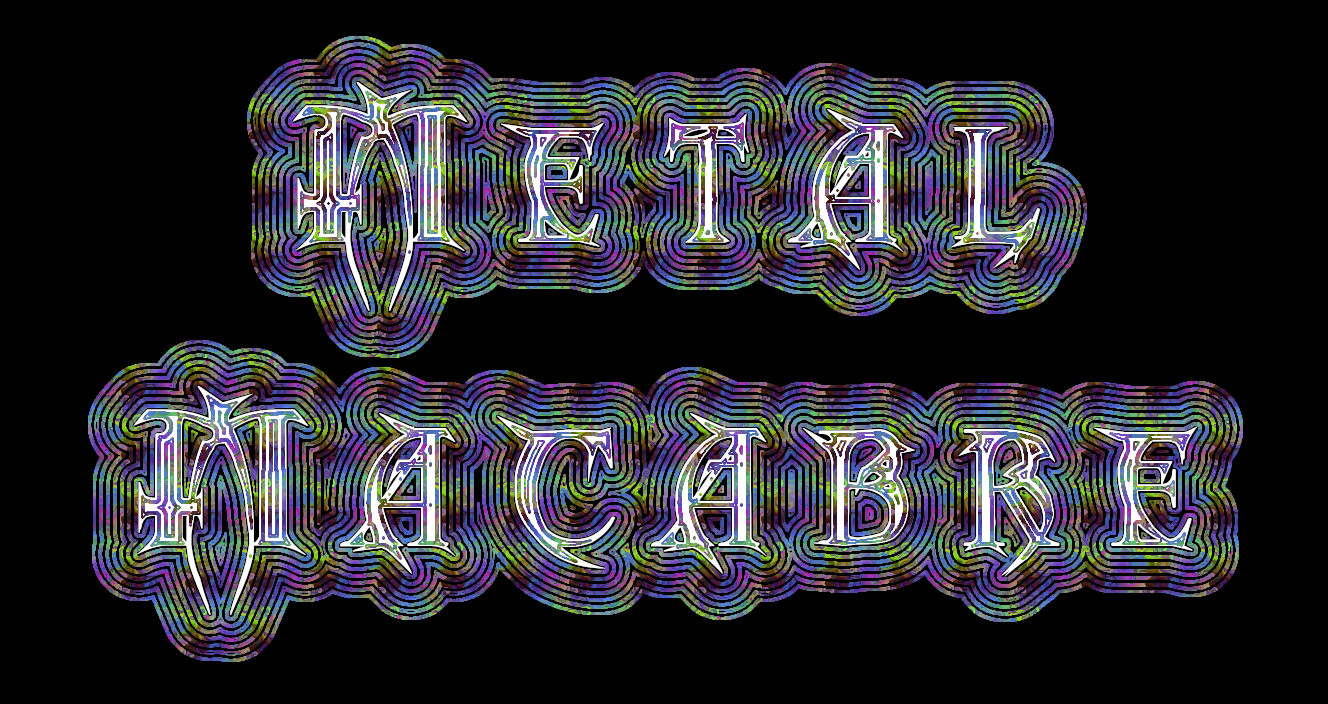
Tried
Image What I did with this one was stroke the selection/s with a pattern
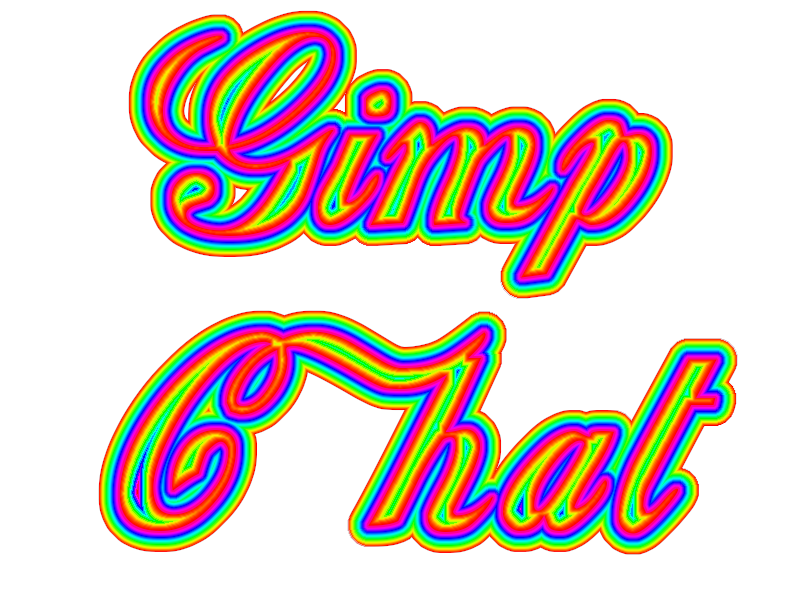

I obviously downloaded the wrong one before
Image

_________________
Image
Free Fun Photo Editing & resources
Poems from the Lord
Gimp Newby
Gimp version 3.2.4 and GMIC-Qt 4.0.2 OS :- Windows 10 Home 64


Top
Post new topic Reply to topic  [ 5 posts ] 

All times are UTC - 5 hours [ DST ]


* Login  


Powered by phpBB3 © phpBB Group