It is currently Tue Sep 01, 2026 6:10 am


All times are UTC - 5 hours [ DST ]


Post new topic Reply to topic  [ 8 posts ] 
Author Message
 Post subject: Pseudo Adjustment Layers on a fractal
PostPosted: Mon Apr 13, 2026 2:51 pm  (#1) 
Offline
GimpChat Member
User avatar

Joined: Mar 23, 2012
Posts: 7388
Location: Göteborg at last!
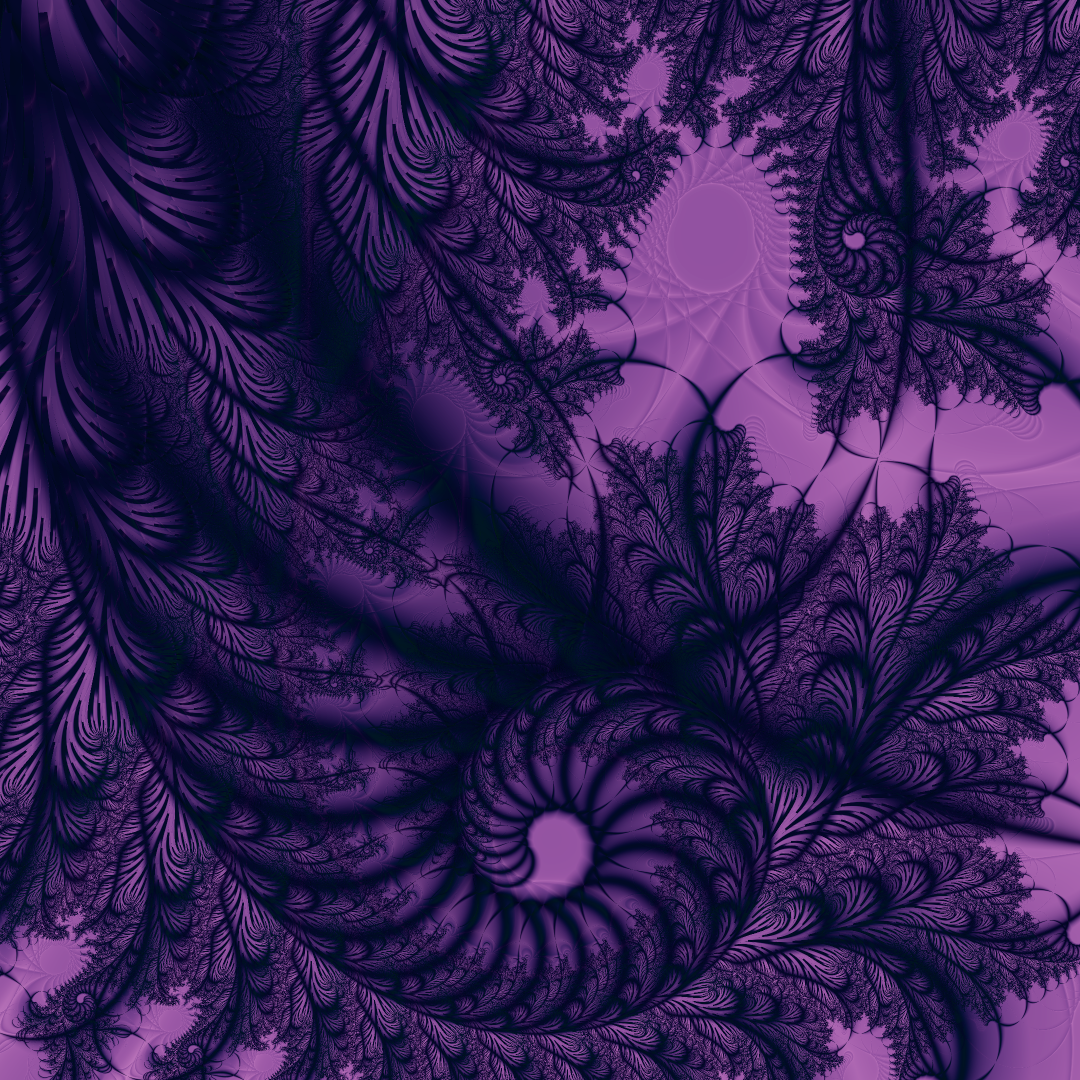
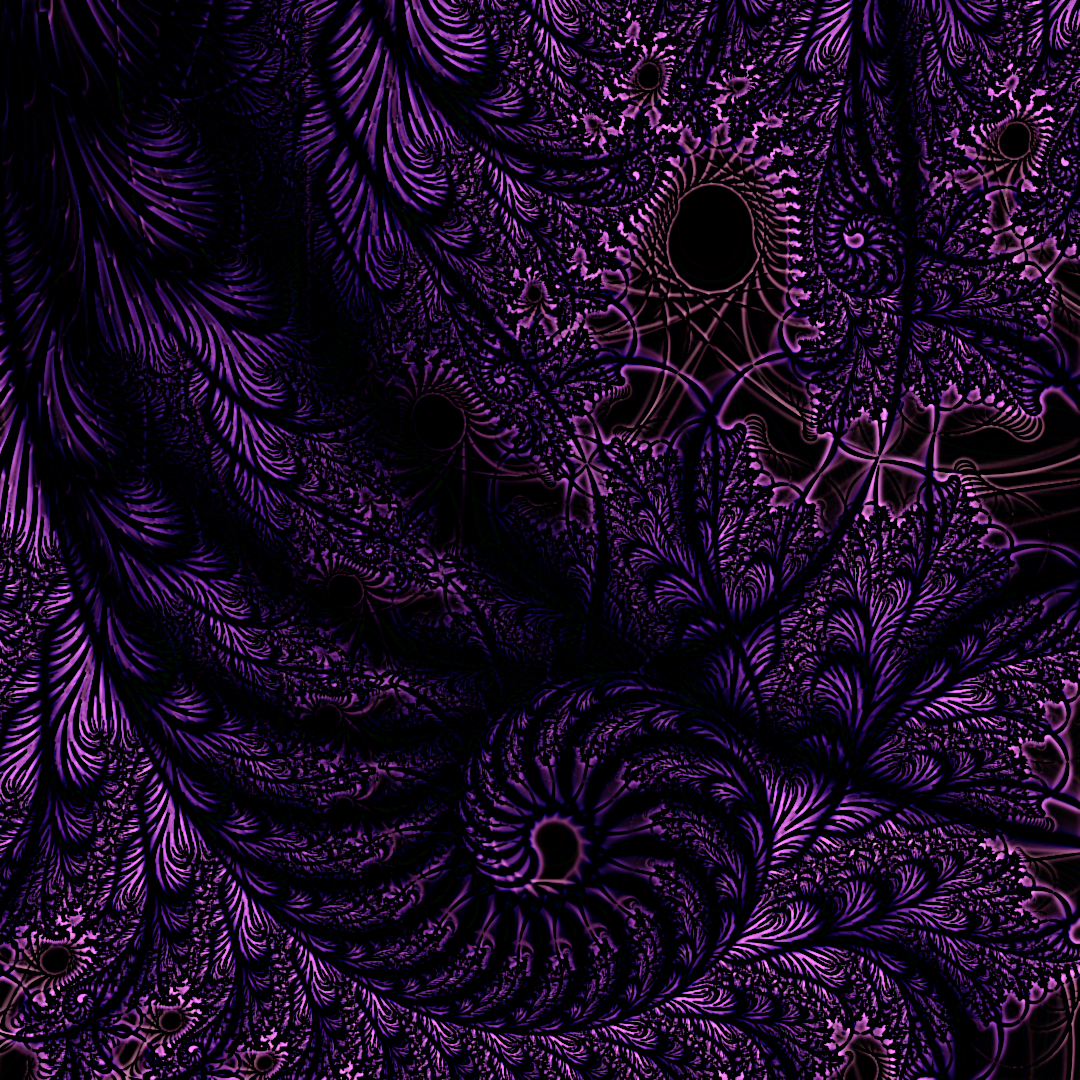
Hi everybody. Been a long time! I created a fractal in Sterling2 and I just came across this Gimp filter and wanted to try it out.

Original Fractal.
Image

Gimped.
Image


Share on Facebook Share on Twitter Share on Orkut Share on Digg Share on MySpace Share on Delicious Share on Technorati
Top
 Post subject: Re: Pseudo Adjustment Layers on a fractal
PostPosted: Mon Apr 13, 2026 4:05 pm  (#2) 
Offline
GimpChat Member
User avatar

Joined: Mar 23, 2012
Posts: 7388
Location: Göteborg at last!
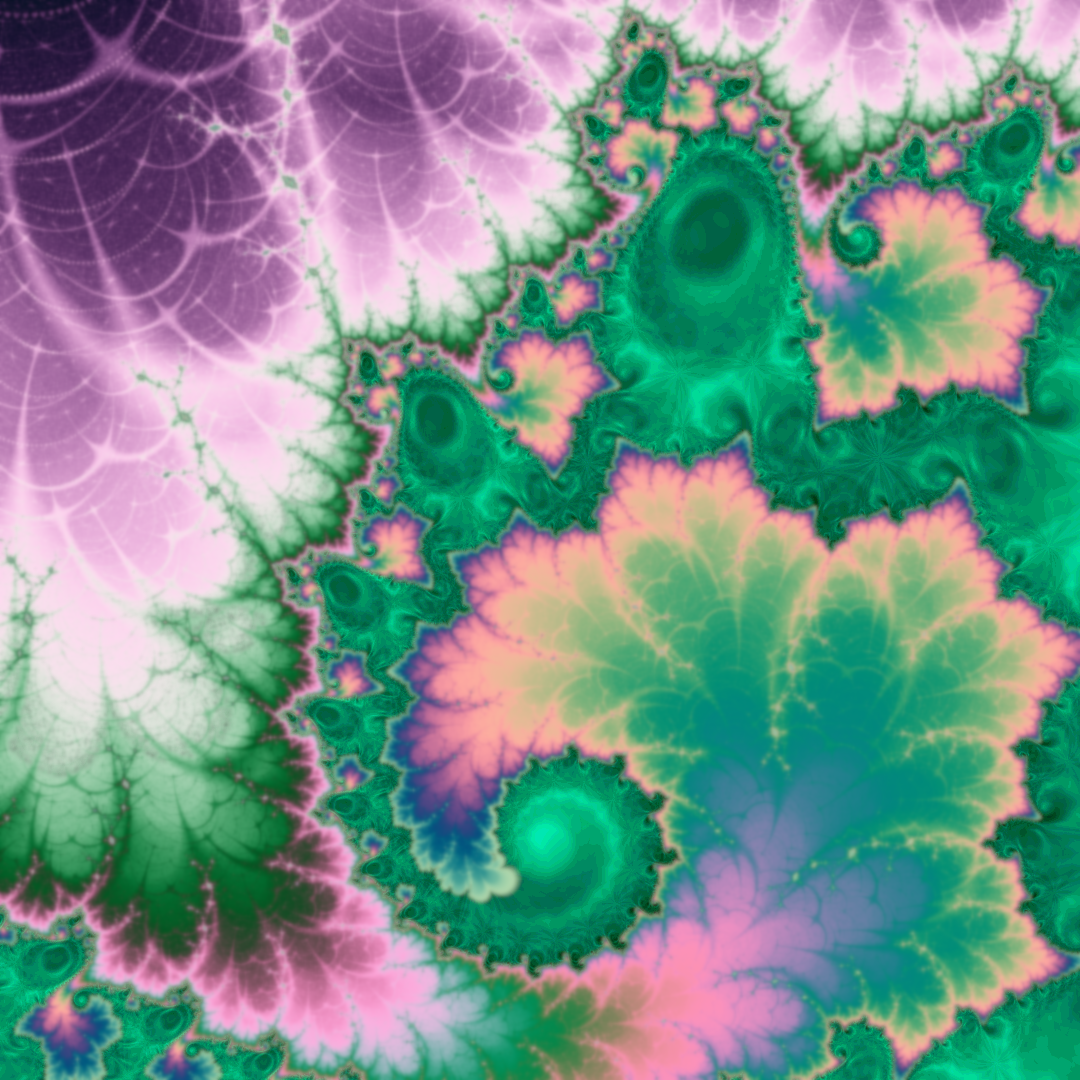
This is from the same fractal. Two different Sterling filters were used and the results combined in Gimp.

Image


Top
 Post subject: Re: Pseudo Adjustment Layers on a fractal
PostPosted: Mon Apr 13, 2026 9:01 pm  (#3) 
Offline
Global Moderator
User avatar

Joined: Apr 01, 2012
Posts: 8467
Location: On the other side of your screen
Nice! What gimp filter did you use?

_________________
Image
Free Fun Photo Editing & resources
Poems from the Lord
Gimp Newby
Gimp version 3.2.4 and GMIC-Qt 4.0.2 OS :- Windows 10 Home 64


Top
 Post subject: Re: Pseudo Adjustment Layers on a fractal
PostPosted: Tue Apr 14, 2026 1:19 am  (#4) 
Offline
GimpChat Member
User avatar

Joined: Mar 23, 2012
Posts: 7388
Location: Göteborg at last!
sallyanne wrote:
Nice! What gimp filter did you use?

On the first I used Edge Detection Pseudo Adjustment Layer and on the second I cut a part out of the top layer using a feathered selection then used levels to bring out the green pattern on the bottom layer.


Top
 Post subject: Re: Pseudo Adjustment Layers on a fractal
PostPosted: Wed Apr 15, 2026 5:04 pm  (#5) 
Offline
GimpChat Member
User avatar

Joined: Mar 23, 2012
Posts: 7388
Location: Göteborg at last!
Well the wonderful avalanche of replies has reminded me of why I stopped posting here years ago!


Top
 Post subject: Re: Pseudo Adjustment Layers on a fractal
PostPosted: Wed Apr 15, 2026 6:07 pm  (#6) 
Offline
Administrator
User avatar

Joined: Aug 10, 2012
Posts: 14187
Location: Native to NYC living in Arizona, Gimp 2.8 - 3.0, Win 11 PC.
I like the colors and the surprising end result.
:jumpclap :clap :jumpclap

_________________
Image
"A wise man learns more from a foolish question than a fool can learn from a wise answer"
Image


Top
 Post subject: Re: Pseudo Adjustment Layers on a fractal
PostPosted: Thu Apr 16, 2026 5:09 am  (#7) 
Offline
GimpChat Member
User avatar

Joined: Nov 04, 2015
Posts: 1469
Quote:
Well the wonderful avalanche of replies has reminded me of why I stopped posting here years ago!


If you posted it to fractalforums.org you would probably get no replies there as well :)
I don't think it's anything to do with art but the destruction of any kind of community.

I watched a video about engines yesterday and the presenter went off on a tangent. It went like this:

People got sick of walking so they used horses to get around. Then they got sick of feeding horses so they invented cars. Then they got sick of changing gears so they invented automatic transmissions. Later people said they never liked driving anyway so they developed self driving cars with AI. At this point it became obvious people had destroyed the very reason they were human. They could no longer think for themselves.


Top
 Post subject: Re: Pseudo Adjustment Layers on a fractal
PostPosted: Sat Apr 18, 2026 12:51 pm  (#8) 
Offline
Global Moderator
User avatar

Joined: Apr 01, 2012
Posts: 8467
Location: On the other side of your screen
Erisian, don't stop posting your art work. I mentioned this to someone before. Just because people don't reply (they may be like me and do not know what to say) look at the views! You have had over 250 views. On the page where the link goes to your post it has the number for replys and also for views. If you post you art as attachments you get the views for each individual attachment also underneath the attachment.

_________________
Image
Free Fun Photo Editing & resources
Poems from the Lord
Gimp Newby
Gimp version 3.2.4 and GMIC-Qt 4.0.2 OS :- Windows 10 Home 64


Top
Post new topic Reply to topic  [ 8 posts ] 

All times are UTC - 5 hours [ DST ]


* Login  


Powered by phpBB3 © phpBB Group