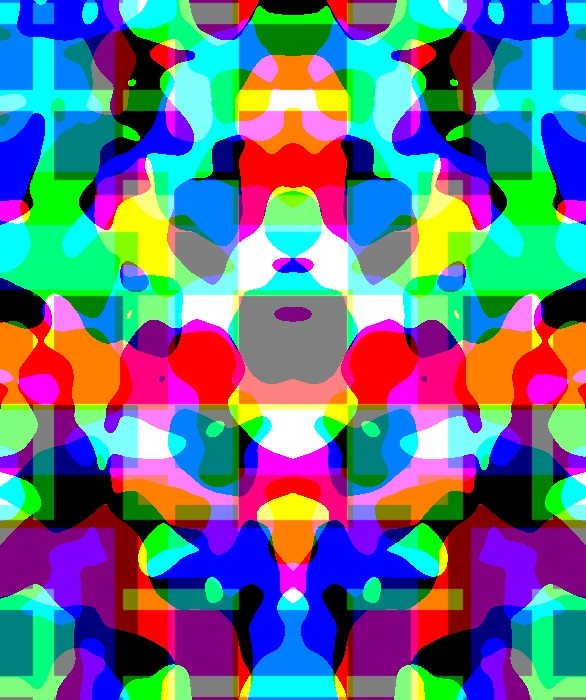
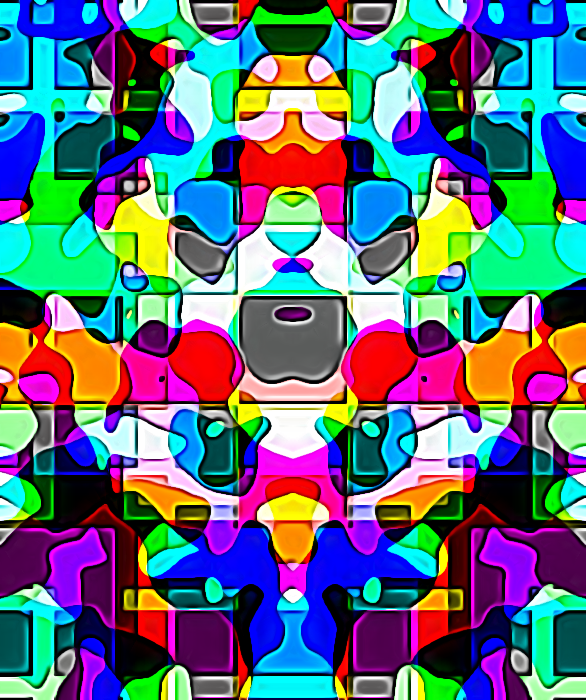
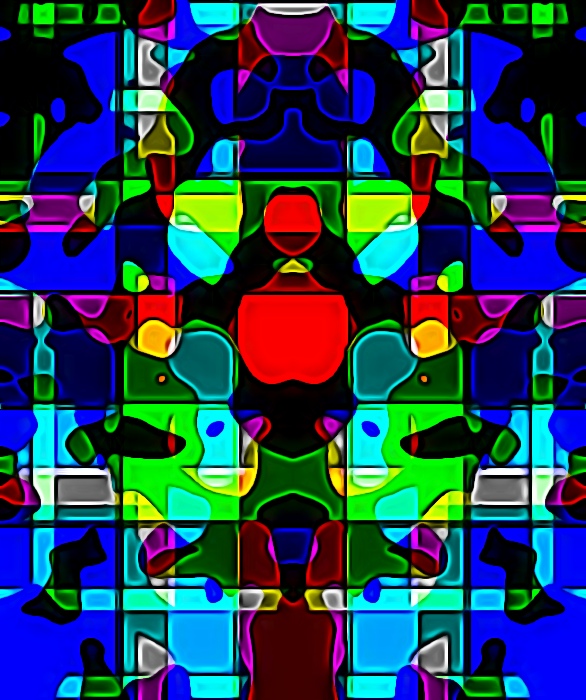
I may share with you the recept to create series of Fluffy Rorsarch patterns. i believe is original and that is only 1 of the possible result
create a new image , open gmic
In Gmic set output (option under preview window) to "New
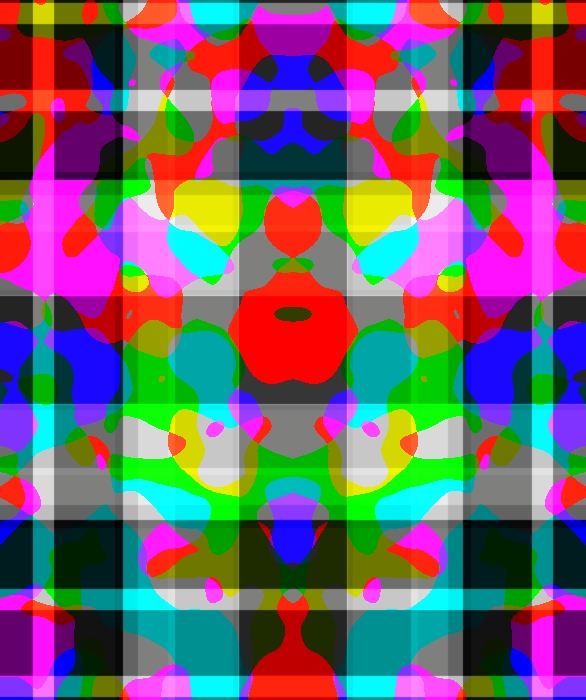
Active Layer" and then Pattern Rosarch...CHECK COLOR OPTION play a bit with the other setting till happy or bored, in both case press apply
as example i got this
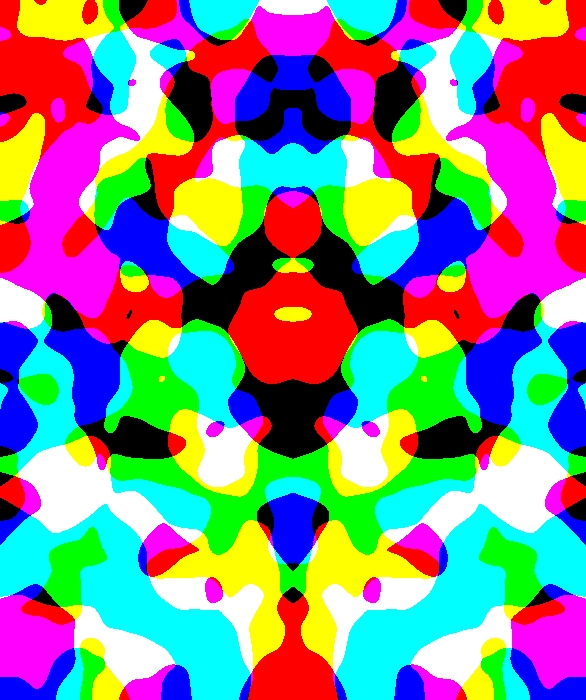
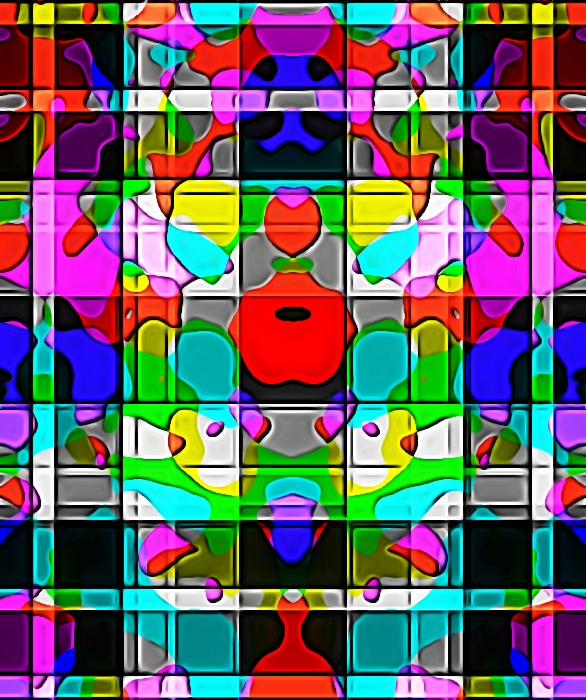
now chose Pattern/Plaid again play with the setting till happy or too bored than click OK
here i got this...
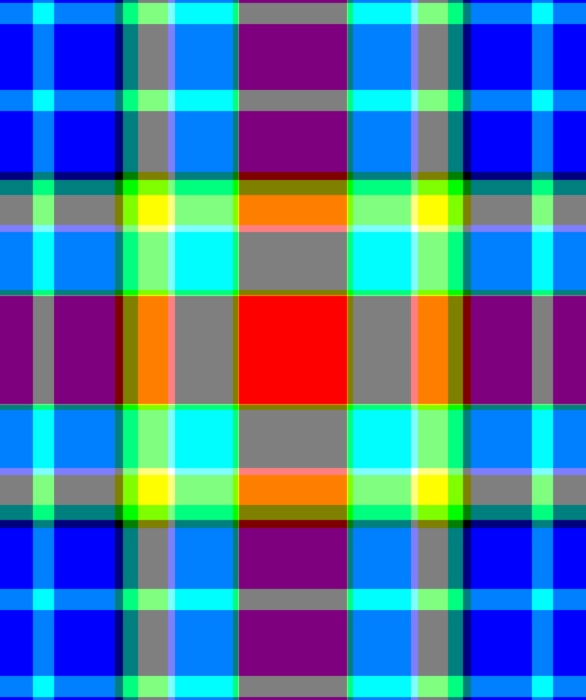
NOW THE FUN: for the fun
CTRL
make both layers invisible and Delete or make VISIBLE the initial BG)
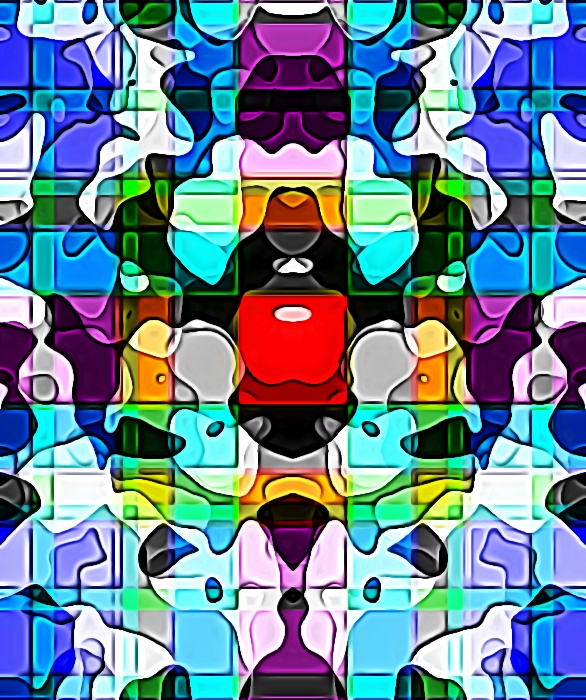
Open GMIC , CHANGE INPUT option to "All invisible" and CHANGE OUTPUT option to " new layer" or "new image" and you are ready to create dozens of new Fluffy Rorsach patterns:
just open the GMIC layer menu explore the modes and when happy click ok (If not happy before leave try to check the Revert Layer box and/or change opacity)
Than the only problem is to stop
for the last edit i use some preset for my graphic swiss knife Graphic Boost :
Here do a last trick...
chose your favorite preset or setting
UNCHECK THE PREVIEW
Change again INPUT option chose "ALL" , and OUTPUT to "new image"...click OK
And your favorite preset will be applied in batch to all the layers


 Login
Login Register
 Tweets
 FAQ
FAQ Advanced Search