It is currently Sat Sep 26, 2026 10:03 pm


All times are UTC - 5 hours [ DST ]


Post new topic Reply to topic  [ 19 posts ] 
Author Message
 Post subject: Need Help with G'MIC Enhancement.
PostPosted: Thu Sep 19, 2013 10:48 pm  (#1) 
Offline
Administrator
User avatar

Joined: Aug 10, 2012
Posts: 14213
Location: Native to NYC living in Arizona, Gimp 2.8 - 3.0, Win 11 PC.
I just recreated this image of something I've done a while ago and would like to use G'MIC to try and give it more interest.
Any ideas?
Image

_________________
Image
"A wise man learns more from a foolish question than a fool can learn from a wise answer"
Image


Last edited by Wallace on Fri Sep 20, 2013 12:30 am, edited 1 time in total.

Share on Facebook Share on Twitter Share on Orkut Share on Digg Share on MySpace Share on Delicious Share on Technorati
Top
 Post subject: Re: Need Help with G'MIC Enhancement.
PostPosted: Thu Sep 19, 2013 10:51 pm  (#2) 
Offline
GimpChat Member
User avatar

Joined: Jul 17, 2012
Posts: 2769
are you talking about artistic filters ?

i think its pretty much perfect

why do you want to add effects ?


Top
 Post subject: Re: Need Help with G'MIC Enhancement.
PostPosted: Thu Sep 19, 2013 10:56 pm  (#3) 
Offline
Administrator
User avatar

Joined: Aug 10, 2012
Posts: 14213
Location: Native to NYC living in Arizona, Gimp 2.8 - 3.0, Win 11 PC.
Esper wrote:
are you talking about artistic filters ?

i think its pretty much perfect

why do you want to add effects ?

Thanks Esper, but I would like to apply some kind of G'MIC effect to the image. I'm not well versed in the effects that G'MIC has to offer and was hoping that I could get some guidance in this matter. There are many effects available and I just don't know which one would create a more interesting image.
Suggestions?

_________________
Image
"A wise man learns more from a foolish question than a fool can learn from a wise answer"
Image


Top
 Post subject: Re: Need Help with G'MIC Enhancement.
PostPosted: Thu Sep 19, 2013 11:00 pm  (#4) 
Offline
GimpChat Member
User avatar

Joined: Jul 17, 2012
Posts: 2769
i usually try them all :mrgreen:

here is something i made with Dithering and Ink Wash

Image


Top
 Post subject: Re: Need Help with G'MIC Enhancement.
PostPosted: Thu Sep 19, 2013 11:15 pm  (#5) 
Offline
Administrator
User avatar

Joined: Aug 10, 2012
Posts: 14213
Location: Native to NYC living in Arizona, Gimp 2.8 - 3.0, Win 11 PC.
Esper wrote:
i usually try them all :mrgreen:

here is something i made with Dithering and Ink Wash

[ Image ]

:wow Now that's what I was talking about. That looks really cool, but sorry Esper not what I'm looking for, I want more of a fire effect then anything, I just don't want to destroy to much of the original detail.

Any thoughts?

_________________
Image
"A wise man learns more from a foolish question than a fool can learn from a wise answer"
Image


Top
 Post subject: Re: Need Help with G'MIC Enhancement.
PostPosted: Thu Sep 19, 2013 11:45 pm  (#6) 
Offline
GimpChat Member
User avatar

Joined: Jul 17, 2012
Posts: 2769
i made that in 2minutes and i didnt know you wanted fire :hehe

why dont you edit the thread title and make this into a challenge, like panekj did a few weks ago ?


Top
 Post subject: Re: Need Help with G'MIC Enhancement.
PostPosted: Fri Sep 20, 2013 12:23 am  (#7) 
Offline
Administrator
User avatar

Joined: Aug 10, 2012
Posts: 14213
Location: Native to NYC living in Arizona, Gimp 2.8 - 3.0, Win 11 PC.
Esper wrote:
i made that in 2minutes and i didnt know you wanted fire :hehe

why dont you edit the thread title and make this into a challenge, like panekj did a few weks ago ?

That sounds like a good idea, but I don't know how to edit the tread to make it a challenge.
I'm looking for people to use the image to create something for me, or to show me how I can create what they have achieved using G'MIC filters.

_________________
Image
"A wise man learns more from a foolish question than a fool can learn from a wise answer"
Image


Top
 Post subject: Re: Need Help with G'MIC Enhancement.
PostPosted: Fri Sep 20, 2013 1:59 am  (#8) 
Offline
GimpChat Member
User avatar

Joined: Jan 03, 2011
Posts: 1656
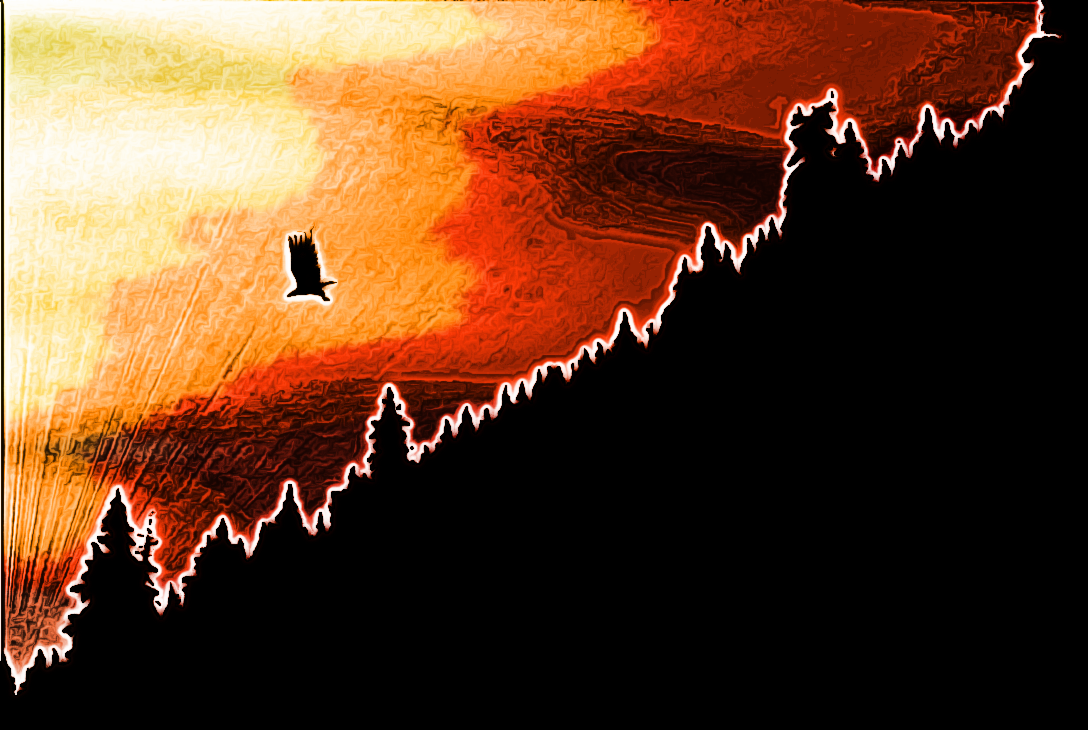
Here is my attempt, 100% G'MIC made :)

Attachment:
eagle.jpg
eagle.jpg [ 179.94 KiB | Viewed 2710 times ]


I don't remember all the steps but here are the filters I've used :

- Repair / Smooth [anisotropic]
- Details / Local normalization.
- Deformations / Water.
- Deformations / Wind.
- Repair / Smooth [bilateral]


Top
 Post subject: Re: Need Help with G'MIC Enhancement.
PostPosted: Fri Sep 20, 2013 9:14 am  (#9) 
Offline
Global Moderator
User avatar

Joined: Apr 01, 2012
Posts: 8471
Location: On the other side of your screen
Image
Just ran G'MIC colour pencil

_________________
Image
Free Fun Photo Editing & resources
Poems from the Lord
Gimp Newby
Gimp version 3.2.4 and GMIC-Qt 4.0.2 OS :- Windows 10 Home 64


Top
 Post subject: Embers
PostPosted: Fri Sep 20, 2013 9:54 am  (#10) 
Offline
GimpChat Member
User avatar

Joined: Sep 24, 2010
Posts: 12849
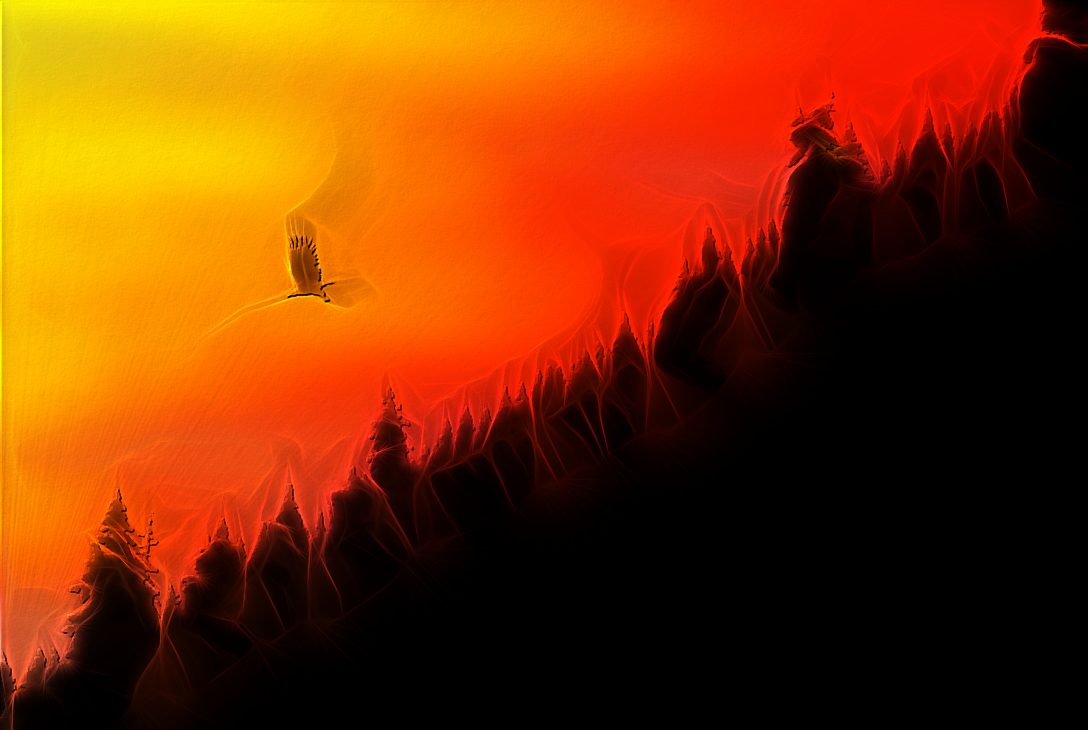
Did cheat a little; filled the forest silhouette with an evergreen pattern before actually running G'MIC's Edges on Fire preset. :)


Attachments:
2101_5281022836_d75e6fbba4_z2.png
2101_5281022836_d75e6fbba4_z2.png [ 389.88 KiB | Viewed 2668 times ]

_________________
Lyle

Psalm 109:8

Image
Top
 Post subject: Re: Need Help with G'MIC Enhancement.
PostPosted: Fri Sep 20, 2013 3:30 pm  (#11) 
Offline
Administrator
User avatar

Joined: Aug 10, 2012
Posts: 14213
Location: Native to NYC living in Arizona, Gimp 2.8 - 3.0, Win 11 PC.
All the image you guys came up with are great. I'm not sure now what I'm really looking for, but thanks just the same for your efforts.

_________________
Image
"A wise man learns more from a foolish question than a fool can learn from a wise answer"
Image


Top
 Post subject: Re: Need Help with G'MIC Enhancement.
PostPosted: Fri Sep 20, 2013 4:25 pm  (#12) 
Offline
GimpChat Member
User avatar

Joined: Apr 07, 2010
Posts: 14182
Wallace, just go back to your first post and edit that one to say what you want done. you can also change the title.

_________________
Image


Top
 Post subject: Re: Need Help with G'MIC Enhancement.
PostPosted: Fri Sep 20, 2013 6:11 pm  (#13) 
Offline
GimpChat Member
User avatar

Joined: Jan 10, 2013
Posts: 863
100% G'MIC
Image
Image

_________________
bbbbbbbbbbbImage
bbbbbbbbbbb Be patient, English is not my language.


Top
 Post subject: Re: Need Help with G'MIC Enhancement.
PostPosted: Fri Sep 20, 2013 6:36 pm  (#14) 
Offline
Global Moderator
User avatar

Joined: May 16, 2010
Posts: 16175
Looks pretty great the way it is Wallace. :)


Top
 Post subject: Re: Need Help with G'MIC Enhancement.
PostPosted: Fri Sep 20, 2013 11:05 pm  (#15) 
Offline
GimpChat Member
User avatar

Joined: Aug 30, 2012
Posts: 2174
I agree it looks good already, did have a play but don't really know enough about Gmic and all its settings so didn't come up with anything worth posting at the moment.

_________________
Image


Top
 Post subject: Re: Need Help with G'MIC Enhancement.
PostPosted: Sat Sep 21, 2013 1:15 am  (#16) 
Offline
GimpChat Member

Joined: May 23, 2012
Posts: 150
Image
a little bit of user filters and gmic


Top
 Post subject: Re: Need Help with G'MIC Enhancement.
PostPosted: Sat Sep 21, 2013 2:35 am  (#17) 
Offline
GimpChat Member
User avatar

Joined: Dec 11, 2011
Posts: 532
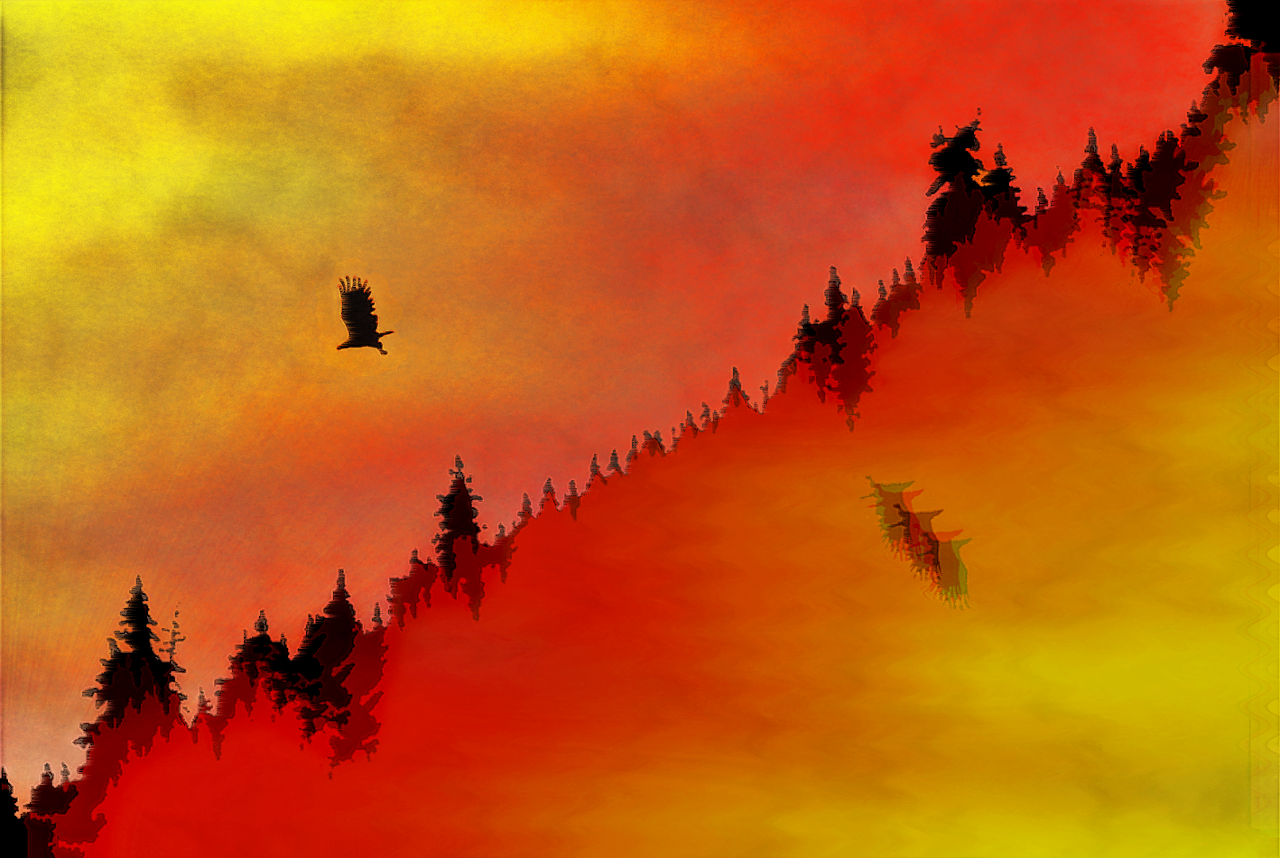
well it's hard to come up with something when you are not sure what you are really looking for. :) but here is what i came up with..

Attachment:
testphoto.jpg
testphoto.jpg [ 313.96 KiB | Viewed 1773 times ]

_________________
Image


Top
 Post subject: Re: Need Help with G'MIC Enhancement.
PostPosted: Sat Sep 21, 2013 5:12 am  (#18) 
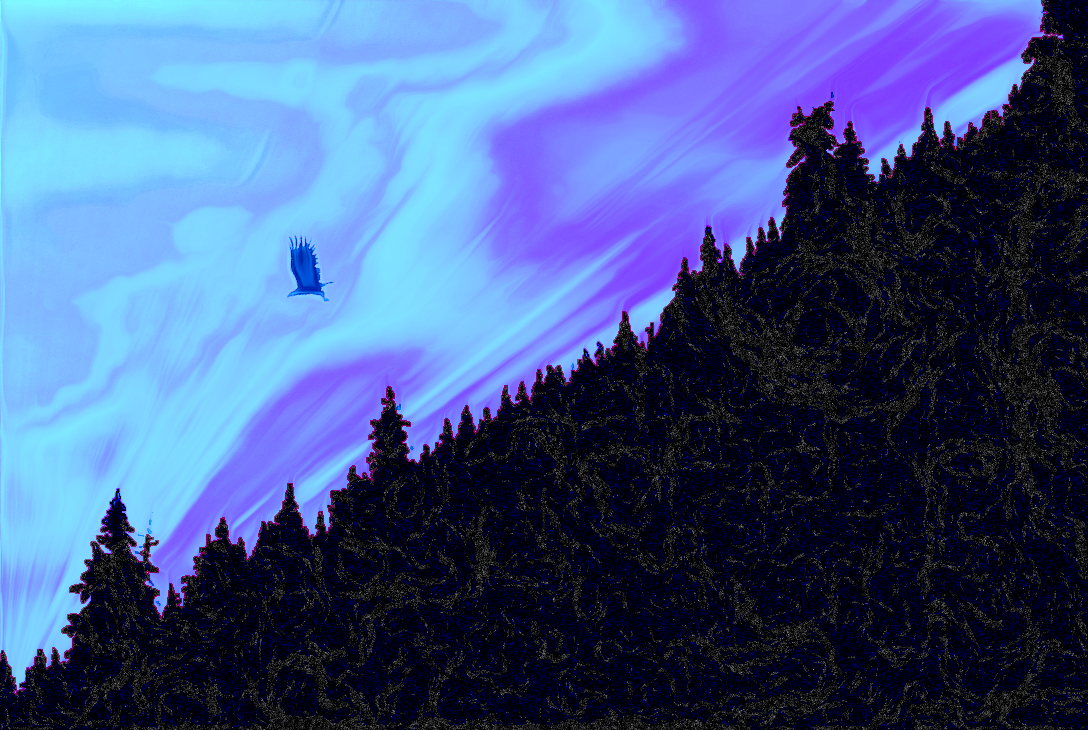
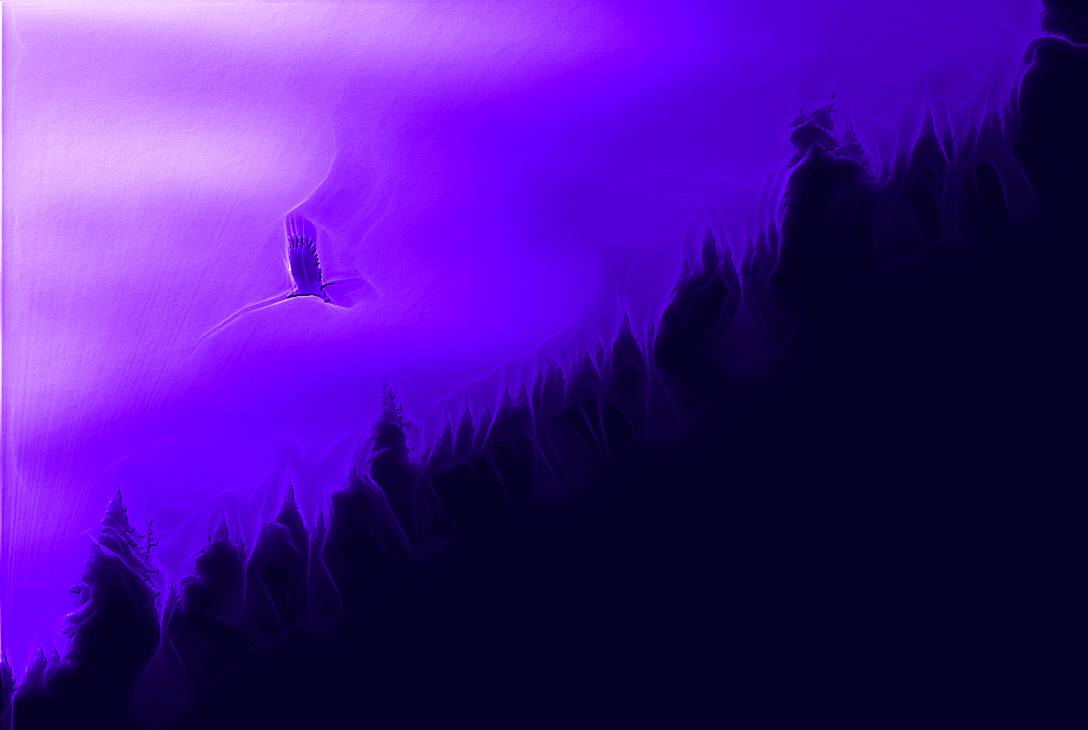
My attempt, GMIC settings in xcf file attached.
Image
Couldn't resist a purple one for you Wallace ;)
Image
Peace!


Attachments:
Wallace Art.zip [3.28 MiB]
Downloaded 89 times
Top
 Post subject: Re: Need Help with G'MIC Enhancement.
PostPosted: Sat Sep 21, 2013 10:53 pm  (#19) 
Offline
Administrator
User avatar

Joined: Aug 10, 2012
Posts: 14213
Location: Native to NYC living in Arizona, Gimp 2.8 - 3.0, Win 11 PC.
fluffybunny wrote:
My attempt, GMIC settings in xcf file attached.
[ Image ]
Couldn't resist a purple one for you Wallace ;)
[ Image ]
Peace!


:wow Thanks FB. ;)
Love the purple, don't know why I didn't think of that. :hehe

_________________
Image
"A wise man learns more from a foolish question than a fool can learn from a wise answer"
Image


Top
Post new topic Reply to topic  [ 19 posts ] 

All times are UTC - 5 hours [ DST ]


* Login  


Powered by phpBB3 © phpBB Group