It is currently Tue Jun 16, 2026 1:19 am


All times are UTC - 5 hours [ DST ]


Post new topic Reply to topic  [ 6 posts ] 
Author Message
 Post subject: Environment Map Sharing Thread (Flat)
PostPosted: Mon Jun 30, 2014 6:37 pm  (#1) 
Offline
GimpChat Founder
User avatar

Joined: May 22, 2008
Posts: 5241
Location: Gimpville
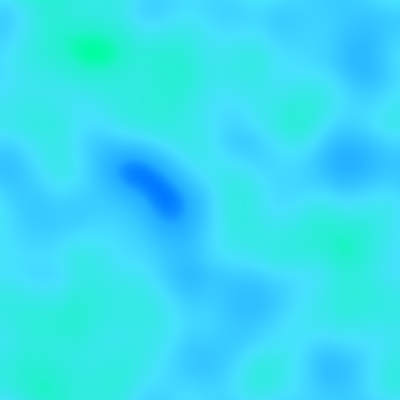
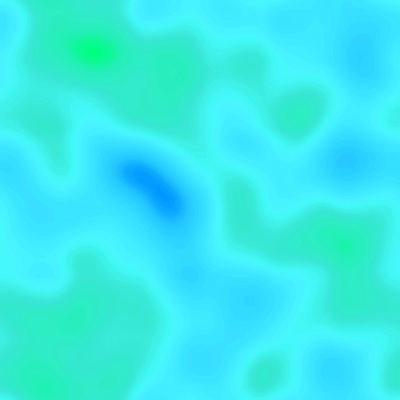
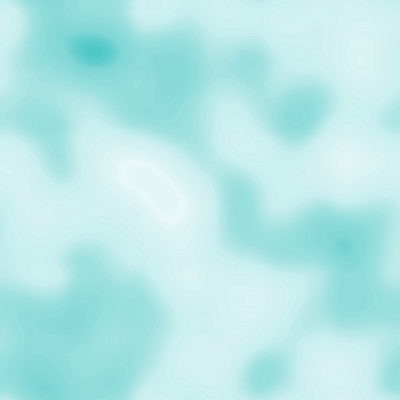
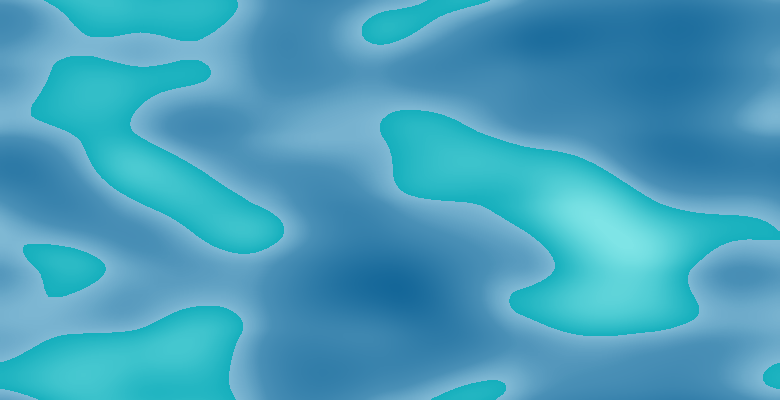
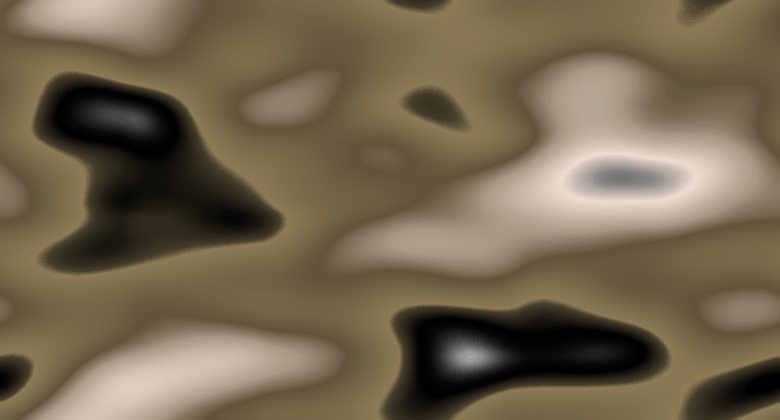
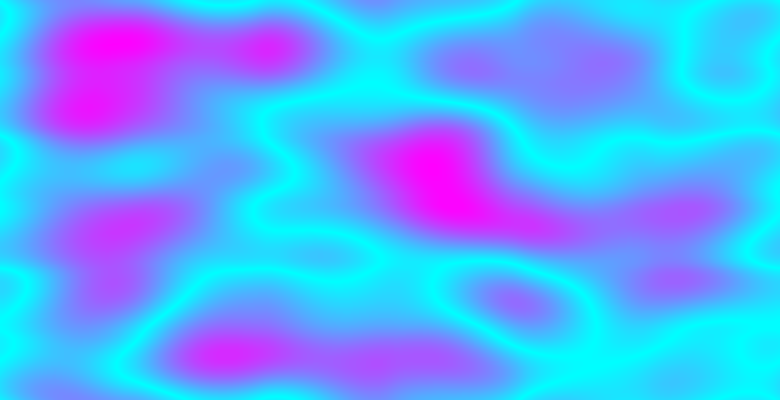
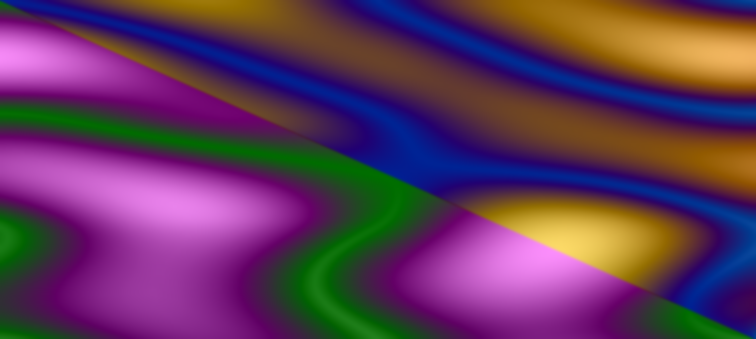
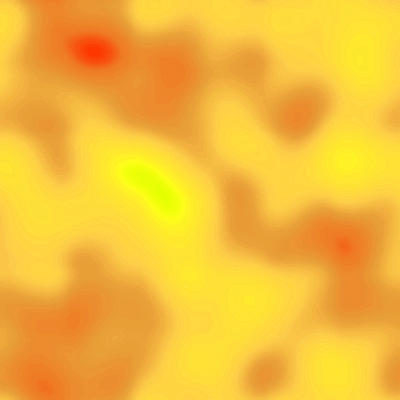
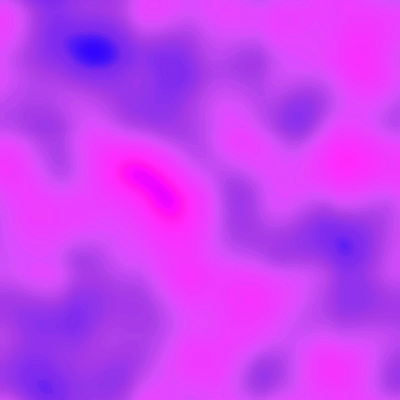
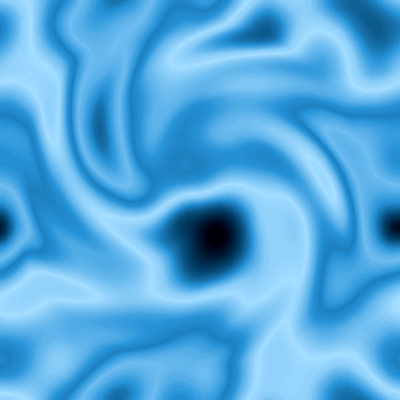
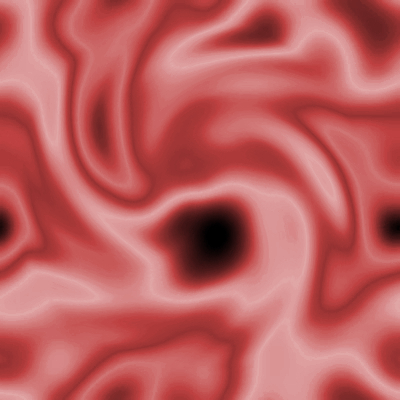
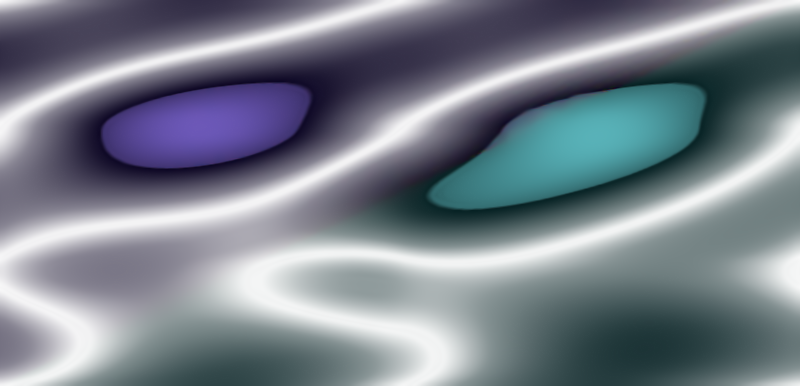
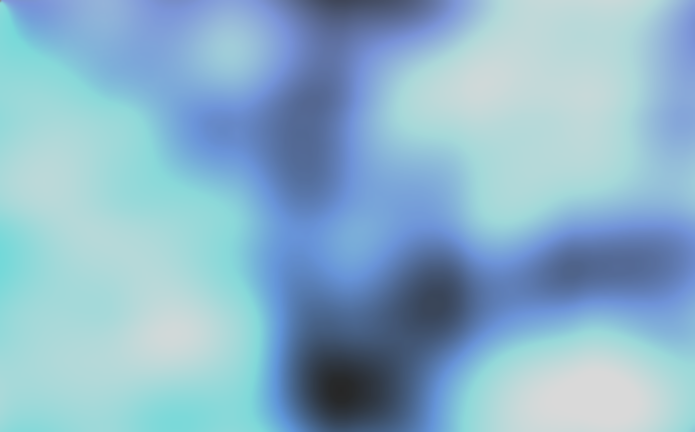
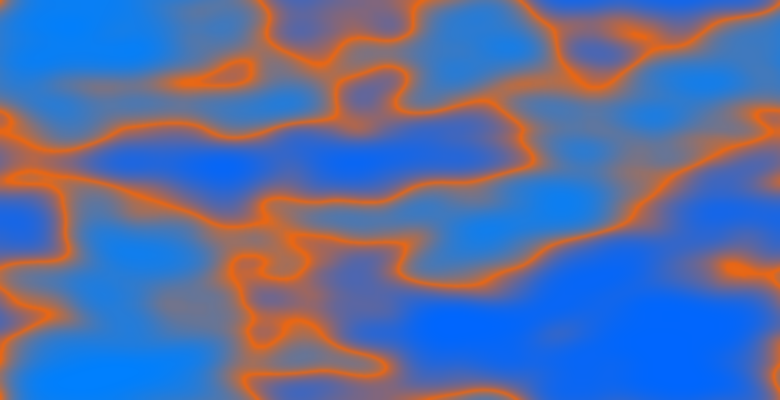
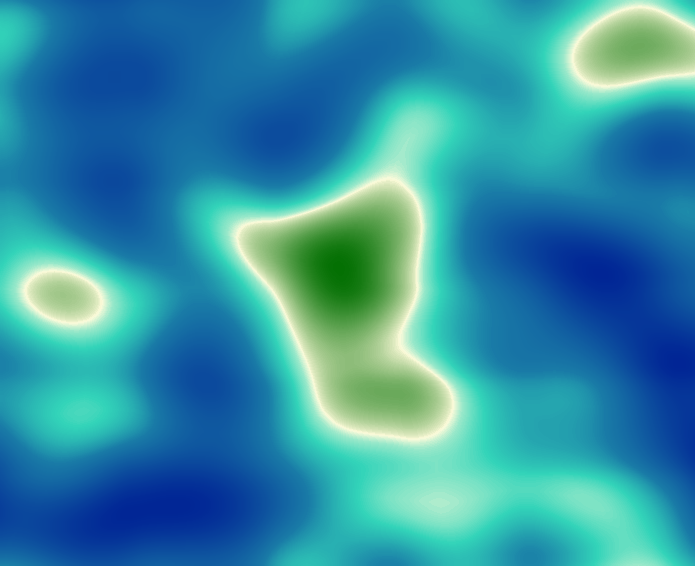
Here are a few non-spherical (flat) emaps for use with GIMP's Lighting Effects Filter and/or the EnviroLogo Script.

Note: This type of EnvMap must NOT include an alpha channel or it won't work in the GIMP's LE filter.

ImageImageImageImage


Attachments:
File comment: Environment Maps For GIMP's Lighting Effects Filter
envmaps-flat.zip [1.69 MiB]
Downloaded 1315 times

_________________
“If you reach for the stars, you just might land on a decently sized hill.” - Stuart Hill
Share on Facebook Share on Twitter Share on Orkut Share on Digg Share on MySpace Share on Delicious Share on Technorati
Top
 Post subject: Re: Environment Map Sharing Thread (Flat)
PostPosted: Mon Jun 30, 2014 6:44 pm  (#2) 
Offline
GimpChat Member
User avatar

Joined: Apr 07, 2010
Posts: 14182
Thank you very much Tux. They are all very interesting and should make some very nice text.

_________________
Image


Top
 Post subject: Re: Environment Map Sharing Thread (Flat)
PostPosted: Mon Jun 30, 2014 6:48 pm  (#3) 
Offline
GimpChat Founder
User avatar

Joined: May 22, 2008
Posts: 5241
Location: Gimpville
Thanks Molly. I usually just generate EnvMaps on the fly from gradients but when I get one I like, I save it off. That's where most of these came from.

_________________
“If you reach for the stars, you just might land on a decently sized hill.” - Stuart Hill


Top
 Post subject: Re: Environment Map Sharing Thread (Flat)
PostPosted: Mon Jun 30, 2014 8:57 pm  (#4) 
Offline
GimpChat Member
User avatar

Joined: Apr 08, 2010
Posts: 5420
Location: Northwest Ohio
What is the difference of using the flat vs the round enviro maps? I do not remember the why of it all.


Top
 Post subject: Re: Environment Map Sharing Thread (Flat)
PostPosted: Mon Jun 30, 2014 9:28 pm  (#5) 
Offline
GimpChat Founder
User avatar

Joined: May 22, 2008
Posts: 5241
Location: Gimpville
GIMP's lighting filter, along with the EnviroLogo Script, normally uses flat Environment Maps, with a requirement that those maps have no alpha channel.

The ML Bevel Reflect Plug-in, along with the BRL Script, normally uses spherical Environment Maps. Bevel Reflect maps normally contain an alpha channel, but it is not a requirement. With Bevel Reflect, the pixel in the upper left corner of the Environment Map determines the background color (or transparency) of the result.

Actually, GIMP's lighting filter and Bevel Reflect Logo can use any shape or size Environment Map, albeit, with varying results. It seems the best results can be achieved by using flat Environment Maps with GIMP's LE filter and spherical Environment Maps with Bevel Reflect.

_________________
“If you reach for the stars, you just might land on a decently sized hill.” - Stuart Hill


Top
 Post subject: Re: Environment Map Sharing Thread (Flat)
PostPosted: Mon Jun 30, 2014 10:12 pm  (#6) 
Offline
GimpChat Member
User avatar

Joined: Apr 08, 2010
Posts: 5420
Location: Northwest Ohio
Thanks for the explanation, now all I need is to have the scrolling script for Mac and I will be all set!


Top
Post new topic Reply to topic  [ 6 posts ] 

All times are UTC - 5 hours [ DST ]


* Login  


Powered by phpBB3 © phpBB Group