Offset Filter
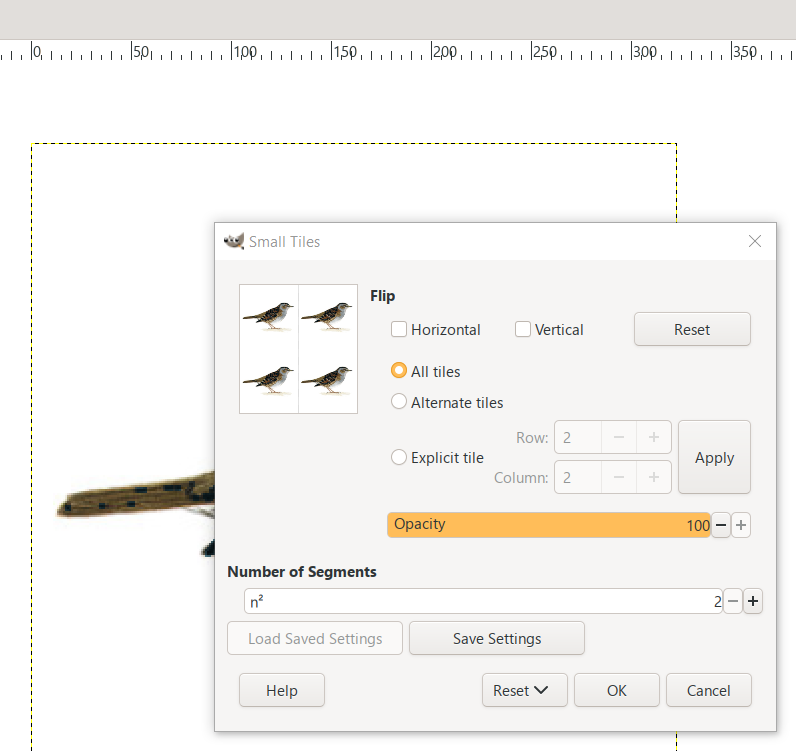
Here is an example of it in another program.
Attachment:
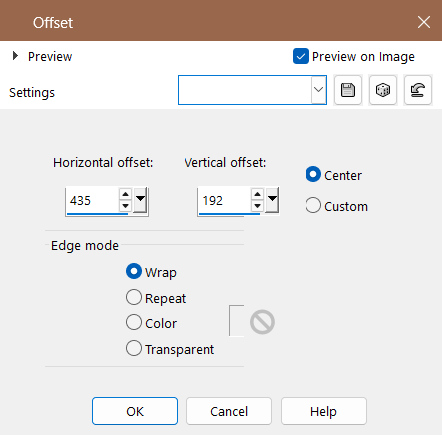 request image 01.jpg [ 59.57 KiB | Viewed 341 times ]
What it does is take the open image and
rearrange it so you can create seamless
images or check to make sure they are seamless.
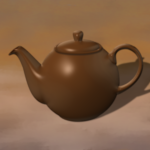
Following example is how it works...
Open image
Attachment:
 request image 02.jpg [ 78.16 KiB | Viewed 341 times ]
Size of image is 435 pixels by 192 Pixels.
once open and applied, it does this by default.
Attachment:
 request image 03.jpg [ 96.49 KiB | Viewed 334 times ]
It doesn't create a new layer but, uses the same layer.
Otherwise, you have to create 4 layers and use the
align distribute and merge down. The edge modes are
for the alpha channel. I would write a script but don't
understand how to code it right now.
 Login
Login Register
 Tweets
 FAQ
FAQ Advanced Search