molly wrote:
I am not into photography much but when I do have some nice photo's that I want to print, how do I make them the correct size so when I send them in to get printed, they don't crop them.
For example I have a photo, and I want a 4x6, or 5x7, what do I do with it to make it the correct measurements so it doesn't get cropped? Thanks
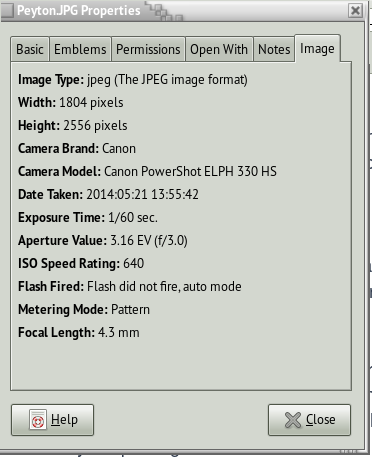
You need some information, such as the resolution.
To convert pixels to a printed or displayed image you need to know the number of pixels per inch (or cm if you are in a metrically inclined country). This is abbreviated ppi, also called dpi for dots per inch, and represents the resolution of the image.
A typical display like your computer screen is about 72ppi. So to display a four inch image on the screen you will want at least 6" x 72ppi = 432pixels wide and 4" x 72ppi = 288pixels high. In practice most devices can scale an image down for display and it will look fine so those numbers become minimums. Anything less than that can be expanded to fill four inches but it will look pixelated.
For a printed image you want a much better resolution as printers can print much finer detail and the human eye can pick out that detail. Usually for a printed image you need around 300ppi for the minimum resolution. So now your 4"x6" print will require 6" x 300ppi = 1800pixels wide and 4" x 300ppi = 1200pixels high. Again these are minimum numbers as a larger image can be scaled down by the printing software.
So make sure your image is at least 1800 x 1200 pixels and it should print a 4" x 6" image very nicely.
 Login
Login Register
 Tweets
 FAQ
FAQ Advanced Search