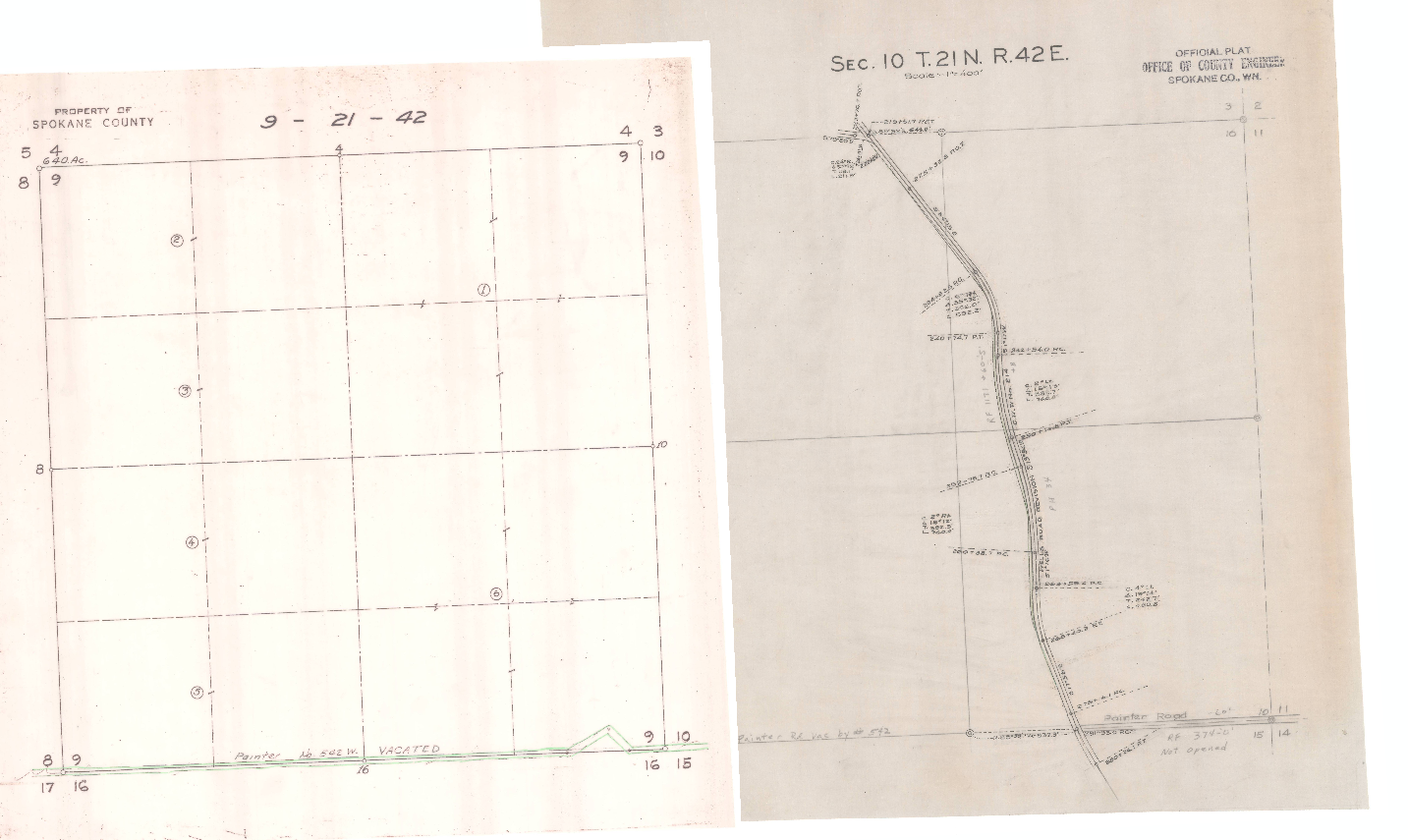
I've tried something different, with a G'MIC script. Not sure if it can apply to all images, but it has the advantage of only modifying the image contrast globally, and does not change the image content (no threshold or segmentation needed).
1. First, I compute the median color value for all images to 're-align'.
2. Second, I change the contrast (i.e. multiply) of images so that the resulting median color is the same for all images (taken from a reference image, the first one for instance).
Here is what I get (first row is the original images, second row has the second one modified to fit the color of the first one).
Attachment:
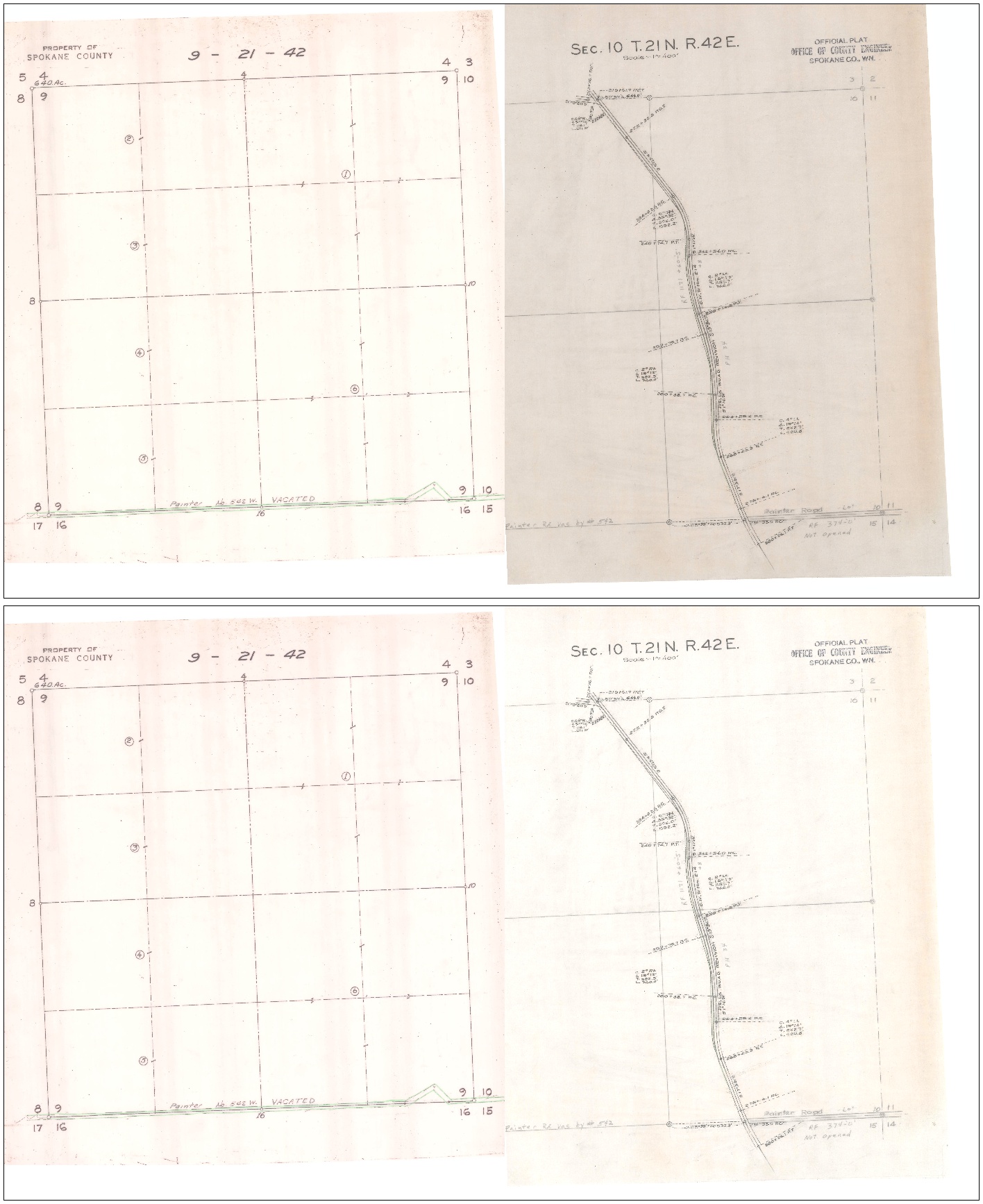 gmic_align_color.jpg [ 512.16 KiB | Viewed 3633 times ]
As a consequence, it keeps all the different shading present in the original images. Maybe it is not what you want.
Let me know, I could do a G'MIC filter for the GIMP plug-in if necessary.
 Login
Login Register
 Tweets
 FAQ
FAQ Advanced Search