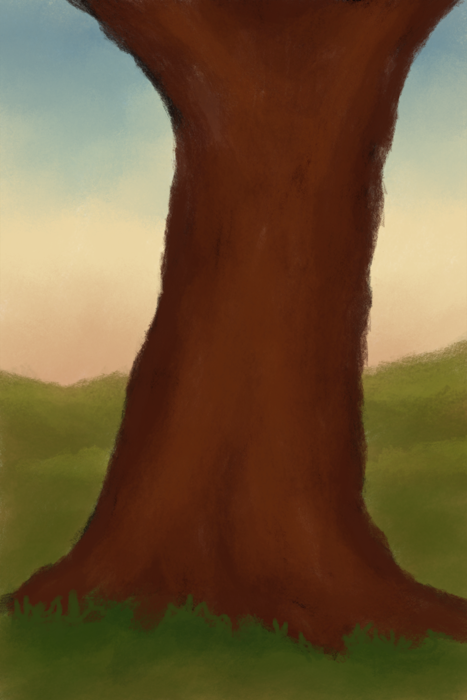
Nice sky gradient sky there! Some nice colors.
Not sure if you are looking for feedback on this quick study ... but here goes

With a bright sky behind it, I believe the tree would appear a lot darker. A trick I usually do is to make a new layer above the existing one, set it to multiply and fill it with a good shadow-fill color (like a cool blue tint, for this case, to catch fill light from the blue sky where the setting sunlight can't reach). Then use a soft brush to delete in that dark layer, to bring back out the brighter bits.
Here's a quick example in GIMP that is probably too dark, but it exemplifies what I mean:
Attachment:
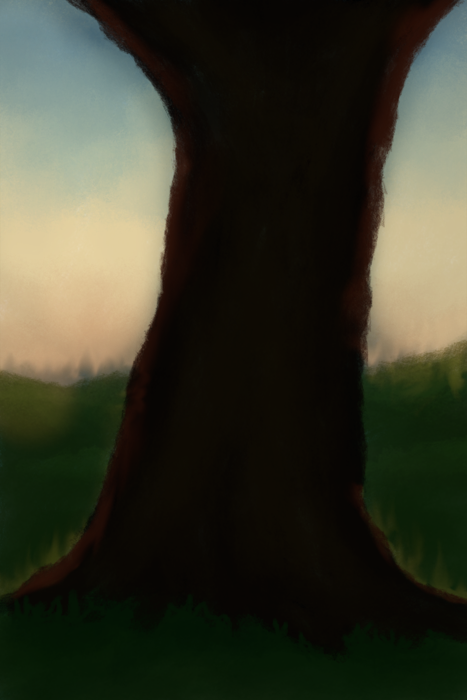 1812_Tree_suggestion.png [ 263.04 KiB | Viewed 3260 times ]
 Login
Login Register
 Tweets
 FAQ
FAQ Advanced Search