Attachment:
 Screen Shot 2018-01-07 at 12.48.27 PM.png [ 576.67 KiB | Viewed 10552 times ]
There's a wonderful post I found by doctormo titled...
GIMP 2.8 PHOTOSHOP TWEAKSIt's a great resource. However, if you DO NOT want to change the keyboard shortcuts DO NOT replace the "menurc" file!
If you already did then don't worry. Open Preferences>Interface and click on the button that says , "Reset Keyboard Shortcuts to Default Values".
Lastly if you want a new Gimp Splash Screen you can use mine

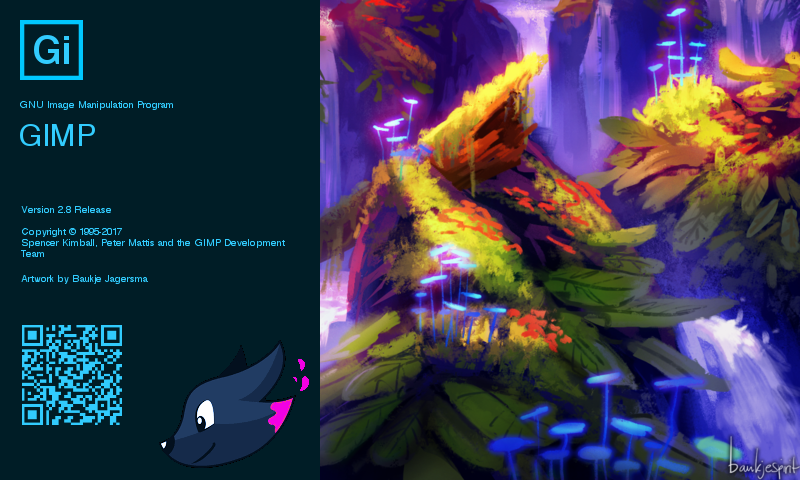
Changing the GIMP Splash Screen (for
Windows and Linux documentation)
Mac users can go to... (You can right click on the GIMP.app and select "Show Package Contents") to get into the Resources folder:
~/Applications/GIMP.app/Contents/Resources/share/gimp/2.0/images
And there you go! Now GIMP looks and acts more like Photoshop Enjoy!
Quick Links:
Quickly Show/Hide Hidden Files on Mac:
https://ianlunn.co.uk/articles/quickly- ... mavericks/ Login
Login Register
 Tweets
 FAQ
FAQ Advanced Search