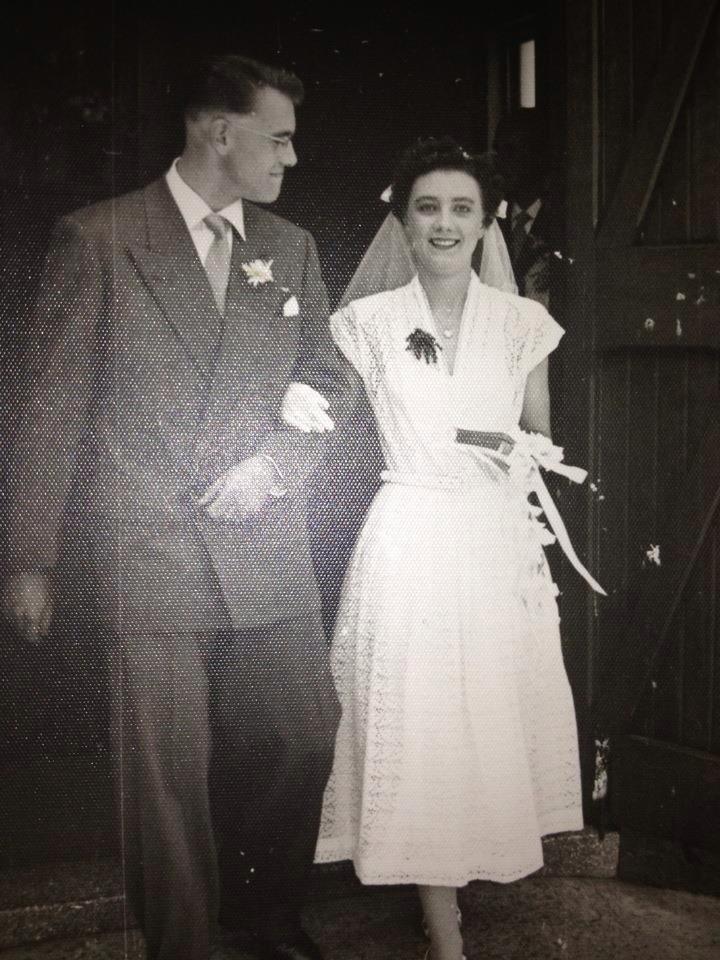
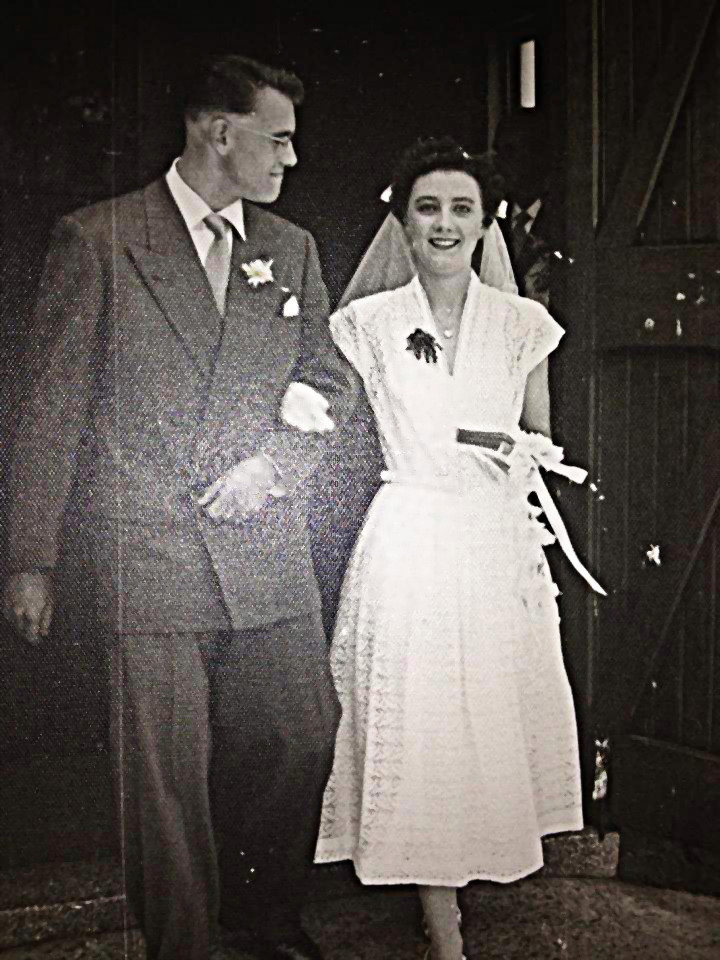
Acmespace wrote:
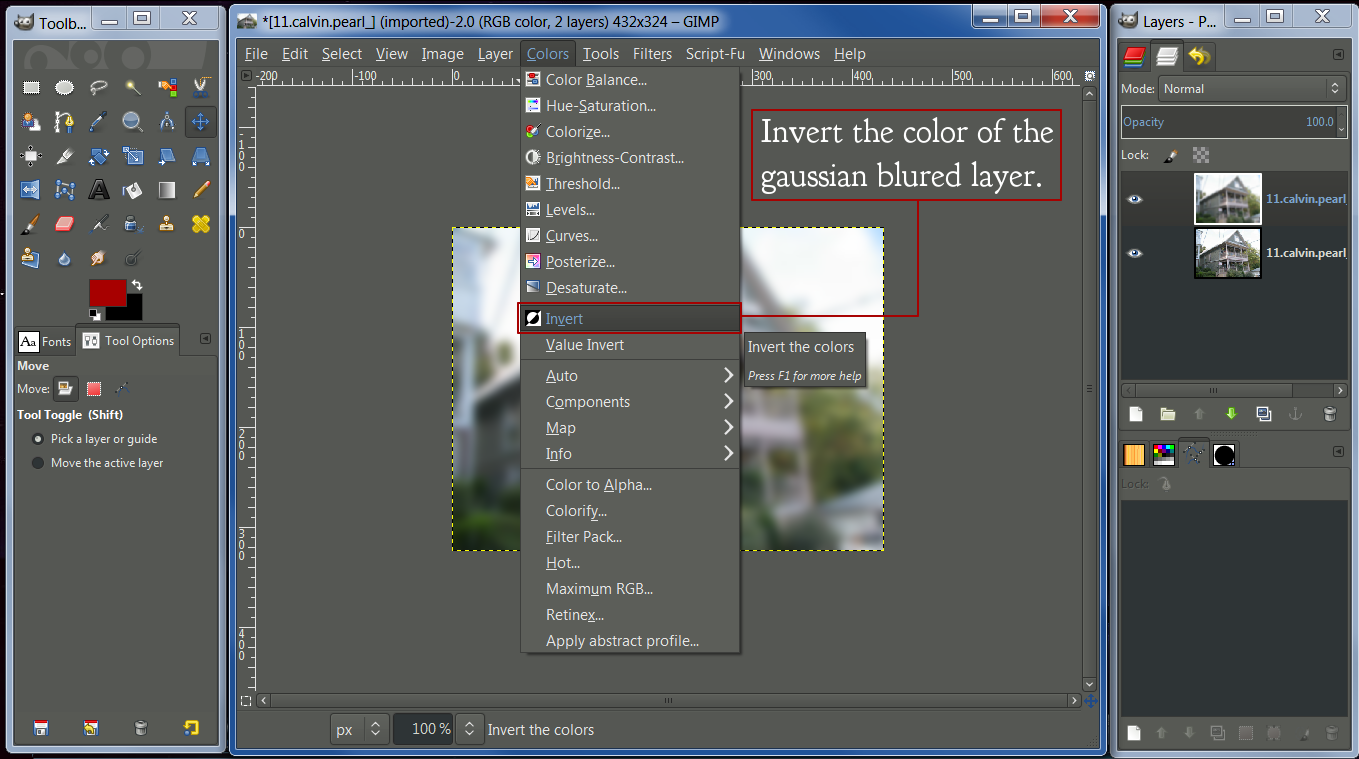
This is great, thanks Wallace! I've been using a similar process, but your method is quicker and I hadn't tried inverting the colors. More ideas to play with, hooray!
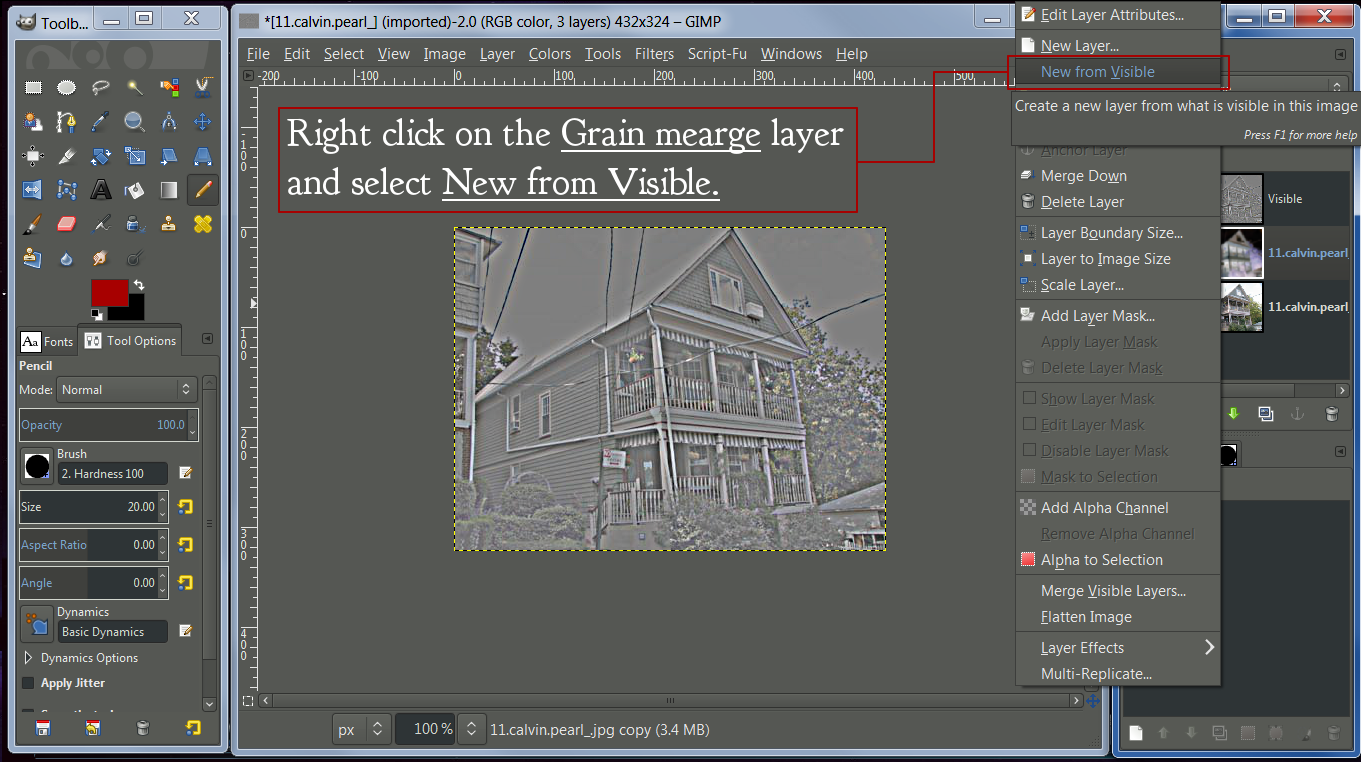
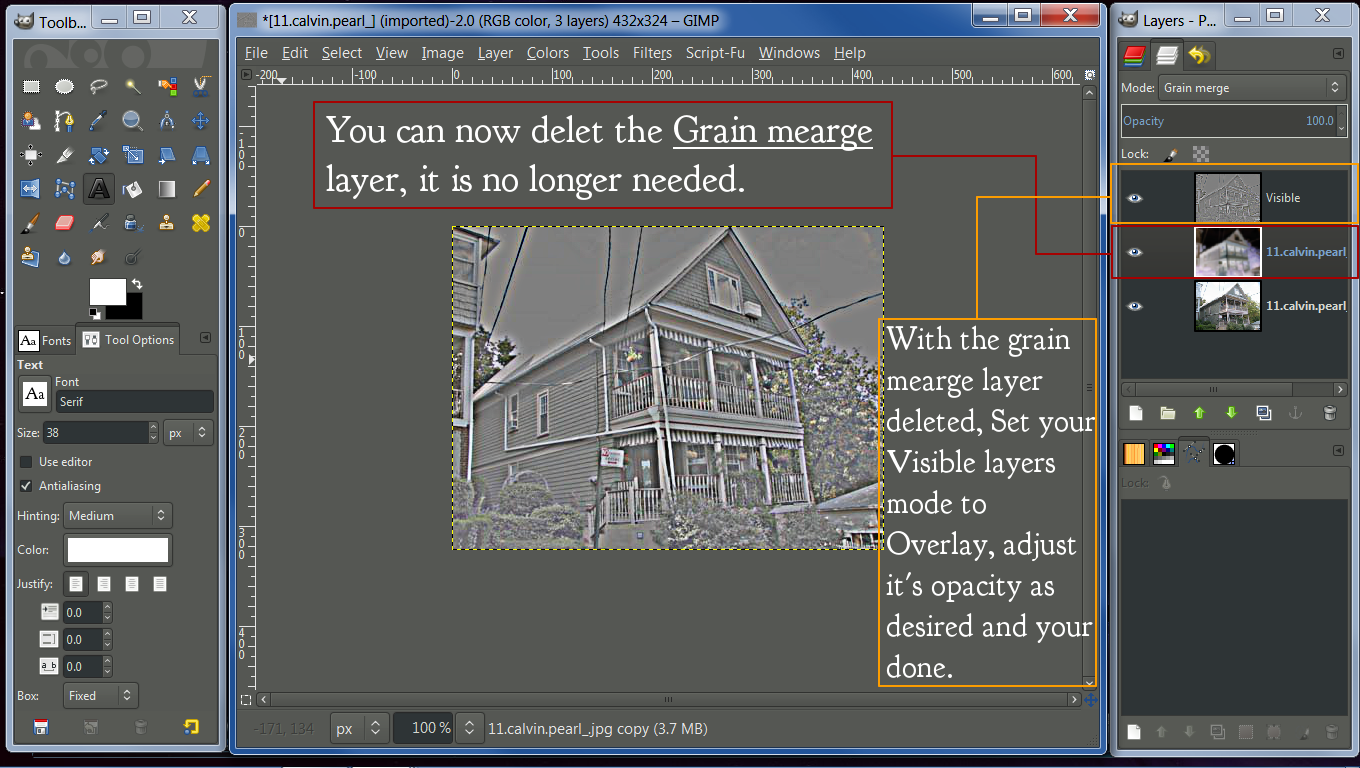
Sometimes, for a stronger effect, I'll set the final layer to Grain Merge instead of Overlay.
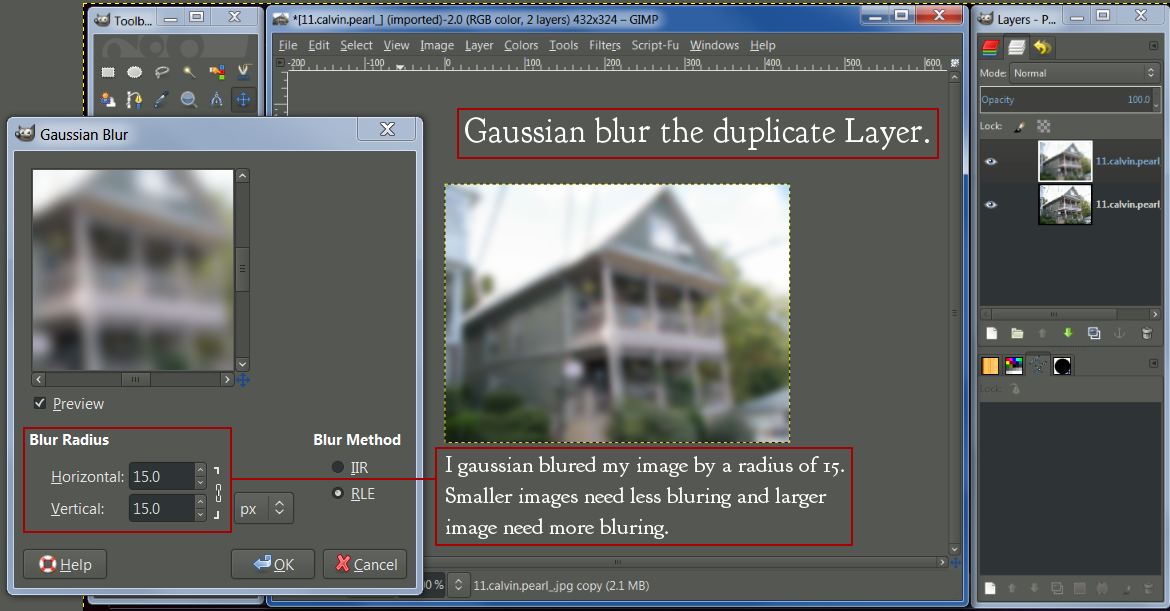
If the image is noisy and I don't want to sharpen the noise, I'll take the final gray layer and give it a 1 or 2 or 3-pixel gaussian blur. Just enough blur to soften the grainy bits.
This page has some ideas about how much to blur:
http://clownfishcafe.blogspot.com/2013/ ... ening.htmlThis is, far and away, my favorite way to sharpen a photo. I only wish this technique had a name. I've been calling it do-it-yourself highpass sharpening, but I gather this is a little different? What should we call it? Because we really should teach it to everybody.
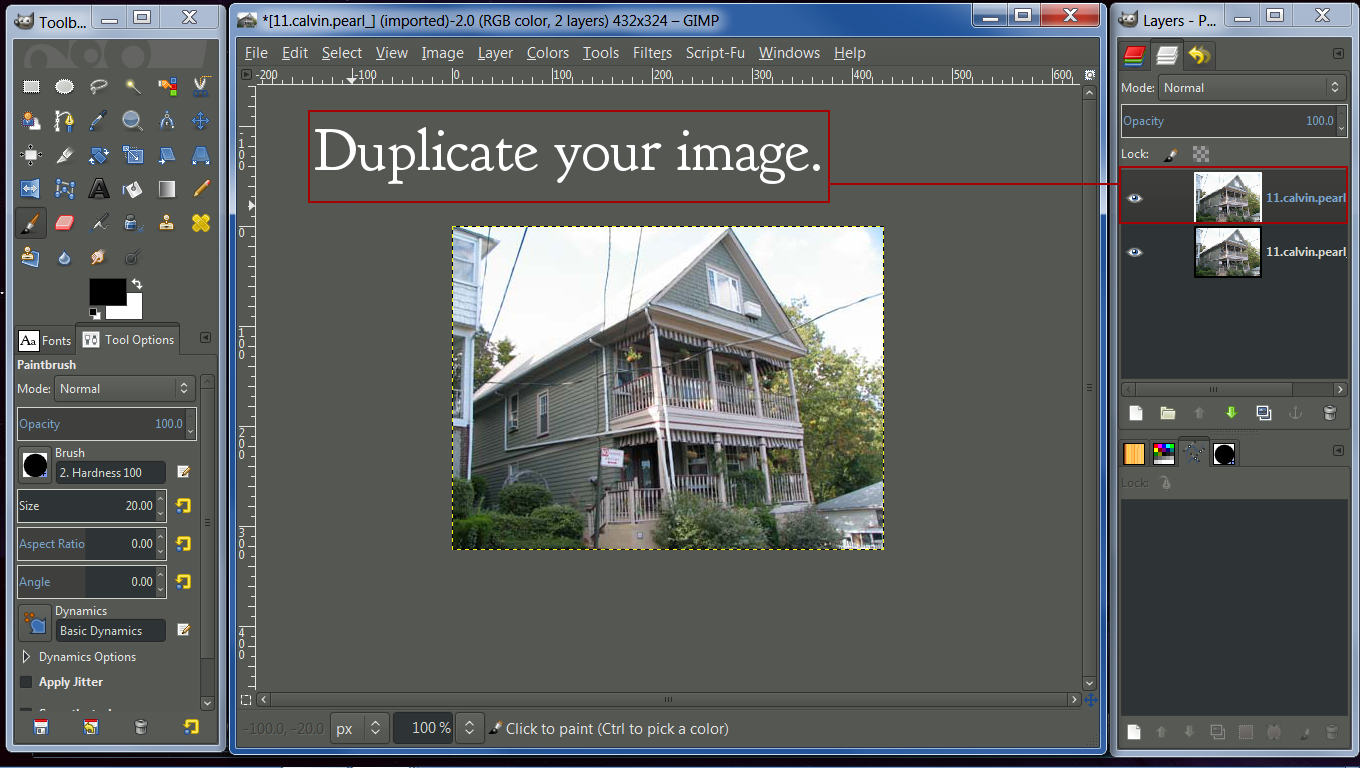
It's very similar to a high-pass filter. I haven't really gaven thought to naming it. I guess it could be called a sort of DIY High-Pass.
The blur amount has a lot to do with the image size, but the link you provided does shed some light on the blurring process.
It would be easy to experiment with this to achieve the results one might be after, without relying on filters to hopefully do the job for you.
Some Gimp users may also not know how to apply a high-pass filter, nore have a script/filter installed that does this. It's a simple method that can be used on any image, without the need of a filter.
 Login
Login Register
 Tweets
 FAQ
FAQ Advanced Search


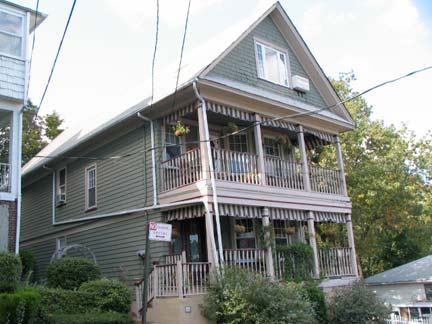 After
After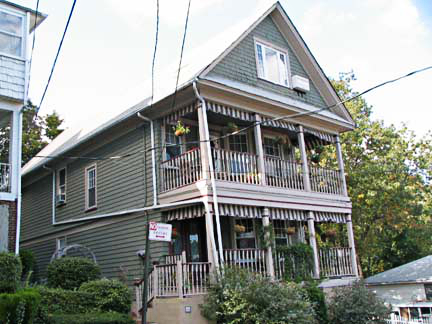





















 After
After