It is currently Mon Aug 24, 2026 5:43 pm


All times are UTC - 5 hours [ DST ]


Post new topic Reply to topic  [ 35 posts ]  Go to page Previous  1, 2
Author Message
 Post subject: Re: Customised text with a texture effect
PostPosted: Fri Nov 16, 2012 9:30 am  (#21) 
Offline
GimpChat Member
User avatar

Joined: Aug 30, 2012
Posts: 2174
EK22 - looks good, like the idea of the bump map.

_________________
Image


Top
 Post subject: Re: Customised text with a texture effect
PostPosted: Fri Nov 16, 2012 2:49 pm  (#22) 
Offline
GimpChat Member
User avatar

Joined: Aug 16, 2012
Posts: 4271
Location: Göteborg, Sweden
he4rty: mind your language, mister! :hoh that's of course the tea stain filter and i'm not one bit ashamed of using it. hmph.
esper: it isn't a forest, but it's a thing found in a forest - moss growing on a tree.
Esper wrote:
btw, im a tea guy (yeah, there i said it)
:hi5 yay! finally someone who dares stand up to the brown bean juice mob!
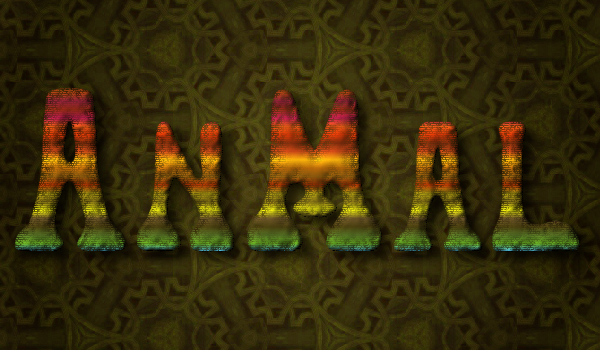
ek22: that's a really great effect! would work both as stone and matte metal. and look, you inspired me to try a bump mapped grunged gradient :):
Image

_________________


Last edited by AnMal on Sat Nov 17, 2012 9:52 am, edited 1 time in total.

Top
 Post subject: Re: Customised text with a texture effect
PostPosted: Fri Nov 16, 2012 3:01 pm  (#23) 
Offline
GimpChat Member
User avatar

Joined: Apr 07, 2010
Posts: 14182
nice text AnMal

_________________
Image


Top
 Post subject: Re: Customised text with a texture effect
PostPosted: Fri Nov 16, 2012 3:54 pm  (#24) 
Offline
GimpChat Member
User avatar

Joined: Jul 17, 2012
Posts: 2769
@EK22:
nice result, what kind of texture did you use ?

@AnMal:
im loving your second piece
nice glowing colors and the background is tasty as well - is that a pattern you made ?


Top
 Post subject: Re: Customised text with a texture effect
PostPosted: Fri Nov 16, 2012 7:12 pm  (#25) 
Offline
GimpChat Member
User avatar

Joined: Aug 16, 2012
Posts: 4271
Location: Göteborg, Sweden
molly: thank you - i have my bright moments :hehe .
esper: yep, i have silicon mirror and jan toorop's "the three brides" to thank for that one.

_________________


Top
 Post subject: Re: Customised text with a texture effect
PostPosted: Fri Nov 16, 2012 7:48 pm  (#26) 
Offline
GimpChat Member
User avatar

Joined: Nov 15, 2012
Posts: 949
Location: Mesa, AZ
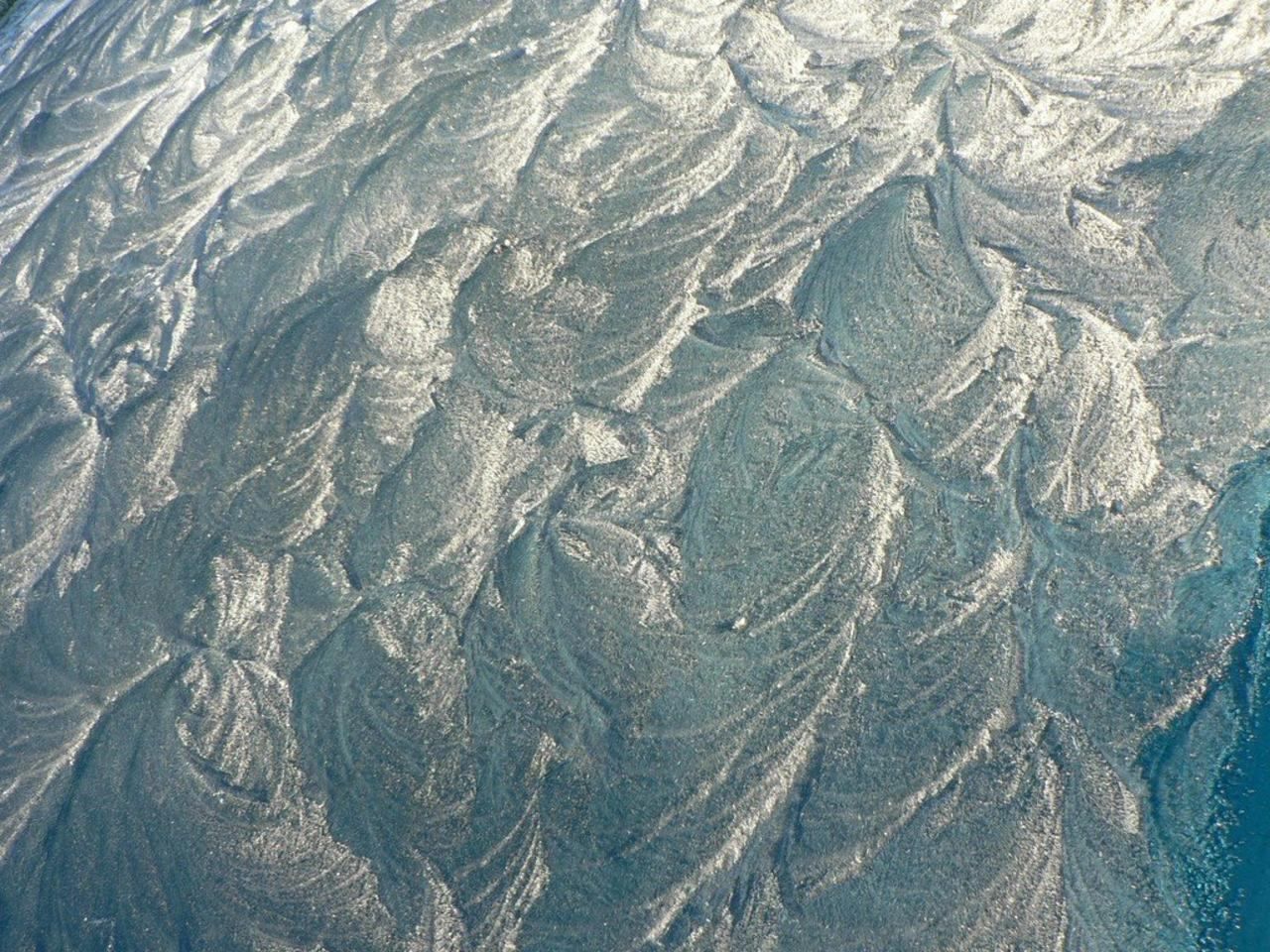
@ Esper: I pulled this off of a free domain stock site, I forget the link, but I had it sitting on my drive for a minute doing nothing, until this tut came along and here we are.

Image

@AnMal: I totally love your color choices, they are always so asian. Very vivid. That turned out really cool.

_________________
Image

I now have a Tumblr, check it out!


Top
 Post subject: Re: Customised text with a texture effect
PostPosted: Thu Nov 22, 2012 6:15 pm  (#27) 
Offline
GimpChat Member
User avatar

Joined: Jul 17, 2012
Posts: 2769
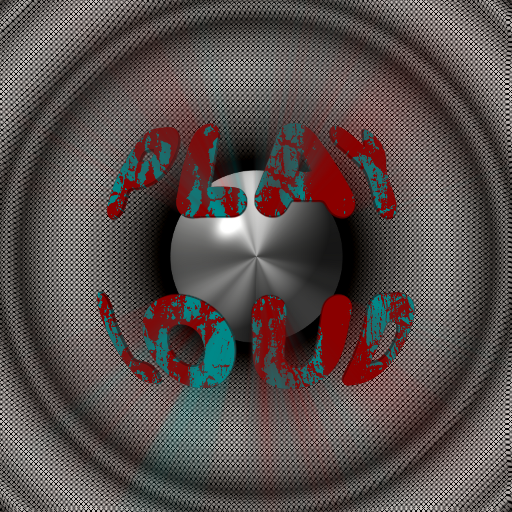
he4rty wrote:
Image
he4rty, what is the name of this font ?


Top
 Post subject: Re: Customised text with a texture effect
PostPosted: Thu Nov 22, 2012 6:20 pm  (#28) 
Offline
GimpChat Member
User avatar

Joined: Aug 30, 2012
Posts: 2174
Esper its called valkenregular although in gimp it show as Valken Thin

_________________
Image


Top
 Post subject: Re: Customised text with a texture effect
PostPosted: Thu Nov 22, 2012 6:23 pm  (#29) 
Offline
GimpChat Member
User avatar

Joined: Jul 17, 2012
Posts: 2769
Thank you !!!


Top
 Post subject: Re: Customised text with a texture effect
PostPosted: Tue Feb 12, 2013 11:18 pm  (#30) 
Nice Tutorial Esper :)

Here are some of my results. I was unable to choose my favourite. :spock

Image


Top
 Post subject: Re: Customised text with a texture effect
PostPosted: Tue Feb 12, 2013 11:32 pm  (#31) 
Offline
GimpChat Member
User avatar

Joined: Nov 16, 2011
Posts: 5127
Location: Metro Vancouver, BC
You've been busy, I like #5 first and #4.

_________________
Image
Gimp 2.8.18, Linux, median user
Gimp Chat Tutorials Index
Spirit Bear (Kermode)


Top
 Post subject: Re: Customised text with a texture effect
PostPosted: Wed Feb 13, 2013 12:41 am  (#32) 
Offline
GimpChat Member
User avatar

Joined: Aug 16, 2012
Posts: 4271
Location: Göteborg, Sweden
fluffybunny: they look great! :clap don't think i could pick a favourite either, they all have something that i like.

_________________


Top
 Post subject: Re: Customised text with a texture effect
PostPosted: Wed Feb 13, 2013 6:54 am  (#33) 
Offline
GimpChat Member
User avatar

Joined: Jul 17, 2012
Posts: 2769
they are all great, fluffy !
how did you make the turquoise maze-like-lines around the text ?


Top
 Post subject: Re: Customised text with a texture effect
PostPosted: Wed Feb 13, 2013 8:04 am  (#34) 
Thanks OdinBC, Anmal & Esper. With such a well written tutorial, who could go wrong? :jumpclap
Esper wrote:
how did you make the turquoise maze-like-lines around the text ?

The answer is suprisingly simple...
I followed your tutorial to the letter.
In step 19, I just applied a different Gradient and Shape for the background layer.
I used one of Photocomix gradients called "Basic_Cyan_Blue_Zigzag". :bigthup
Setting the gradient shape to "shaped angular", I applied the gradient to the Selection that remains active after I have 'Inverted' the 'Alpha To Selection' of the text layer.

Each of my five images were created using the same method mentioned above but just using different gradients.
fluffybunny


Top
 Post subject: Re: Customised text with a texture effect
PostPosted: Wed Feb 13, 2013 2:58 pm  (#35) 
Offline
GimpChat Member
User avatar

Joined: Aug 16, 2012
Posts: 4271
Location: Göteborg, Sweden
fluffybunny: i never thought it would be that simple, it looks great.

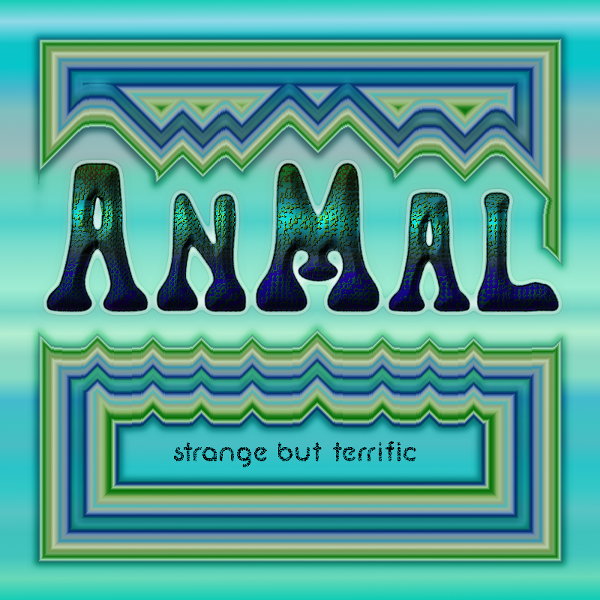
i had to take another shot at this effect now, using the angular shape fill background. this was just the first try, i sort of went a bit mad and made fifteen images, one nicer than the other :). i stuck to the bump mapped grunge instead of the cut-out type and added a glow and a vague outline stroke.
Image

_________________


Top
Post new topic Reply to topic  [ 35 posts ]  Go to page Previous  1, 2

All times are UTC - 5 hours [ DST ]


* Login  


Powered by phpBB3 © phpBB Group