It is currently Mon Sep 21, 2026 6:45 pm


All times are UTC - 5 hours [ DST ]


Post new topic Reply to topic  [ 51 posts ]  Go to page Previous  1, 2, 3
Author Message
 Post subject: Re: Fake a painting.
PostPosted: Sun Sep 25, 2011 1:25 pm  (#41) 
Offline
Retired Staff
User avatar

Joined: May 22, 2008
Posts: 6946
Location: Somewhere in GIMP
Rod wrote:
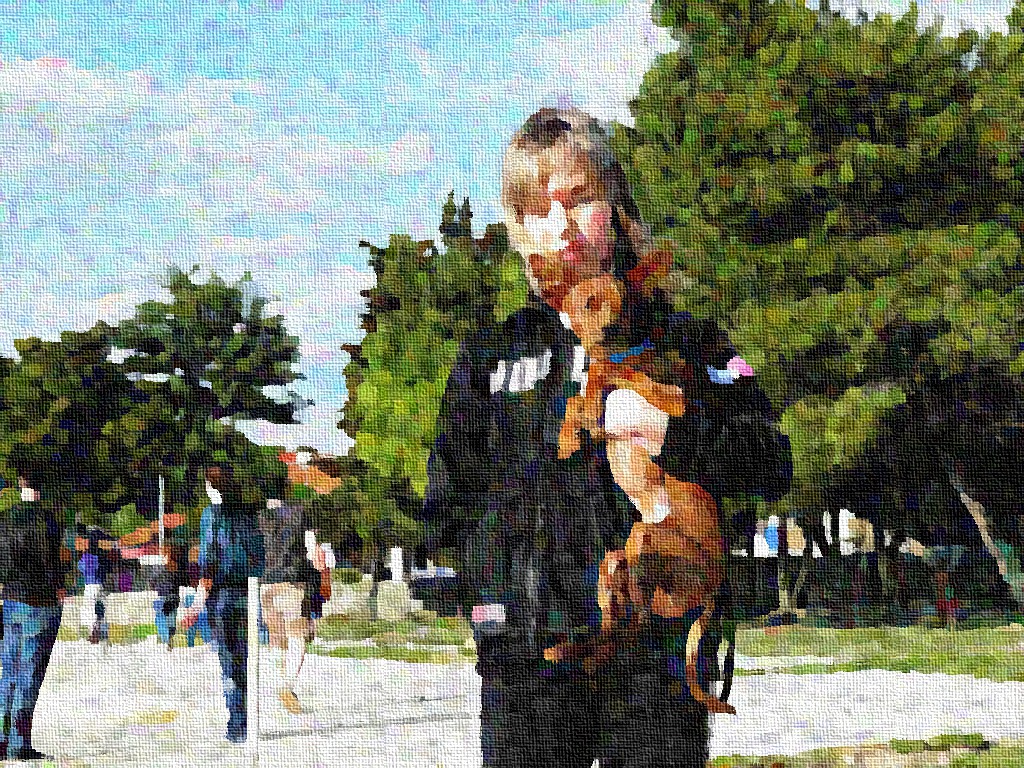
That is my Daughter Jacki and her new Husband Stephen. :)
Thought i would give them this as a late wedding gift.

If i can ever get it printed.
That is very nice Rod. I'm wondering if you had taken it to brightness and contrast if you'd have a few more picture details in lighter shades. I like what you've done very much.

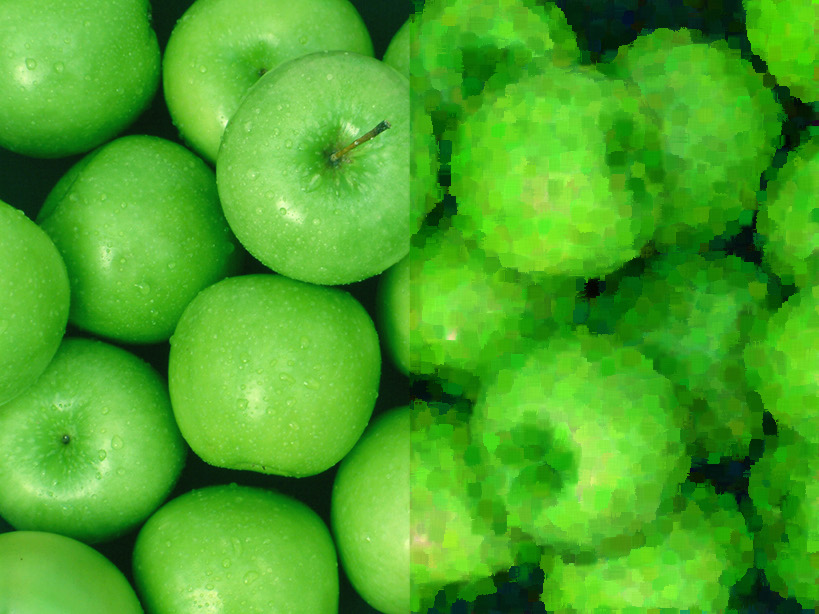
I tried a half photo, half painting picture with these green apples from stock-xchng.

Image

_________________
Image
World War IV will be fought with sticks and stones. - Albert Einstein


Top
 Post subject: Re: Fake a painting.
PostPosted: Mon Sep 26, 2011 11:16 am  (#42) 
Offline
GimpChat Member
User avatar

Joined: Sep 06, 2011
Posts: 368
Location: US, Ohio
dude...this is awesome, seriously. I'm usually not a huge "filter guy" myself, but I use the basic ones in creating effects for DVD Montages, and this is SO MUCH EASIER than how I was doing it.

Thanks for sharing.


Top
 Post subject: Re: Fake a painting.
PostPosted: Mon Sep 26, 2011 11:21 am  (#43) 
Offline
GimpChat Member
User avatar

Joined: Sep 24, 2010
Posts: 12845
Like the almost pointillistic result O. If you skip the fake smudge step, you will get even more a pointilistic look. Lots of things to experiment even with the flow. :)

_________________
Lyle

Psalm 109:8

Image


Top
 Post subject: Re: Fake a painting.
PostPosted: Mon Sep 26, 2011 3:01 pm  (#44) 
Offline
Retired Staff
User avatar

Joined: May 22, 2008
Posts: 6946
Location: Somewhere in GIMP
I really like the results of the filter. This is a picture that I kind of fell in love with. Reminds me old apple trees still on property uncared for, the property deserted. See that occasionally. The large red apple has a worm hole in it.

Image
Original photo from stock-xchng.

_________________
Image
World War IV will be fought with sticks and stones. - Albert Einstein


Top
 Post subject: Re: Fake a painting.
PostPosted: Tue Sep 27, 2011 3:15 pm  (#45) 
Offline
GimpChat Member
User avatar

Joined: Aug 24, 2011
Posts: 1785
Location: Dallas, TX
I like using the pen drawing filter on a duplicate layer at about 30% opacity, merge down and apply the canvas like others did. I'm still after that Norman Rockwell look. Still playing with it.

Great effect and great filter Lyle. :coolthup


Attachments:
Autum joy.jpg
Autum joy.jpg [ 416.39 KiB | Viewed 2960 times ]

_________________
Image
Top
 Post subject: Re: Fake a painting.
PostPosted: Tue Sep 27, 2011 3:21 pm  (#46) 
Offline
GimpChat Member
User avatar

Joined: Aug 24, 2011
Posts: 1785
Location: Dallas, TX
Something Norman Rockwell'ish:

Image[/quote]


Mahvin, what did you do to get that Norman Rockwell effect? That'd make a great filter all by itself.

_________________
Image


Top
 Post subject: Re: Fake a painting.
PostPosted: Sun Oct 09, 2011 3:30 am  (#47) 
Offline
GimpChat Member
User avatar

Joined: Jul 08, 2011
Posts: 285
Hi,here is my try......of course with Lyle's painting filter...also added a canvas.Love the filter.Thanks Lyle :) :coolthup

Image

_________________
Image

My Flickr
http://anaplus.deviantart.com/


Top
 Post subject: Re: Fake a painting.
PostPosted: Sun Oct 09, 2011 5:09 am  (#48) 
Offline
GimpChat Member
User avatar

Joined: Oct 06, 2010
Posts: 4050
Draconian wrote:
Something Norman Rockwell'ish:

Image


Mahvin, what did you do to get that Norman Rockwell effect? That'd make a great filter all by itself.[/quote]

Drac: Didn't see this til now. I think I used a combination of several G'MIC filters. I'll try to duplicate my steps. I'll check and see if my laptop still has the xcf version of it.

Edit:

The closest I could get to my original copy (one reason I wish macro recording/editing was possible in GIMP):
Image

_________________
"In order to attain the impossible, one must attempt the absurd."
~ Miguel de Cervantes


Top
 Post subject: Re: Fake a painting.
PostPosted: Sun Oct 16, 2011 12:32 pm  (#49) 
Offline
GimpChat Member
User avatar

Joined: Jun 25, 2011
Posts: 914
Location: Mount Olive, North Carolina
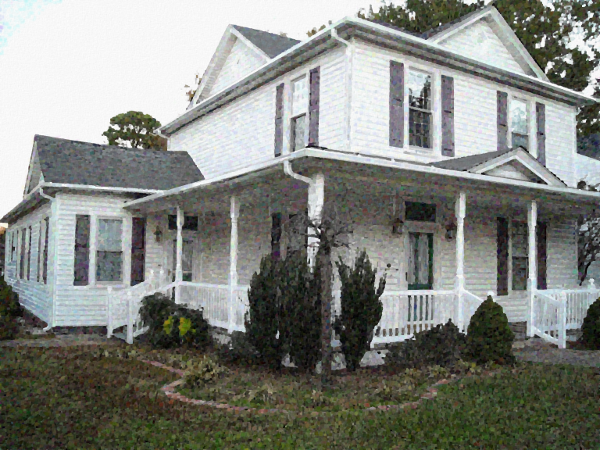
Neat effect! I definitely got two different results, though, one using the process you outlined - and the other using ``Lylejk's Painting'' filter (which I assume was meant to be a shortcut?)

Using process on Page 1
Image

Lylejk's Painting
Image


Top
 Post subject: Re: Fake a painting.
PostPosted: Sun May 06, 2012 3:15 pm  (#50) 
Offline
GimpChat Member

Joined: Apr 08, 2012
Posts: 187
A week or so ago, I was able to get a preview of this filter (and also the Kuwahara one), but now I get a preview error. In addition, when I try to run this filter I get the following error message:

*** Error in ./gimp_lylejk_painting/*repeat/../_apply_channels/*repeat/kuwahara/*repeat/ *** [_cimg_math_parser] gmic<float>::fill() : Invalid item '0,1' in specified expression 'v1=i(x-2,y-2,0,3,0,1)'.

I'm running Gimp 2.6.11 on a Windows 7 machine with 8gb of ram.

Any help would be appreciated.


Top
 Post subject: Re: Fake a painting.
PostPosted: Wed Jul 25, 2012 7:30 pm  (#51) 
Offline
GimpChat Member

Joined: Jul 14, 2012
Posts: 162
Thanks for posting this, Lyle. There's some great results in this thread. I'm happy to stop after the second step in the OP, though. I'm going to be playing with that.


Top
Post new topic Reply to topic  [ 51 posts ]  Go to page Previous  1, 2, 3

All times are UTC - 5 hours [ DST ]


* Login  


Powered by phpBB3 © phpBB Group