K1TesseraEna wrote:
In 3D (and Blender) community the technique is mostly known as a 'camera mapping' of still photograph and it's been around for some time.
I think one of the first made in Blender dates back to 2008 (by Andrew Price), btw his latest tutorial on camera mapping is one of the best
out there http://www.blenderguru.com/videos/camer ... torial-v2/ - the first 2 minutes of the video give a complete overview.
Thank you for the tutorial Patrick! Yes, I had seen and followed that tutorial quite some time ago in an attempt to do some camera mapping of more complex scenes (flying in and through a photograph similar to the tut). It's an amazing tutorial and quite fun!
Technically this isn't really "camera mapping" per se, I think. When I hear camera mapping I'm usually thinking of building geometric 3D solids to project image textures onto the UV of those objects per the view I'm in (hence "camera" mapping). Though this is similar, I think this came about mostly due to the limitations the adobe users had in not having a full 3D system on hand (ie: they had photoshop and after effects, then just hacked away at after effects to get this effect).
My first inclination is to rebuild the scene in 3D and map to those objects, but man is it time consuming!

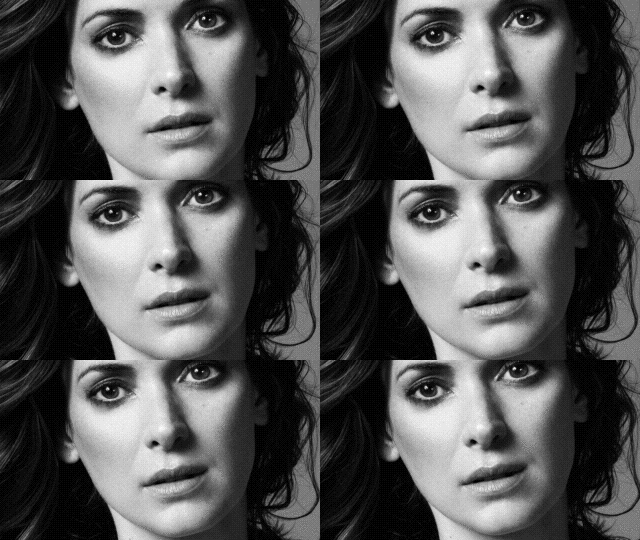
This is a neat way to get a really simple result I think. There is another option of painting a depth map by hand of a face, and bump-mapping/displacing a plane to sort of 'fake' the 3D geometry, then couple it with this idea for _slight_ 3D rotation effects too. I'll have to play with it a bit and see if it's worth mentioning.
(
Here's a quick test I ran the other day of doing this):
As always, I'm happy if anything I write is helpful to someone!

 Login
Login Register
 Tweets
 FAQ
FAQ Advanced Search


 Video from :