It is currently Tue Aug 18, 2026 1:42 pm


All times are UTC - 5 hours [ DST ]


Post new topic Reply to topic  [ 4 posts ] 
Author Message
 Post subject: Custom layout of Montage filter is not reflected
PostPosted: Wed Apr 07, 2021 8:39 pm  (#1) 
Offline
GimpChat Member
User avatar

Joined: Mar 18, 2021
Posts: 7
Image
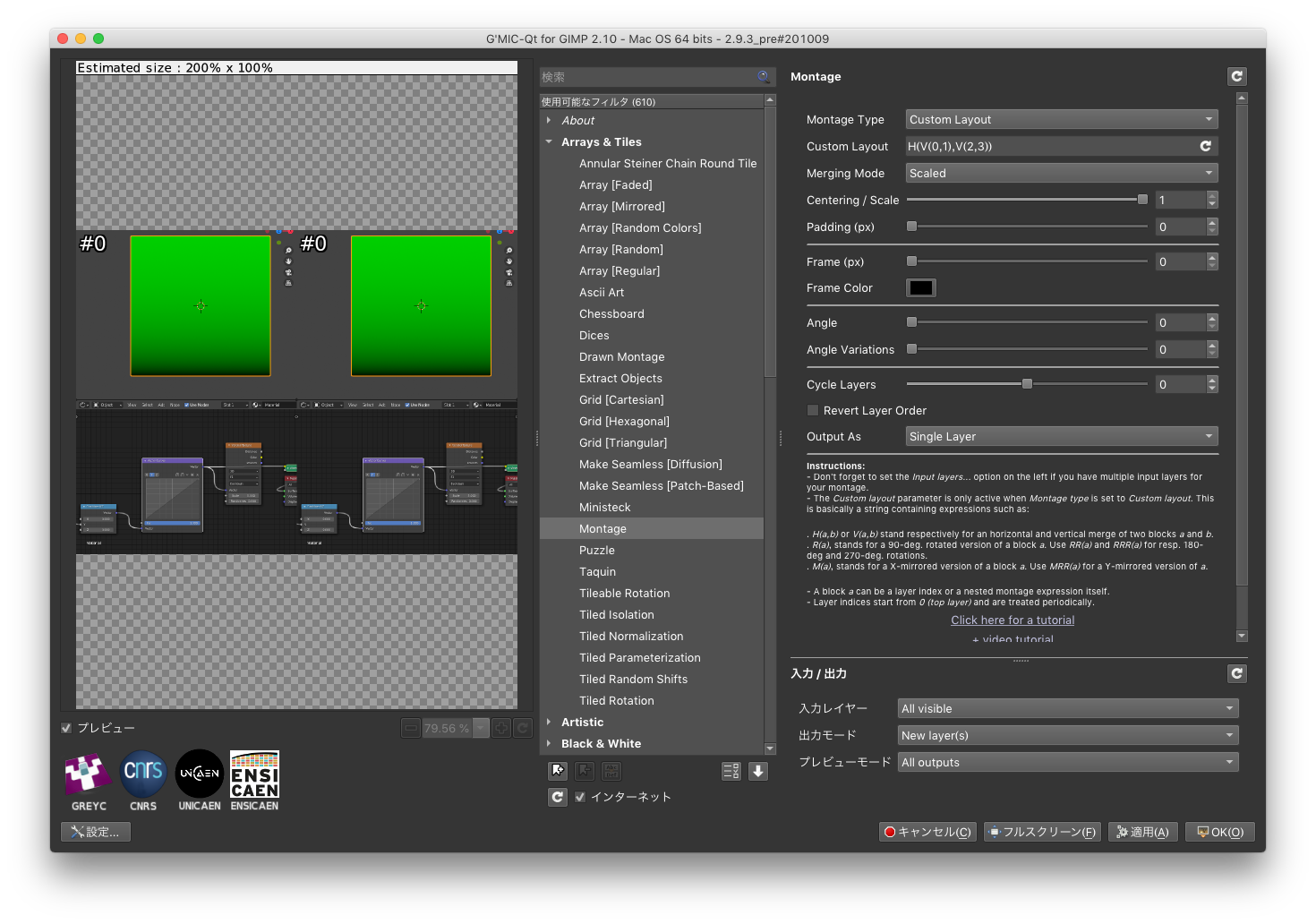
I tried creating a montage image as in the tutorial below.
https://www.youtube.com/watch?v=iM42vx22gwg
However, the custom layout is not reflected.
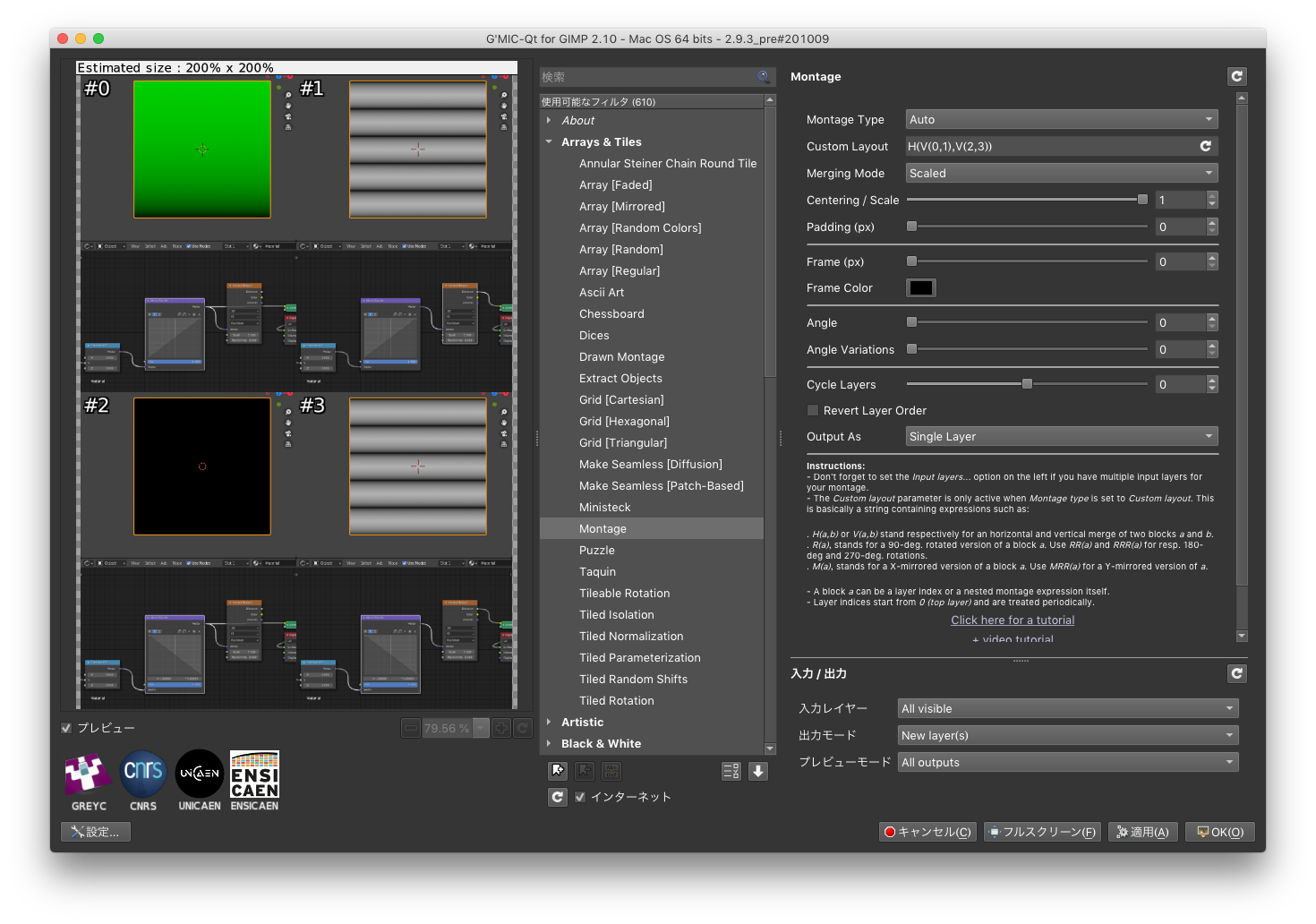
Only some layers are displayed, and all are # 0 layers.
I would be grateful if you could tell me about the cause.
Thank you.

MacOS High Sierra:10.13.6
McGimp-2.10.22.app

Example(Montage type:Auto)
Image


Share on Facebook Share on Twitter Share on Orkut Share on Digg Share on MySpace Share on Delicious Share on Technorati
Top
 Post subject: Re: Custom layout of Montage filter is not reflected
PostPosted: Thu Apr 08, 2021 4:51 am  (#2) 
Offline
GimpChat Member
User avatar

Joined: Apr 15, 2017
Posts: 1837
Set "Input Layers" to "ALL".


Top
 Post subject: Re: Custom layout of Montage filter is not reflected
PostPosted: Thu Apr 08, 2021 6:46 pm  (#3) 
Offline
GimpChat Member
User avatar

Joined: Mar 18, 2021
Posts: 7
Image
Thank you for your reply. I tried.
But the result did not change.
After downgrading Gimp 2.10.14, it worked.


Top
 Post subject: Re: Custom layout of Montage filter is not reflected
PostPosted: Fri Apr 09, 2021 1:51 am  (#4) 
Offline
Global Moderator
User avatar

Joined: Apr 01, 2012
Posts: 8457
Location: On the other side of your screen
You can make the ouput as all new active layers then put them together as you wish.

_________________
Image
Free Fun Photo Editing & resources
Poems from the Lord
Gimp Newby
Gimp version 3.2.4 and GMIC-Qt 4.0.2 OS :- Windows 10 Home 64


Top
Post new topic Reply to topic  [ 4 posts ] 

All times are UTC - 5 hours [ DST ]


* Login  


Powered by phpBB3 © phpBB Group