If you don't have Inkscape version 1.4, it's time to install it:
https://inkscape.org/release/inkscape-1 ... directed=1 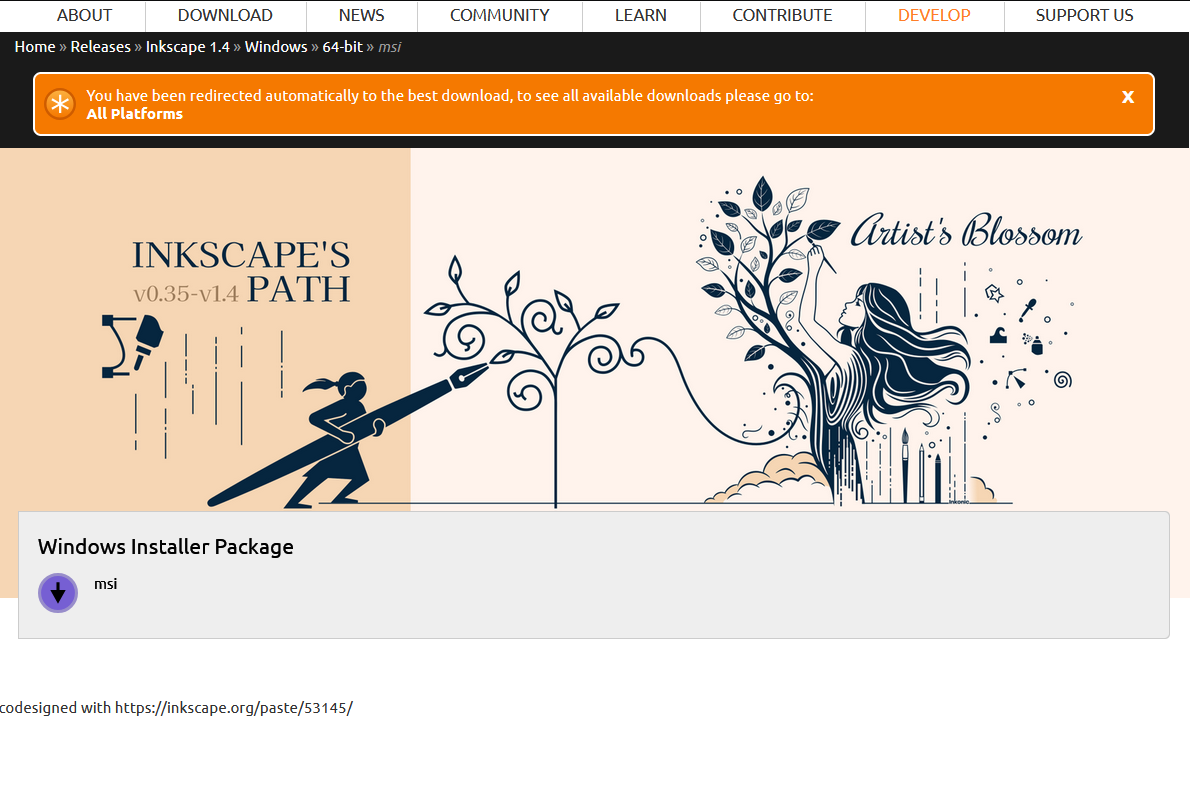
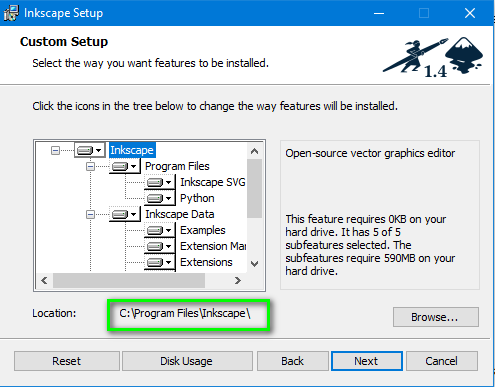
Run msi installer: inkscape-1.4_2024-10-11_86a8ad7-x64.msi
Select the default installation path c:\Program Files\Inkscape\
Download and unzip Inkscape-plugin.zip (in ... 'HomeDirectory'\plug-ins\Inkscape-plugin\Inkscape-plugin.py)
Uruchom Gimp 3.
In menu: Filters ➤ ShelOut ➤ Inkscape...

Select options in the plugin and run it
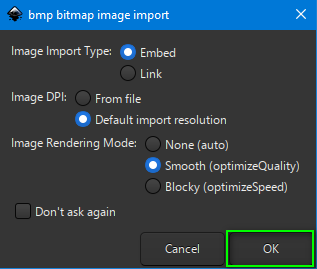
If you want to create svg file use Trace Bitmap:
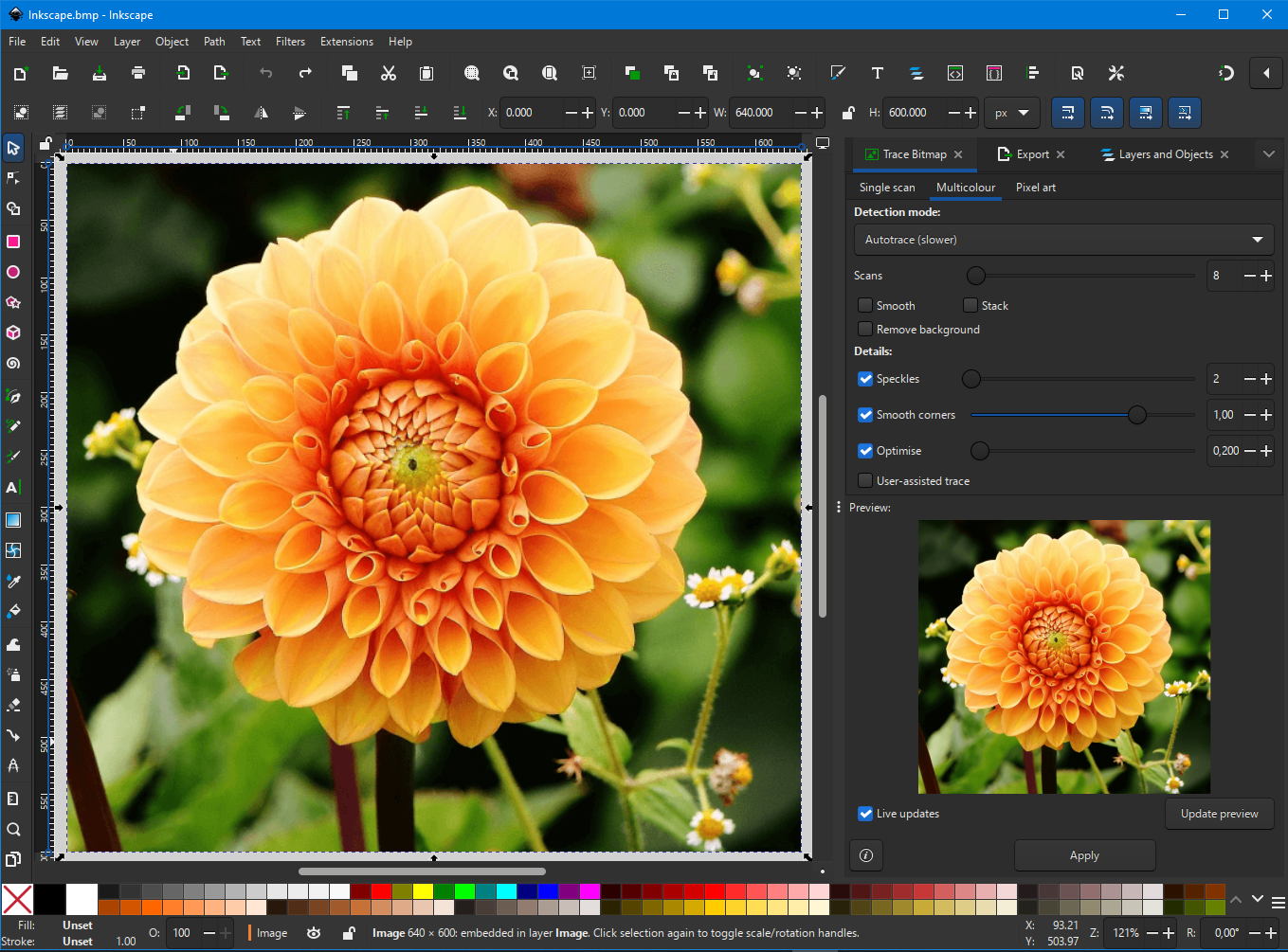
and you can use some Filter:

Save As ➤ Replace 'Name temp-file'.svg


Close Inkscape and you will be back to Gimp with the result

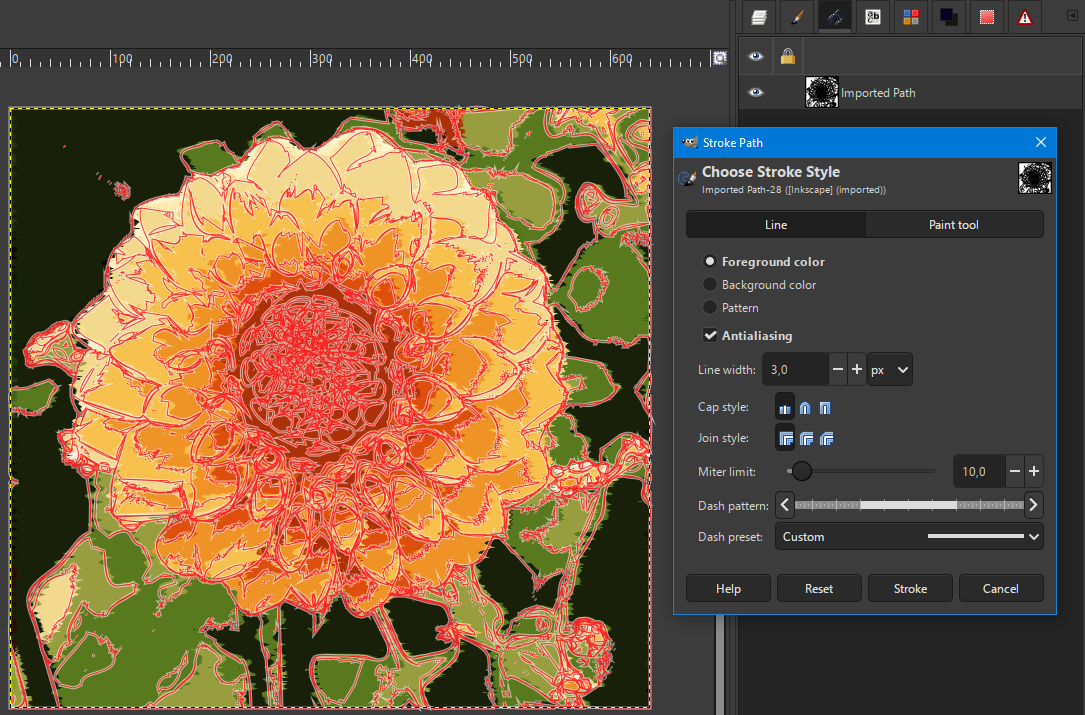
If you want open svg as path:

... and play with the path as you like...
 Login
Login Register
 Tweets
 FAQ
FAQ Advanced Search








 Just wondering if you knew how to fix it. It is a conumdrum for me.

