It is currently Mon Oct 26, 2026 9:59 pm


All times are UTC - 5 hours [ DST ]


Post new topic Reply to topic  [ 11 posts ] 
Author Message
 Post subject: J3nny3lf representing :)
PostPosted: Wed Feb 18, 2026 12:27 pm  (#1) 
Offline
GimpChat Member

Joined: Feb 18, 2026
Posts: 5
Hey folks,

I'm Jenn, 61 years old, living in the back end of beyond in Texas, but FROM Boston and San Francisco.

I've been doing graphic arts since Paintshop 2. I'm well versed in PSP, Corel Draw, and Photoshop. But lately I've been having a hankering to play with the Gimp, so I downloaded it and G'MIC last night and am just having a BLAST with it. I am already convinced it's the best graphics editor out there.

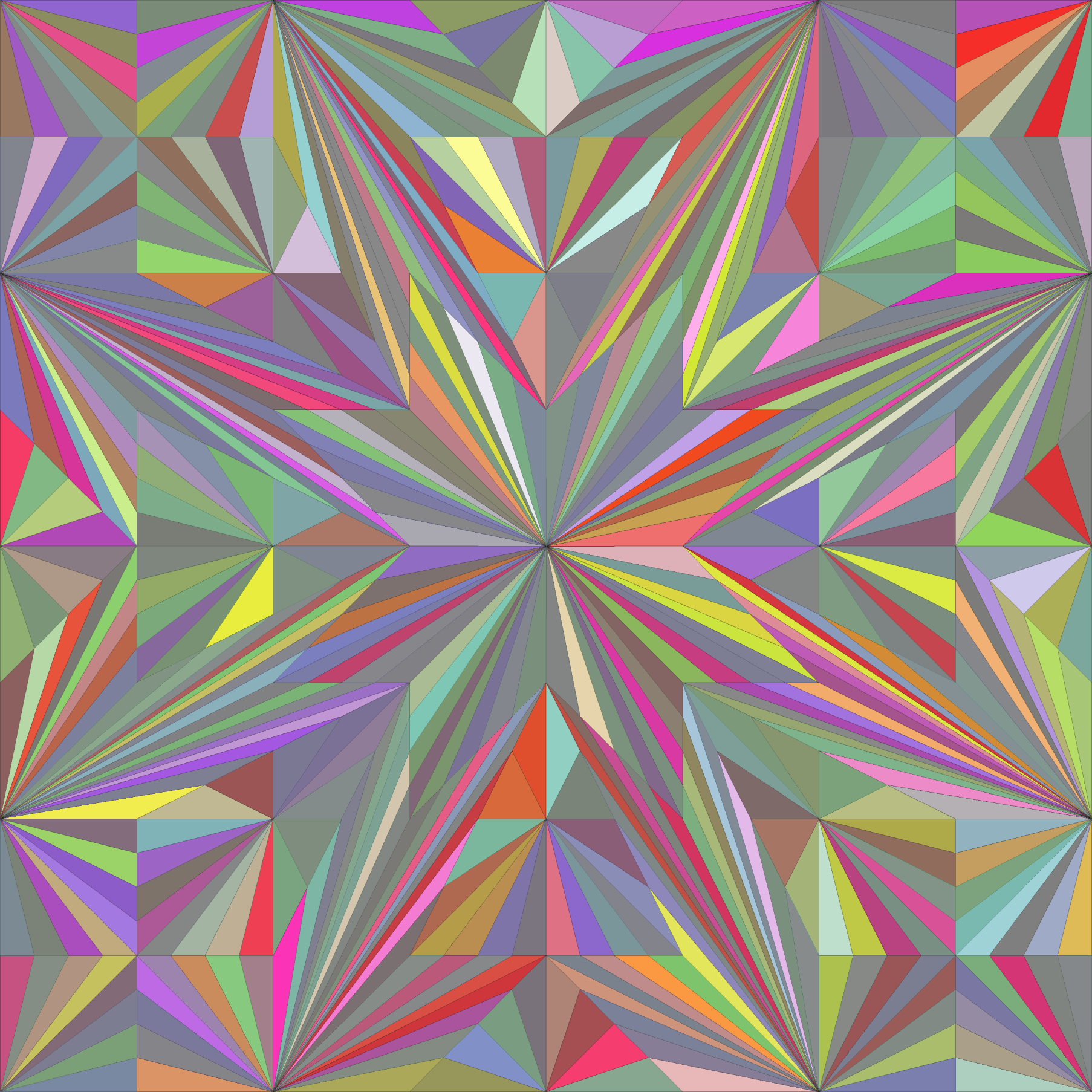
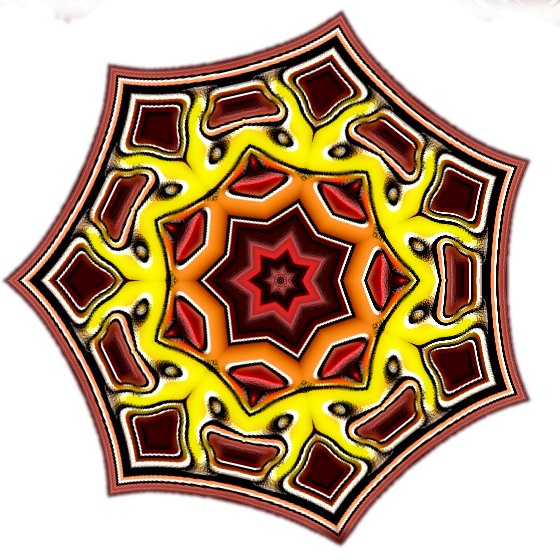
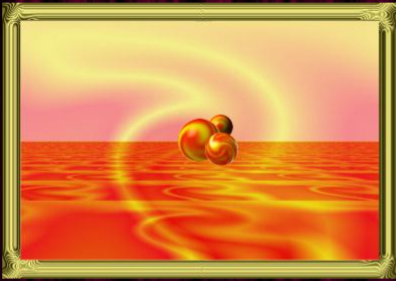
I used to design websites. Now I create art just for fun. I love to make kaleidoscopic mandalas and other artworks. Here's a few images I've made. The first was done last night in the Gimp, the second was done eons ago in PSP 4 or 5, and the one with the floating planets was made in Photoshop 25 years ago.

Image
Image
Image


Can anybody recommend a GOOD book to purchase to have as a desk side reference?


Share on Facebook Share on Twitter Share on Orkut Share on Digg Share on MySpace Share on Delicious Share on Technorati
Top
 Post subject: Re: J3nny3lf representing :)
PostPosted: Wed Feb 18, 2026 5:33 pm  (#2) 
Offline
GimpChat Member
User avatar

Joined: Jan 01, 2026
Posts: 812
Hi there and welcome,
To be honest with you, there not really any great books about gimp, I've look, your best
option would be to go to Amazon and search for Gimp books and do the sample
thing to see the contents and the number of pages. The internal F1 Help is good, the best place to buy older
books about Gimp is at thriftbooks.com, I've bought a lot of books there, maybe a 100 or more, with very good results as
to what I bought and got. Just like a new book, it will get outdated and unread over
time, so why buy every book brand new. I have a few books on Gimp and I hardly
look into them, because of all the information on the Internet, is quicker and easier to
find. Coming from a long-time user of Paintshop Pro, Gimp is better, in art department, with
some very neat feature, which puts Paintshop Pro in it place. I would stay with V3.0.6 because of the
add ons you can use, with this version you can use NIK Plug-in, G'mic-QT and a lot GEGL plugin found at this site to put you
in a artist mode, until you forget what time it is. Just like any program you use, it's not the program that
makes one great, but how great is the talent that uses it.


Attachment:
Tulips-Red.jpg
Tulips-Red.jpg [ 182.53 KiB | Viewed 3492 times ]

This image was edited with G'mic

_________________
Image
Gimp 3.2.6 with Nik Collection and G'mic-QT
Windows 11 Pro with 32 Gigs of RAM
Intel(R) Core(TM) Ultra 7
Previous Paint Shop Pro User v9 - 2023


Top
 Post subject: Re: J3nny3lf representing :)
PostPosted: Thu Feb 19, 2026 12:02 am  (#3) 
Offline
Global Moderator
User avatar

Joined: Apr 01, 2012
Posts: 8491
Location: On the other side of your screen
No books to recommend but I'm sure if you are already well versed in graphics programs it shouldn't take you long to learn gimp. As long as you do not expect it to do the same things as other programs do. It is a powerful program and can do much. I have been using it for over 10 years now and am still learning new things it can do.

BTW Welcome to gimp chat.

_________________
Image
Free Fun Photo Editing & resources
Poems from the Lord
Gimp Newby
Gimp version 3.2.6 and GMIC-Qt 4.0.2 OS :- Windows 10 Home 64


Top
 Post subject: Re: J3nny3lf representing :)
PostPosted: Thu Feb 19, 2026 12:07 am  (#4) 
Offline
GimpChat Member

Joined: Feb 18, 2026
Posts: 5
I'm glad to be here!

I've been fiddling with it since 11 last night, and having a blast!

I'm finding some difficulty in doing basic tasks like resizing canvas. I'm doing something wrong, but I'll sort it out in time!


Top
 Post subject: Re: J3nny3lf representing :)
PostPosted: Thu Feb 19, 2026 12:28 am  (#5) 
Offline
Global Moderator
User avatar

Joined: Apr 01, 2012
Posts: 8491
Location: On the other side of your screen
j3nny3lf wrote:
I'm glad to be here!

I've been fiddling with it since 11 last night, and having a blast!

I'm finding some difficulty in doing basic tasks like resizing canvas. I'm doing something wrong, but I'll sort it out in time!

Look in the image menu
Canvas size should be under transform

_________________
Image
Free Fun Photo Editing & resources
Poems from the Lord
Gimp Newby
Gimp version 3.2.6 and GMIC-Qt 4.0.2 OS :- Windows 10 Home 64


Top
 Post subject: Re: J3nny3lf representing :)
PostPosted: Thu Feb 19, 2026 12:30 am  (#6) 
Offline
GimpChat Member

Joined: Feb 18, 2026
Posts: 5
Oh, I found it, I just can't make it WORK! But thank you!

I just downloaded and installed the help files, so we'll see how that goes. :)


Top
 Post subject: Re: J3nny3lf representing :)
PostPosted: Thu Feb 19, 2026 6:14 am  (#7) 
Offline
GimpChat Member
User avatar

Joined: Jan 01, 2026
Posts: 812
Sorry to hear that. Gimp is different than most other editors.
You have to think differently about what your doing. The main menu bar is
the first thing you need to understand and why it is organized the way it is.
Its not quite updated to compared paid programs. You have to be more
selective about what your doing in steps. Most the time it is a step your
forgetting to do to get to the next. I have posted a few Platinum Fx effects
that might help you with resizing the canvas. Gimp is worth learning.

_________________
Image
Gimp 3.2.6 with Nik Collection and G'mic-QT
Windows 11 Pro with 32 Gigs of RAM
Intel(R) Core(TM) Ultra 7
Previous Paint Shop Pro User v9 - 2023


Top
 Post subject: Re: J3nny3lf representing :)
PostPosted: Thu Feb 19, 2026 6:34 am  (#8) 
Offline
GimpChat Member

Joined: Feb 18, 2026
Posts: 5
I am already of the opinion that it beats the pants off the more mainstream programs. I've made some incredible stuff already!

I'm so happy to be here :)


Top
 Post subject: Re: J3nny3lf representing :)
PostPosted: Thu Feb 19, 2026 9:42 am  (#9) 
Offline
Global Moderator
User avatar

Joined: Apr 01, 2012
Posts: 8491
Location: On the other side of your screen
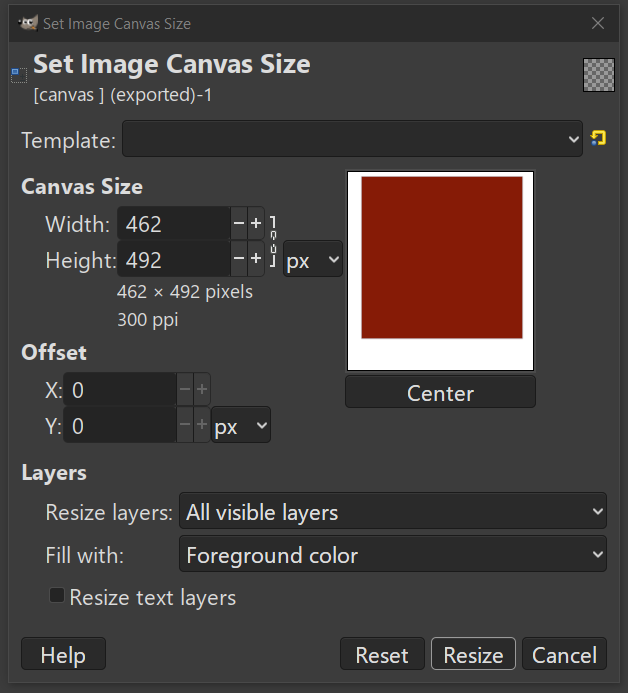
The red box was the original image here. Which was originally 400 x 400.
Just move your width and height to the size you want. It will only do one side of each. Either press centre if you want your picture in the middle or x & y to move it where you would like. It gives an updated preview as your doing it. Make sure you add what colour you want to fill in below. You can have a colour or leave it transparent
Image

_________________
Image
Free Fun Photo Editing & resources
Poems from the Lord
Gimp Newby
Gimp version 3.2.6 and GMIC-Qt 4.0.2 OS :- Windows 10 Home 64


Last edited by sallyanne on Thu Feb 19, 2026 9:46 am, edited 1 time in total.
Late at night and bad spelling plus bad diction


Top
 Post subject: Re: J3nny3lf representing :)
PostPosted: Thu Feb 19, 2026 4:25 pm  (#10) 
Offline
GimpChat Member

Joined: Feb 18, 2026
Posts: 5
Thank you so much!


Top
 Post subject: Re: J3nny3lf representing :)
PostPosted: Fri Feb 20, 2026 1:26 pm  (#11) 
Offline
GimpChat Member
User avatar

Joined: Mar 01, 2014
Posts: 14216
Location: Spain, Aragón
:) Welcome to Gimp Chat, Jenn.


Attachments:
Welcome to Gimp Chat, Jenn.jpg
Welcome to Gimp Chat, Jenn.jpg [ 565.2 KiB | Viewed 3382 times ]

_________________
Image

Gimp 2.10.36 (samj) portable _ OS Windows 10 Home_ 64bits
Don’t be afraid to start over. It’s a new chance to rebuild what you want.
Top
Post new topic Reply to topic  [ 11 posts ] 

All times are UTC - 5 hours [ DST ]


* Login  


Powered by phpBB3 © phpBB Group