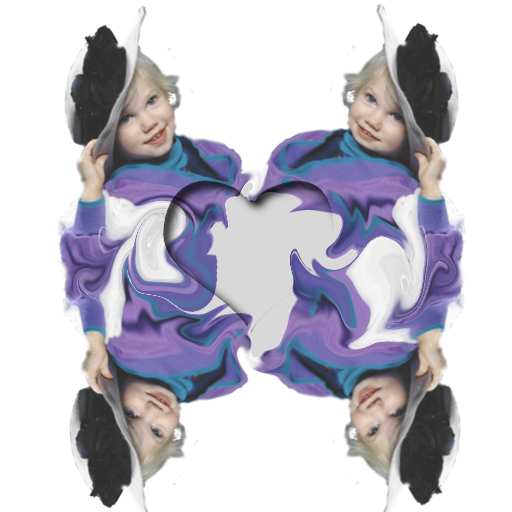
For temporary patterns from a selection, you can use clipboard pattern but there is a size contraint (other's here say's it's 512px; I don't know but believe they are right. When it exceeds this size, the clipboard pattern will be clipped and undesireable). Even if you use a selection copy for pattern, it won't be seamless leading to undersireable results. So, if you insist on using a clipboard pattern, first, paste it as a new image and then run Make Seamless Texture (not that good, but sometimes it's good enough). Now, copy that result and then delete this image unless you really want to save it (not necessary). Now click the clipboard pattern selection (the very first entry in your patterns dialogue) and use it as you wish. I do this quite often, but usually do some tweaking with the seamless texture since I'm not 100% happy with Make Seamless filter. Rarely do I ever want to keep the seamless result, but sometimes I do.

 Login
Login Register
 Tweets
 FAQ
FAQ Advanced Search