It is currently Sat Oct 03, 2026 9:19 am


All times are UTC - 5 hours [ DST ]


Post new topic Reply to topic  [ 9 posts ] 
Author Message
 Post subject: layers in gimp 2.8.10
PostPosted: Sat Apr 26, 2014 8:40 am  (#1) 
Offline
GimpChat Member
User avatar

Joined: Apr 26, 2014
Posts: 3825
Location: belgium
GIMP Version: 2.8.10
Operating System: Windows
GIMP Experience: Beginner Level


layers in gimp 2.8.10

sorry for my english, I hope it is understandable

Since I work with gimp 2.8.10 I have a problem with layers.
For example, I go to layer effects and create a drop shadow, normally I get my layers trasparante a single layer with drop shadow.
Since I work with gimp 2.8.10 I get three layers, the base layer 01 -02 lagen.deze two transparent layers are connected with a dotted line and a minus - sign, when I click the minus sign, then add the three layers together to form a single layer with my base layer, but that is not the intention.
I'm new to the forum and must figure out how I can add an image here
I hope someone understands what I mean and can help
Greetings, gimper66


Share on Facebook Share on Twitter Share on Orkut Share on Digg Share on MySpace Share on Delicious Share on Technorati
Top
 Post subject: Re: layers in gimp 2.8.10
PostPosted: Sat Apr 26, 2014 8:59 am  (#2) 
Offline
GimpChat Member
User avatar

Joined: Apr 07, 2010
Posts: 14182
gimper66 wrote:
GIMP Version: 2.8.10
Operating System: Windows
GIMP Experience: Beginner Level


layers in gimp 2.8.10

sorry for my english, I hope it is understandable

Since I work with gimp 2.8.10 I have a problem with layers.
For example, I go to layer effects and create a drop shadow, normally I get my layers trasparante a single layer with drop shadow.
Since I work with gimp 2.8.10 I get three layers, the base layer 01 -02 lagen.deze two transparent layers are connected with a dotted line and a minus - sign, when I click the minus sign, then add the three layers together to form a single layer with my base layer, but that is not the intention.
I'm new to the forum and must figure out how I can add an image here
I hope someone understands what I mean and can help
Greetings, gimper66


You can add an attachment by using this below
Image

After you have made 5 posts you can use the upload button.
Image

_________________
Image


Top
 Post subject: Re: layers in gimp 2.8.10
PostPosted: Sat Apr 26, 2014 9:03 am  (#3) 
Offline
GimpChat Member
User avatar

Joined: Jan 20, 2013
Posts: 14835
Location: roma, italy
on my system I have to do as follows:
on the top layer (generated by Drop Shadow) click twice on the little eye

_________________
"Where am I ?"


Top
 Post subject: Re: layers in gimp 2.8.10
PostPosted: Sat Apr 26, 2014 9:05 am  (#4) 
Offline
GimpChat Member
User avatar

Joined: Jan 20, 2013
Posts: 14835
Location: roma, italy
...
I may also move the cursor on the layer below to get it the active one...(same result)

_________________
"Where am I ?"


Top
 Post subject: Re: layers in gimp 2.8.10
PostPosted: Sat Apr 26, 2014 9:20 am  (#5) 
Offline
GimpChat Member
User avatar

Joined: Apr 07, 2010
Posts: 14182
:ninja
I think what also is happening, your layerfx has group layers and it is confusing which layer you should be working on.
There are 3 different Layerfx scripts, two are plug-ins (.py) files and the other one is a script (.scm) file

_________________
Image


Top
 Post subject: Re: layers in gimp 2.8.10
PostPosted: Sat Apr 26, 2014 10:52 am  (#6) 
Offline
GimpChat Member
User avatar

Joined: Apr 26, 2014
Posts: 3825
Location: belgium
hey combagui,

it is a surprise for me and an honor to welcome you in my topic here through gimpchat I have already made ​​many of your wonderful tutorials thanks for that.
I know you've given the link-layer fx (pyton fu) in one of your tutorials but would it be possible to give me the link here because when I look through the gimp plugin registry I'll always at the latest version but that is not pyton fu
   Thanks in advance, gimper66


Top
 Post subject: Re: layers in gimp 2.8.10
PostPosted: Sat Apr 26, 2014 11:06 am  (#7) 
Offline
GimpChat Member
User avatar

Joined: Apr 07, 2010
Posts: 14182
This is the one you want right here.
If you go to the top of the page you will see all the latest updated scripts and plug-ins.

Image


Attachments:
layerfx.py.7z [22.46 KiB]
Downloaded 164 times

_________________
Image
Top
 Post subject: Re: layers in gimp 2.8.10
PostPosted: Sat Apr 26, 2014 11:30 am  (#8) 
Offline
GimpChat Member
User avatar

Joined: Apr 26, 2014
Posts: 3825
Location: belgium
thanks for the help everyone, layerfx.py is installed and now work as expected.
Now I can go back to work with layers, the link I have stored on my computer (for security)
thanks again :tyspin , gimper66


Top
 Post subject: Re: layers in gimp 2.8.10
PostPosted: Sun Apr 27, 2014 3:32 am  (#9) 
Offline
GimpChat Member
User avatar

Joined: Apr 26, 2014
Posts: 3825
Location: belgium
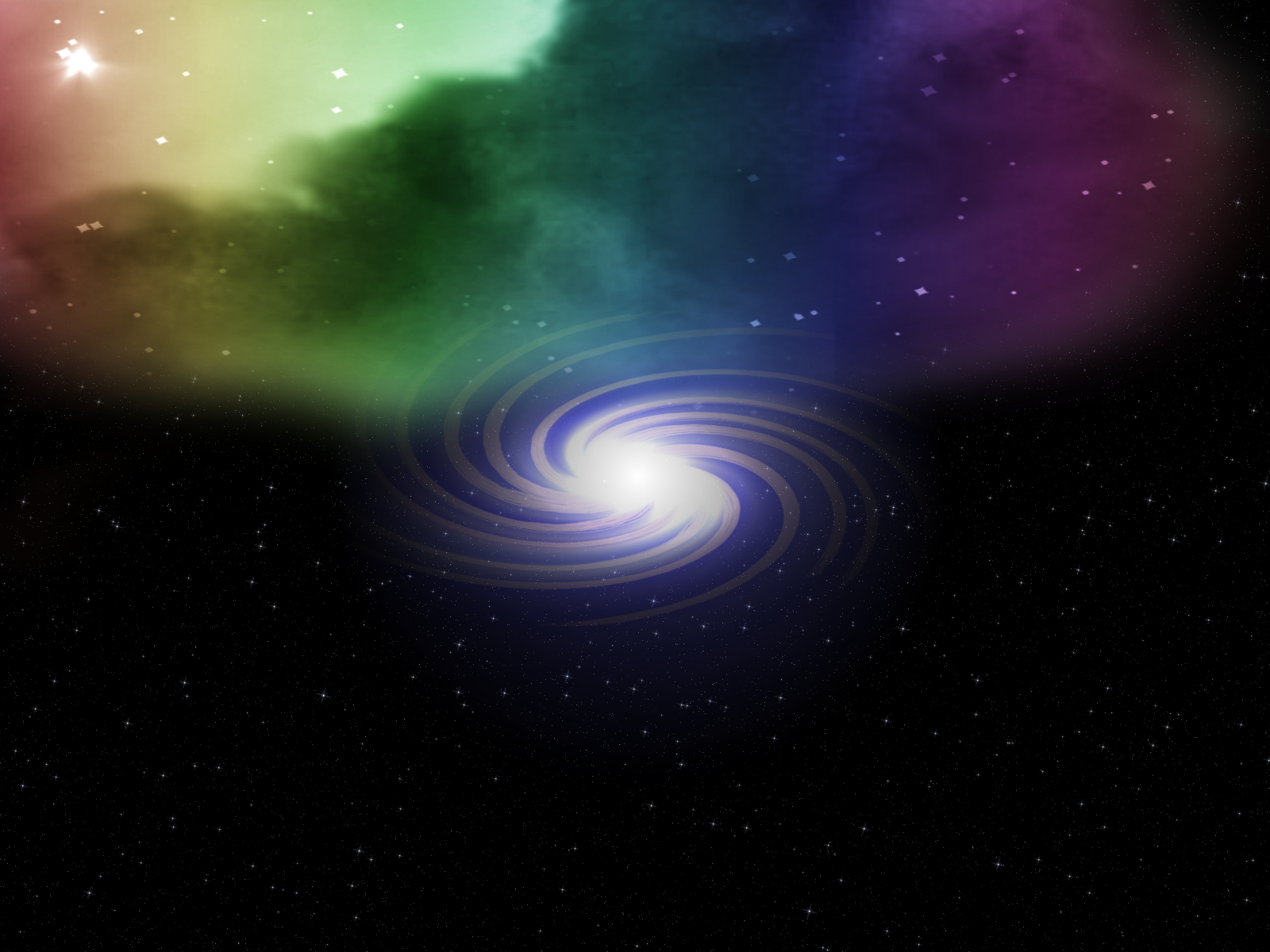
This picture I made with a tutorial of combagui (create a galaxy) the cloud on transparent background I colored and placed it above the galacy image.
I've edited the cloud with the eraser tool to the galaxy become visible.
with this result
Image


Top
Post new topic Reply to topic  [ 9 posts ] 

All times are UTC - 5 hours [ DST ]


* Login  


Powered by phpBB3 © phpBB Group