For starters, the very first thing I do with any old image is test the grain merge process to see what I can draw out of the image.
1. Duplicate the image. Change the mode to the duplicate layer to grain merge.
2. Flatten the image and then head to Colors - Curves to push it even more.
This gives me an idea of how far I can take it without investing a ton of time trying to enhance it.
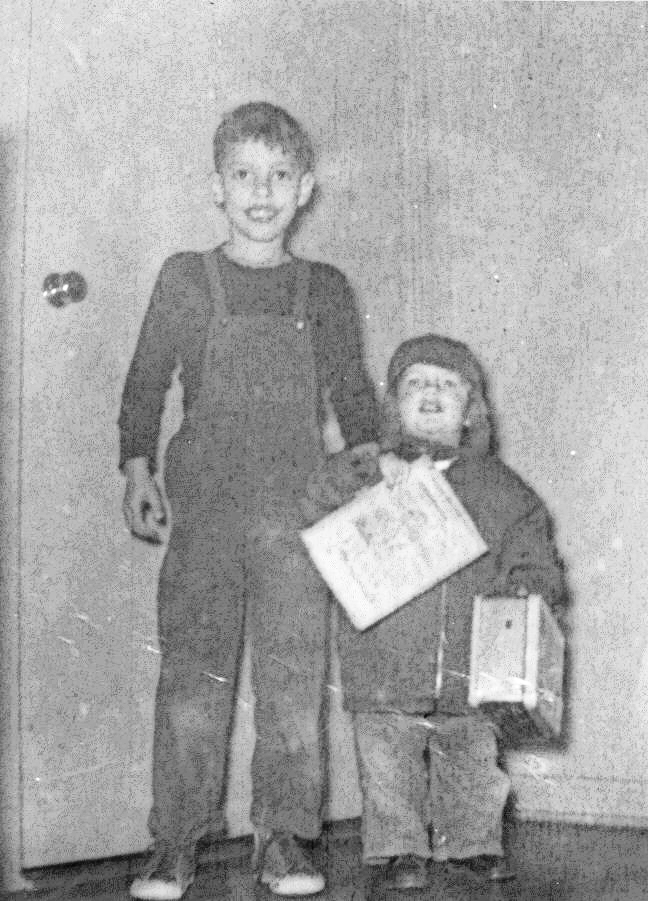
I like to use G'MIC to smooth my images with anisotropic smoothing.
And it never hurts to use adjust the levels (Colors - Levels "auto")

I should have mentioned this first, but didn't think of it at the time. When scanning old photographs, scan at the highest possible resolution without taking your image into memory hogging zone. Usually 300 to 600 dpi (ppi) is fine. I never scan 1:1 because it leaves too many artifacts in the image to deal with. Scanning large, gives you the ability to refine, smooth, and remove noise/grain (or problem areas) before touching them up.
_________________
"In order to attain the impossible, one must attempt the absurd."
~ Miguel de Cervantes
 Login
Login Register
 Tweets
 FAQ
FAQ Advanced Search




















