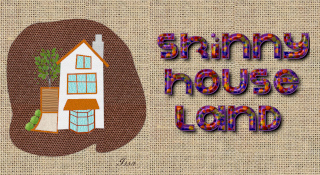
Not sure if you want to start a custom font from scratch Jappaloe - or from an existing plain custom font:
A little background info from one guide...
Quote:
What exactly is a custom font?
A custom font file is a set of transparent Gimp layers containing character images – not text layers.
There is no rule about how many characters a custom font should hold but each layer should be
named with a single character followed by .png (apart from the space character which by
convention has the name space.png). The space character is mandatory.
The advantage of using a custom font is that the characters can be given any colour and/or texture –
not just a plain colour as with a standard Gimp text font.
A custom font file can also optionally include kerning paths to modify the spacing between pairs of
letters that otherwise might appear unnaturally far apart or too close together. This spacing is taken
from the actual width of each character layer. Kerning path pairs are simply a pair of points created
with Gimp’s path tool to provide a mechanism for using alternative widths between the named
characters. [There is a global kerning mechanism, using a path with a single character name
followed by .png, that applies spacing to all following characters. Kerning pair paths take
preference over global kerning paths.]
Two links that might help...
Quick Start Guide to Custom Font MakingQuick Start Guide to Whitebase Custom FontsPlease ask again if this is not what you want - I get a little excited at the thought of new Custom Fonters!
 Login
Login Register
 Tweets
 FAQ
FAQ Advanced Search