It is currently Mon Nov 16, 2026 11:10 pm


All times are UTC - 5 hours [ DST ]


Post new topic Reply to topic  [ 101 posts ]  Go to page Previous  1, 2, 3, 4, 5, 6  Next
Author Message
 Post subject: Re: Yooo Guys...
PostPosted: Sat Mar 12, 2011 4:48 pm  (#21) 
Offline
GimpChat Member
User avatar

Joined: Mar 02, 2011
Posts: 1850
Location: Michigan
Just a lot of frames and some careful editing, there is no way I can do with a gradient, maybe though... have to think about it and maybe get help from a friend, for now I am just gonna finish your sig

_________________
Image
I'm back I think


Top
 Post subject: Re: Yooo Guys...
PostPosted: Sat Mar 12, 2011 4:50 pm  (#22) 
Offline
GimpChat Member
User avatar

Joined: Mar 12, 2011
Posts: 40
Location: Naughty Step
ok.. thanks i carnt edit At all really :L


Top
 Post subject: Re: Yooo Guys...
PostPosted: Sat Mar 12, 2011 4:52 pm  (#23) 
Offline
GimpChat Member
User avatar

Joined: Mar 02, 2011
Posts: 1850
Location: Michigan
Well I finished that, then Proceeded to close out while only Saving a PNG... hope this is acceptable X D
Image

_________________
Image
I'm back I think


Top
 Post subject: Re: Yooo Guys...
PostPosted: Sat Mar 12, 2011 4:54 pm  (#24) 
Offline
Global Moderator
User avatar

Joined: May 16, 2010
Posts: 16272
Just create a bunch of frames with the red line moving - make the text see through and use the text as a foreground on all the layers.

Image

_________________
Image


Top
 Post subject: Re: Yooo Guys...
PostPosted: Sat Mar 12, 2011 4:55 pm  (#25) 
Offline
GimpChat Member
User avatar

Joined: Mar 02, 2011
Posts: 1850
Location: Michigan
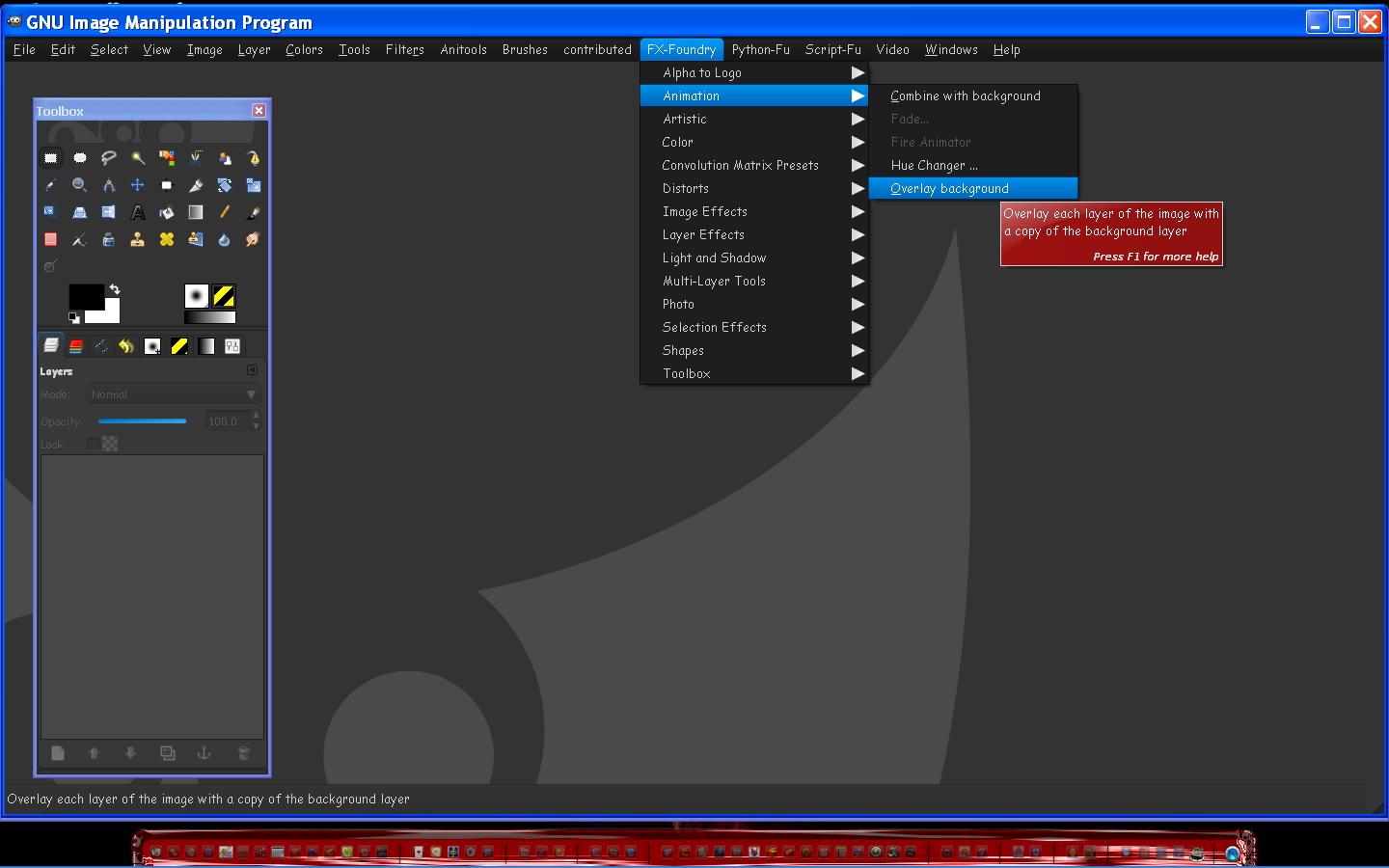
Woah nice mod on GIMP there mate I use default, and You are welcome to do that if you feel you would like to do so :D

_________________
Image
I'm back I think


Top
 Post subject: Re: Yooo Guys...
PostPosted: Sat Mar 12, 2011 4:57 pm  (#26) 
Offline
GimpChat Member
User avatar

Joined: Mar 12, 2011
Posts: 40
Location: Naughty Step
Willy wrote:
Well I finished that, then Proceeded to close out while only Saving a PNG... hope this is acceptable X D
Image


:yes yyaayy :tyspin i wish i could edit :lol


Top
 Post subject: Re: Yooo Guys...
PostPosted: Sat Mar 12, 2011 4:58 pm  (#27) 
Offline
GimpChat Member
User avatar

Joined: Mar 02, 2011
Posts: 1850
Location: Michigan
I would love a bit of Credit there mate :D, and if I ever feel like making an animation, this is first in line

_________________
Image
I'm back I think


Top
 Post subject: Re: Yooo Guys...
PostPosted: Sat Mar 12, 2011 4:59 pm  (#28) 
Offline
GimpChat Member
User avatar

Joined: Mar 12, 2011
Posts: 40
Location: Naughty Step
Rod wrote:
Just create a bunch of frames with the red line moving - make the text see through and use the text as a foreground on all the layers.

Image


I whould love to say "Yeh I Know What You Mean" lol :lol


Top
 Post subject: Re: Yooo Guys...
PostPosted: Sat Mar 12, 2011 5:00 pm  (#29) 
Offline
GimpChat Member
User avatar

Joined: Mar 02, 2011
Posts: 1850
Location: Michigan
Wow Rod, I don't have that menu on my GIMP... how did you get it there?

_________________
Image
I'm back I think


Top
 Post subject: Re: Yooo Guys...
PostPosted: Sat Mar 12, 2011 5:04 pm  (#30) 
Offline
GimpChat Member
User avatar

Joined: Mar 12, 2011
Posts: 40
Location: Naughty Step
Willy wrote:
Wow Rod, I don't have that menu on my GIMP... how did you get it there?


same i think mine's v2
im looking on there website now at v2.6 is that it ?
+ im on windows 7 starter so everything looks different lool


Top
 Post subject: Re: Yooo Guys...
PostPosted: Sat Mar 12, 2011 5:06 pm  (#31) 
Offline
GimpChat Member
User avatar

Joined: Mar 02, 2011
Posts: 1850
Location: Michigan
That is something he downloaded for GIMP, I don't think there is a version like that menu... He has some sort of Linux too...

_________________
Image
I'm back I think


Top
 Post subject: Re: Yooo Guys...
PostPosted: Sat Mar 12, 2011 5:09 pm  (#32) 
Offline
GimpChat Member
User avatar

Joined: Mar 12, 2011
Posts: 40
Location: Naughty Step
what version are you on ?


Top
 Post subject: Re: Yooo Guys...
PostPosted: Sat Mar 12, 2011 5:11 pm  (#33) 
Offline
GimpChat Member
User avatar

Joined: Mar 02, 2011
Posts: 1850
Location: Michigan
2.6.11 newest stable version

_________________
Image
I'm back I think


Top
 Post subject: Re: Yooo Guys...
PostPosted: Sat Mar 12, 2011 5:13 pm  (#34) 
Offline
GimpChat Member
User avatar

Joined: Mar 12, 2011
Posts: 40
Location: Naughty Step
Willy wrote:
2.6.11 newest stable version


Much Better Than v2 ??


Top
 Post subject: Re: Yooo Guys...
PostPosted: Sat Mar 12, 2011 5:20 pm  (#35) 
Offline
GimpChat Member
User avatar

Joined: Mar 12, 2011
Posts: 40
Location: Naughty Step
This Is Just INSANE !! http://www.fivestargamerz.com/images/im ... 1/03/7.gif


Top
 Post subject: Re: Yooo Guys...
PostPosted: Sat Mar 12, 2011 5:21 pm  (#36) 
Offline
GimpChat Member
User avatar

Joined: Mar 02, 2011
Posts: 1850
Location: Michigan
Something tells me that guy is not using GIMP :p

_________________
Image
I'm back I think


Top
 Post subject: Re: Yooo Guys...
PostPosted: Sat Mar 12, 2011 5:22 pm  (#37) 
Offline
GimpChat Member
User avatar

Joined: Mar 12, 2011
Posts: 40
Location: Naughty Step
Can You Do That ?? HaHa :hehe


Top
 Post subject: Re: Yooo Guys...
PostPosted: Sat Mar 12, 2011 5:27 pm  (#38) 
Offline
GimpChat Member
User avatar

Joined: Mar 12, 2011
Posts: 40
Location: Naughty Step
Willy wrote:
Something tells me that guy is not using GIMP :p


He Is.... :lol

Must Be Photoshop... :geek


Top
 Post subject: Re: Yooo Guys...
PostPosted: Sat Mar 12, 2011 5:39 pm  (#39) 
Offline
Retired Staff
User avatar

Joined: May 22, 2008
Posts: 6946
Location: Somewhere in GIMP
Willy you can get those two stars by holding down the alt key and typing 9733 for the solid star, let up on the keys; and hold down the alt key and type 9734, let up on the keys the star will appear. They should work in GIMP and you can resize them like any other text.
They are usually written like this:

Alt + Numpad 9733
Alt + Numpad 9734

That method works in Windows.

If you have Linux you need to use Unicode (which I did).

★ ☆

_________________
Image
World War IV will be fought with sticks and stones. - Albert Einstein


Top
 Post subject: Re: Yooo Guys...
PostPosted: Sat Mar 12, 2011 5:40 pm  (#40) 
Offline
GimpChat Member
User avatar

Joined: Mar 02, 2011
Posts: 1850
Location: Michigan
Thanks I already got them with Copy and Paste :D I knew it was some sort of Alt Code

_________________
Image
I'm back I think


Top
Post new topic Reply to topic  [ 101 posts ]  Go to page Previous  1, 2, 3, 4, 5, 6  Next

All times are UTC - 5 hours [ DST ]


* Login  


Powered by phpBB3 © phpBB Group