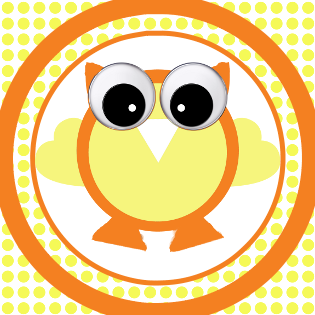
Definitely use multiple layers, it's easier to edit.
For your example, it seems like it would be good to have at least three different layers for the main circle, and a fourth for the border. You'd have additional layers for the effects (polka-dots, reflection, etc).
I made one up really quick (didn't have a zebra pattern, but leopard is more sassy anyway

) if you want to check out the XCF. I made it using these steps:
Circle Tool (I can't confidently spell ellipse) and fill with black for the border.
Shrink selection by 2px and make a new layer.
Fill new smaller circle with a lightish pink (outer edge).
Shrink selection by 10px (I think it was 10) and make a new layer.
Filler new smaller circle with darker pink (bevel-like shadow)
Shrink selection by 6px and make a new layer.
Fill new smaller circle with pattern.
The other layers are the effects. Throw in a Minnie Mouse and you've got your bottle cap, or at least a really simple copy of it. There are other ways of getting the same results too.
Is that what you were asking? I'll feel like a dork if you had something completely different in mind!
 Login
 Register
 Tweets
 FAQ
 Advanced Search