GIMP Version: 2.8.10
Operating System: Windows
GIMP Experience: Beginner Level
The outlines of the drawing are done (thanks!) and now for the coloring part there is this blur effect in the image that makes it odd for the color to look at. I don't know what it is but is there any way that we can set some like "All colors other than transparent (color to alpha) will be in color black" to stop this effect. I guess its because they uploaded it in bad resolution.
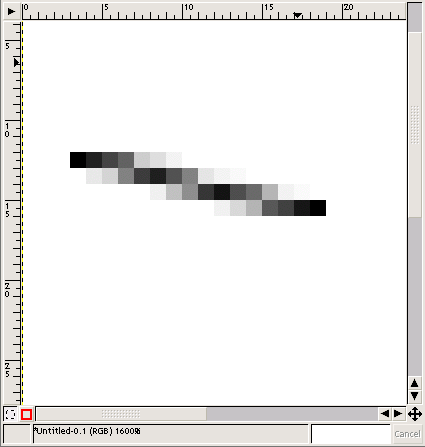
Example of the blur effect we saw was something like this:
This is an example of the blur thing going on, the main color is black but it creates some other colors.
This one also scanned some sort of shading we don't need.

This is the same thing when you use the paintbrush hardness 50 that gives multiple shades of color. Since what we do is scan the sketch then do the outlines then after that color it. But during the color part the shades come out which is like dots and lines.
Its something like this
post is talking about the other way around.
It should look from this
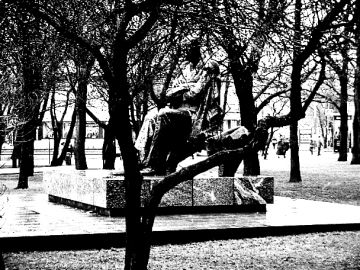
to this
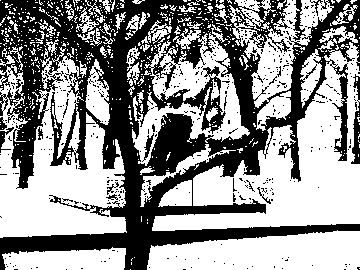
 Login
Login Register
 Tweets
 FAQ
FAQ Advanced Search




