Oregonian wrote:
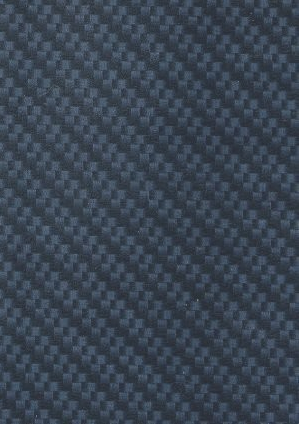
Unfortunately, the original pattern is in shades of grey and Hue and Saturation doesn't work on it.
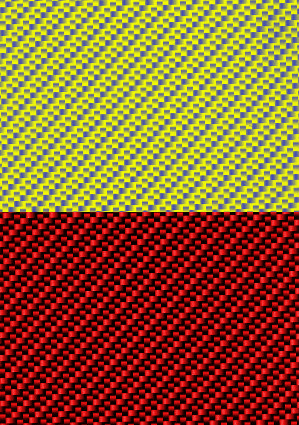
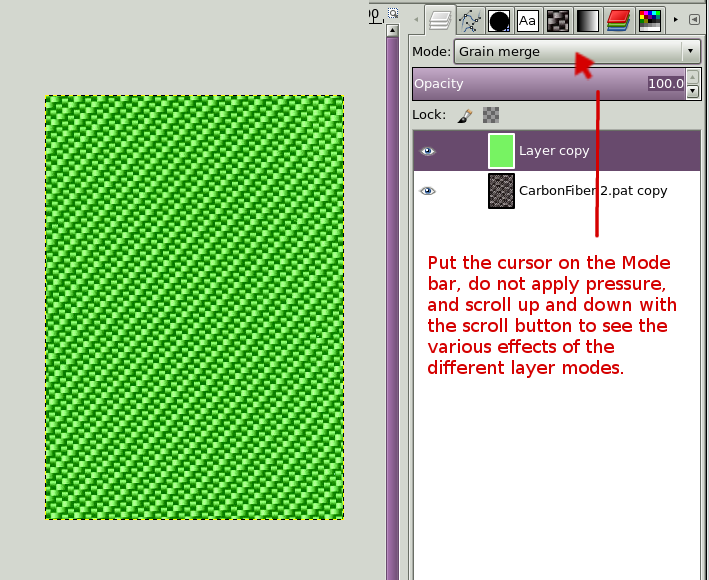
Well, I was speaking in general terms regarding options available in GIMP to adjust colors. Although, Hue/Sat does work on both examples posted by avgcivilian. Bump the lightness, then adjust Hue/Sat. With black/white/gray, what I often do is run colorize or colorify as a first step, then move to hue/sat/balance/curves options for more detailed tweaking.
avgcivilian wrote:
What I'd *really* like to learn is how to create the pattern so that it's scalable without seams.
There are various techniques to create seamless patterns. Filters/Map/Make Seamless is a quick and dirty approach. Simple repeating patterns are probably best done manually. I usually make the seamless pattern large, then scale it down as needed.
Have a look through a few of
these threads for more methods and ideas.
Discussion split to separate thread...
 Login
Login Register
 Tweets
 FAQ
FAQ Advanced Search