It is currently Thu Sep 24, 2026 2:11 am


All times are UTC - 5 hours [ DST ]


Post new topic Reply to topic  [ 9 posts ] 
Author Message
 Post subject: Flames
PostPosted: Mon Jan 26, 2015 5:57 pm  (#1) 
Offline
New Member

Joined: Jan 16, 2015
Posts: 3
GIMP Version: 2.8.10
Operating System: Windows
GIMP Experience: Beginner Level


Hi all

How is best to create the flames in this car livery? Looking to replicate this but not sure where to start!

Thanks in advance

James


Attachments:
10678704_907317679318381_127831954313275960_n.jpg
10678704_907317679318381_127831954313275960_n.jpg [ 71.88 KiB | Viewed 4583 times ]
Share on Facebook Share on Twitter Share on Orkut Share on Digg Share on MySpace Share on Delicious Share on Technorati
Top
 Post subject: Re: Flames
PostPosted: Mon Jan 26, 2015 10:02 pm  (#2) 
Offline
GimpChat Member

Joined: Jan 09, 2015
Posts: 22
Well...literally, find a stock photo of flame. It's probably what they did. ;)

Otherwise, if you'd like to generate it yourself, I'd have a look for tutorials on painting digital smoke or flame (although I just did a quick search and didn't find one that looked quite right). Alternatively, a measure halfway between cropping a photo and generating it yourself would be to use some custom brushes, for example, maybe these.

That particular closeup of fire on the car also looks an awful lot like some of the energy-ribbon style desktop wallpapers I've seen... There's even a web-app called Flame Painter that can very quickly generate those types of images.


Top
 Post subject: Re: Flames
PostPosted: Mon Jan 26, 2015 10:29 pm  (#3) 
Offline
GimpChat Member
User avatar

Joined: Sep 24, 2010
Posts: 12845
Flame Painter is powerful, but not for me (since I'm a filter guy hence this sorry example; yes, I lazily extended the image too (and I could do better then this, but I am lazy; lol). In a better trained user's hands, it's awesome. Not free (online version is but not anywhere near as useful). :)


Attachments:
fp.png
fp.png [ 441.88 KiB | Viewed 4502 times ]

_________________
Lyle

Psalm 109:8

Image
Top
 Post subject: Re: Flames
PostPosted: Tue Jan 27, 2015 7:10 am  (#4) 
Offline
Global Moderator
User avatar

Joined: May 16, 2010
Posts: 16174
lylejk wrote:
Flame Painter is powerful, but not for me (since I'm a filter guy hence this sorry example; yes, I lazily extended the image too (and I could do better then this, but I am lazy; lol). In a better trained user's hands, it's awesome. Not free (online version is but not anywhere near as useful). :)

Lyle when you get that brush perfected send it to me. Please. :)


Top
 Post subject: Re: Flames
PostPosted: Tue Jan 27, 2015 7:26 am  (#5) 
Offline
Global Moderator
User avatar

Joined: Apr 01, 2012
Posts: 8471
Location: On the other side of your screen
There are tutorials on how to create flames on an object for gimp in YouTube

www.youtube.com Video from : www.youtube.com

&

www.youtube.com Video from : www.youtube.com


Alternately you will find lots of flame ribbon public domain pics if you go here
http://www.publicdomainpictures.net/vie ... background

_________________
Image
Free Fun Photo Editing & resources
Poems from the Lord
Gimp Newby
Gimp version 3.2.4 and GMIC-Qt 4.0.2 OS :- Windows 10 Home 64


Top
 Post subject: Re: Flames
PostPosted: Tue Jan 27, 2015 8:26 am  (#6) 
Offline
Global Moderator
User avatar

Joined: May 16, 2010
Posts: 16174
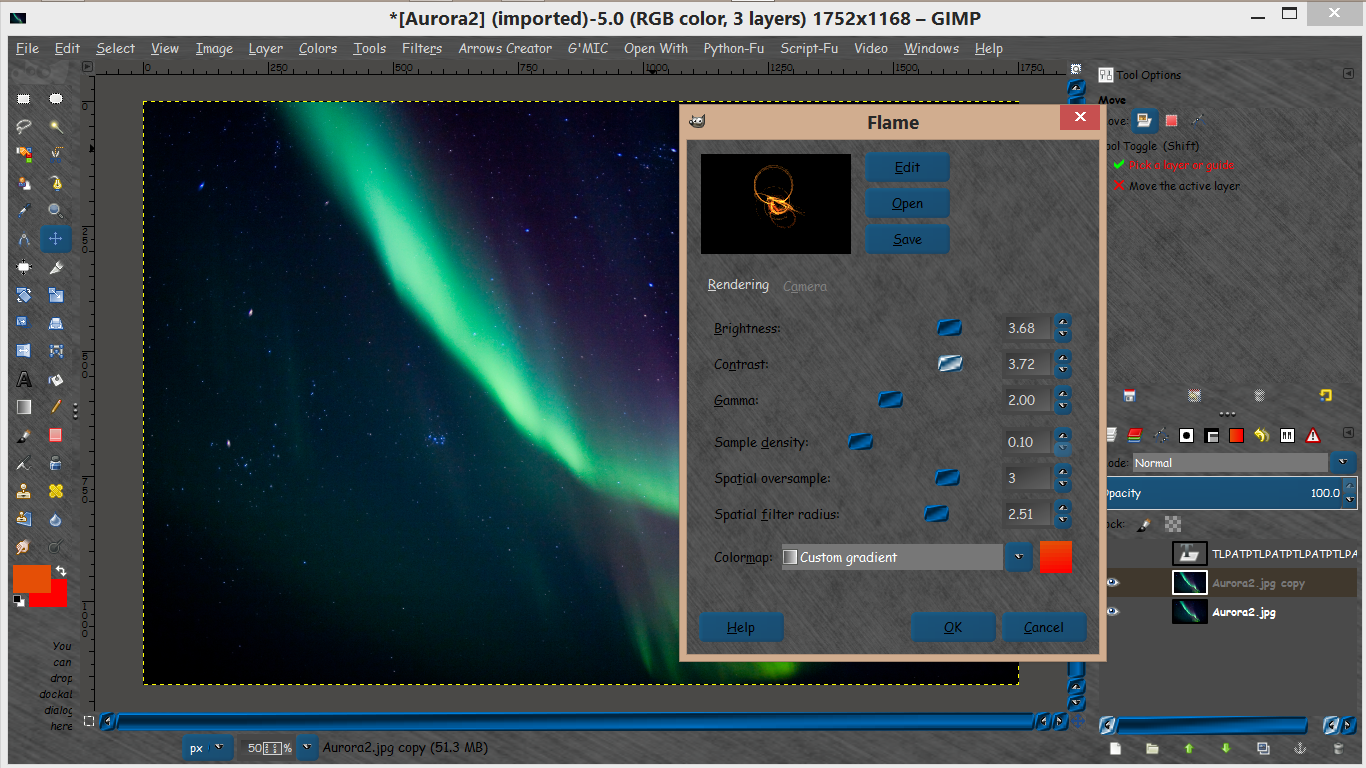
You can also use the flames plugin included with GIMP. :)
Filters>Render>Nature>Flame
Image

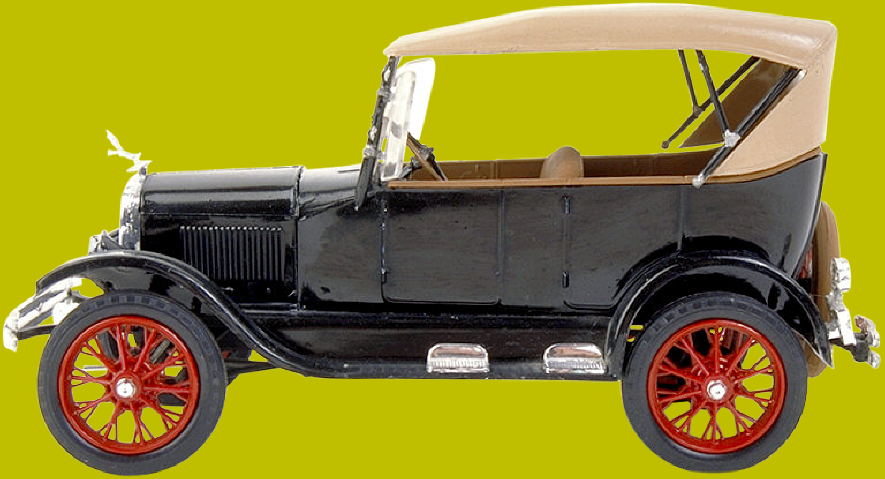
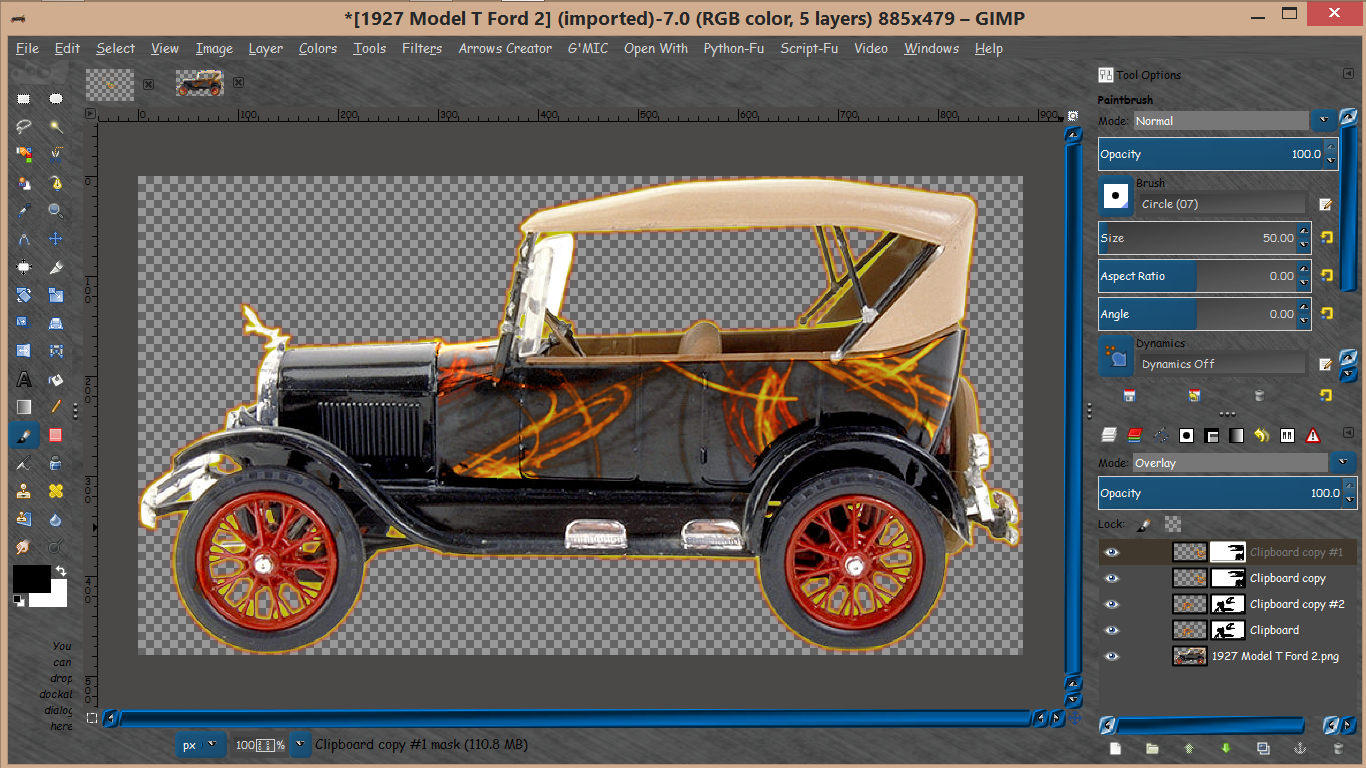
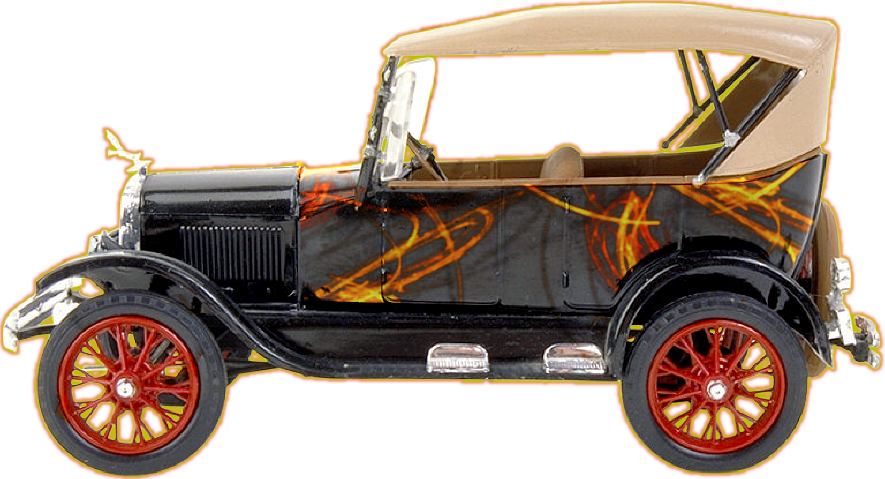
Just a matter of overlaying the flames now and masking out unneeded parts.
This image owned by myself and you may do as you wish with it.
Image
Image

Image


Top
 Post subject: Re: Flames
PostPosted: Tue Jan 27, 2015 9:01 am  (#7) 
Offline
Global Moderator
User avatar

Joined: Apr 01, 2012
Posts: 8471
Location: On the other side of your screen
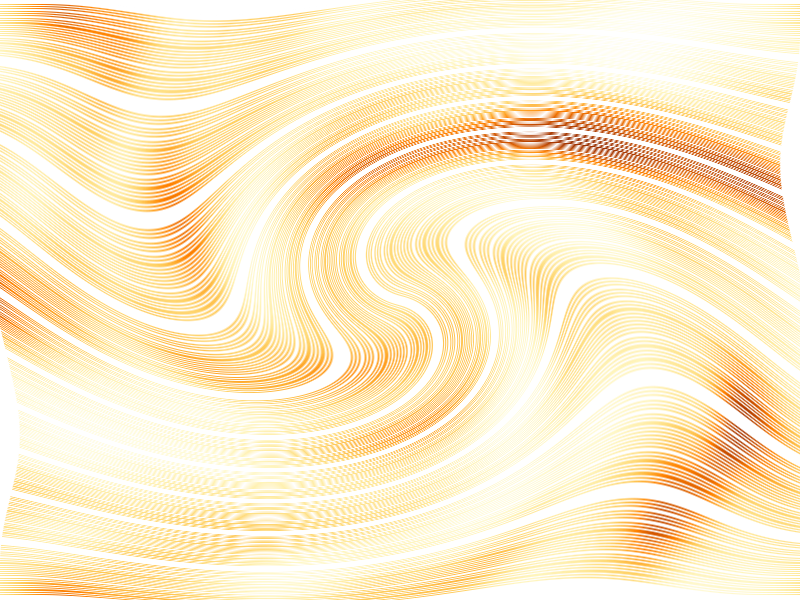
ImageIf you like what I've done here at all you can cut a bit out or make some yourself.
I just did the first part of the tutorial without the turbulence up high. colourised it the same and then did my own thing.
I erased every other row and also did about 11 segments in blind.
Then gave it a whirl and pinch.

ps the background is transparent.

_________________
Image
Free Fun Photo Editing & resources
Poems from the Lord
Gimp Newby
Gimp version 3.2.4 and GMIC-Qt 4.0.2 OS :- Windows 10 Home 64


Last edited by sallyanne on Wed Jan 28, 2015 1:25 am, edited 1 time in total.

Top
 Post subject: Re: Flames
PostPosted: Tue Jan 27, 2015 9:03 am  (#8) 
Offline
Global Moderator
User avatar

Joined: Apr 01, 2012
Posts: 8471
Location: On the other side of your screen
:coolthup one Rod

_________________
Image
Free Fun Photo Editing & resources
Poems from the Lord
Gimp Newby
Gimp version 3.2.4 and GMIC-Qt 4.0.2 OS :- Windows 10 Home 64


Top
 Post subject: Re: Flames
PostPosted: Tue Jan 27, 2015 9:07 am  (#9) 
Offline
GimpChat Member
User avatar

Joined: Apr 07, 2010
Posts: 14182
If you want the flames animated, there are a couple scripts here for that.


Attachments:
animated fire.tar.gz [5.39 KiB]
Downloaded 111 times

_________________
Image
Top
Post new topic Reply to topic  [ 9 posts ] 

All times are UTC - 5 hours [ DST ]


* Login  


Powered by phpBB3 © phpBB Group