It is currently Tue Sep 22, 2026 5:57 pm


All times are UTC - 5 hours [ DST ]


Post new topic Reply to topic  [ 4 posts ] 
Author Message
 Post subject: GIF LOOKS LIKE ****
PostPosted: Mon Nov 14, 2016 8:25 pm  (#1) 
Offline
New Member

Joined: Nov 14, 2016
Posts: 1
GIMP Version: 2.8.14
Operating System: Mac OS
OS Version: Yosemite
GIMP Experience: New User

List any relevant plug-ins or scripts:
????!!!11


Hello Peopel,
bla bla
>newbii n 4frythin

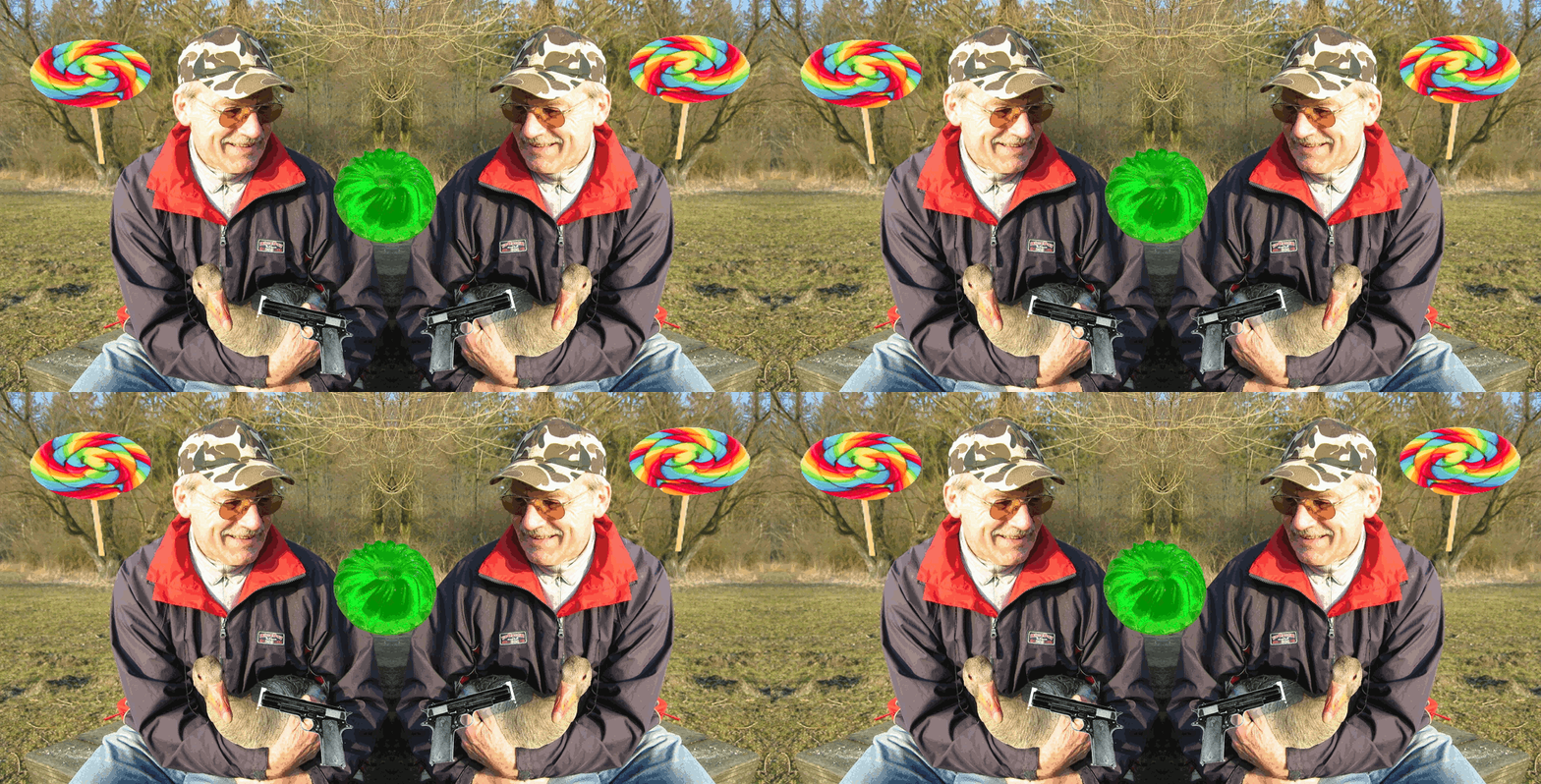
i got as far as down below, not supposed to do that,
how can that silvergrey dissapear

and, o i want to top the gif with pennys at the end.

i will feed you mice if you c4n h4lp


Attachments:
yeah.gif
yeah.gif [ 1.87 MiB | Viewed 1623 times ]
Share on Facebook Share on Twitter Share on Orkut Share on Digg Share on MySpace Share on Delicious Share on Technorati
Top
 Post subject: Re: GIF LOOKS LIKE ****
PostPosted: Mon Nov 14, 2016 11:13 pm  (#2) 
Offline
GimpChat Member
User avatar

Joined: Apr 09, 2011
Posts: 1764
here is a tip for you Molly...don't update to Sierra...I have and since then GIMP is not working as well on it....wait for GIMP to update first!
Good to have another mac user on board..most of the scripts and plug ins will work across the board as long as you install them in the right place...
in order to do this you need to go to user/library/application support/GIMP/2.8 and then install the plug ins in the plug in folder, brushes in the brushes folder, scripts in the scripts folder. Assuming you knwo that the small house is where you begin as this is (user). You will see that in the screenshot...Also, you will see coming up under the banner places to get scripts you might be interested in and also there are a lot of tutorials which will all work on the mac if you have the right scripts etc installed in the correct places


Attachments:
Screen Shot 152.jpg
Screen Shot 152.jpg [ 85.69 KiB | Viewed 1602 times ]
Top
 Post subject: Re: GIF LOOKS LIKE ****
PostPosted: Tue Nov 15, 2016 12:13 am  (#3) 
Offline
Script Coder
User avatar

Joined: Feb 18, 2011
Posts: 4826
Location: Bendigo Vic. Australia
Not sure what you wanted to end up with but the layers suggest this
If so you forgot to combine your layers with a copy of your background
Image
this image is original size (setting all layers except background to combine)
Image

_________________
Image
No matter how much you push the envelope, it'll still be stationery.


Top
 Post subject: Re: GIF LOOKS LIKE ****
PostPosted: Tue Nov 15, 2016 4:46 am  (#4) 
Offline
GimpChat Member
User avatar

Joined: Apr 09, 2011
Posts: 1764
you are very clever Graechan


Top
Post new topic Reply to topic  [ 4 posts ] 

All times are UTC - 5 hours [ DST ]


* Login  


Powered by phpBB3 © phpBB Group