MHowling wrote:
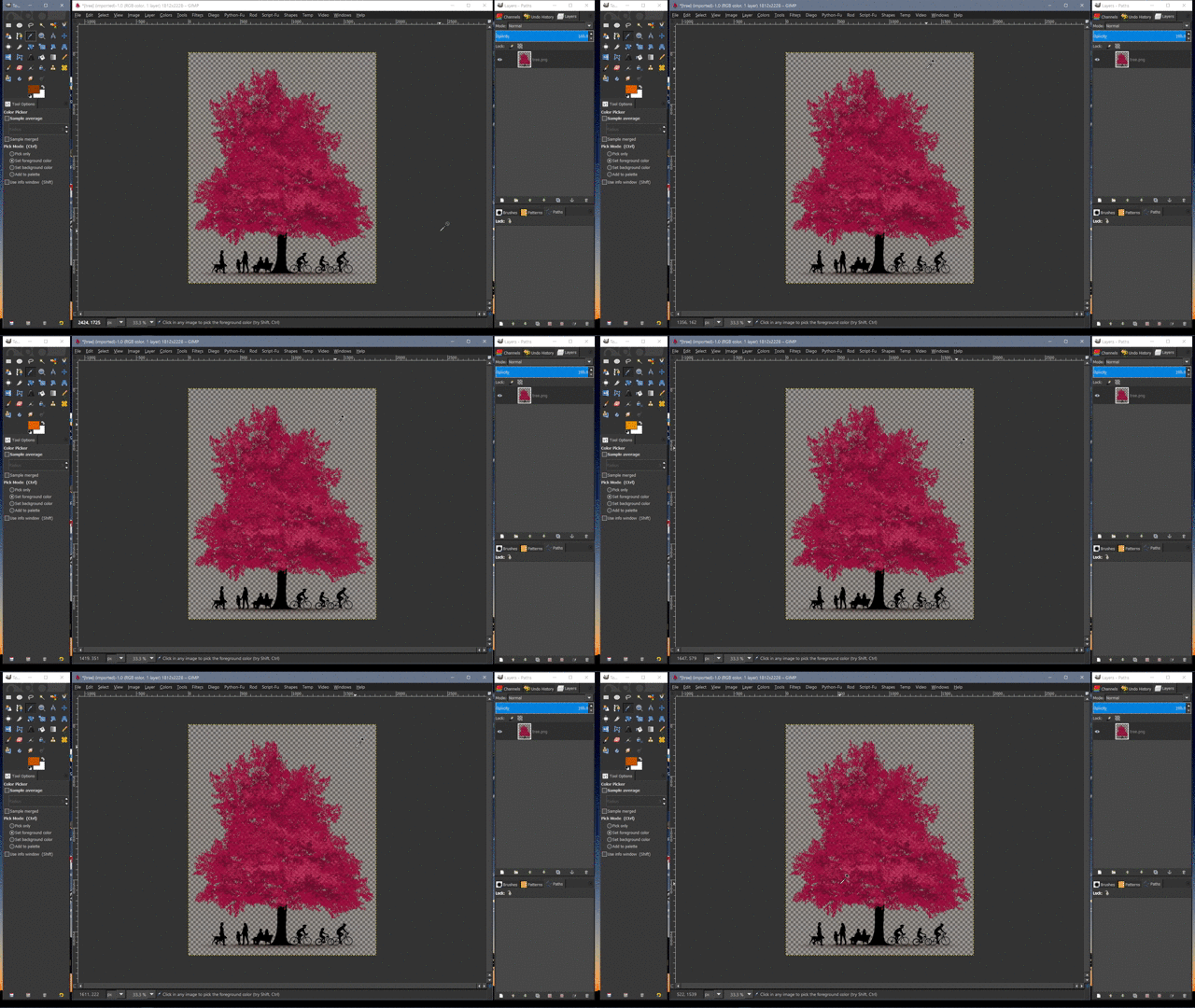
I'm trying to export this to .png but whatever I do, it comes out like this. I removed the background with colour to alpha,
As Wallace said, Colour to Alpha only makes one single colour fully transparent. Similar colours are not fully transparent, but have partial transparency which is what has happened in your case.
I restored your image to original to have a look at it (scaled down version attached). The background is very multi-coloured. It is not easy to make an image like that have a fully transparent background. Made even more difficult because some colours in the tree are the same as the some colours in the background. So the tree also gets some partial transparency when using colour to alpha
Options are:
1. Select the background using the Colour Select tool in Addition mode. Will require lots of patience. Use Delete, not Colour to Alpha.
2. Similar to 1. but select the foregound and then Select > Invert to get the background selected.
3. Accept that you will not get a fully transparent background with an image like that. Use what you have now.
 Login
Login Register
 Tweets
 FAQ
FAQ Advanced Search