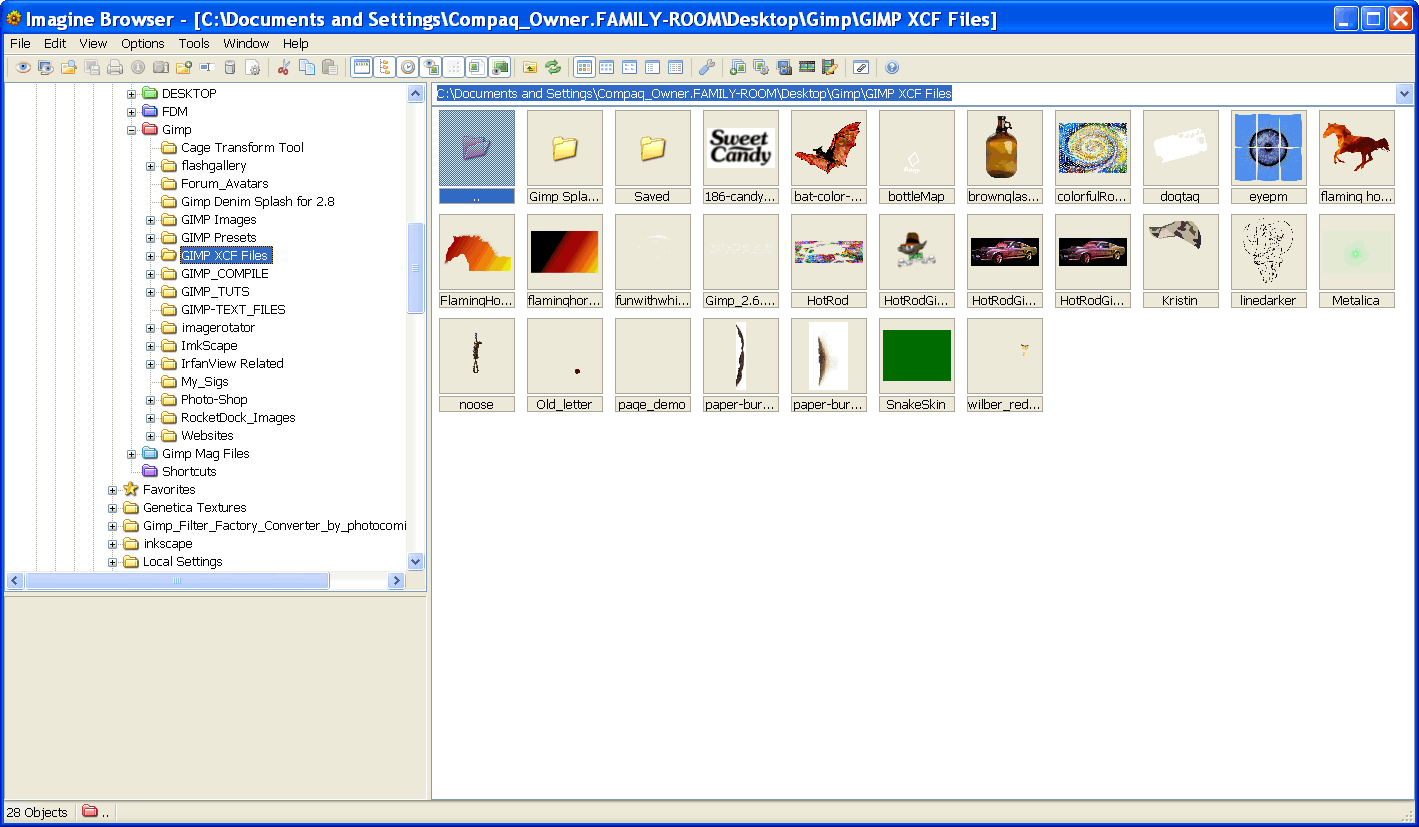
Hi all, I recently post about:
jinj wrote:
well.. I hope you all will excuse my off-topic question...
is there a way to preview an xcf file in windows explorer like any other image type like bmp, jpg, psd etc.
I searched a lot about... but I found nothing!
thank you for any answer.
I got this answer:
PhotoComix wrote:
jinj wrote:
well.. I hope you all will excuse my off-topic question...
is there a way to preview an xcf file in windows explorer like any other image type like bmp, jpg, psd etc.
I searched a lot about... but I found nothing!
thank you for any answer.
Yes it is really off topic here why you didn't ask in the Help board..so would be nothing to excuse ?
Anyway happy to help even here since the answer is short:
Supposing you are using some flavor of Windows grab the FULL version of Xnview here
http://www.xnview.com The FULL version (scroll the download page ) or the normal version +the shell integration for explorer
Then to be happy of the result you have to do 1 thing in gimp:
click on the top layer, then Layer/new from visible (that is strictly needed if the top layer is not fully opaque AND/OR not in Normal mode, but in any case will not harm) and only after saveIn linux many image browser support xcf, no idea for Mac
I've tried this solution...I also restarted explorer.exe to avoid errors... but I'm only able to preview the xcf through xnview appl. window
but not in a folder!
any idea?
 Login
Login Register
 Tweets
 FAQ
FAQ Advanced Search