It is currently Mon Sep 21, 2026 8:17 pm


All times are UTC - 5 hours [ DST ]


Post new topic Reply to topic  [ 4 posts ] 
Author Message
 Post subject: Un-Wanted Color Gradient
PostPosted: Thu Oct 13, 2022 9:43 pm  (#1) 
Offline
New Member

Joined: Oct 13, 2022
Posts: 1
GIMP Version: 2.8.14
Operating System: Windows
GIMP Experience: New User


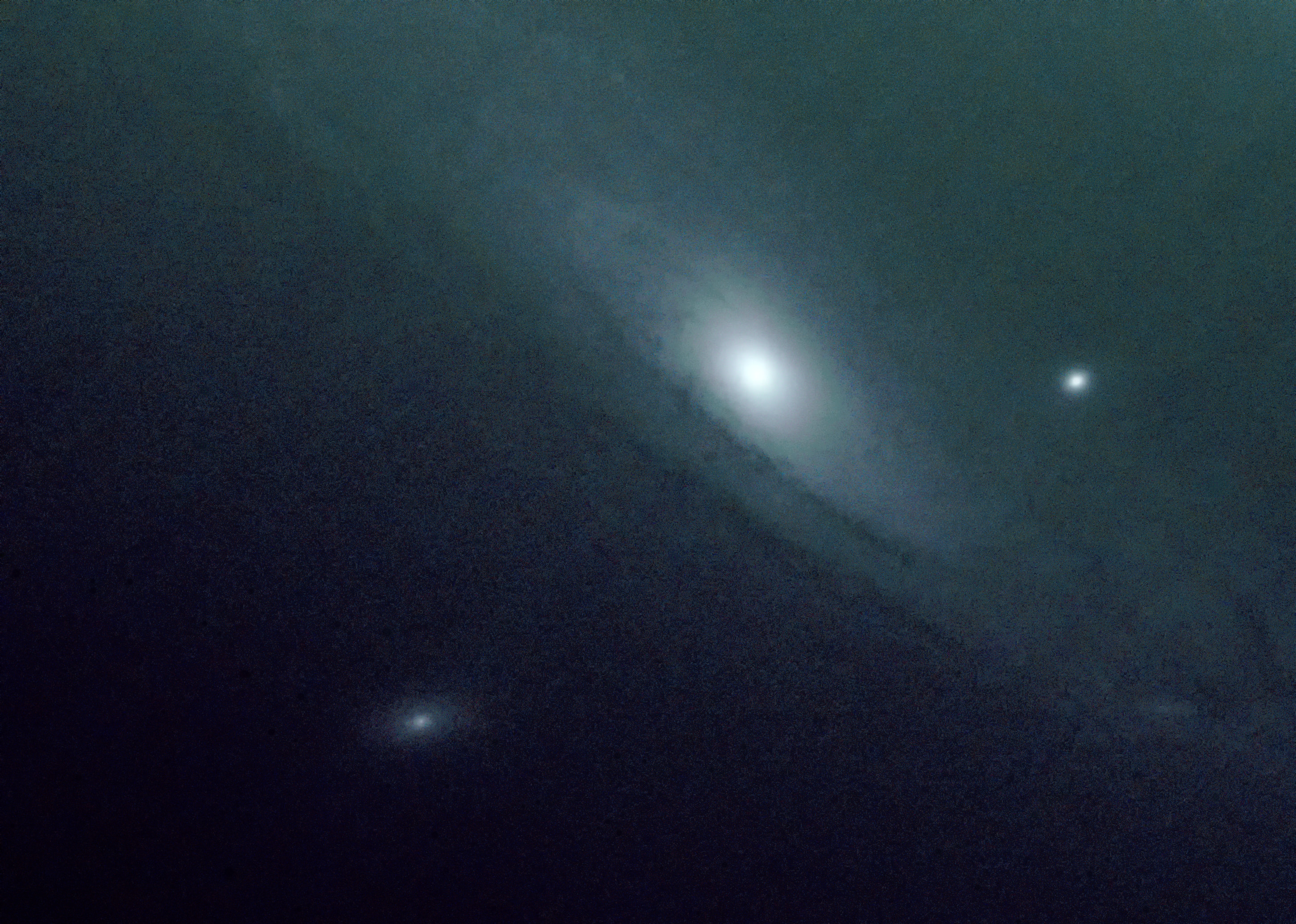
Can't trace back how I got here, but any advice on this mis-colored image? I want some color in the middle, but the purple and green into the corners need to go.

Thanks.


Attachments:
stars  Q2 a .jpg
stars Q2 a .jpg [ 1.73 MiB | Viewed 1129 times ]
Share on Facebook Share on Twitter Share on Orkut Share on Digg Share on MySpace Share on Delicious Share on Technorati
Top
 Post subject: Re: Un-Wanted Color Gradient
PostPosted: Fri Oct 14, 2022 12:57 am  (#2) 
Offline
Global Moderator
User avatar

Joined: May 16, 2010
Posts: 16173
Perhaps desaturate the image and then colorize it? You can colorize parts of an image. You could also create a layer above the image and create a gradient on it and go through the layer modes until you find something you like.

_________________
Image


Top
 Post subject: Re: Un-Wanted Color Gradient
PostPosted: Fri Oct 14, 2022 2:43 am  (#3) 
Offline
Global Moderator
User avatar

Joined: Apr 01, 2012
Posts: 8471
Location: On the other side of your screen
Image
I would first denoise it then move the green and red levels in color

_________________
Image
Free Fun Photo Editing & resources
Poems from the Lord
Gimp Newby
Gimp version 3.2.4 and GMIC-Qt 4.0.2 OS :- Windows 10 Home 64


Top
 Post subject: Re: Un-Wanted Color Gradient
PostPosted: Fri Oct 14, 2022 4:48 am  (#4) 
Offline
GimpChat Member
User avatar

Joined: Apr 15, 2017
Posts: 1837
You can use layer masks to saturate areas you want.

Attachment:
layer-mask.jpg
layer-mask.jpg [ 1.76 MiB | Viewed 1076 times ]


Top
Post new topic Reply to topic  [ 4 posts ] 

All times are UTC - 5 hours [ DST ]


* Login  


Powered by phpBB3 © phpBB Group