Wallace wrote:
I believe you've achieved the overall look.
Minus perhaps a few lighting tweaks,
that might add more depth to a night scene containing prominent or obvious lighting.
Attachment:
bloody-footprints-mizoil-gas-station-1st-meet-0-by-thenic123-djyzd1n_wallace_1.png
Below is the lighting layer used to demonstrate these possible lighting tweaks.
Attachment:
bloody-footprints-mizoil-gas-station-1st-meet-0-by-thenic123-djyzd1n_wallace_Lighting.png
Here is the xcf file that will show the breakdown of the isolated lighting layers.
Attachment:
bloody-footprints-mizoil-gas-station-1st-meet-0-by-thenic123-djyzd1n_wallace.xcf
@Wallace
All I can say is Wow!
I opened the file you shared and looked at each layer. I had a look in the
Layer menu but couldn't find a "
Lighting" option. I noticed each
numbered "Visible" and 'Layer' had a
different opacity but not the two without numbers?
I would like to learn. Can I kindly ask what the specific process of making each isolated layer is made and how the final image is saved, Please?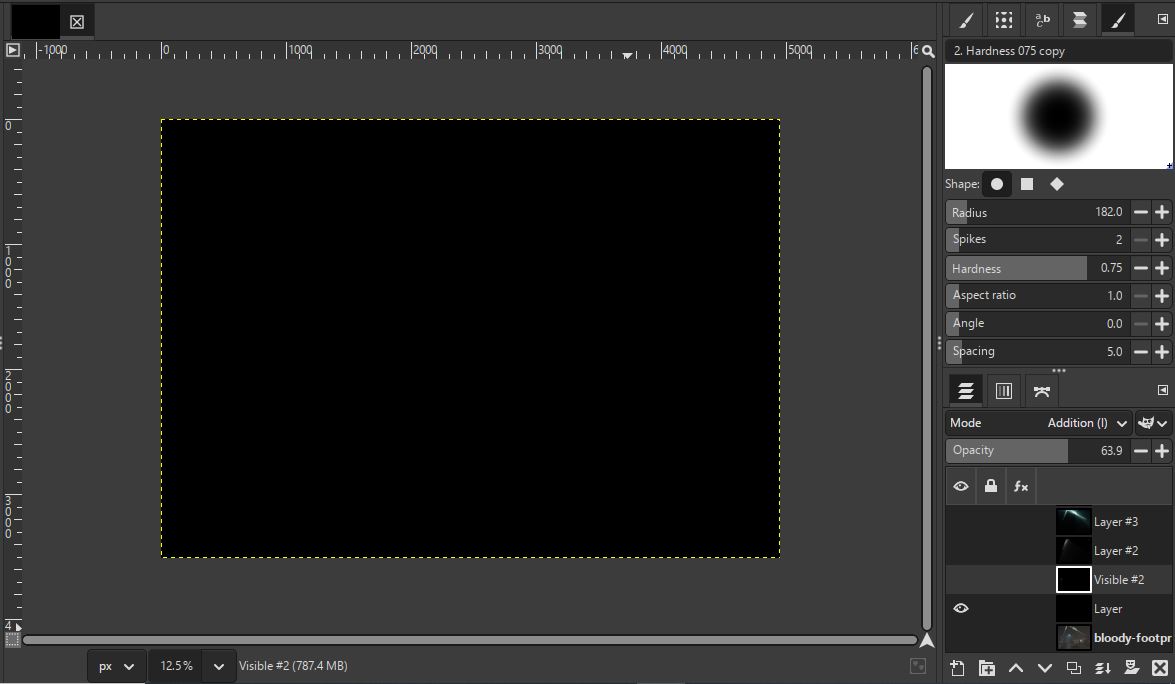


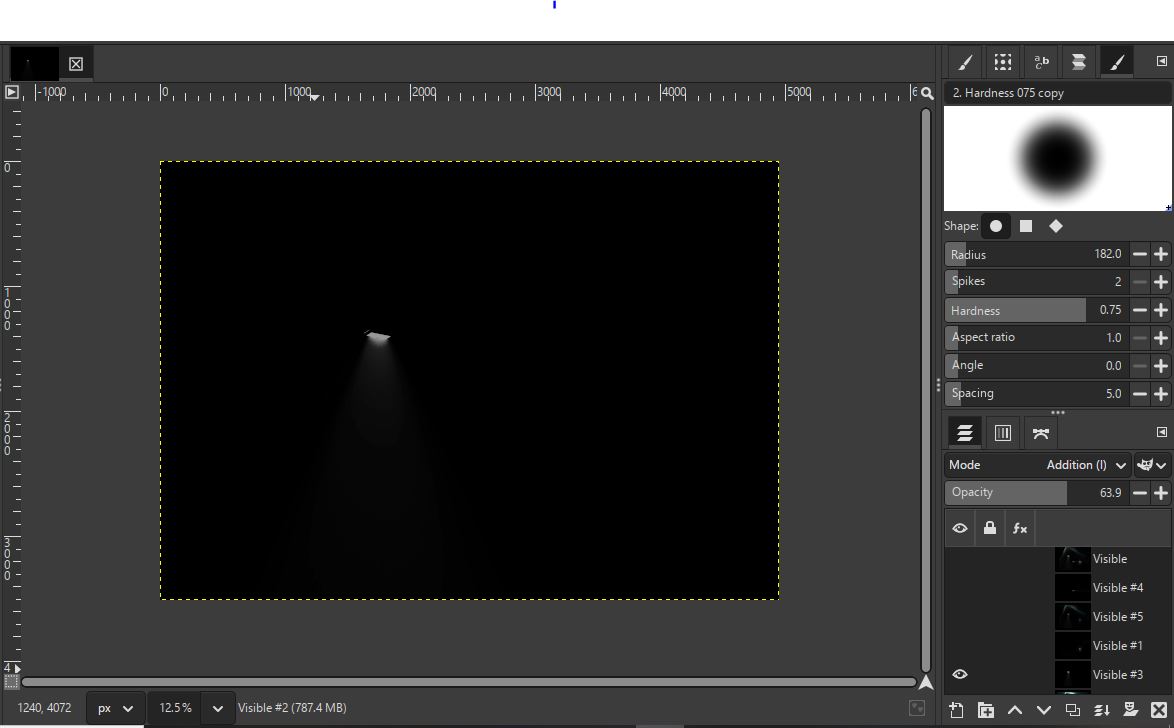


I might sound nit picky. Is there a way to make the
beam of light wider from this emissive light where the yellow are spaced if possible?
I think it's called soft light which is either side of the main beam?

I not sure about the angles and blending of light. Can the beams of light from the
jeeps upper four lights be
joined to form more of a solid beams?
 Login
Login Register
 Tweets
 FAQ
FAQ Advanced Search









.png)


 to make the appropriate selections of each element.
 , the smudge tool
  and also the eraser tool