It is currently Sat Aug 01, 2026 7:24 pm


All times are UTC - 5 hours [ DST ]


Post new topic Reply to topic  [ 4 posts ] 
Author Message
 Post subject: Issues Installing LUCE
PostPosted: Sat Jun 21, 2025 5:19 am  (#1) 
Offline
GimpChat Member
User avatar

Joined: Feb 26, 2025
Posts: 19
GIMP Version: 2.8.14
Operating System: Windows
GIMP Experience: New User


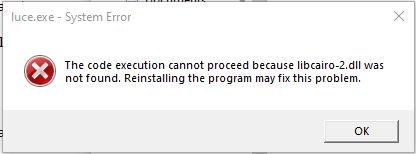
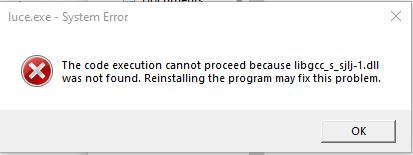
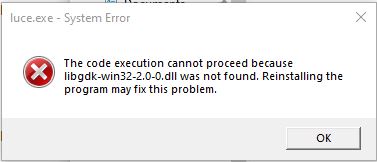
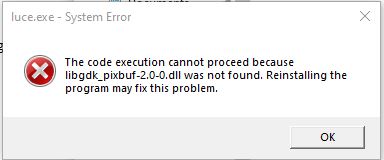
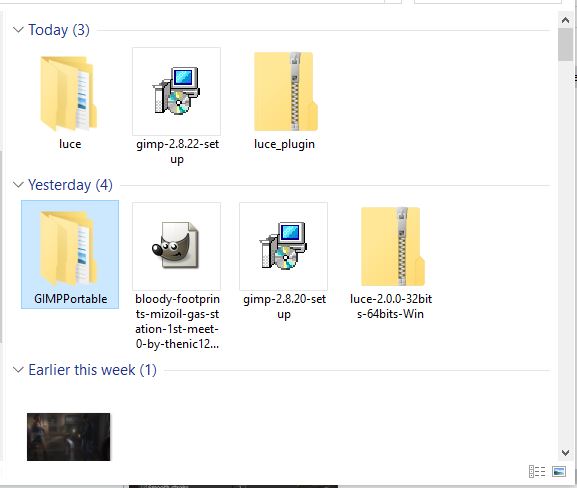
Been trying to install the LUCE plugin. I have an older version, GIMP 2.8.20 installed. I try to install LUCE and says there's missing .dll files and will not install.

What can be done to install it?

Image
Image
Image
Image
Image


Share on Facebook Share on Twitter Share on Orkut Share on Digg Share on MySpace Share on Delicious Share on Technorati
Top
 Post subject: Re: Issues Installing LUCE
PostPosted: Sat Jun 21, 2025 11:51 am  (#2) 
Offline
Administrator
User avatar

Joined: Aug 10, 2012
Posts: 14143
Location: Native to NYC living in Arizona, Gimp 2.8 - 3.0, Win 11 PC.
Have you placed the LUCE.exe file within your user Gimp Profile plugins folder?

As a side note.
Simply running the LUCE.exe file within Windows,
especially one that's intended to be used as a plugin,
(rather than a standalone executable),
will result in these kind of missing .dll errors.

_________________
Image
"A wise man learns more from a foolish question than a fool can learn from a wise answer"
Image


Top
 Post subject: Re: Issues Installing LUCE
PostPosted: Sat Jun 21, 2025 12:41 pm  (#3) 
Offline
GimpChat Member

Joined: Mar 04, 2011
Posts: 2610
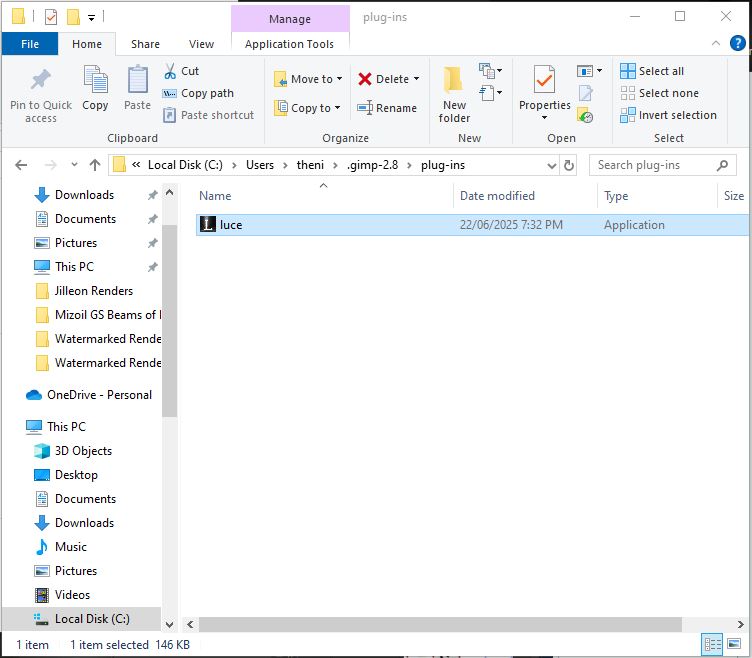
As Wallace says make sure the plugin luce.exe is in your Gimp 2.8 user plugins folder Remember it starts with a dot and is a hidden folder C:\Users\"yourname"\.gimp-2.8\plug-ins.

Really need more info:
Is your Windows installation 32 or 64 bit ? The Gimp installer contains both versions and installs accordingly.
Where did you get the luce.exe plugin ? I pulled a 32 bit version out of my archive and that does not work at all. Better luck with a 64 bit version. This Win 7 - 64 bit / Gimp 2.8.

Attachment:
luce.jpg
luce.jpg [ 165.99 KiB | Viewed 535 times ]


Your error messages look suspiciously like 32 bit..and you are probably getting them by trying to run the plugin directly. ( (2) as console above) Any Gimp plugin has to start from the Gimp menu system, in this case Filters -> Light and Shadow -> luce. (1)


Top
 Post subject: Re: Issues Installing LUCE
PostPosted: Sun Jun 22, 2025 5:08 am  (#4) 
Offline
GimpChat Member
User avatar

Joined: Feb 26, 2025
Posts: 19
Okay. It's Windows 10 Pro 64-Bit.

I had a luce-2.0.0-32bits-64bits-Win Zip that contained both 32 and 64-bit versions. Tried both by placing the Luce.exe as advised in the .gimp 2.8/plug-ins folder and they didn't work.

Image
Image


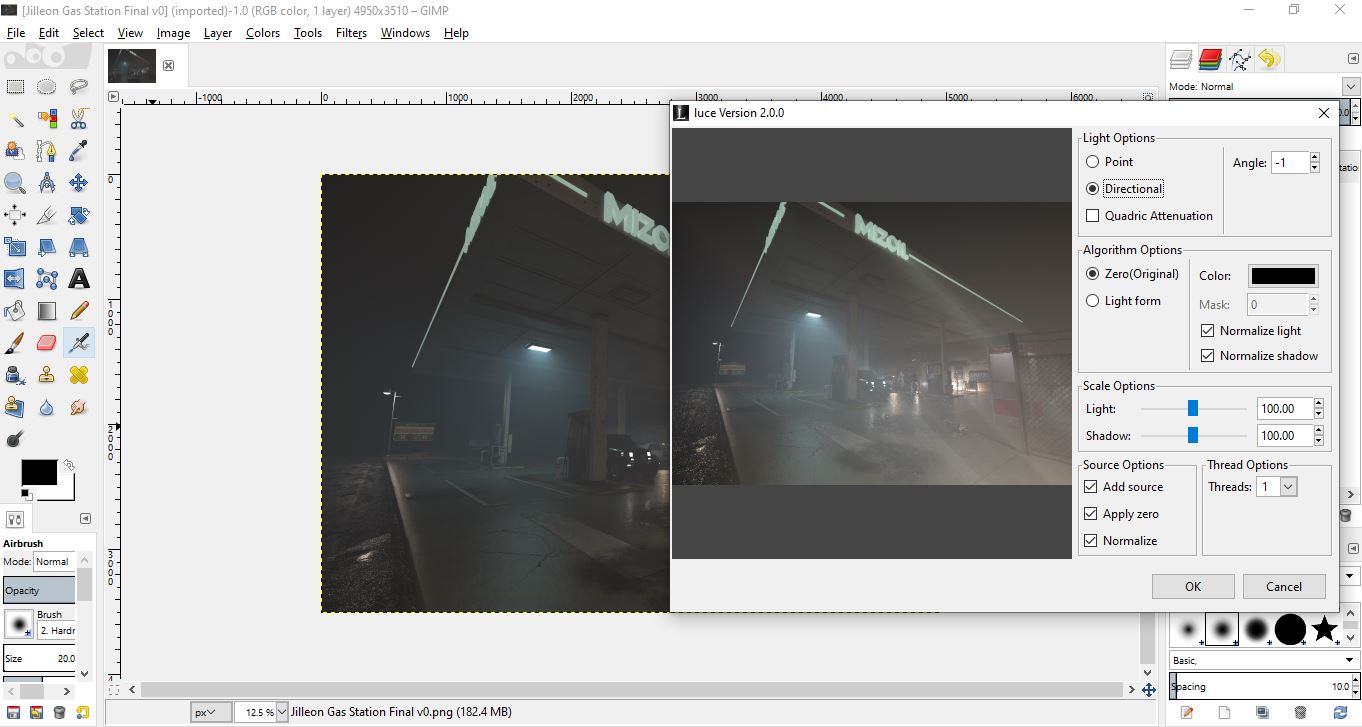
Wallace shared a different Luce zip. I placed it's Luce.exe in the .gimp 2.8/plug-ins, IT WORKED.

Image

Thank you both for assisting with this issue.


Top
Post new topic Reply to topic  [ 4 posts ] 

All times are UTC - 5 hours [ DST ]


* Login  


Powered by phpBB3 © phpBB Group