kimppi wrote:
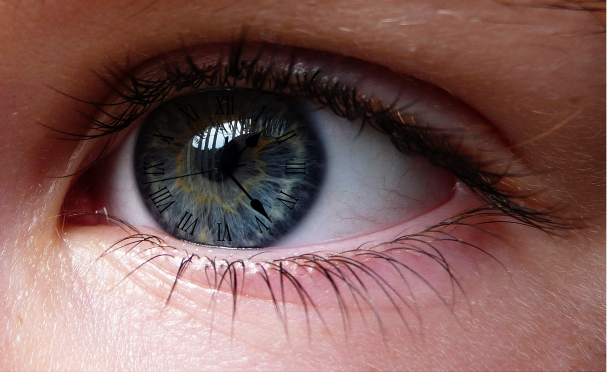
molly's advice is good. No need for transparency, however. Just make background white and make clock layer type Multiply.
You can probably find quite good vector images which have white background. Cutting transparency is difficult, but Multiply layer does the trick. Also play with layer Opacity a bit.
I used overlay, duplicated:
Attachment:
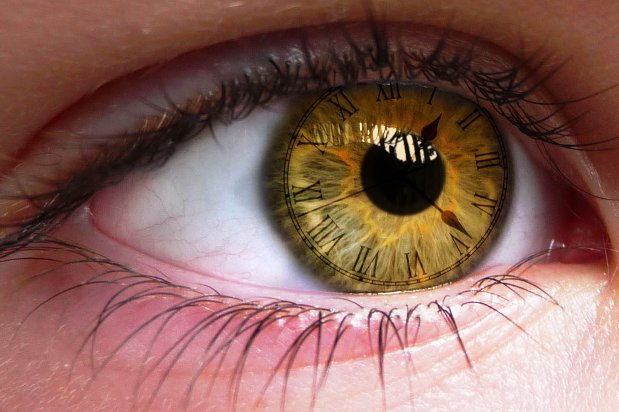 eye.jpg [ 51.93 KiB | Viewed 2622 times ]
I was hasty on the enlarged pupil - should be elliptical to match the eye orientation, not circular.
source images:
http://jimpix.co.uk/photos/photo-507-people.htmlhttp://www.shutterstock.com/pic-5021591 ... -face.htmlxcf attached.
-Rob A>
 Login
 Register
 Tweets
 FAQ
 Advanced Search