It is currently Sat Sep 19, 2026 1:50 pm


All times are UTC - 5 hours [ DST ]


Post new topic Reply to topic  [ 13 posts ] 
Author Message
 Post subject: How do I install a program from Desktop (SOLVED)
PostPosted: Sun Sep 04, 2011 7:03 am  (#1) 
Offline
GimpChat Member
User avatar

Joined: Apr 07, 2010
Posts: 14182
GIMP Version: 2.6.11
Operating System: Windows
OS Version: Windows 7 (64)
GIMP Experience: Intermediate Level


I have Gimp 2.7.3 in a folder on my desktop. Inside the folder there are no install.exe files. I would like to put it in my C:\Program Files.

Q: If I dragged the James-stuff (Gimp 2.7.3) folder into Program Files (x86), would that work? If I were to go to Control Panel, would it show up there as a Program?

Thanks for any help ahead of time.

_________________
Image


Last edited by molly on Sun Sep 04, 2011 9:49 am, edited 1 time in total.

Share on Facebook Share on Twitter Share on Orkut Share on Digg Share on MySpace Share on Delicious Share on Technorati
Top
 Post subject: Re: How do I install a program from Desktop
PostPosted: Sun Sep 04, 2011 8:07 am  (#2) 
Offline
Global Moderator
User avatar

Joined: May 16, 2010
Posts: 16173
James install is a portable so anywhere you place it it will work.Just place it in your program directory and right click the exe file and select create shortcut on desktop.
The program can then be opened from your desktop.

Moving the program to your programs folder will not make it show in control panel.
But you can simply move or delete the program anytime you want and the system will not be changed.Just make sure you update your shortcut (if there is one).

_________________
Image


Top
 Post subject: Re: How do I install a program from Desktop
PostPosted: Sun Sep 04, 2011 8:15 am  (#3) 
Offline
GimpChat Member

Joined: Aug 05, 2011
Posts: 606
Location: limestone,ny
i downloaded it from here
and it put it in program folder, 2.6.11 is in programs (x86) folder


Top
 Post subject: Re: How do I install a program from Desktop (SOLVED)
PostPosted: Sun Sep 04, 2011 8:57 am  (#4) 
Offline
GimpChat Member
User avatar

Joined: Apr 07, 2010
Posts: 14182
I already have it installed on my desktop in a folder called James-stuff. I want to know if I dragged it into Programs (x86) folder, would it work from there?

_________________
Image


Top
 Post subject: Re: How do I install a program from Desktop (SOLVED)
PostPosted: Sun Sep 04, 2011 10:03 am  (#5) 
Offline
GimpChat Member
User avatar

Joined: Mar 02, 2011
Posts: 1850
Location: Michigan
molly yes it should work from there, as long as it is a 32 bit install

_________________
Image
I'm back I think


Top
 Post subject: Re: How do I install a program from Desktop (SOLVED)
PostPosted: Sun Sep 04, 2011 10:22 am  (#6) 
Offline
GimpChat Member

Joined: Aug 05, 2011
Posts: 606
Location: limestone,ny
if it's a portable version it won't install gimp, you just run the exe from the folder


Top
 Post subject: Re: How do I install a program from Desktop (SOLVED)
PostPosted: Sun Sep 04, 2011 10:23 am  (#7) 
Offline
GimpChat Member
User avatar

Joined: Apr 07, 2010
Posts: 14182
Yeah, I didn't know it was portable. Stupid me. Anyway, I put a shortcut on the desktop so all is fine.

_________________
Image


Top
 Post subject: Re: How do I install a program from Desktop (SOLVED)
PostPosted: Sun Sep 04, 2011 10:43 am  (#8) 
Offline
GimpChat Member

Joined: Aug 05, 2011
Posts: 606
Location: limestone,ny
okay good
i have my desktop icons hid (too many icons, looks messy)
i pinned my gimps (shortcuts) to the task bar, one is 2.6.11 and the other is 2.7.3

Image


Top
 Post subject: Re: How do I install a program from Desktop (SOLVED)
PostPosted: Sun Sep 04, 2011 11:10 am  (#9) 
Offline
GimpChat Member
User avatar

Joined: Apr 07, 2010
Posts: 14182
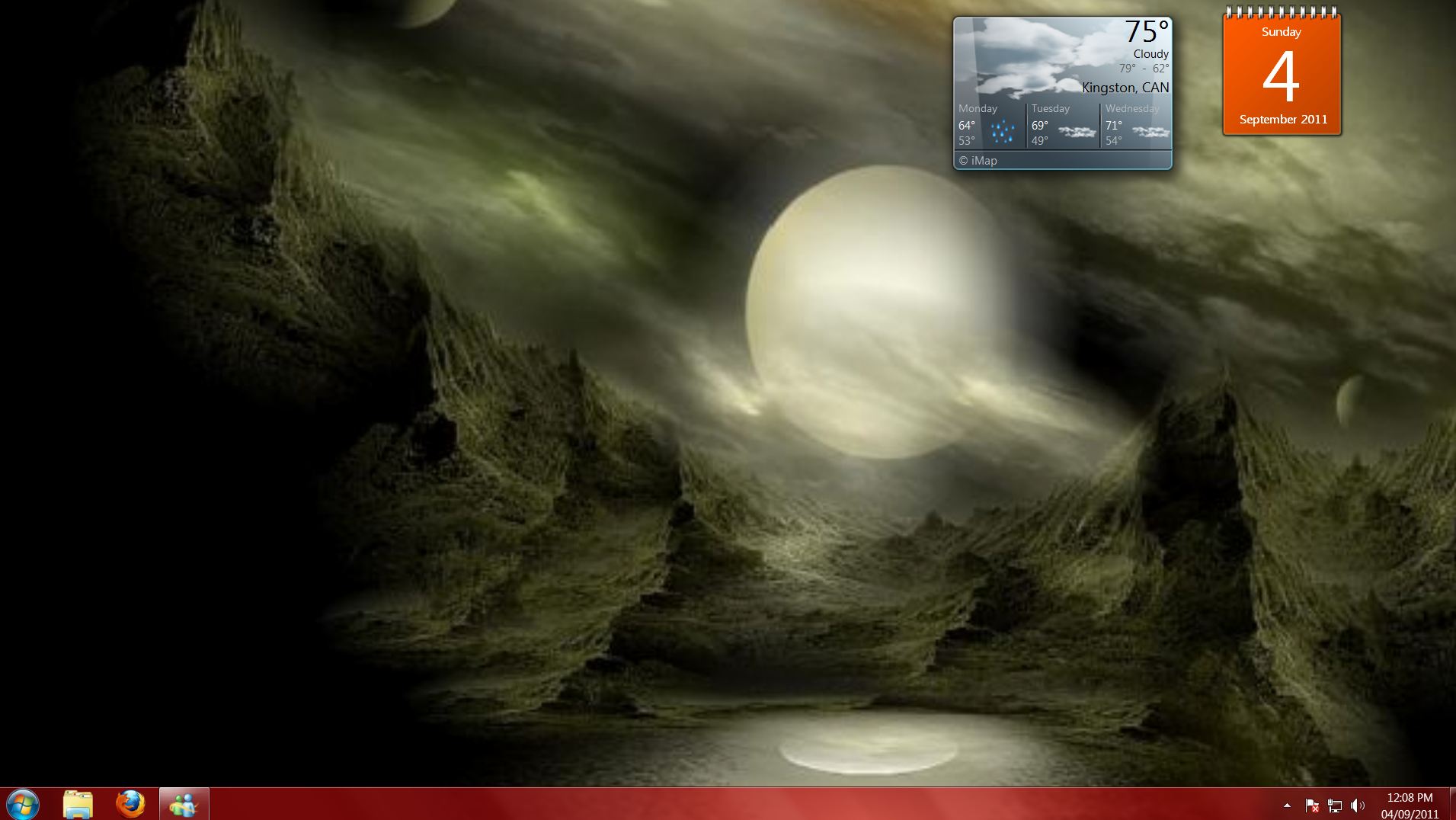
I have nothing on my desktop except the weather and the date. Nothing in the taskbar. I have everything in Fences,
Image

_________________
Image


Top
 Post subject: Re: How do I install a program from Desktop (SOLVED)
PostPosted: Sun Sep 04, 2011 1:46 pm  (#10) 
Offline
GimpChat Member

Joined: Aug 05, 2011
Posts: 606
Location: limestone,ny
did you make that picture?..your in the great white north, i'm down here in limestone,ny

Image

the only fences i have are the ones behind my house (my sisters have horses)

Image


Top
 Post subject: Re: How do I install a program from Desktop (SOLVED)
PostPosted: Sun Sep 04, 2011 2:57 pm  (#11) 
Offline
GimpChat Member
User avatar

Joined: Apr 07, 2010
Posts: 14182
OOO I see, you are just at the border between NY and Pennsylvania. Our route to SC and Florida were always straight down I-81 from the Thousand Island Bridge through Binghamton, Scranton etc.. then down I-77 south.
No I didn't make the picture, took it off a slide show. I love those horses, they are beautiful.
Fences is software you use to tidy up your desktop.

_________________
Image


Top
 Post subject: Re: How do I install a program from Desktop (SOLVED)
PostPosted: Sun Sep 04, 2011 3:13 pm  (#12) 
Offline
GimpChat Member

Joined: Aug 05, 2011
Posts: 606
Location: limestone,ny
i'll have to look into fences, i hide the icons so i can see a picture of the fox.
Wildlife in my backyard

Image


Top
 Post subject: Re: How do I install a program from Desktop (SOLVED)
PostPosted: Sun Sep 04, 2011 8:16 pm  (#13) 
Offline
GimpChat Member
User avatar

Joined: Apr 08, 2010
Posts: 5420
Location: Northwest Ohio
Aw, the fox is adorable, much cuter than the coyotes we have seen in our back 40. And fences sound interesting, wonder if they have it for a mac, my desktop is almost full because I don't know how to find or retrieve files in a mac very well, so I put them on my desktop until I am done with them.

*just checked, not for a mac. There is probably something already built in to do something similar but I just haven't found it yet.


Top
Post new topic Reply to topic  [ 13 posts ] 

All times are UTC - 5 hours [ DST ]


* Login  


Powered by phpBB3 © phpBB Group