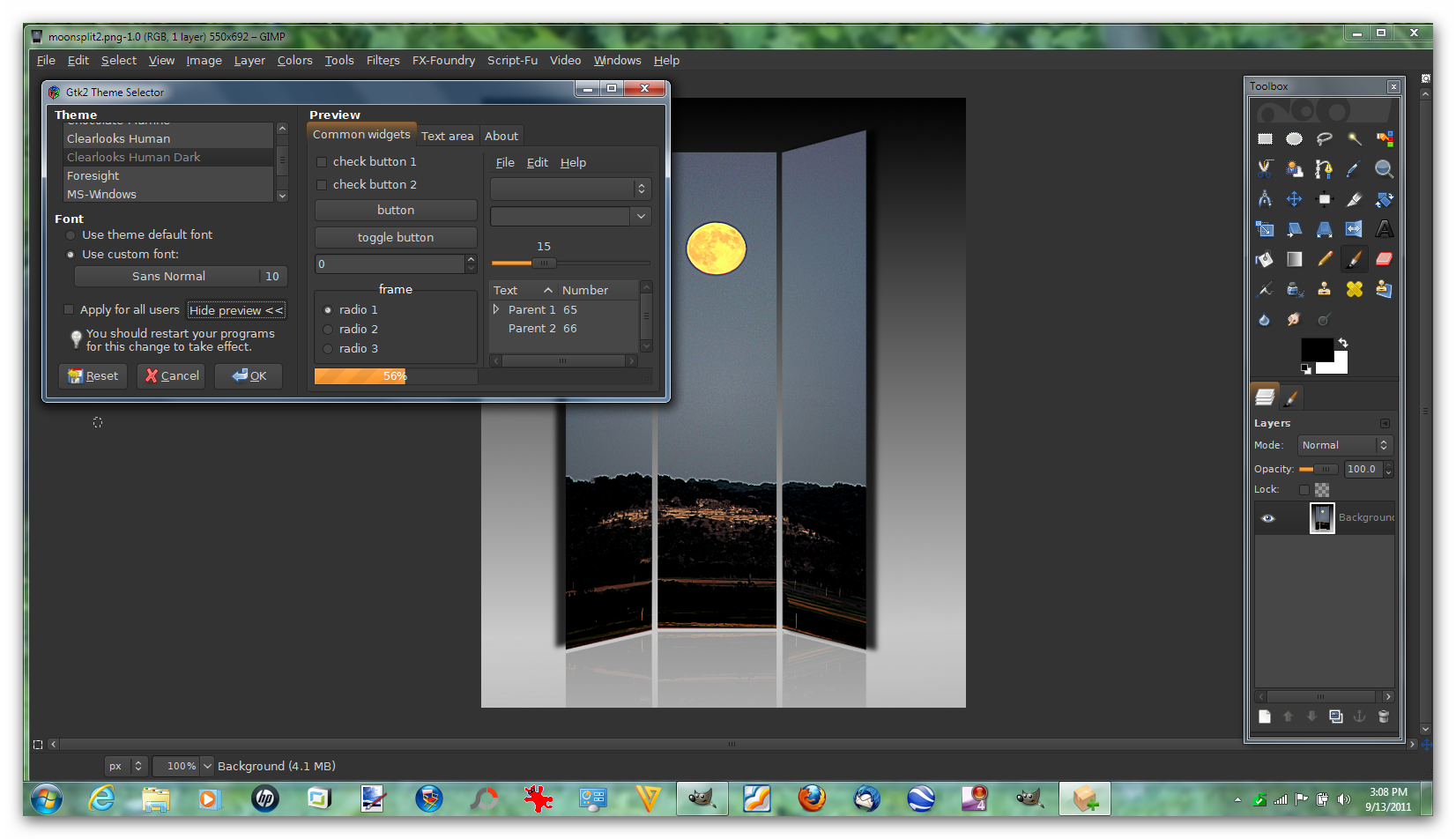
Alternatively you can just place all the dll engine files in the
C:\Program Files\GIMP-2.0\lib\gtk-2.0\2.10.0\engines folder
Normally the theme installer does this for you.Just check to see if they are there.
And then just pick a theme folder gtkrc file

And then paste the file in your user/.gimp-2.6 folder for instance mine is here.
C:\Documents and Settings\Compaq_Owner.FAMILY-ROOM\.gimp-2.6
Where Compaq_Owner.FAMILY-ROOM is your user name folder.
(it will overwrite the existing one), so make a backup if you wish.
Restart Gimp
Pretty easy to do it that way whenever you want to change themes.

 Login
Login Register
 Tweets
 FAQ
FAQ Advanced Search