try this ...
say i want to use just one kitty in this image..
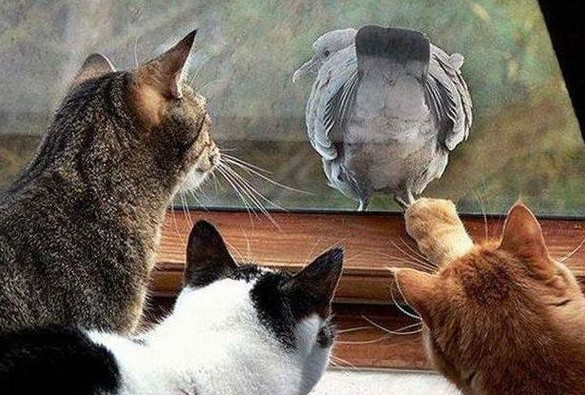
say the one to the far left i want to cut out and put in this image for some weird reason.
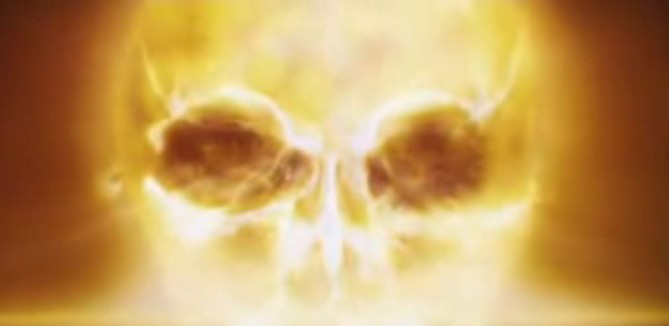
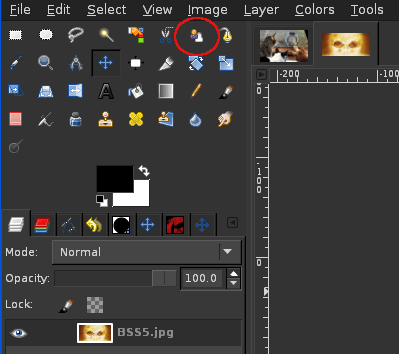
what i do is select my foreground select tool..
trace all around kitty, doesnt have to be perfect, when you reach the first starting point the mask will set...dont worry if its not blue some times people change the mask color...any color is fine.

now take your paint brush tool is auto selected..just paint inside the mask (no color) the area you want to keep.
just keep painting and letting the mask set until you think you got pretty much what you want.
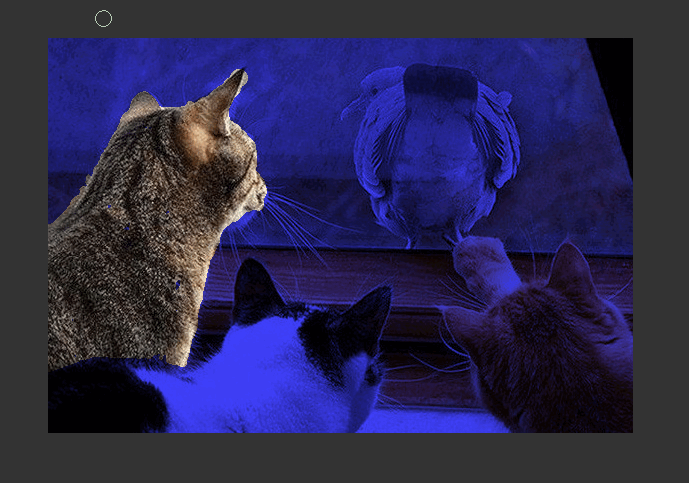
then just click enter, and you have you're selection ...just edit/copy and paste as new layer in the other image.
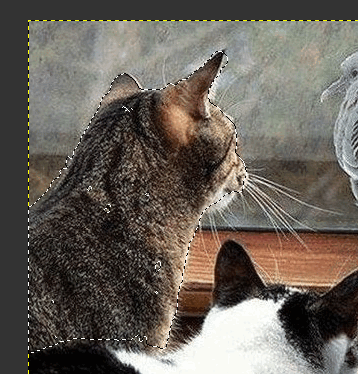
pasted int other image and use the move tool to place it where you want it.if you want to put yourself behind other people, you will have to remove them out of the other image.. (selection with select tool, copy paste as new layer...then just place them exactly on top of each other after you place yourself in the photo.
kittys watching spooky shows again! =(

or if you would rather i can do it for you. =)
this one isnt perfect, its just for example, if i do one for you it will look like it should, besides kitty has many more colors than you probably! =P
people are very easy to remove and place into other photos.
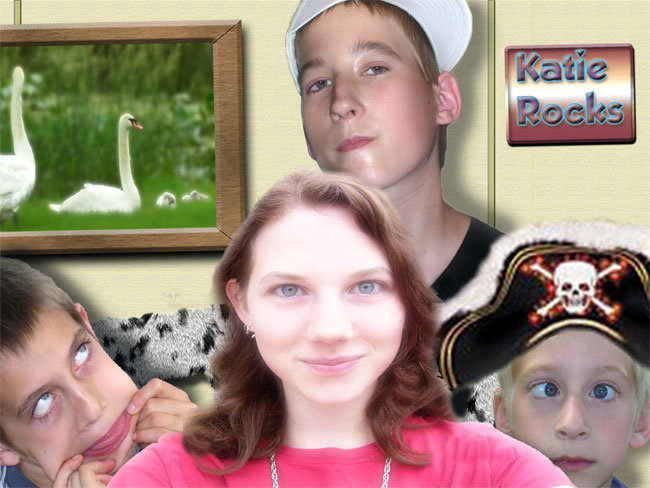
those are my goofy kids btw ... lol =)
that was actually my desktop wallpaper for awhile.
 Login
Login Register
 Tweets
 FAQ
FAQ Advanced Search


