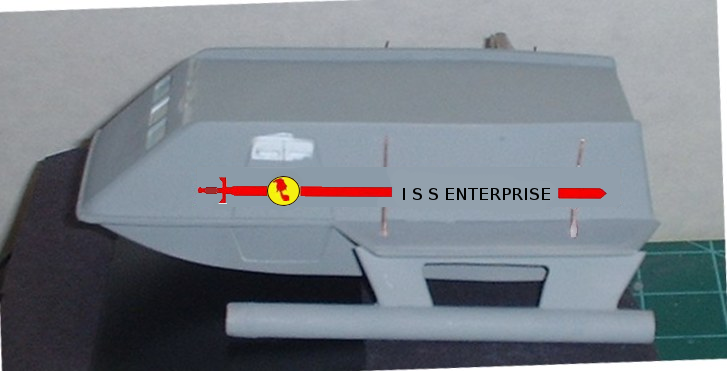
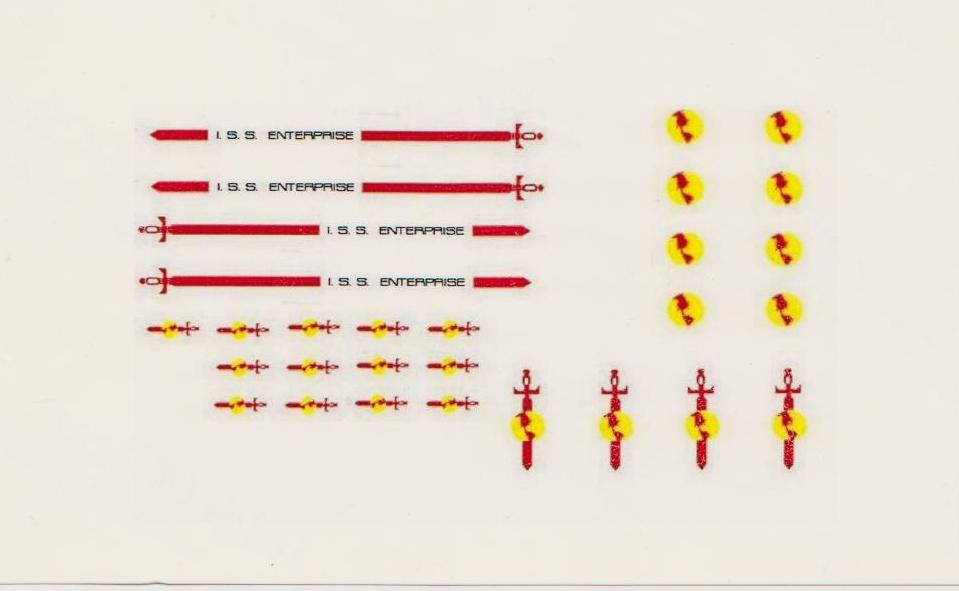
First off, this is a very cool use of Gimp! Thanks for sharing!
One of the best ways to isolate an image from the background is with a layer mask. A layer mask tell gimp what part of a layer to hide, and what part to show. For more information on layer masks check out this gimp video tutorial:
http://www.gimpedblog.blogspot.com/2012 ... ow-to.html Once you are comfortable with layer masks, do this:
Create a new layer mask, initialize it to "grayscale copy of layer
Click on your layer mad and then click colors>>>brightness/contrast
Adjust your brightness down and your contrast up until your image disappears.
Now click Colors>>>invert - and that will isolate the object from the background.
Since most of this object is a single color, you could even take it a step further and do what I did in this logo tutorial:
http://gimpedblog.blogspot.com/2011/11/ ... mp-to.htmlHope this helps!
 Login
 Register
 Tweets
 FAQ
 Advanced Search


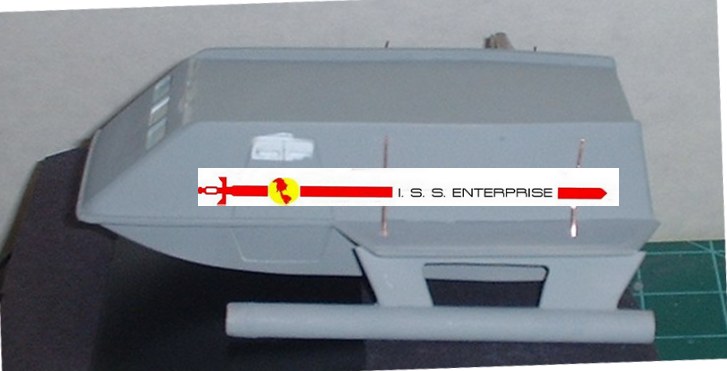




 and select the white part around the sword the go to selection > grow > grow 1 > okay then press delete.