It is currently Fri Jun 05, 2026 5:46 pm


All times are UTC - 5 hours [ DST ]


Post new topic Reply to topic  [ 3 posts ] 
Author Message
 Post subject: GEGL saber effect (neon electric outline)
PostPosted: Thu Dec 12, 2024 11:27 pm  (#1) 
Offline
GimpChat Member
User avatar

Joined: Oct 31, 2020
Posts: 2010
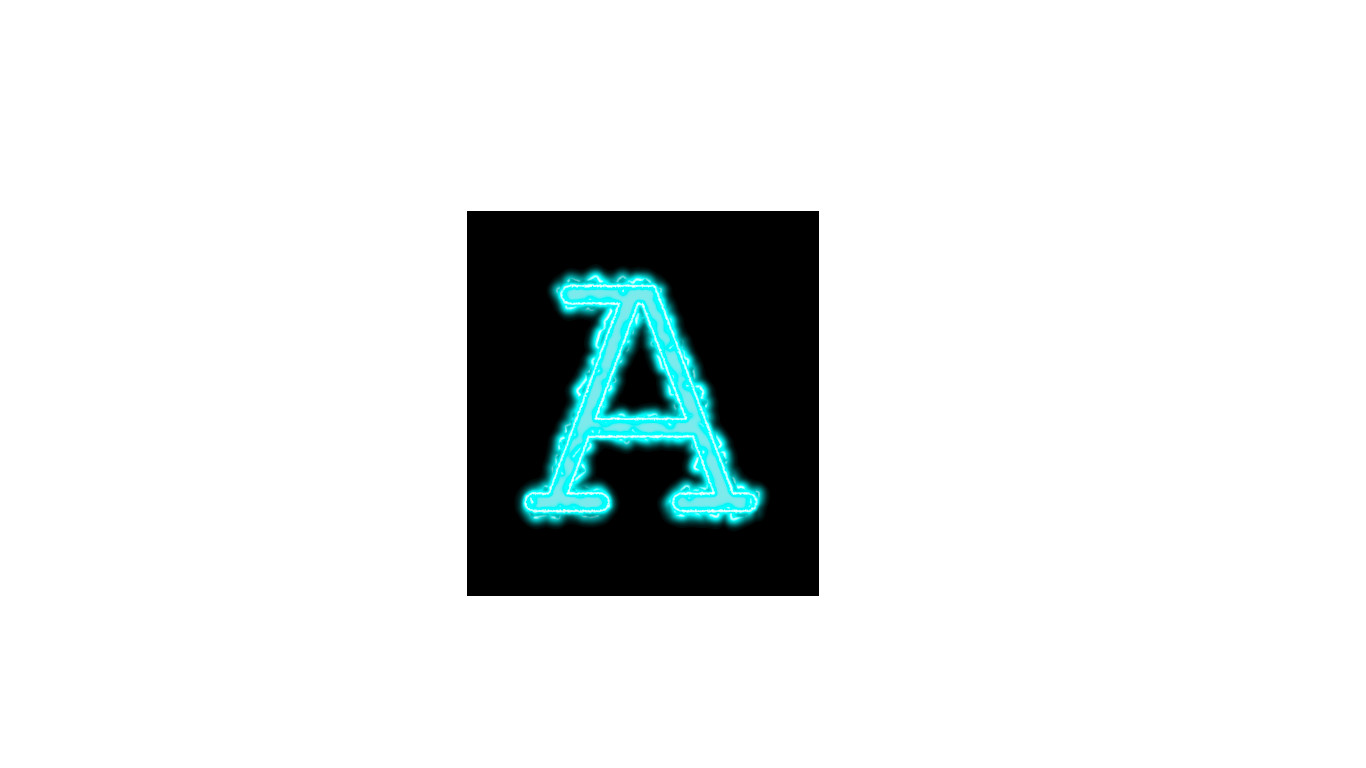
Hello, today I made a new GEGL based plugin for GIMP that does neon electric outline that is termed "Saber" by the industry/graphics community. Enjoy and everyone is welcome to share feed back.

Image

Attachment:
saber_linux_binaries_gegl_plugin.zip [15.12 KiB]
Downloaded 83 times

Attachment:
saber_windows_binaries_gegl_plugin.zip [66.59 KiB]
Downloaded 80 times

Attachment:
saber_linux_binaries_gegl_plugin.zip [15.12 KiB]
Downloaded 80 times


LOCATION TO PUT BINARIES

Windows

C:\Users\(USERNAME)\AppData\Local\gegl-0.4\plug-ins

Linux

~/.local/share/gegl-0.4/plug-ins

Linux (Flatpak includes Chromebook)

~/.var/app/org.gimp.GIMP/data/gegl-0.4/plug-ins


If you are on GIMP 3 beta just search for / "saber"

Image

Saber is also on Github here

https://github.com/LinuxBeaver/GEGL-GIMP-PLUGIN_Saber


Last edited by contrast_ on Fri Dec 13, 2024 12:27 pm, edited 1 time in total.

Share on Facebook Share on Twitter Share on Orkut Share on Digg Share on MySpace Share on Delicious Share on Technorati
Top
 Post subject: Re: GEGL saber effect (neon electric outline)
PostPosted: Fri Dec 13, 2024 1:51 am  (#2) 
Offline
Global Moderator
User avatar

Joined: May 16, 2010
Posts: 16010
Pretty cool filter.

Image

_________________
Image


Top
 Post subject: Re: GEGL saber effect (neon electric outline)
PostPosted: Sat Mar 21, 2026 10:07 pm  (#3) 
Offline
GimpChat Member
User avatar

Joined: Oct 31, 2020
Posts: 2010
Saber did not update but the Windows binary had to update to include gettext so it works on GIMP 3.0.8+

All the code is above. Nothing changed in the code, just internal gettext from here
https://www.gnu.org/software/gettext/


Attachment:
saber_windows_binaries_gegl_plugin.zip [1.07 MiB]
Downloaded 35 times


LOCATION TO PUT BINARIES
C:\Users\(USERNAME)\AppData\Local\gegl-0.4\plug-ins


Top
Post new topic Reply to topic  [ 3 posts ] 

All times are UTC - 5 hours [ DST ]


* Login  


Powered by phpBB3 © phpBB Group